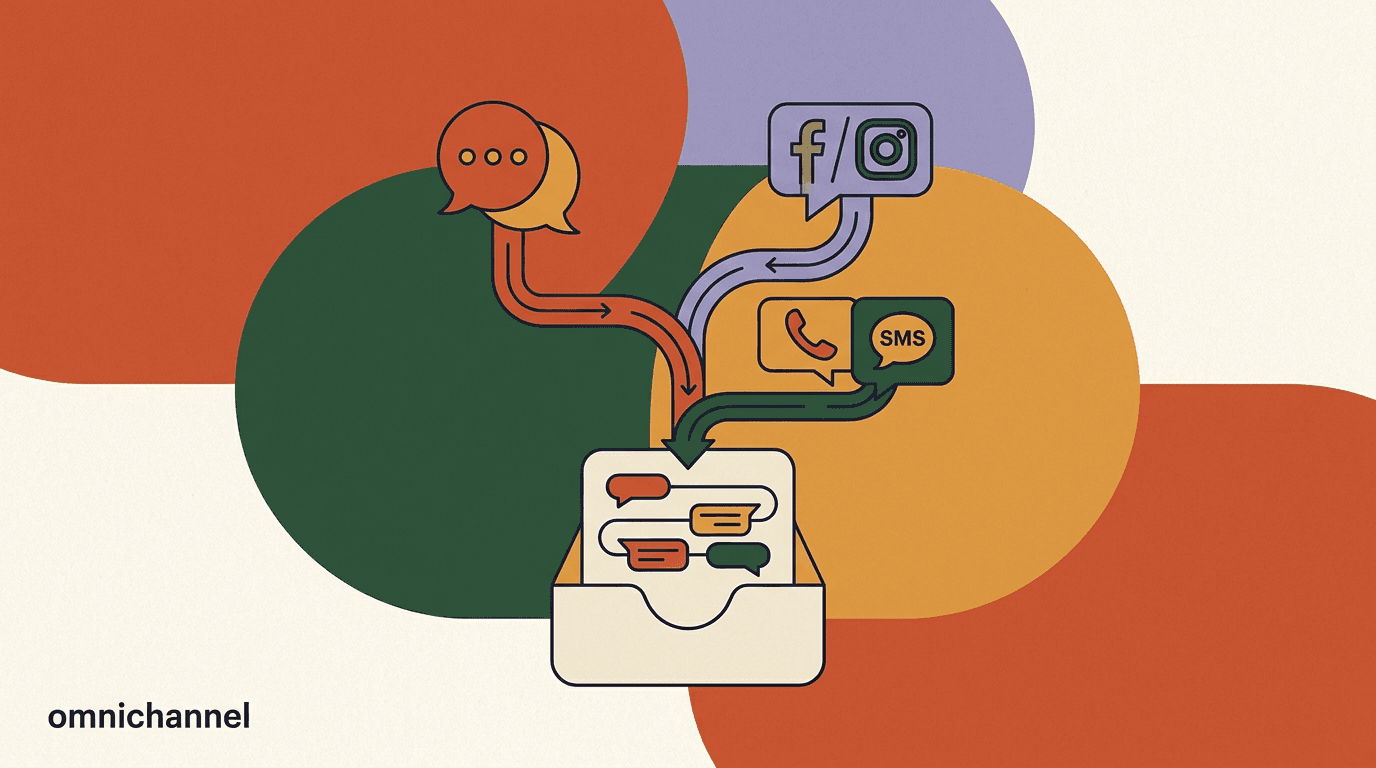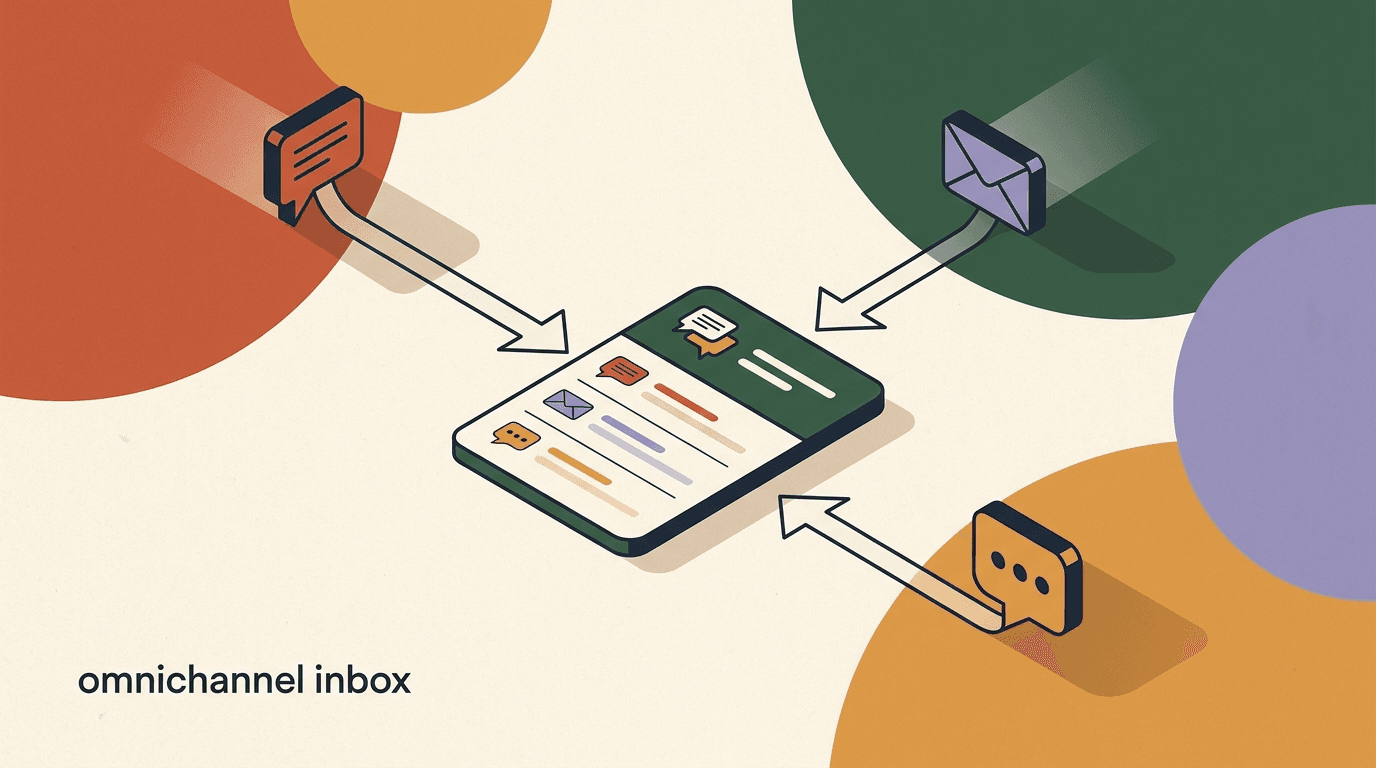
An omnichannel inbox is one screen where every customer message lands in the same place, tied to the same person, handled by the same team. A Facebook comment reply, an Instagram DM, a WhatsApp question, a Telegram ping, a TikTok comment, a reply on X — all of it flows into a single, ordered queue instead of six separate apps that no one checks at the same time. Done well, a customer never has to repeat themselves and an agent never has to alt-tab to answer a simple question. Done badly, you have six inboxes wearing a trench coat and pretending to be one.
This guide is the practical build. We will connect channels, tie every conversation to one contact with real context, set up routing and assignment, add tags and segments, bring in an AI co-pilot, and wire the team workflow that makes the whole thing run. It is step-heavy on purpose, because a unified inbox is less a feature you buy and more a system you assemble and tune.
One honest note up front, because it shapes everything below: when we say omnichannel inbox here, we mean messaging channels — social DMs and WhatsApp. We build KlyoChat, which unifies Facebook, Instagram, Telegram, WhatsApp, TikTok, and X. It does not do native SMS, email, or voice. If your definition of omnichannel must include those, read this as the messaging half of your stack and plan the rest around it. We flag that limit again in its own section so you can decide with eyes open.
What is an omnichannel inbox, and what is it not?
An omnichannel inbox is a single interface that receives, organizes, and lets you respond to conversations from multiple channels, while treating each customer as one continuous relationship rather than a fresh stranger on every platform. The word omnichannel gets stretched a lot in marketing copy, so it helps to anchor it. The core idea, as the general concept of omnichannel describes, is a consistent experience across touchpoints — the channel is a detail, the customer is the constant. You can read the broader framing in the general definition of omnichannel on Wikipedia, but for an inbox the practical test is narrower and easy to check.
The test is this: can one agent, looking at one screen, see everything a customer has ever said to your brand across every connected channel, and reply on the right channel without leaving that screen? If yes, you have an omnichannel inbox. If the agent has to open a second tab, ask the customer to repeat their order number, or guess whether the Instagram DM and the WhatsApp message are the same person, you have a multichannel setup — many channels, but not unified.
That distinction matters more than it sounds. Multichannel means you are present on many channels. Omnichannel means the channels share a brain. A lot of tools that advertise a unified inbox are really multichannel: they pull messages into one list but keep each conversation siloed by platform, with no shared identity, no shared history, and no shared context. The list looks unified; the experience is not. Knowing the difference keeps you from buying the label instead of the capability.
Multichannel vs omnichannel, same customer
- Multichannel inbox
- Instagram DM and WhatsApp chat show as two unrelated threads; the agent asks for the order number twice
- Omnichannel inbox
- Both channels resolve to one contact with one history; the agent already sees the order and answers once
Why do scattered channels quietly cost you customers?
Before the build, it is worth being precise about the problem you are solving, because the cost of scattered channels is real but mostly invisible. When each platform has its own app and its own tab, messages get missed, not because anyone is lazy, but because attention is finite. A DM that arrives while someone is deep in the WhatsApp queue waits until someone happens to look. On social channels, where people expect replies in minutes, a message that waits hours reads as being ignored, and the buyer moves on.
The second cost is repetition, which erodes trust in a subtle way. A customer who explained their problem on Instagram yesterday and has to explain it again on WhatsApp today learns that your brand does not remember them. That lesson sticks. It is the opposite of the relationship you are trying to build with conversational channels in the first place, and it undoes the goodwill that made them message you rather than click away.
The third cost falls on your team. Context-switching between apps is expensive in a way that does not show up on any invoice. Every tab-switch is a small reset — reload the conversation, remember who this is, find the order, recover your train of thought. Multiply that by hundreds of messages a day across five apps and you get agents who are busy all day and somehow behind by evening. A unified inbox is, in large part, a way to buy that attention back. We treat the wider version of this argument in our piece on why omnichannel is a reality rather than a buzzword, at omnichannel marketing reality, which pairs well with this build guide.
The metric to watch is first-response time
Scattered channels almost always show up first as a creeping first-response time on the channels you check least. If your Instagram replies are fast but Telegram sits for hours, that gap is the tax of a non-unified setup. Fixing it is the clearest early win of an omnichannel inbox.
What does a true omnichannel inbox actually require?
It is easy to imagine an omnichannel inbox as just a merged message list. It is more than that. A genuinely unified inbox rests on a handful of capabilities, and if any one is missing, the seams show through. Use the list below as a specification you can hold a tool against — including ours — before you commit. If a product can only do half of these, it is a multichannel viewer, not a unified inbox, and you will feel the gap within a week.
The table separates what most tools do well from what many quietly skip. The right column is where unified inboxes actually differ, and it is where you should spend your evaluation time.
- One queue: every channel feeds a single, ordered list you can triage.
- One contact: repeat customers resolve to one profile, not one per channel.
- One context: history, notes, and tags travel with the person, not the platform.
- Clear ownership: every open conversation has exactly one assignee.
- Two-way on every channel: you reply natively without leaving the inbox.
| Capability | Table stakes | What separates a true unified inbox |
|---|---|---|
| Channel intake | Pulls messages from several channels into one list | Sends replies back out on the right channel from the same screen |
| Identity | Shows the sender name per channel | Ties multiple channels to one contact with a single history |
| Context | Shows the current thread | Shows notes, tags, order data, and past conversations inline |
| Assignment | Anyone can reply to anything | Routes and assigns so ownership is never ambiguous |
| Collaboration | Agents work in parallel | Internal notes and @mentions without messaging the customer |
Score a tool against this list before you trial it
Give each of the five capabilities a yes or no for any inbox you evaluate. Anything scoring below four is multichannel with a unified coat of paint. This ten-minute exercise saves you from a migration you have to redo in three months.
How do you connect your channels the right way?
Connecting channels is the first hands-on step, and it is more consequential than it looks, because how you connect determines what you are allowed to do later. Every platform has its own rules about business messaging, its own permission model, and its own limits on what automation can send. Get the connection right and everything downstream works; cut a corner here and you hit a wall when you try to broadcast or auto-reply.
Two anchors are worth reading directly from the source rather than a summary. Facebook and Instagram messaging both run on Meta's platform, and the authoritative reference is the Messenger Platform documentation; Instagram messaging specifically follows the policies in the Instagram Help Center. You do not need to memorize either, but knowing they exist keeps you from being surprised by a 24-hour messaging window or a template requirement. Work through the connections in this order.
- Start with your highest-volume channelConnect the channel that already gets the most messages first — usually Instagram or WhatsApp. Getting your busiest channel into the inbox delivers value on day one and gives you a real workload to test routing against.
- Authenticate through official OAuth, not shortcutsUse each platform's official connection flow so permissions are granted cleanly. This is what unlocks sending, not just receiving. Avoid unofficial bridges — they break at the worst time and can put your account at risk.
- Set the business role and permissionsGrant the inbox the roles it needs — page messaging, Instagram messaging, WhatsApp Business access — and confirm the connection can both read and reply. A connection that only reads is half a channel.
- Send a test message on each channelFrom a second account, message each connected channel and confirm it lands in the unified queue and that a reply goes back out natively. Do this before you route real traffic; it catches permission gaps early.
- Add the rest, one at a timeBring in Telegram, Facebook, TikTok, and X in sequence, testing each as you go. Adding channels one at a time makes it obvious which connection caused a problem if something misbehaves.
Messaging windows are a platform rule, not a tool limit
Most messaging platforms only let you send freely within a window after the customer's last message — 24 hours is common. Outside it, you need approved templates. This is set by Meta and the other platforms, not by your inbox software, and it applies everywhere. Design your automations around it rather than fighting it.
How do you unify one conversation and context per customer?
This is the capability that turns a merged list into a real omnichannel inbox, and it is the one most tools skip. The goal is that a person who messages you on Instagram today and on WhatsApp next week shows up as one contact with one continuous history — not two strangers who happen to share a name. When identity is unified, an agent opening a conversation sees the whole relationship: every past thread, every tag, every note, whatever order or profile data you have connected.
Perfect identity resolution across channels is genuinely hard, because platforms deliberately do not share user identifiers with each other. A person's Instagram handle and their WhatsApp number are, from the platform's point of view, unrelated. So unification happens on your side, through a mix of signals: a matching phone number, an email captured in conversation, a shared order ID, or an explicit merge when an agent recognizes the same person. A good inbox makes merging easy and reversible; a great one suggests likely matches and lets a human confirm.
The practical payoff is context that travels with the person. When a returning customer messages on any channel, the agent should not have to ask who they are or what they bought. The order, the last conversation, the open note from a colleague — all of it sits in the same panel as the new message. That is what lets your team answer once instead of interrogating the customer, and it is the difference the customer actually feels. For the interface patterns that make this context readable at a glance rather than buried, our write-up on modern chat inbox UX goes deep on the layout decisions.
Unified profiles are customer data — treat them accordingly
A merged customer profile that spans channels, orders, and notes is sensitive. Limit who can view and export it, keep an audit trail of merges, and make sure your privacy policy reflects that you connect messaging identities. Unifying identity is powerful, and that power is exactly why it needs guardrails.
One customer, three channels, one context panel
- Tuesday, Instagram DM
- Asks about sizing on a jacket, agent tags the thread 'pre-sale'
- Thursday, WhatsApp
- Same person, now with an order number — resolves to the same contact
- What the agent sees
- One profile: Tuesday's sizing question, the tag, and Thursday's order, all in one panel
How should you route and assign conversations?
Once messages land in one queue, the next question is who answers what. Without routing, a shared inbox becomes a free-for-all: two agents reply to the same customer, or everyone assumes someone else has it and no one does. Routing and assignment fix that by giving every conversation exactly one clear owner. The principle is simple — a conversation should never be ambiguous about who is responsible for it — and the mechanics are where you tune it to your team.
There are two layers. Routing decides where a new conversation goes when it first arrives, based on rules you set. Assignment is the act of a specific person owning it from that point. Good inboxes let routing be automatic and assignment be both automatic and manually overridable, because rules handle the common cases and humans handle the exceptions. Set it up in this order and adjust as you learn your real traffic patterns.
- Define your routing categoriesDecide the buckets that matter — sales, support, billing, a specific language, a VIP segment. Keep it to a handful at first. Too many categories create dead-letter queues no one watches.
- Write rules that map signals to ownersRoute by channel, by keyword, by tag, or by segment. For example: WhatsApp messages mentioning 'refund' go to the billing group; Spanish-language DMs go to the agent who handles Spanish.
- Set a fallback for everything elseEvery routing setup needs a default owner or group for messages that match no rule. The fallback is what stops conversations from silently sitting unassigned. Assign it to a real person or an active team, not a void.
- Allow manual reassignmentAgents must be able to hand a conversation to a colleague in one action when it is out of their lane. Automatic routing gets you 80 percent of the way; manual reassignment covers the rest without friction.
- Review the queue weekly and retuneLook at what landed in the fallback and what got reassigned most. Those patterns tell you which rule to add next. Routing is not set-and-forget; it is a dial you turn as your volume and mix change.
A routing rule in plain language
- Trigger
- New conversation on any channel contains 'order' or 'tracking'
- Action
- Assign to the Support group, tag 'order-status'
- Fallback
- If no rule matches, assign to the on-duty triage agent
How do tags and segments keep the inbox organized?
Tags are the connective tissue of an omnichannel inbox. They turn a flat stream of messages into something you can filter, prioritize, report on, and automate against. A tag is just a label — 'pre-sale', 'refund', 'VIP', 'bug', 'spanish' — but applied consistently, tags become the vocabulary your whole team uses to describe what a conversation is about, and that shared vocabulary is what makes a busy inbox navigable rather than overwhelming.
Segments are the next layer up. Where a tag describes a single conversation, a segment describes a group of contacts who share attributes — everyone tagged VIP, everyone who bought in the last 30 days, everyone who asked about a specific product. Segments are what let you go from reactive support to proactive outreach: a broadcast to a segment, a routing rule that treats a segment differently, a report that tracks how one group behaves. The discipline that makes both work is consistency, which is mostly a matter of keeping the tag list short and the naming obvious.
- Keep the core tag list short — ten to fifteen tags most people will actually use, not a taxonomy no one remembers.
- Name tags for what a human would search: 'refund', not 'CS-issue-type-3'.
- Use tags to drive routing and priority, not just after-the-fact reporting.
- Let AI suggest tags on intake, but let a human confirm so the labels stay trustworthy.
- Build segments from tags plus attributes so you can broadcast and report on real groups.
Agree the tag list as a team, then freeze it
Tag sprawl is the most common way inbox organization decays. Ten agents inventing their own labels produces a hundred near-duplicates within a month. Decide the core list together, document what each tag means, and require a quick discussion before anyone adds a new one.
What role should an AI co-pilot play in the inbox?
An AI co-pilot is where a modern omnichannel inbox earns a lot of its keep, but only if you are clear about what it should and should not do. The useful framing is co-pilot, not autopilot. AI is very good at the repetitive, well-understood parts of inbox work: drafting a first reply, summarizing a long thread so an agent gets context in seconds, suggesting a tag, detecting intent, and answering common questions from a knowledge base. It is less good — and riskier — at edge cases, sensitive situations, and anything where a wrong confident answer causes real harm.
So the right role is to compress the busywork and hand the judgment to humans. An AI that drafts a reply the agent can send in one click, or fully handles a clearly routine question while escalating anything ambiguous, removes the drudgery without removing the accountability. The pattern that works is: let AI handle first response and the obvious cases, and design a clean handoff the moment a conversation needs a person. When that handoff is smooth, customers get instant answers on the easy questions and human care on the hard ones — which is exactly the split you want.
The failure mode to avoid is an AI that tries to handle everything and quietly mangles the 10 percent it should have escalated. That erodes trust faster than a slow human reply ever would. Configure confidence thresholds, keep a visible escalation path, and review AI-handled conversations regularly, especially early on. We go deeper on where AI helps versus where it hurts in the support context in our piece on conversational support and CX.
A confident wrong answer is worse than a slow right one
The biggest AI risk in an inbox is not that it fails to answer — it is that it answers wrongly with total confidence, and a customer acts on it. Set escalation to trigger on low confidence, on refunds and complaints, and on anything the AI has not seen before. When in doubt, hand to a human.
How do you handle handoffs between AI and humans?
The handoff between automation and a person is the seam where most inbox setups feel either smooth or broken, so it deserves its own attention. A clean handoff preserves everything: the customer does not repeat themselves, the agent inherits the full thread plus whatever the AI already gathered, and the transition is invisible from the customer's side. A bad handoff throws the conversation back to zero — the agent starts cold, the customer re-explains, and the value of the AI having been involved at all evaporates.
Design handoffs to move context, not just conversations. When AI escalates, the agent should receive a short summary of what happened, the detected intent, any tags applied, and the reason for escalation. Going the other way, when an agent resolves something and hands routine follow-up back to automation, the AI should know the outcome so it does not contradict what the human just said. The goal is one continuous conversation that happens to be handled by different responders, not a relay race where the baton keeps getting dropped.
- Define explicit escalation triggersDecide exactly what sends a conversation to a human — low AI confidence, refund or complaint keywords, a VIP segment, or an explicit customer request for a person. Write them down so the behavior is predictable.
- Pass a summary with every handoffWhen AI escalates, the agent should open the conversation to a one-line summary, the intent, and the applied tags — not a wall of raw messages. Context transfer is the whole point of a good handoff.
- Make the human takeover obvious to the customerA short, honest note like 'connecting you with a teammate' sets expectations and prevents the jarring feeling of a personality switching mid-sentence. Transparency reads as competence.
- Return outcomes to the systemAfter a human resolves an issue, record the resolution and tag it so future automation and reporting reflect what actually happened. A handoff that only goes one way leaves the AI blind next time.
A clean escalation, from the agent's view
- AI summary
- Customer wants to change the delivery address on order 4821; low confidence on address-edit policy
- Intent + tags
- intent: order-edit; tags: 'order-status', 'needs-human'
- Agent action
- Opens with full context, edits the address, resolves in one reply
How do you design the team workflow around the inbox?
An omnichannel inbox is a team instrument, not a solo one, so the workflow layer — how people collaborate inside it — matters as much as the channel plumbing. The features that make a shared inbox actually work as a team are unglamorous but essential: internal notes so colleagues can discuss a conversation without the customer seeing it, @mentions to pull the right person in, snooze to defer something that is waiting on the customer or a supplier, and assignment so ownership is never in doubt. Together they let several people work the same queue without stepping on each other.
The habit that makes it click is treating the inbox as the single source of truth for customer conversations, rather than a place you copy things out of into Slack or email. The moment the real discussion about a customer moves to a side channel, context fragments again and you have quietly rebuilt the scattered problem you were trying to solve. Keep the conversation, the notes, and the decisions in one place. Set the team norms below early, while the group is small enough to actually adopt them.
- Make internal notes the default for anything sensitiveBefore replying to a tricky conversation, drop an internal note with the plan. Colleagues see the reasoning; the customer never does. This is how you avoid contradicting each other in front of the customer.
- Use @mentions instead of tapping someone on the shoulderWhen a conversation needs a specific person's input, @mention them on the thread so the request carries its full context. It beats a Slack ping that makes them hunt for which conversation you mean.
- Snooze what is waiting, so the queue reflects realityIf a conversation is blocked on the customer or a third party, snooze it until it is actionable again. An open queue should mean 'needs attention now', not a graveyard of things you are waiting on.
- Enforce one assignee per open conversationMake it a rule that every open thread has exactly one owner. Shared ownership is no ownership. If you are handing off, reassign explicitly rather than leaving it ambiguous.
- Close the loop and tag the outcomeWhen a conversation is done, resolve it and tag how it ended. That keeps the live queue honest and feeds your reporting the data it needs to be useful.
The inbox is the source of truth, not a copy of it
The single biggest workflow mistake is letting the real discussion about customers drift into side channels. Keep notes, decisions, and history inside the inbox. The instant the conversation lives somewhere else, you have re-created the fragmentation an omnichannel inbox exists to prevent.
What metrics tell you the omnichannel inbox is working?
You cannot tune what you do not measure, and a unified inbox gives you the rare gift of measuring across channels on the same terms, because everything is finally in one system. A handful of metrics tell you whether the setup is delivering. Track them per channel and in aggregate — the aggregate tells you overall health, and the per-channel breakdown tells you where a specific connection or rule needs attention.
The table below lists the metrics worth watching, what each one tells you, and the direction you want it to move. Start with first-response time and resolution rate; those two catch most problems on their own. Add the rest as your inbox matures and you want finer control.
| Metric | What it tells you | Healthy direction |
|---|---|---|
| First-response time | How fast customers hear back after messaging | Down, and consistent across channels |
| Resolution time | How long a conversation stays open end to end | Down, without rushing quality |
| Reassignment rate | How often routing sends things to the wrong owner | Down as your rules improve |
| AI-handled share | Portion of conversations closed without a human | Up, but only if satisfaction holds |
| Escalation accuracy | Whether AI hands off at the right moments | Up — few false holds, few bad auto-answers |
| Reopen rate | How often 'resolved' conversations come back | Down — a high rate means answers miss |
Watch the gap between channels, not just the average
A healthy average first-response time can hide a channel that is quietly failing. If Instagram answers in five minutes and Telegram in five hours, the average looks fine while Telegram customers churn. Always read metrics per channel alongside the aggregate.
What are the most common mistakes when building one?
Most failed omnichannel inbox rollouts fail for predictable reasons, and nearly all of them are avoidable if you know to look. These are the patterns we see most often — some technical, most organizational, because the hard part of a unified inbox is rarely the software. It is getting a team to change how they work. Read this list as a pre-mortem: assume one or two of these will tempt you, and decide now how you will resist.
- Connecting channels but never unifying identity, so the 'unified' inbox is just a merged list of strangers.
- Skipping routing, so a shared queue becomes a place where everyone assumes someone else has it.
- Letting tags sprawl until the labels mean nothing and no one filters by them.
- Turning AI to autopilot on day one instead of co-pilot, then losing trust on the cases it should have escalated.
- Moving the real customer discussion into Slack or email, quietly re-fragmenting your context.
- Measuring only the aggregate, so a single failing channel hides behind a healthy average.
- Migrating all channels at once instead of one at a time, so you cannot tell which connection broke.
Unification is a habit, not a switch you flip
The tool can merge your channels in an afternoon. Keeping them unified — one contact, one context, one source of truth — is a daily discipline your team has to hold. Budget as much attention for the workflow habits as for the setup, or the seams will reopen within weeks.
What does a sensible rollout plan look like?
Trying to switch on every channel, every rule, and full AI in one go is how rollouts stall — too much changes at once and no one can tell what is working. A phased plan gets you value quickly and lets you tune each layer before adding the next. The plan below spreads a build over roughly four weeks, but the sequence matters more than the exact timing. Move to the next phase when the current one is stable, not when the calendar says so.
Each phase builds on the last: channels before identity, identity before routing, routing before AI. That order is deliberate. AI on top of unclear routing just automates the confusion, and routing without unified identity sends fragments to the wrong owners. Respect the sequence and each phase makes the next one easier.
- Run week one with a small groupPut two or three agents on the first two channels before the whole team joins. A small pilot surfaces connection and permission issues cheaply, while the stakes are low.
- Freeze the tag list before you scaleAgree and document the core tags in week two, before more people join and the list sprawls. Retrofitting a clean taxonomy onto a messy one is painful, so do it while it is small.
- Turn on AI last, in shadow first if you canLet the co-pilot draft replies for agents to approve before it answers anyone directly. A week of supervised drafting builds trust and surfaces bad answers before customers ever see them.
| Phase | Focus | Done when |
|---|---|---|
| Week 1 | Connect your top two channels, test two-way replies | Real traffic flows in and out from one screen |
| Week 2 | Add remaining channels, unify identity, agree the tag list | Repeat customers resolve to one contact |
| Week 3 | Set routing rules, assignment, and team workflow norms | Every conversation has one clear owner |
| Week 4 | Layer in the AI co-pilot with escalation triggers | AI drafts and handles routine cases, escalates cleanly |
Where does an omnichannel inbox stop — the honest limits?
Here is the section that keeps this guide honest, because the word omnichannel implies every channel and no product actually means that. It is worth stating plainly what a messaging-focused unified inbox does not cover, so you can plan the rest of your stack deliberately instead of discovering the gap later. The inbox we have been describing — and KlyoChat specifically — unifies messaging channels: Facebook, Instagram, Telegram, WhatsApp, TikTok, and X. It does not natively handle SMS, email, or voice.
For many creators, D2C brands, and social-first businesses, that is exactly the right scope, because their customers already live in DMs and WhatsApp, and adding SMS or email would be solving a problem they do not have. For others — a team whose support runs primarily on email tickets, or a business where phone is a main channel — a messaging inbox is one important piece of a larger picture, and you will want a help desk or telephony tool alongside it. Neither answer is wrong; what is wrong is assuming a messaging inbox covers channels it does not.
So use the honest test one more time: list the channels your customers actually use to reach you. If they are dominated by social DMs and WhatsApp, a messaging-focused omnichannel inbox covers the ground that matters. If email or voice carries a large share of your conversations, plan for a second tool and integrate rather than expecting one inbox to swallow everything. Saying this out loud is not a weakness of the approach; it is what lets you architect a stack that actually holds together.
Omnichannel here means messaging channels
Throughout this guide, omnichannel inbox means a unified view of social DMs and WhatsApp — not SMS, email, or voice. If those are core to how your customers reach you, treat a messaging inbox as one layer of your stack and plan a complementary tool for the rest. Scope it honestly and it works well; oversell it to yourself and it disappoints.
How does KlyoChat approach the omnichannel inbox?
We built KlyoChat as an AI-native unified inbox for exactly the messaging-first scope described above. It brings Facebook, Instagram, Telegram, WhatsApp, TikTok, and X into one screen, resolves repeat customers to a single contact with one continuous context, and layers on the team workflow — assign, snooze, internal notes, and @mentions — plus tags and segments to keep the queue organized. You can see how the pieces fit on the inbox and channels pages, which map directly onto the capabilities this guide argues you should demand.
The AI co-pilot follows the co-pilot-not-autopilot principle throughout. It drafts first responses, summarizes threads, suggests tags, and can fully handle routine questions from a knowledge base, while escalating anything ambiguous to a human with the context attached. AI is included in the plans rather than bolted on as a separate add-on, which matters when you are budgeting a real setup rather than a demo. The comparison below shows how the requirements from earlier in this guide line up against what KlyoChat actually does.
- One inbox for six messaging channels, with one contact and one context per customer.
- AI co-pilot included — drafting, summaries, tag suggestions, and routine handling with escalation.
- Team workflow built in: assign, snooze, internal notes, @mentions, tags, and segments.
- Honest limit: no native SMS, email, or voice — this is a messaging-channel inbox, and we are a newer, smaller community than the incumbents.
- See full, current pricing on the pricing page before you plan a budget.
| Requirement from this guide | KlyoChat |
|---|---|
| One queue across messaging channels | FB, IG, Telegram, WhatsApp, TikTok, X in one inbox |
| One contact, one context per customer | Repeat customers resolve to a single thread and profile |
| Routing and clear assignment | Assign, reassign, and snooze with one owner per thread |
| Team collaboration | Internal notes and @mentions without messaging the customer |
| AI co-pilot with clean handoff | Included AI drafts, handles routine cases, escalates to humans |
| Native SMS, email, or voice | Not offered — messaging channels only, by design |
Build the messaging layer first, then integrate the rest
If your customers live in DMs and WhatsApp, stand up the messaging inbox first — it is where most of your conversation volume already is. Add email or voice tooling alongside it only if your channel mix genuinely calls for it. Scoped this way, an omnichannel inbox is a fast, high-leverage win.
KlyoChat plans at a glance
- Basic
- $19/mo — a small team getting a unified messaging inbox off the ground
- Pro
- $49/mo ($39 billed yearly) — all channels, custom AI agents, the full team workflow
- Business
- $129/mo — larger teams, higher volume, integrations like Shopify and Woo
- Trial
- 7-day free trial, no credit card — test the real product, not a limited slice
A true omnichannel inbox is not one purchase; it is a system you assemble: connect channels cleanly, unify identity so every customer is one contact with one context, route and assign so ownership is never ambiguous, keep the queue organized with a disciplined tag list, and layer an AI co-pilot that handles the routine and hands the rest to humans with context intact. Do those in order, in phases, and the seams that make scattered channels painful simply close.
The honest boundary is worth repeating: this is an inbox for messaging channels — social DMs and WhatsApp — not SMS, email, or voice. Scope it to the channels your customers actually use, build the messaging layer first, and integrate anything else deliberately. For the wider case on why unified conversations matter, see omnichannel marketing reality; for the interface decisions that make context readable, modern chat inbox UX; and for getting the support side right, conversational support and CX. Build the system, hold the habits, and the inbox does the rest.