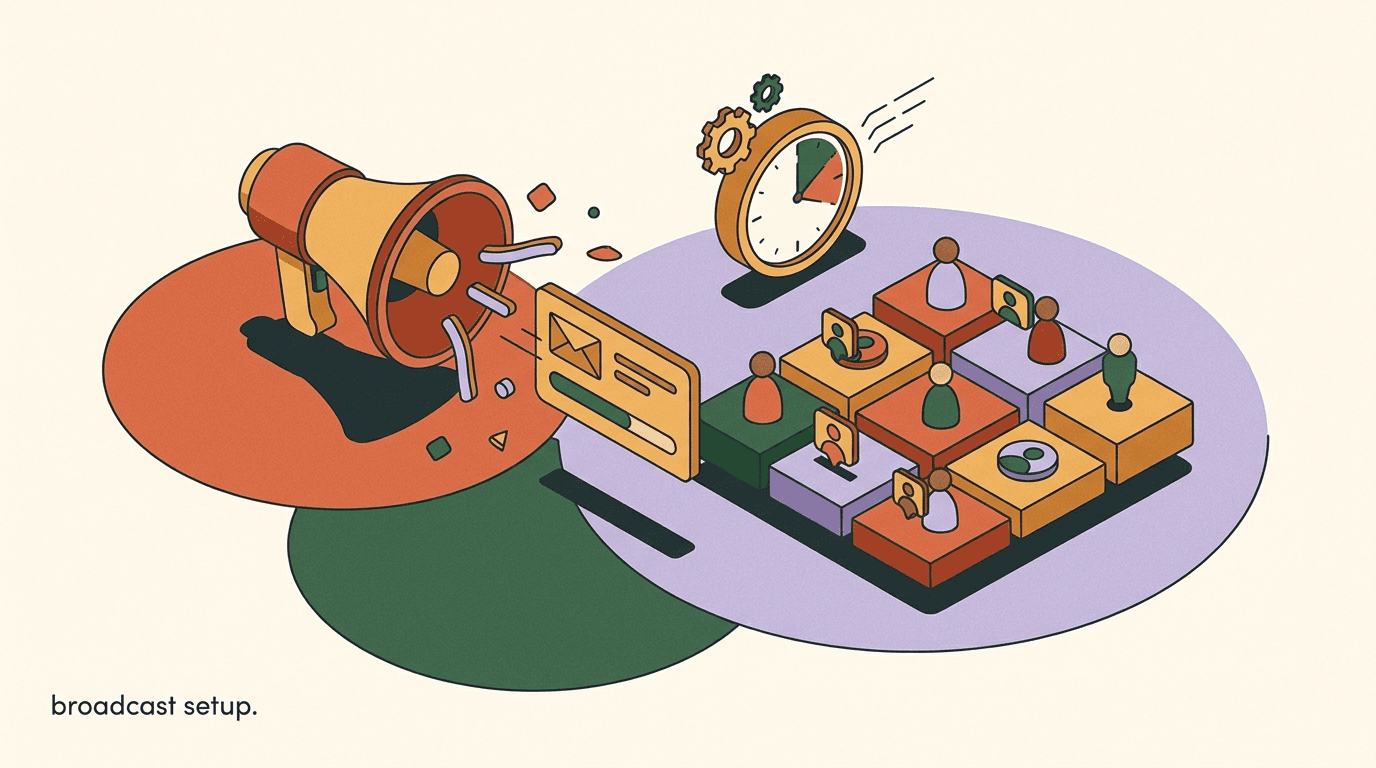
Broadcast campaign setup is the process of sending one message to a defined group of people who already opted in to hear from you — and doing it without getting your account flagged. This guide is the build itself, not the theory. You will pick an audience segment, check that everyone in it can legally and technically receive your message, write the right kind of message for the channel, schedule it, hit send, and then read the numbers that tell you whether it worked.
We will keep this concrete and step-heavy. Every section moves the campaign one notch closer to live. Where a channel has its own rules — WhatsApp's approved templates and Meta fees, Instagram's messaging window — we flag them inline rather than burying them. By the end you will have a repeatable checklist you can run for every campaign.
Full disclosure: we build KlyoChat, a unified inbox with broadcasts and dynamic segments, so we use it for the worked examples. The steps themselves are tool-agnostic — they apply whether you broadcast from KlyoChat, ManyChat, or anything else. We will be honest about what each platform can and cannot do.
One more framing note before we start. A broadcast is one of the highest-leverage things you can do in chat marketing, because the channel is intimate and the open rates are far above email. A message that lands in someone's WhatsApp or Instagram inbox feels personal in a way a marketing email rarely does. That intimacy is exactly why the platforms guard it so carefully, and why a sloppy broadcast does more damage than a sloppy email. The upside is large and so is the downside, which is the real reason a careful, repeatable setup process is worth learning once and running every time.
What is a broadcast campaign, and how is it different from a flow?
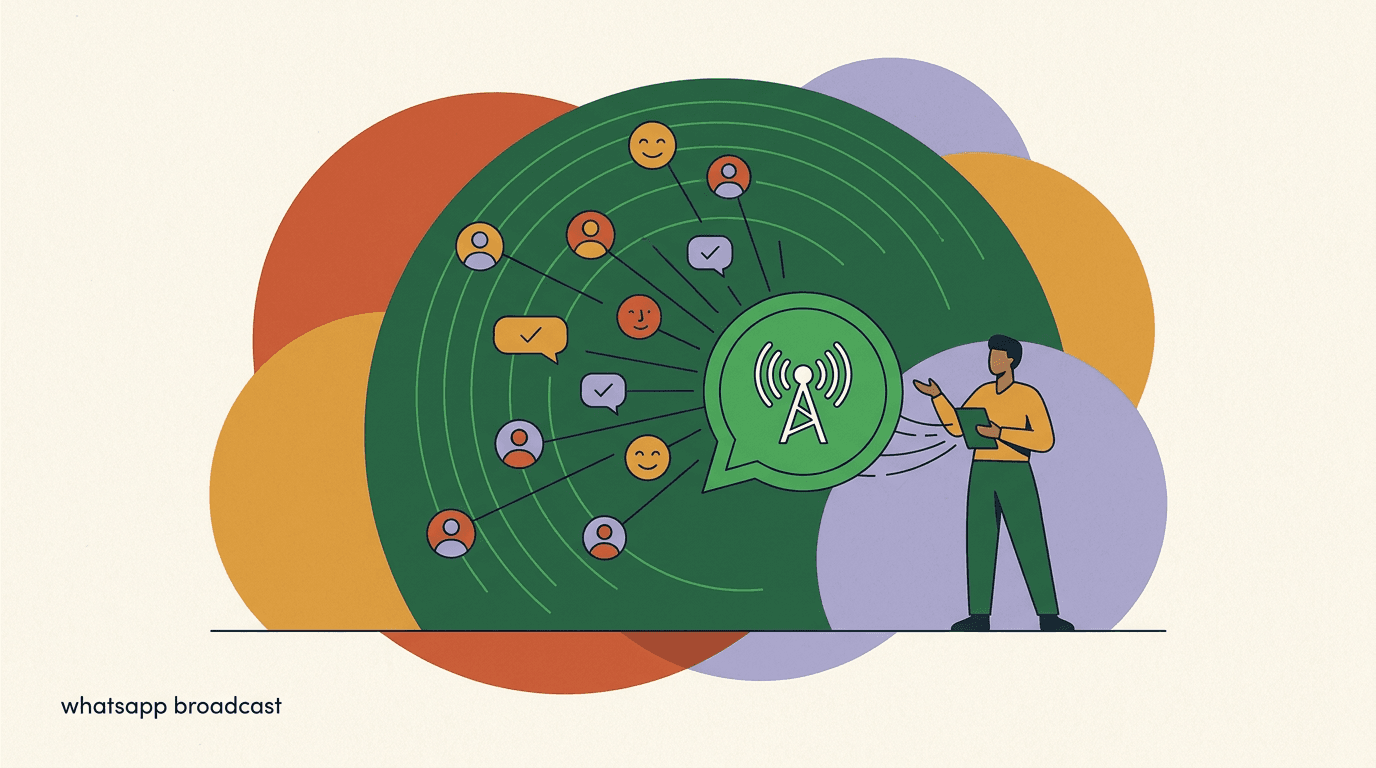
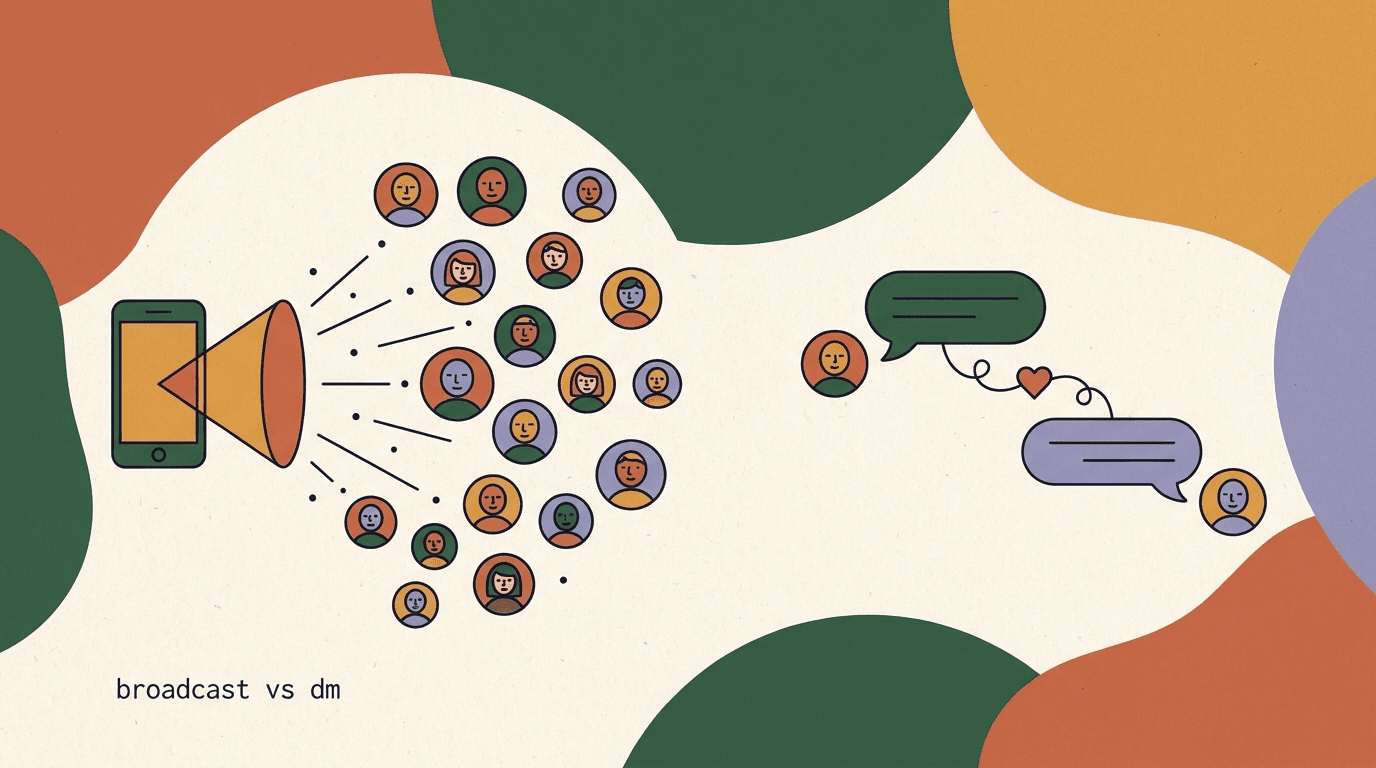
A broadcast is a single message sent to many people at once, on a schedule you choose. A flow, by contrast, is an automated sequence that fires in response to an action — a comment, a keyword, a button tap. The two work together: flows capture and qualify people, broadcasts reach back out to the list those flows built.
The mental model that matters most: a broadcast is push, a flow is reactive. Because you are reaching out unprompted, broadcasts carry the heaviest compliance weight in chat marketing. The whole platform — WhatsApp, Instagram, Messenger — is built around protecting users from unwanted push messages, which is why opt-in and messaging windows dominate the rules.
It helps to see how the two combine in practice. Imagine you run a comment-to-DM flow on an Instagram Reel: anyone who comments a keyword gets an automated DM, taps a button, and ends up tagged as interested. That is the flow doing its job — capturing and qualifying. Three weeks later, when you have a new product, you broadcast to everyone carrying that interested tag. The flow built the list; the broadcast monetizes it. Neither replaces the other. If you only run flows, you never proactively reach the audience you worked to build. If you only run broadcasts, you have no engine feeding new opted-in people into your list. A healthy chat program runs both, with flows on the front end and broadcasts on the back end.
- Broadcast: one message, many recipients, sent on your schedule.
- Flow: an automated reply triggered by a user action.
- Broadcasts require opt-in; flows reply inside a conversation the user started.
- Most broadcast restrictions exist to stop spam — respect them and your deliverability stays healthy.
This guide is the build, not the rulebook
If you want the full explainer on WhatsApp's limits, message categories, and per-conversation fees, read our companion piece on WhatsApp broadcasts in 2026. Here we focus on actually setting a campaign up and shipping it.
What do you need before you set up a broadcast?
Five things have to be in place before the build is worth starting. Skipping any of them is the most common reason a first broadcast either fails to send or gets the account restricted. Run this pre-flight check first.
- A connected channel — WhatsApp Business, Instagram, Messenger, Telegram, or another your tool supports.
- An opted-in audience you can identify and segment, not a scraped or imported cold list.
- A clear goal for this specific send — a sale, a re-engagement, an announcement, a reminder.
- The right message asset — plain text for in-window sends, or an approved template for WhatsApp outside the window.
- A way to measure — delivery, read, reply, and click tracking, ideally in the same tool.
Never broadcast to a list that did not opt in
Importing contacts who never messaged you or never agreed to marketing is the fastest route to a banned number or a disabled account. Opt-in is not a nicety — on WhatsApp and Instagram it is enforced. If you are not sure a contact opted in, exclude them.
Step 1: Pick the audience segment
The single biggest lever on broadcast performance is who you send to. A tight segment of relevant people will out-perform a blast to everyone every time — higher open and reply rates, lower opt-out, and better standing with the platform. Start by defining the segment, not the message.
A segment is a saved filter over your contacts. The more your tool lets you slice — by tag, by last activity, by channel, by past purchase — the sharper your targeting. Dynamic segments, which update automatically as contacts meet or stop meeting the criteria, save you from rebuilding the list before every send.
The difference between a static list and a dynamic segment is worth dwelling on, because it quietly determines how much manual work every campaign costs you. A static list is a snapshot — you export a CSV of everyone who matched a condition today, and that file is frozen. By next week it is already stale: new contacts who would qualify are not in it, and contacts who have since unsubscribed still are. A dynamic segment is a living query. You define the rule once — 'active in the last 60 days and tagged interested' — and every time you open it, the tool re-runs that rule against your current contacts. People flow in and out automatically. For broadcasts, this is the difference between a five-minute setup and an hour of list cleaning before every send, and it is also a safety feature: a dynamic opt-in filter cannot accidentally include someone who unsubscribed yesterday, because the rule re-evaluates at send time.
Resist the temptation to send to everyone just because the number looks impressive. Reach is a vanity metric in broadcasts; relevance is the real one. Platforms increasingly judge your account on engagement quality, not volume. If you send to 8,000 people and 7,000 ignore it, the platform learns that your messages are low-value and your future deliverability suffers. If you send to 1,200 people and most engage, the platform learns the opposite. Tight segments are not just better for conversion this week — they protect your ability to reach anyone at all next month.
- Decide who the message is forWrite the audience in one sentence: 'People who bought in the last 90 days,' or 'Leads who asked about pricing but did not buy.' If you cannot name them, you are not ready to segment.
- Translate that into filtersMap the sentence to the conditions your tool supports — tags, last-active date, channel, custom fields, purchase history. Combine with AND/OR logic to narrow it.
- Save it as a dynamic segmentWhere possible, save the filter rather than exporting a static list. A dynamic segment re-evaluates on every send, so it always reflects who currently qualifies.
- Check the sizeLook at the count. A segment of 50 highly relevant people is usually better than 5,000 loosely relevant ones. If the number is huge, your filter is probably too broad.
Build the segment around the goal
Re-engagement and launch announcements need different segments. For a launch, target recent and engaged contacts. For re-engagement, deliberately target the dormant ones. Let the campaign goal decide the filter.
Two segments, same product launch
- Broad blast
- All 8,000 contacts, regardless of interest or recency — high opt-out, low reply
- Targeted segment
- 1,200 contacts active in 60 days, tagged 'interested' — higher reply, lower opt-out
Step 2: Confirm opt-in and clean the segment
Before a single message goes out, verify that everyone in the segment can receive it. This is the compliance gate, and it is the step that protects your account. There are two questions: did they opt in, and are they reachable on this channel right now?
Opt-in means the contact actively agreed to hear from you on this channel — they messaged you first, tapped a subscribe button, or ticked a consent box. A contact who once liked a post is not opted in. A contact who messaged you two years ago and never since is technically opted in but a poor send target. Clean both out.
There is an important distinction between explicit and implied opt-in, and it varies by channel and region. Explicit opt-in is unambiguous: the person checked a box that said 'send me marketing on WhatsApp,' or tapped a subscribe button in a flow. Implied opt-in is murkier — they messaged you to ask a question, which opens a service conversation, but did not necessarily agree to receive marketing later. The safe rule is to treat marketing broadcasts as requiring explicit, channel-specific consent, and to keep service replies separate. When in doubt, ask. A simple first-contact message that says 'Want occasional updates and offers here? Reply YES' converts a service contact into a properly opted-in marketing contact, and it costs you nothing but a moment.
Cleaning the segment is not a one-time job, either. Lists decay constantly — numbers change, people lose interest, accounts go dormant. A contact who was a perfect send target six months ago may now be someone who never opens your messages and is one annoyance away from a spam report. Build segment hygiene into your routine: before each campaign, the act of applying your opt-in and recency filters is itself the cleaning step. With a dynamic segment, this happens automatically, which is one more reason to prefer them over frozen exports.
- Filter to opted-in contacts onlyApply your tool's opt-in or subscriber status to the segment so non-consenting contacts are excluded automatically. If the field does not exist, do not send until you can prove consent.
- Remove unreachable contactsDrop contacts with invalid numbers, blocked status, or hard opt-outs. Sending to these only damages your delivery metrics.
- Honor every prior unsubscribeAnyone who replied STOP, tapped unsubscribe, or asked to be removed must be excluded permanently. Re-messaging them is both a policy violation and a fast way to earn spam reports.
| Contact state | Can you broadcast to them? |
|---|---|
| Messaged you and agreed to marketing | Yes |
| Tapped a subscribe / opt-in button | Yes |
| Only liked or followed, never messaged | No |
| Previously replied STOP or unsubscribed | No, permanently excluded |
| Imported from a list they never joined | No |
Opt-in is what keeps your account alive
Spam reports are the metric the platforms watch most. A clean, consenting segment keeps your report rate low, which keeps your number and account in good standing. Treat opt-in hygiene as account insurance, not paperwork.
With a clean, opted-in segment in hand, the campaign is half built. The audience decides most of your outcome; the message decides the rest. Now we craft the message — and this is where the channel rules start to bite, because what you are allowed to send depends on whether the recipient is inside or outside the messaging window.
Step 3: Understand the messaging window before you write
Every messaging platform has a customer service window — usually 24 hours from the contact's last message to you. Inside that window, you can send fairly freely: text, media, buttons, whatever the channel allows. Outside it, the rules tighten sharply, and on WhatsApp you can only send pre-approved templates.
This single concept governs broadcast message design. Your segment will almost always contain a mix: some contacts messaged you in the last 24 hours, most did not. That means most broadcasts go to people outside the window — which is exactly why approved templates exist and why you cannot just type whatever you want and blast it.
The reason the window exists is worth understanding, because it changes how you think about the whole campaign. The platforms want messaging to feel like a conversation, not like a billboard. When someone messages you, they have signaled they want to talk, so for a day you get conversational freedom. After that, the conversation has gone cold, and re-opening it is treated as initiating contact — which is precisely the moment the platform tightens the rules, because that is where spam lives. WhatsApp's answer is the approved template: a message Meta has already reviewed, so the platform trusts the format even though the conversation has lapsed. Instagram's answer is narrower options and stricter policy enforcement outside the window. Either way, the practical takeaway is the same: figure out, before you write a word, whether most of your recipients are inside or outside the window, because that decides the entire shape of your message.
Here is how to actually find out. A good broadcast tool will show you, for any segment, how many contacts are currently inside their 24-hour window. If most are inside — which happens right after a flow has driven a wave of fresh conversations — you can send free-form and skip the template overhead entirely. If most are outside, which is the normal case for a re-engagement or a launch to your back catalog of contacts, plan on templates and budget for Meta's fees from the start. Checking this number first saves you from writing a beautiful free-form message that simply will not deliver to the people you most want to reach.
| Window state | What you can send (WhatsApp) | What you can send (Instagram) |
|---|---|---|
| Inside 24h (they messaged recently) | Free-form text, media, interactive | Free-form text and media |
| Outside 24h | Approved template messages only, Meta fee applies | Limited; respect Instagram's messaging policy and tags |
In-window vs template, in one line
In-window = you reply to an active conversation, fewer restrictions. Outside the window = you are initiating, so WhatsApp requires an approved template and Meta charges a per-conversation fee. Design your broadcast for whichever state most of your segment is in.
Step 4: Craft the message
Now write the message itself. The craft is the same across channels — be relevant, be brief, give one clear reason to act — but the format depends on the window state from Step 3. Write the version that matches where your recipients are.
For an in-window send, you have flexibility: conversational text, an image or video, quick-reply buttons. For an outside-the-window send on WhatsApp, you write to the approved-template format — a fixed structure with variables you fill in, submitted to Meta for approval before it can be used.
Personalization deserves special attention, because it is the cheapest way to lift every metric at once. A broadcast that uses the recipient's name, references something they did, or speaks to the segment they belong to reads as a message, not a blast. The variables in a WhatsApp template exist for exactly this — you map {{1}} to the first name and {{2}} to the product they viewed, and the same approved template produces thousands of individually relevant messages. The trap is variables that are empty or wrong: a message that opens 'Hi ,' because the name field was blank is worse than no personalization at all. Always set a fallback value for every variable, so a missing first name renders as 'there' rather than a gap, and always include the personalization in your test send so you can confirm it resolves correctly.
Tone matters more than length. Chat is a casual medium; people read these messages between other things, on a small screen, often one-handed. Write the way you would actually talk to a customer who walked into your shop. Drop the corporate throat-clearing. Get to the point, make the value obvious in the first line, and ask for one thing. The best broadcasts often read like a message from a helpful friend who happens to know exactly what you wanted — which is only possible because you segmented tightly in Step 1.
- Lead with relevanceThe first line must signal why this message is for this person. Personalize with a name or a past action where you can. Generic openers get ignored.
- State one clear actionOne broadcast, one goal. Buy this, claim this, reply with this, tap here. Two competing asks halve your conversion.
- Match the format to the windowIn-window: write naturally and add a button or media. Outside-window on WhatsApp: write to the template structure with {{variables}} for personalization.
- Keep it short and skimmableThese are chat messages, not emails. Two or three short lines plus a clear call to action beats a paragraph every time.
- Add a way outInclude a simple opt-out path ('Reply STOP to unsubscribe'). It lowers spam reports and keeps your list healthy.
Write the template before you need it
Template approval takes time, and you cannot send an outside-window WhatsApp broadcast without it. Draft and submit your templates days ahead of any campaign so approval is never the thing blocking your send.
Same offer, two formats
- In-window (free-form)
- Hey Sam, the boots you asked about are back in your size. Want me to hold a pair? Tap below.
- Outside-window (approved template)
- Hi {{1}}, the {{2}} you viewed is back in stock. Reply YES to reserve. Reply STOP to opt out.
How do WhatsApp templates and fees work for broadcasts?
WhatsApp is the strictest channel, so it deserves its own walkthrough. To broadcast to anyone outside the 24-hour window — which is most of your list most of the time — you must use a message template that Meta has reviewed and approved. You submit the template once; once approved, you can reuse it across campaigns.
On top of the approval requirement, Meta charges a per-conversation fee for these messages, billed directly by Meta and not by your broadcast tool. The fee depends on the message category and the recipient's country. This applies on every platform that connects to WhatsApp, KlyoChat included — it is a Meta cost, not a software markup.
Message categories are the part people most often get wrong, so it is worth being precise. Meta sorts template messages into broad buckets — marketing, utility, and authentication being the common ones — and treats each differently for both pricing and policy. A marketing message promotes something: a sale, a new product, a re-engagement nudge. A utility message relates to an existing transaction or account: an order update, a shipping notification, an appointment reminder. Authentication messages carry one-time codes. The categories are priced differently, and crucially, you cannot dress a marketing message up as a utility message to save money or dodge a restriction. Meta reviews templates and will reject or reclassify ones that are mislabeled, and repeated abuse hurts your number's standing. Pick the category that honestly describes the content, every time.
The other thing to watch is your number's quality rating. Meta continuously scores how recipients react to your messages, and a number that generates blocks and spam reports gets its quality rating downgraded, which can throttle how many messages you are allowed to send per day. This is the mechanism that turns bad targeting into a hard cap on your reach. It is also why the discipline in Steps 1 and 2 — tight segments and clean opt-in — is not just good manners but a direct input to how much you can broadcast at all. Protect the rating by sending relevant messages to people who want them, and the rating protects your throughput.
- Draft the template to Meta's formatUse the header, body, and footer structure with {{variables}} for personalization. Keep marketing language clear and non-deceptive.
- Submit for approval and waitApproval can be near-instant or take longer. Do not schedule a campaign until the template shows approved.
- Pick the right categoryMislabeling a marketing message as utility is a policy risk. Choose the category that honestly matches the content.
- Budget for the conversation feesEstimate recipients multiplied by Meta's per-conversation rate for your country and category, and add it to the campaign cost.
| WhatsApp requirement | What it means for your broadcast |
|---|---|
| Approved templates | Pre-submit your message; only approved templates can go outside the window |
| Message categories | Marketing, utility, and authentication are priced and policed differently |
| Per-conversation fees | Meta bills per conversation, by category and country, on top of your subscription |
| Quality rating | High spam reports lower your number's quality and can cap your sending |
Meta's WhatsApp fees apply no matter which tool you use
Do not let any vendor imply WhatsApp broadcasts are free. The subscription is the software; Meta's per-conversation fees are separate and unavoidable across all platforms. Always confirm current rates on Meta's pricing page before you budget.
How do Instagram broadcasts differ?
Instagram does not have a broadcast feature in the email-blast sense. What you can do is send a message to people who have an open conversation with you — those who messaged your account, replied to a story, or came through a comment-to-DM flow. The same 24-hour window logic applies: inside it you have freedom, outside it your options narrow.
Because Instagram messaging is tied to existing conversations, your Instagram 'broadcast' is really a send to a segment of people who already DMed you. That makes the segment step even more important — you are working with people who raised their hand, which is good for relevance but caps your reach to those who engaged.
This constraint changes the strategy in a useful way. On WhatsApp you can, with templates and fees, reach a large back catalog of past contacts. On Instagram your broadcastable audience is essentially the set of recent conversations, so the lever is conversation volume on the front end. The brands that broadcast well on Instagram are the ones constantly opening conversations — through engaging Reels with comment-to-DM hooks, through story stickers that invite replies, through quizzes and polls that turn a passive follower into someone who has messaged you. Each new conversation adds a person you can later reach. So if Instagram broadcasts are part of your plan, the work starts long before the broadcast: it starts with the flows and content that fill the top of the funnel.
- Instagram broadcasts reach people who already messaged you, not your full follower count.
- The 24-hour window governs what you can send, same as WhatsApp.
- Comment-to-DM flows are the main way to grow the audience you can later broadcast to.
- There are no WhatsApp-style per-conversation fees, but Instagram's own messaging policies still apply.
Grow the broadcastable audience first
On Instagram, the size of your broadcast list is set by how many people have DMed you. Run comment-to-DM and story-reply flows consistently so that when you want to broadcast, you have a real, opted-in audience to reach. Our piece on Instagram broadcast vs DM strategy goes deeper.
Step 5: Schedule the broadcast
Timing affects open and reply rates more than most people expect. A message that lands when your audience is awake and free gets read; one that lands at 3 a.m. gets buried. Scheduling also lets you build campaigns ahead of time instead of scrambling to hit send manually.
Two scheduling decisions matter: when to send, and whether to throttle. Sending tens of thousands of messages in one instant can trip platform rate limits and hurt deliverability; spacing them out over a window is safer for large lists.
Frequency is the quieter scheduling decision, and it is the one that determines whether your list stays valuable over months rather than weeks. Every broadcast spends a little goodwill. Send too often and even relevant, well-targeted messages start to feel like noise; opt-outs climb and engagement falls. There is no universal right cadence — a daily deal channel and a quarterly product brand have very different rhythms — but the principle holds: send when you have something genuinely worth saying, not on a calendar slot that demands to be filled. If you find yourself manufacturing reasons to broadcast, that is the signal you are sending too often. A smaller number of high-value broadcasts beats a steady drip of filler, both for results and for the long-term health of your list.
- Choose the send time for your audiencePick a time the segment is likely active — usually mid-morning or early evening in their local timezone. Test and adjust over a few campaigns.
- Account for timezonesIf your list spans regions, schedule per-timezone where your tool supports it, so everyone gets the message at a sensible local hour.
- Throttle large sendsFor big lists, spread delivery over minutes or hours rather than firing everything at once. This protects deliverability and stays inside platform rate limits.
- Do a final pre-send reviewRe-check the segment count, the message preview, the variables, and the opt-out line one last time before confirming the schedule.
Send yourself a test first
Always send the broadcast to your own number or a test contact before the real send. You will catch broken variables, wrong links, and formatting issues that are invisible in the editor. A two-minute test prevents a campaign-wide embarrassment.
Step 6: Send and monitor in real time
When the scheduled time arrives — or when you hit send manually — the job is not done. The first minutes of a broadcast tell you whether something is wrong. Watch the live metrics so you can pause and fix before the whole list is affected.
Modern broadcast tools let you pause a send mid-flight. If you see deliveries failing, spam reports spiking, or replies revealing a mistake in the copy, stopping early limits the damage. Treat the send as something you supervise, not something you fire and forget.
- Watch delivery rate in the first minutes — a sudden failure spike means a channel or template problem.
- Watch for an unusual jump in opt-outs or spam reports, which signals the message missed the mark.
- Be ready to pause the send if anything looks wrong.
- Have someone available to handle the replies a good broadcast will generate.
A broadcast creates conversations — staff for them
A well-targeted broadcast generates replies, and replies are where the value is. If nobody is watching the inbox when those come in, you have spent your goodwill and ignored the response. Schedule sends for when you can actually answer.
How do you measure broadcast performance?
A broadcast without measurement is a guess. After every send, read the numbers so the next campaign is better. The core metrics are the same across channels, even if the exact labels differ.
Focus on the funnel: how many messages were delivered, how many were read, how many got a reply or a click, and how many people opted out. Each step tells you something different about what to fix.
Read the metrics as a chain, not as isolated numbers, because each one only makes sense in light of the one before it. A low read rate on top of a high delivery rate points at the message itself — the send time or the opening line failed to earn the open. A low reply rate sitting under a high read rate means people opened it and were not moved — the offer or the call to action is the problem, not the message getting seen. A delivery rate that is quietly mediocre, meanwhile, is almost always a list problem: opt-in hygiene, an unapproved template, or a number whose quality rating has slipped. Diagnosing in this order — delivery, then read, then reply, then opt-out — stops you from rewriting copy when the real issue was the list, or vice versa. And do not forget the metric that does not show up on the dashboard: the value of the conversations a broadcast starts. A reply is the beginning of a sale, a support resolution, or a relationship. Counting only clicks undersells what this channel actually does.
| Metric | What it tells you | If it's low, fix... |
|---|---|---|
| Delivery rate | Whether messages reached devices | Opt-in hygiene, template approval, number quality |
| Read rate | Whether the message got opened | Send time, sender recognition, first line |
| Reply / click rate | Whether the message drove action | Relevance, offer, and call to action |
| Opt-out rate | Whether you annoyed people | Targeting, frequency, and message fit |
Change one thing per campaign
If you rewrite the segment, the message, and the send time all at once, you will not know which change moved the numbers. Vary one variable per send and let the metrics teach you what your audience responds to.
Reading two campaigns
- Campaign A
- High delivery, high read, low reply — the offer or CTA is weak
- Campaign B
- Low delivery, rising opt-outs — segment or opt-in problem, fix targeting first
How do you test and improve broadcasts over time?
A single broadcast is a data point; a series of them, run with intent, is a learning system. The teams that get the most out of this channel treat every send as a small experiment whose result informs the next one. You do not need a formal A/B testing tool to do this — you need discipline and a notebook.
The simplest method is sequential testing: keep everything constant except one element, send, record the result, and compare it to your baseline. Over a handful of campaigns you build a picture of what your specific audience responds to — which is far more valuable than any generic best-practice list, because your audience is not the average audience. If your tool supports true split testing, where one segment is randomly divided and each half gets a different version simultaneously, that is faster and cleaner, but the sequential approach works for everyone.
- Establish a baselineRun a few normal campaigns and record delivery, read, reply, and opt-out. This is the number every future test is measured against.
- Pick one variable to testChoose the first line, the offer, the send time, or the segment — one of them, not several. Decide what 'better' means before you send.
- Run the test and record honestlySend, wait for the numbers to settle, and write down the result whether it confirmed or contradicted your hunch. The surprises teach you the most.
- Keep what wins, retest periodicallyFold the winning version into your default, then test the next variable. Audiences shift, so revisit old conclusions every few months.
Your audience is the only authority that counts
Every best-practice article, including this one, is describing averages. The send time that works for someone else's audience may flop with yours. Trust your own measured results over any outside claim, because the only data that predicts your next campaign is data from your own list.
What are the most common broadcast setup mistakes?
Most failed broadcasts fail for the same handful of reasons. Knowing them in advance turns the build into a checklist you can run without thinking.
- Broadcasting to a non-opted-in or imported list — the top cause of account restrictions.
- Sending an outside-window WhatsApp message without an approved template, so it never delivers.
- Blasting the whole list instead of a relevant segment, driving opt-outs and spam reports.
- Forgetting Meta's WhatsApp conversation fees in the budget.
- Skipping the test send and shipping broken variables or dead links.
- Sending when nobody is staffed to answer the replies.
- Changing everything at once between campaigns, so you cannot learn what worked.
The expensive mistakes are all about consent and windows
Account bans and failed sends almost always trace back to two things: messaging people who did not opt in, and sending outside the window without the right format. Get those two right and the rest is optimization.
How KlyoChat handles broadcast campaign setup
We built KlyoChat to make this six-step process fast and hard to get wrong. It is an AI-native unified inbox covering Facebook, Instagram, Telegram, WhatsApp, TikTok, and X, with broadcasts and dynamic segments built in. The steps in this guide map directly onto features rather than manual workarounds.
Segments are dynamic, so the opt-in and recency filters re-evaluate on every send. The composer knows the difference between in-window and template sends and prompts you for the right format. WhatsApp templates and the messaging window are handled in the same place, and analytics show delivery, read, reply, and opt-out per campaign without exporting anything.
- Dynamic segments that update automatically as contacts qualify or drop off.
- A composer that distinguishes in-window free-form sends from approved WhatsApp templates.
- Broadcasts, no-code flows, and AI agents in one tool, so flows can grow the list you broadcast to.
- Per-campaign analytics for delivery, read, reply, and opt-out in the same inbox.
Honest limits before you switch
KlyoChat does not do native SMS or email, so if your broadcasts need those channels, factor that in. We are a newer, smaller community than the incumbents. And like every tool, WhatsApp broadcasts still require opt-in, approved templates, and Meta's per-conversation fees. Every plan starts with a 7-day free trial, no card required.
KlyoChat plans at a glance
- Basic
- $19/mo — small teams getting started with broadcasts and flows
- Pro
- $49/mo ($39 billed yearly) — all channels, dynamic segments, custom AI agents
- Business
- $129/mo — higher volume, more seats, API and store integrations
That is the full broadcast campaign setup, end to end: pick a tight, opted-in segment, write a message that matches the messaging window, schedule it for when your audience is awake, supervise the send, and read the metrics to make the next one better. The mechanics are simple; the discipline around consent and windows is what separates campaigns that perform from accounts that get restricted.
Run the same six steps every time and broadcasts become a reliable channel rather than a risk. For the deeper rules behind WhatsApp's limits see our WhatsApp broadcast guide, for the channel decision read Instagram broadcast vs DM, and to win back quiet contacts see our re-engagement sequence walkthrough.