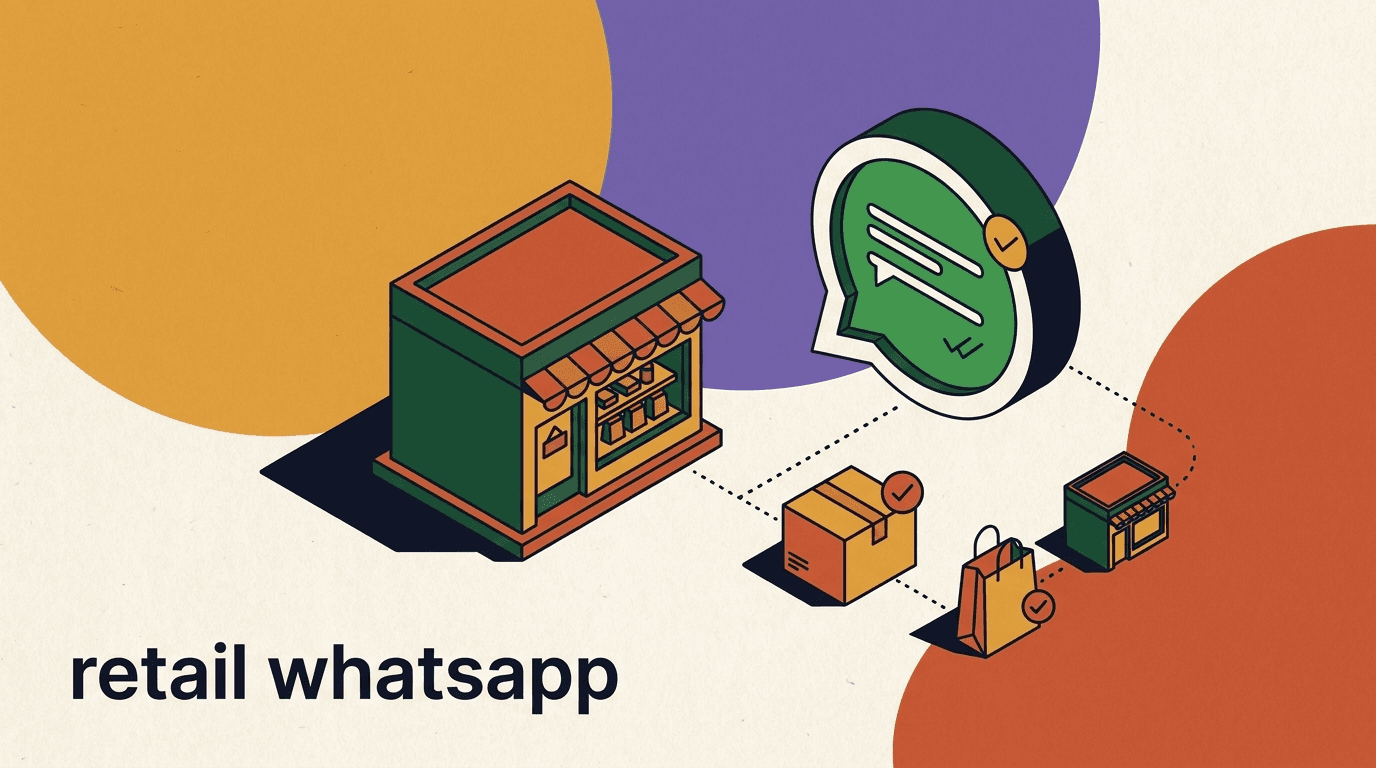
A retail store WhatsApp channel solves the most common problem a local shop has all day: the phone keeps ringing with the same handful of questions. Do you have this in a medium? Are you open on Sunday? Can you hold it until I finish work? Each call pulls a staff member off the floor, and half the time the answer is yes — you just lost ten minutes confirming something a message could have handled. For brick and mortar retailers, chat is where that friction goes to die.
This guide is a practical playbook for running a local store on WhatsApp and Instagram. We will cover stock checks, product questions, holds and reservations, store pickup coordination, opening-hours FAQs, and re-engaging the customers who messaged once and went quiet. You will get flow outlines and sample copy you can adapt to your own shop.
We will also be honest about the limits, because that matters more here than almost anywhere. A retail chatbot is not a point-of-sale system and it is not an inventory database. It can answer a stock check accurately only if it is connected to data you maintain, and the final payment still happens in-store or through your own checkout. We build KlyoChat, so we have a view on how to do this well — and we will tell you where the edges are.
Why does a local store need WhatsApp at all?
Walk-in retail runs on small, time-sensitive questions, and the phone is a terrible tool for answering them. A call interrupts whoever is closest to the handset, demands a synchronous answer, and leaves no record. The customer who could not get through simply drives to a competitor or orders online. The store loses the sale and never knows it happened.
WhatsApp changes the shape of the interaction. A message can wait three minutes without anyone feeling ignored. It carries photos, so a customer can show you the exact item they saw in your window. It keeps a thread, so the next staff member who picks it up has the full context. And because most people already live in WhatsApp, there is nothing to download and no account to create.
For a local store, the goal is not to become an e-commerce operation. It is to capture the intent that already exists in your neighborhood — the person two streets away who would happily walk in if they knew the item was there. Chat is how you confirm that before they give up.
There is a second, quieter benefit. Every message thread is a small record of what your neighborhood is asking for. Over a few weeks you start to see patterns — the size that sells out, the question that comes up before every sale, the product everyone wants that you do not stock. A phone call leaves none of that behind. A chat history is a slow-drip market research feed that you did not have to pay for, and a smart retailer reads it.
None of this requires you to become a tech company. The shops that win with chat are usually the ones that treat it as an extension of good counter service: prompt, honest, and helpful. The software is there to make sure no question goes unanswered while a staff member is busy with a customer in front of them — which is, after all, exactly when the phone always rings.
- Phone calls interrupt floor staff and leave no record; messages are asynchronous and threaded.
- WhatsApp carries photos, so customers can show you exactly what they mean.
- Most shoppers already use WhatsApp daily — no app install, no friction.
- A quick stock confirmation often converts a hesitant browser into a walk-in.
Chat complements your shop, it does not replace it
The point of a retail store WhatsApp channel is to get more of the right people through your door, not to move your business online. Treat every conversation as a way to remove one reason a local customer might not visit.
What questions should a retail chatbot answer first?
Before you automate anything, write down the questions your staff actually answer on the phone in a typical week. For most local stores the list is short and repetitive, which is exactly why automation pays off. You are not trying to handle every conversation — you are trying to handle the eighty percent that are identical.
The questions below are the workhorses. Start with these, get them right, and only then consider anything fancier. A retail chatbot that nails opening hours and stock checks earns far more goodwill than one that attempts clever sales patter and gets the basics wrong.
Notice the third column in the table that follows. It is the most important part of the planning exercise, because it forces an honest decision about each question type before you automate it. Some answers a bot can give instantly and correctly from a knowledge base. Others — anything that depends on what is physically on your shelf or in a back room — the bot can only handle well if it is connected to data, and otherwise must route to a person. Drawing that line up front saves you from the trap of a bot that sounds confident and is sometimes wrong.
| Question type | Example | Who handles it |
|---|---|---|
| Opening hours | Are you open today / on the holiday? | Bot, instantly |
| Location & parking | Where exactly are you, is there parking? | Bot, instantly |
| Stock check | Do you have this in size M / in blue? | Bot if connected, else staff |
| Product question | Is this waterproof / what is it made of? | Bot from knowledge base |
| Hold request | Can you keep it until 6pm? | Bot logs, staff confirms |
| Pickup status | Is my order ready to collect? | Staff or order system |
Audit one week of phone calls before you build
Ask staff to tally the questions they answer for five working days. The top four or five almost always cover the bulk of calls. Automate those first and you will feel the difference immediately.
How do you handle a stock check without lying to the customer?
This is the hardest and most important part, so we will be blunt. A chatbot cannot know what is on your shelf. It can only repeat what it is told. If you connect it to live, accurate inventory data, a stock check is genuinely useful. If you do not, the bot is guessing, and a confident wrong answer is worse than no answer at all — it sends someone across town for an item that sold an hour ago.
There are three honest ways to handle stock, and the right one depends on what systems you already run. The worst option is pretending the bot knows when it does not. Pick the most accurate model you can actually support, and tell customers when an answer needs human confirmation.
It helps to think about why stock is uniquely hard for a physical store. Online retailers have a single source of truth — the item is either in the warehouse count or it is not. A shop floor is messier. Items get tried on and left in the wrong place, the last one on the shelf might be damaged, a colleague may have just sold it without updating anything. Even with a connected catalog, treat live stock as highly likely rather than guaranteed for the very last unit, and let your copy reflect that small humility. The few seconds it takes to add can confirm with you when you arrive saves a lot of disappointment.
- Connected inventory (best)Your bot reads from a live feed — a Shopify or WooCommerce catalog, or an export you keep current. Stock answers are real-time and trustworthy.
- Assisted check (middle)The bot captures the item and size, then routes to a staff member who confirms from the floor or your back-office system. Slower, but honest.
- Set expectations (fallback)If you cannot connect or staff are tied up, the bot says stock is not guaranteed and offers to hold the item once someone verifies it. Never imply certainty you do not have.
A bot is not your inventory system
KlyoChat and tools like it are the conversation layer. Stock accuracy depends entirely on the data you connect. If your shelf counts are not reliable, fix that before you promise real-time stock answers in chat — a wrong yes costs you a customer for good.
Sample stock-check reply (connected vs unsure)
- Connected
- Yes — we have the navy parka in M and L in store right now. Want me to hold one for you?
- Assisted
- Let me check the floor for you — give me a few minutes and I will confirm the navy parka in M.
- Unsure
- I cannot confirm live stock on that one, but I can have a colleague check and hold it if it is in. Shall I?
What does a good stock-check flow look like?
A stock-check flow has three jobs: figure out what the customer wants, give the most accurate answer you can, and turn a yes into a hold or a visit. Keep it short. Every extra question is a chance for the customer to drop off.
Here is a flow you can adapt. It assumes the AI agent can read your catalog; if it cannot, swap the lookup step for a route-to-staff step and keep everything else.
- Identify the itemAsk for the product, and the variant that matters — size, color, model. Accept a photo; many customers will send one instead of typing.
- Look it upCheck the connected catalog or route to staff. Return a clear yes, no, or low-stock answer for the specific variant requested.
- Convert the yesIf it is in stock, immediately offer to hold it or share directions and hours so they can come in.
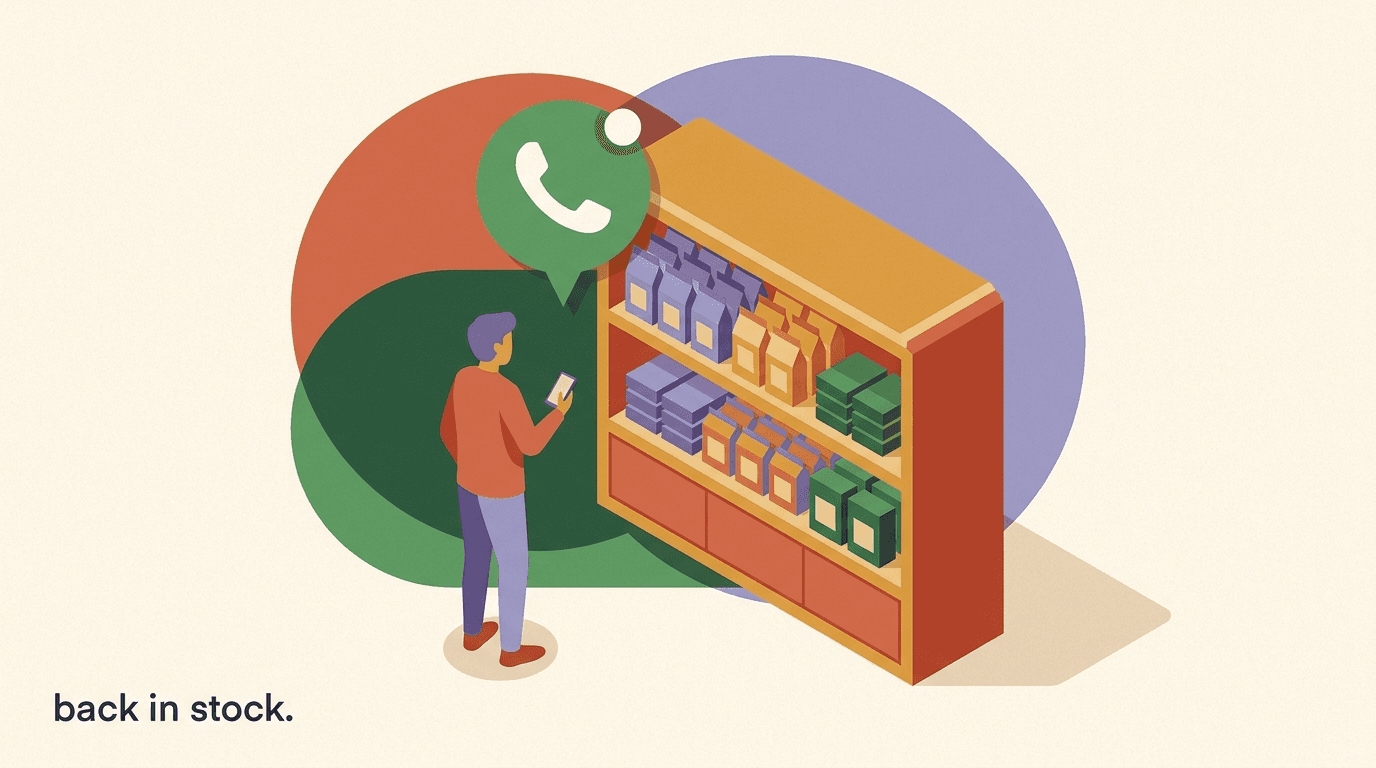
- Rescue the noIf it is out, offer the closest alternative, or a back-in-stock alert so the customer does not leave empty-handed.
Always end a stock check with a next step
A bare yes or no leaves the customer to figure out what to do. Pair every stock answer with an offer — a hold, directions, or an alert — so the conversation moves toward a visit.
How do holds and reservations work over chat?
Holds are where a retail store WhatsApp channel quietly earns its keep. A customer who asks you to keep an item is telling you they intend to buy. The hold turns a maybe into a near-certain visit, and it costs you nothing but a note and a shelf for a few hours.
The mechanics are simple, but the discipline matters. A hold is a promise on both sides: you keep the item, the customer comes by a stated time. Make the terms explicit so neither side is annoyed. Capture a name, the item, and a pickup window, and tell the customer what happens if they do not show.
Holds also protect your floor stock from being quietly drained. Without a system, a verbal can you keep this turns into items vanishing into the back room indefinitely, reserved for people who never return. A chat hold with a stated window and an automatic reminder closes that leak. When the window passes and the customer has not confirmed, the item goes back on the shelf and is available to the next buyer. You get the conversion benefit of holds without the inventory cost of them piling up.
- Confirm the item and the customerLock down exactly what is being held and who is collecting — a first name and the chat number are usually enough for a same-day hold.
- State the hold windowBe specific: held until 6pm today. A clear deadline prevents items sitting reserved for days and keeps your floor stock honest.
- Log it for staffTag the conversation as a hold and note the item and time so anyone on shift can find and pull it.
- Send a gentle reminderA short nudge an hour before the window closes lifts the show-up rate and frees the item promptly if they cannot make it.
Holds are a promise, not a payment
A chat hold reserves the item; it does not take money. Payment happens in-store or through your own checkout when the customer arrives. Keep that clear so no one expects the bot to have charged them.
Sample hold confirmation
- Customer
- Can you keep the navy parka in M for me?
- Store
- Done — holding the navy parka (M) under your name until 6pm today.
- Store
- We are at 14 Market Street, open till 7. Just ask for the held item at the counter.
- Reminder (5pm)
- Quick heads up — your parka hold is until 6pm. Still planning to come by?
How do you coordinate store pickup on WhatsApp?
Store pickup — whether for an online order or a phoned-in request — is mostly a communication problem. The customer wants to know one thing: is it ready, and when can I grab it? WhatsApp answers that better than email, which gets buried, and better than a phone call, which they have to make from somewhere they can talk.
A store pickup flow on WhatsApp keeps the customer informed at each stage and removes the awkward arrival where nobody can find the order. The chat thread itself becomes the proof of collection. As with stock, the accuracy of pickup status depends on your order system; the bot relays what it is told.
Pickup is also where you can reduce a surprising amount of staff stress. The classic friction is the customer who arrives the moment the order is placed, before anyone has had a chance to prepare it, and the staff member who has to apologize while scrambling. A clear ready-to-collect message fixes the timing — the customer comes when the order is actually waiting. Pair that with a location pin and a parking note and the whole interaction at the counter becomes a thirty-second exchange rather than a hunt through the back room while a queue builds behind them.
| Pickup stage | What the customer gets | Trigger |
|---|---|---|
| Order received | We have your order, preparing it now | Order placed / logged |
| Ready to collect | Your order is ready — here is when and where | Staff marks ready |
| Arrival help | Park out front, ask for pickup at the counter | Customer says on the way |
| Collected | Thanks for collecting — anything else? | Staff marks collected |
Share location once and let chat do the rest
Send your WhatsApp location pin and a one-line parking note in the ready-to-collect message. It removes the most common arrival confusion and the customer can tap straight into maps.
Sample store pickup ready message
- Store
- Good news — your order #1042 is ready to collect.
- Store
- We are open till 7pm today and 9–6 tomorrow. Ask for collection at the counter with your name.
- Store
- Pin attached — there is 30-minute parking right outside.
How should the bot handle opening hours and the boring FAQs?
Opening hours sound trivial until you realize how often they are asked, especially around holidays, sales, and weather. A retail chatbot should answer hours instantly, account for exceptions, and never make a customer wait for something this basic. Getting it wrong — saying you are open when you closed early — erodes trust fast.
Build a small knowledge base of your standard facts and keep it current. The bot draws from it for every routine question. The maintenance cost is low and the payoff is steady: these questions stop reaching your staff entirely.
- Standard weekly hours, plus a clear way to flag holiday or special hours.
- Address with a location pin, plus parking and public-transport notes.
- Returns and exchange policy in plain language.
- Payment methods accepted and whether you do gift cards.
- Accessibility details — step-free access, fitting rooms, and so on.
Stale hours are worse than no hours
If your bot says you are open and you are not, a customer makes a wasted trip and remembers it. Put updating holiday hours on the same checklist as your door sign so the two never disagree.
Can you answer product questions automatically?
Product questions are a natural fit for an AI agent, as long as it answers from your knowledge rather than inventing details. Is this jacket waterproof? Does this fit run small? What is the warranty? These are facts you already know; the job is to make them retrievable in chat without a staff member typing the same answer for the hundredth time.
The reliable approach is to feed the agent a knowledge base built from your own product information — spec sheets, care instructions, sizing notes, policies. The agent answers from that source and hands off to a human when a question falls outside it. What you must avoid is letting a general model guess at specifics it cannot verify, because a wrong product claim can cost you a return or worse.
- Build the knowledge base from your real product specs, not generic descriptions.
- Let the agent answer confidently inside its knowledge and hand off outside it.
- Cover sizing and fit notes — the single most common pre-visit question in apparel.
- Keep care, warranty, and returns answers consistent with your in-store policy.
Ground answers in your data, not the model's guesses
An AI agent should answer product questions from a knowledge base you control. If it does not know, the honest move is to say so and route to a person. A confident, wrong spec is a return waiting to happen.
When should a human take over from the bot?
The fastest way to ruin a retail store WhatsApp channel is to let the bot try to handle everything. Automation should clear the repetitive load so your staff can spend their attention where it matters — and that means designing the handoff as carefully as you design the automated answers. A customer who senses they are stuck in a loop with a machine that cannot understand them will leave annoyed, and they will tell people.
Build clear handoff triggers. Some are obvious: a complaint, a refund dispute, a question the agent cannot answer from its knowledge. Others are about tone — if a customer sounds frustrated or repeats themselves, a person should step in. The unified inbox makes this practical, because a staff member can read the full thread and pick up exactly where the bot left off, without the customer having to repeat anything.
The right mental model is a good front-of-house team. The bot is the helpful greeter who answers the easy questions and knows when to call a manager. It is not trying to be the manager. When you frame it that way, you stop expecting the automation to do things it should not, and your customers get the human touch precisely when it counts.
- Route complaints, refunds, and disputes to a person immediately — never automate conflict.
- Hand off any question that falls outside the agent's knowledge base.
- Watch for frustration cues — repeated messages, short replies — and step in.
- Let staff see the whole thread so the customer never repeats themselves.
Design the handoff, not just the answers
A bot that knows its limits and passes cleanly to a human feels better than one that tries to do everything. Make the handoff fast and context-rich, and customers will not mind that a machine handled the first reply.
Sample handoff to a person
- Customer
- This is the third time I am asking and it is still not sorted.
- Bot
- I am sorry about that — let me get a colleague to help you directly right now.
- Staff
- Hi, this is Sam from the shop. I have read the thread — let me fix this for you.
How do you measure whether the chat channel is working?
It is easy to set up a retail chatbot and then never look at whether it is actually helping. That is a mistake. The whole point is to convert more local intent into visits and sales, and you can only improve what you watch. The good news is that the metrics that matter for a local store are simple — you do not need a dashboard full of vanity numbers.
Focus on a handful of practical measures. How many enquiries does the channel handle, and what share does the bot resolve without a human? How many stock checks turn into holds, and how many holds turn into collected items? How quickly does a customer get a useful reply? These tell you whether the channel is removing work and bringing people through the door, which are the only two outcomes worth caring about.
Review them monthly, not obsessively. A local store does not need real-time analytics; it needs a periodic gut-check that the channel is pulling its weight and a sense of which flow to improve next. If holds rarely convert to pickups, your reminder timing or window length may be off. If the bot escalates a lot, your knowledge base has gaps. The numbers point you at the fix.
| Metric | Why it matters | Healthy direction |
|---|---|---|
| Bot resolution rate | Shows how much load the bot truly removes | Rising over time |
| Stock check to hold | Measures whether checks convert | A meaningful share |
| Hold to pickup | Tells you if reservations turn into sales | High, with reminders on |
| First reply time | Slow replies lose impatient shoppers | Minutes, not hours |
Pick three numbers and check them monthly
You do not need a heavy analytics habit. Pick bot resolution rate, hold-to-pickup, and reply time, glance at them once a month, and let the weakest one tell you what to fix next.
How do you bring Instagram into the same workflow?
For local retail, Instagram is often where the desire starts. Someone sees your post, taps the comments, and asks if you have it. If that question lives in a separate app from your WhatsApp threads, it gets missed. The fix is to handle both in one place and to turn public interest into a private conversation automatically.
Comment-to-DM automation is the lever here. When someone comments a keyword on a product post — say, the item name or a simple word like price — the system can reply publicly and open a direct message with the details, a stock check, or a hold offer. The interest you generated in the feed becomes a thread you can actually close, and it lands in the same inbox as your WhatsApp chats.
One inbox beats app-switching
If Instagram comments, Instagram DMs, and WhatsApp all flow into a single inbox, no enquiry slips through the cracks because someone forgot to check one app. That unification is the practical win for a small team.
Sample comment-to-DM on a product post
- Comment
- Is this still available? 😍
- Public reply
- Yes! Sent you a DM with sizes and how to grab it.
- DM
- Hi! The piece from our post comes in S–L. Want me to check stock or hold one for pickup?
How do you re-engage customers who went quiet?
Most local stores let a huge amount of intent evaporate. Someone asks about an item, you confirm it, and then life intervenes and they never come in. A polite, well-timed follow-up recovers a meaningful slice of those conversations — but it has to be done with restraint, because WhatsApp is a personal channel and people will block a shop that pesters them.
Re-engagement on WhatsApp works through broadcasts and targeted follow-ups, within Meta's rules. Marketing messages on WhatsApp use Meta's messaging policies and per-conversation fees, so this is not free and not unlimited. Used sparingly — a back-in-stock alert someone asked for, a heads-up that a held item is about to be released, a seasonal note to recent buyers — it is welcome. Used as a daily blast, it is a fast way to lose your list.
- Back-in-stock alerts for items a customer specifically asked about.
- A reminder before a hold window closes, so the item is not lost to either side.
- A short seasonal or new-arrival note to recent, engaged customers only.
- Always include an easy way to opt out, and honor it immediately.
WhatsApp marketing has rules and costs
WhatsApp marketing messages run on Meta's templates and per-conversation fees, and overuse gets your number blocked. Treat broadcasts as a privilege your customers granted, not a free channel. Send less than you think you should.
How does chat help during busy and seasonal periods?
The value of a retail store WhatsApp channel is highest exactly when your store is busiest, which is also when the phone is most likely to go unanswered. During a sale, a holiday rush, or a viral moment for one of your products, the volume of identical questions spikes — and that is when an automated FAQ and stock layer stops being a convenience and becomes the thing that keeps you from losing customers at the door.
Think about a holiday weekend. Foot traffic is up, every staff member is serving someone, and the phone rings constantly with are you open today and do you have this gift in stock. A bot answers all of that without pulling anyone off the floor. The customers who would have hung up after four rings instead get an instant answer and a hold offer, and they arrive ready to buy rather than just to ask.
Seasonal peaks are also when re-engagement, used carefully, earns its place. A short, well-timed message to recent customers about extended holiday hours or a genuinely useful new arrival can pull people back in during the window when they are already in a buying mood. The discipline from the re-engagement section still applies — sparing, permission-based, easy to opt out of — but the payoff is larger when the timing aligns with how people are already shopping.
- Automated hours and stock answers absorb the question spike during sales and holidays.
- Holds let busy-period browsers commit without tying up a staff member.
- Pickup updates smooth the counter when queues are longest.
- A single, well-timed seasonal note can pull recent customers back during a buying window.
Set holiday hours in the bot before the rush, not during it
The week before a busy period, update your knowledge base with special hours and any sale details. Doing it in advance means the bot is answering the surge correctly from the first message, when you have the least time to fix mistakes.
What mistakes do local stores make with chat?
Most failures with a retail store WhatsApp channel are not technical — they are about expectations and discipline. The tool works; the setup around it does not. Knowing the common traps lets you sidestep them before they cost you a customer, so here are the ones we see most often among small retailers.
The biggest by far is promising stock accuracy the data cannot support. A close second is treating WhatsApp like an email blast list and burning goodwill with promotions nobody asked for. After those come the quieter ones: slow replies that defeat the point, a bot with no human escape hatch, and a knowledge base that drifts out of date until it confidently states last season's hours.
- Promising real-time stock without connected, accurate data — a wrong yes loses the customer for good.
- Over-messaging: turning a permission-based channel into spam and getting blocked.
- Letting replies lag so long that the speed advantage of chat disappears.
- Building a bot with no clean handoff, so frustrated customers get stuck.
- Forgetting to update hours, holiday closures, and policies, so the bot states stale facts.
- Trying to automate everything at once instead of nailing the few high-volume questions first.
Honesty beats cleverness every time
A retail chatbot that admits what it does not know and routes to a person outperforms a slick one that occasionally lies. Customers forgive I am not sure, let me check. They do not forgive a confident wrong answer that wasted their trip.
The same out-of-stock moment, handled two ways
- Wrong
- Yes, we have it! (when you do not) — customer drives over, leaves empty-handed and angry
- Right
- It is out right now, but I can alert you the moment it is back, or hold the next one for you.
How do you set this up without overcomplicating it?
The instinct with any new tool is to build everything at once. Resist it. A retail chatbot that does three things reliably beats one that does ten things unevenly. Start with the questions that consume the most staff time, prove the value, and expand from there.
Here is a sensible rollout for a local store. Each step works on its own, so you get value before you reach the end.
- Connect WhatsApp and InstagramGet both channels flowing into one inbox so every enquiry lands in the same place, no matter where it started.
- Automate the boring FAQsLoad hours, location, parking, returns, and payment into a knowledge base. This alone removes a big chunk of phone calls.
- Add stock checks and holdsWire up your catalog if you can, or set up an assisted check. Pair every stock answer with a hold or visit offer.
- Layer in store pickup and comment-to-DMOnce the basics are solid, add pickup status updates and turn Instagram comments into private threads.
- Use re-engagement sparinglySwitch on back-in-stock alerts and the occasional broadcast last, after you understand your volume and your customers' tolerance.
Ship the FAQ layer this week
You do not need inventory integration to start. The hours-and-location FAQ layer can go live in an afternoon and immediately takes pressure off the phone. Build the harder stock features once that is paying off.
What are the honest limits of a retail chatbot?
We would rather you go in clear-eyed than disappointed, so here are the real constraints. A retail store WhatsApp setup is a conversation layer. It is excellent at routing questions, answering FAQs, capturing holds, and keeping pickup customers informed. It is not, and should not pretend to be, the systems underneath it.
Specifically: it is not a point-of-sale and it is not an inventory system. Stock accuracy comes from the data you connect, not from the bot. Final payment happens in-store or through your own checkout, not inside the chat. And WhatsApp itself carries Meta's per-conversation fees for business messaging, which apply on any platform you use. Knowing these edges lets you build something that holds up.
| What it does well | What it does not do |
|---|---|
| Answer FAQs and hours instantly | Replace your point-of-sale |
| Relay stock from connected data | Track inventory on its own |
| Capture holds and log them for staff | Take final payment in chat |
| Keep pickup customers updated | Guarantee accuracy without your data |
Know the line between chat and your systems
The bot speaks for your store; your inventory and checkout systems are the source of truth. Keep that boundary clear and you avoid the failure mode where a customer trusts a chat answer your back office cannot back up.
Where does KlyoChat fit for a local retailer?
We build KlyoChat, so treat this as the interested-party section — but the honest version. KlyoChat is an AI-native unified inbox that brings Facebook, Instagram, Telegram, WhatsApp, TikTok, and X into one place. For a local store, that means your WhatsApp threads, Instagram comments, and DMs all land in a single inbox a small team can actually keep up with.
The pieces that map to this playbook: AI agents answer FAQs and product questions from a knowledge base you control, can capture hold requests, and route anything they should not handle to a person. Comment-to-DM turns Instagram interest into private conversations. Broadcasts cover back-in-stock alerts and the occasional, well-judged campaign. And on the Business plan, Shopify and WooCommerce connections let your stock checks read from a real catalog rather than a guess.
The honest limits, repeated because they matter: KlyoChat is not a point-of-sale or an inventory system — connected stock accuracy depends on your catalog data. It has no native SMS or email, so if those are central to your outreach you will need another tool for them. WhatsApp's Meta per-conversation fees apply as they do everywhere. And as a newer product, our community and template library are smaller than the oldest players in the category. If those trade-offs work for you, the fit is strong.
| Retail need | How KlyoChat helps | The honest caveat |
|---|---|---|
| One place for all chat | Unified inbox across WhatsApp, IG, and more | No native SMS or email |
| Answer FAQs & product Qs | AI agents from your knowledge base | Answers only as good as your data |
| Real stock checks | Shopify/Woo catalog on Business plan | Not an inventory system itself |
| Turn IG interest into chats | Comment-to-DM automation | Subject to Meta's platform rules |
| Re-engage customers | Broadcasts and back-in-stock alerts | WhatsApp Meta fees apply |
Start with the trial, prove one flow
You do not have to commit blind. Start the 7-day trial, wire up your FAQ and one hold flow, and see whether it takes real pressure off your phone before you decide anything bigger.
KlyoChat plans for a local store
- Basic
- $19/mo — a small shop testing FAQs and holds on a couple of channels
- Pro
- $49/mo ($39 yearly) — all channels, custom AI agents, comment-to-DM, broadcasts
- Business
- $129/mo — Shopify/WooCommerce for real stock checks, more seats and volume
- Trial
- 7-day free trial, no credit card — test the full product before deciding
The takeaway is simple: a retail store WhatsApp channel is the cheapest way to capture the local intent your phone keeps dropping. Stock checks, holds, store pickup, hours, and product questions are repetitive, time-sensitive, and perfect for chat — provided you connect real data and stay honest about what a bot can and cannot promise.
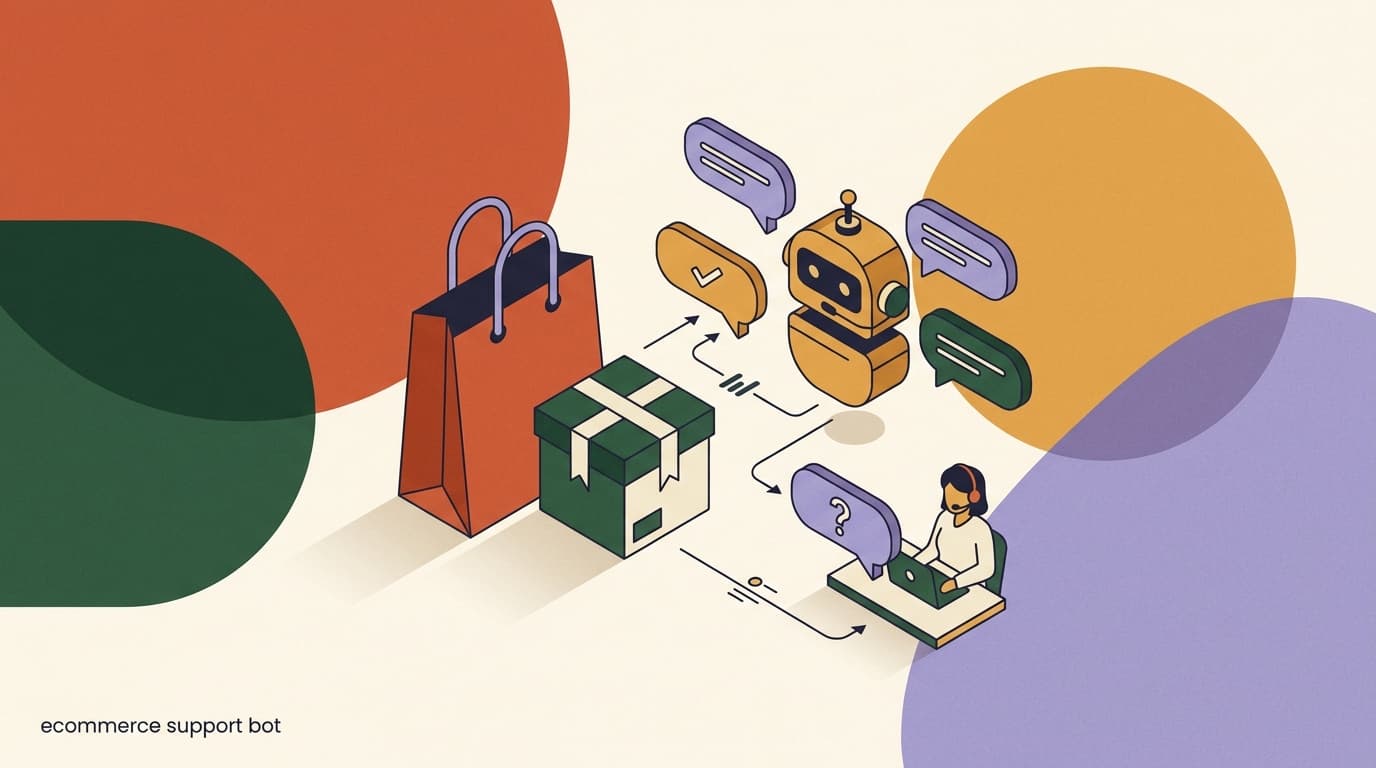
Build the FAQ layer first, add stock and holds once your data supports them, and use re-engagement with a light touch. Keep the line clear between the conversation layer and your inventory and checkout systems, and a small team can handle far more enquiries without anyone ever missing a call. For the broader patterns see our pieces on e-commerce support chatbots, back-in-stock alerts, and booking flows for appointment-based shops.