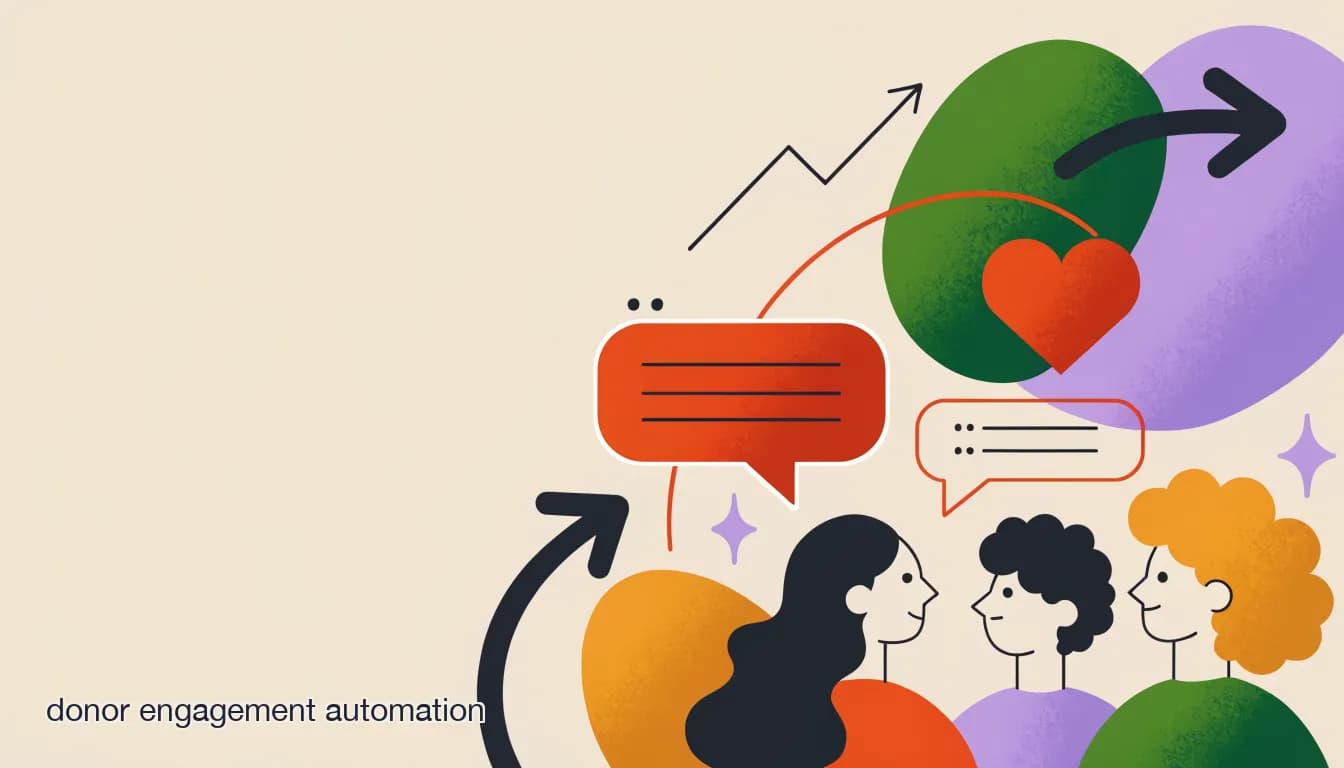
Donor retention studies year after year point to the same culprit: donors who don't hear back after giving, or who hear back too late, don't give again. A small team can't personally call every donor, but donor engagement automation closes most of that gap without pretending to be a person when it shouldn't.
Here are 15 practical ideas, grouped by what they actually do, that a one- or two-person communications function can realistically run.
How can automation speed up the donor thank-you?
Speed is the single biggest lever in donor retention, and it's the easiest to automate honestly — an instant, factual acknowledgment isn't fake, it's just fast.
- 1. Auto-send an acknowledgment within minutes of any online gift, with the amount and a receipt.
- 2. Trigger a personal follow-up task for staff on gifts above a set threshold (e.g., $250+).
- 3. Send a short WhatsApp or social 'thank you, here's what happens next' message same-day, not same-week.
- 4. Flag first-time donors for a warmer, human-written note within 48 hours.
Automate the receipt, not the relationship
An instant acknowledgment is good practice. A generic 'thank you' standing in for a real conversation with a major or repeat donor is not — set a threshold above which a human always follows up.
What donor updates can run on a schedule?
Donors who never hear what their gift did rarely give twice. Automated, segmented updates keep that loop closed without a staffer manually emailing each donor.
- 5. Quarterly 'here's what your support funded' broadcast, segmented by campaign donated to.
- 6. Milestone updates when a fundraising goal is hit (50%, 100%) sent to everyone who contributed.
- 7. Annual impact summary personalized with the donor's own giving total.
- 8. Event photos and recap sent to donors who couldn't attend.
How do comment-to-DM funnels drive engagement, not just donations?
Not every comment on a fundraising post is ready to give — some are asking a question, some want to volunteer instead. A funnel routes each intent correctly instead of treating every comment as a donation lead.
| Comment | Automated response |
|---|---|
| 'DONATE' | DM with a direct giving link |
| 'How can I help?' | DM with volunteer sign-up + donate option |
| 'Where does this go?' | DM with a short impact summary |
| Anything else / a complaint | Routed to a human in the shared inbox |
What else should a small team automate?
9. Birthday or giving-anniversary messages to long-time donors. 10. Event RSVP confirmations with calendar links. 11. Volunteer shift reminders 24 hours out. 12. Recurring-gift lapse alerts to staff before a card expires. 13. A saved-reply library for the ten most common donor questions. 14. Automated survey after a campaign closes. 15. A shared inbox triage rule that flags any message containing 'refund,' 'cancel,' or 'complaint' for immediate human review.
Never automate a refund or cancellation decision
Route anything involving money moving back to a donor straight to a human. This is one place where an automated 'sure, no problem' can create real financial and trust issues.
How does KlyoChat support these donor engagement flows?
KlyoChat's broadcasts support dynamic segments, so quarterly impact updates and campaign milestones go only to the donors who actually gave to that campaign. Comment-to-DM funnels handle the routing above automatically, and the shared team inbox keeps human follow-ups — thank-yous, complaints, major-gift conversations — visible and assigned.
AI agents, included from the Pro plan ($49/mo), can answer 'where does my donation go?' directly from your own impact content. Start with a 7-day free trial, no credit card required.