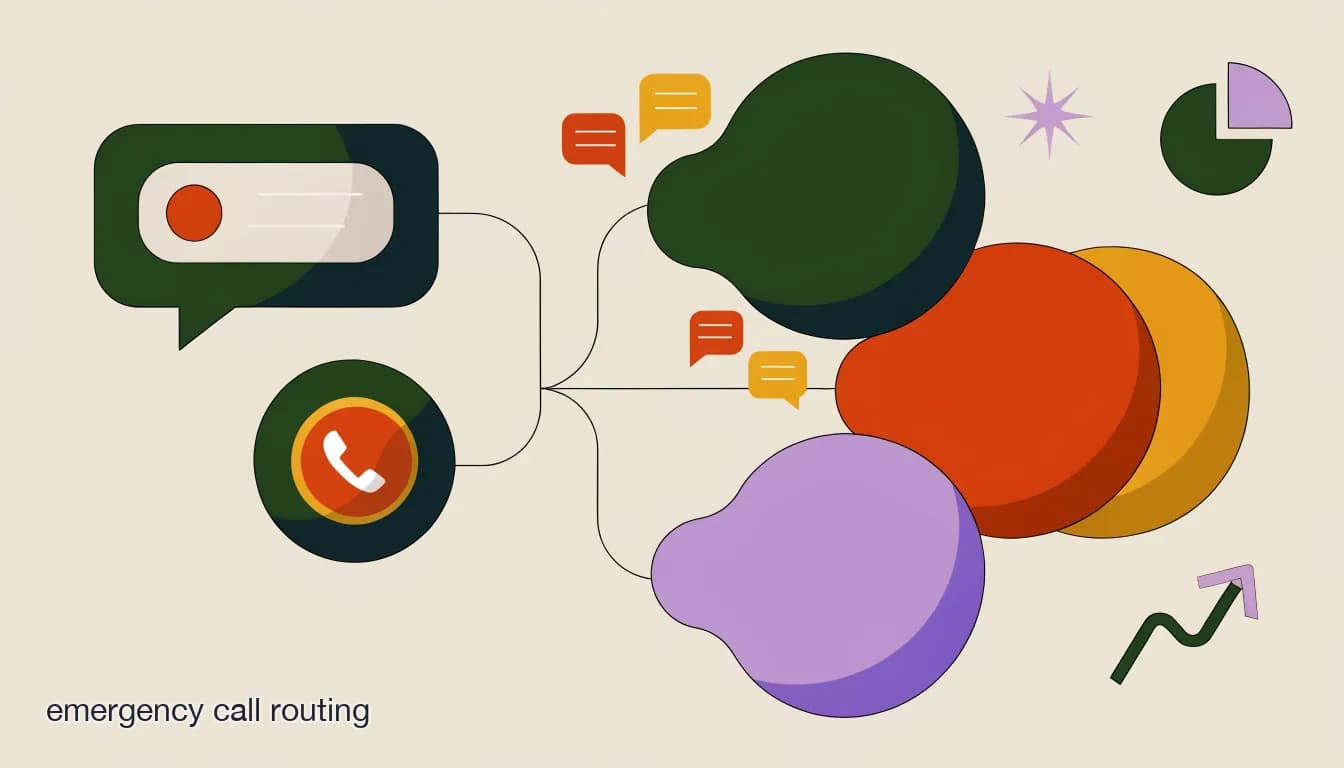
Emergency call routing for home services is often confused with speed to lead, and the two are related but not the same problem. Speed to lead is about how fast you respond to any inbound message. Routing is about where that message goes once someone — or something — has read it: which technician, which priority tier, and increasingly, across which channel, since a genuine emergency can arrive as a phone call, a Facebook message, or an Instagram DM with equal urgency and very different visibility to your team.
A company can be fast and still route badly. A message answered within thirty seconds that then sits in a general queue because nobody decided who should actually handle it hasn't solved the emergency — it's just delayed the failure by one step. Getting routing right means building a consistent decision layer that sorts every inbound message by real urgency and sends it to the right place, regardless of which channel it happened to arrive on.
What's the difference between speed to lead and emergency routing?
Speed to lead measures the time between a message arriving and someone acknowledging it. It's the metric most home services businesses focus on, and for good reason — a slow first reply loses jobs regardless of everything else you do right. But speed alone doesn't answer a second, equally important question: once acknowledged, does the message reach the person who can actually act on it, at the priority level it deserves?
Routing is the layer after acknowledgment. It's the difference between "we replied in ten seconds" and "we replied in ten seconds and the on-call plumber knew about the active flooding within a minute, while the routine drain-cleaning request from the same hour landed in the normal scheduling queue instead of interrupting anyone." Both matter. Neither substitutes for the other.
| Speed to lead | Emergency routing | |
|---|---|---|
| Question it answers | How fast did we respond? | Did it reach the right person at the right priority? |
| Failure mode if missing | Message sits unread for hours | Message is answered fast but misclassified or unassigned |
| What fixes it | Instant automated acknowledgment | Consistent triage rules + assignment logic |
You need both, in this order
Fix acknowledgment speed first — an unanswered message can't be routed correctly because nobody's looked at it. Then build routing logic on top so that fast replies also land in the right place, not just any place.
How do you build a three-tier triage system?
Across plumbing, HVAC, electrical, and general contracting, the same basic structure shows up: a three-tier system that separates true emergencies from urgent-but-manageable issues and routine requests. The value isn't in the exact labels — it's in having a consistent, written definition of each tier so that triage doesn't depend on whoever happens to be reading the message that hour.
- Tier 1 — true emergency: active safety or property risk (flooding, gas smell, no heat with vulnerable occupants, electrical hazard). Route to on-call staff immediately, interrupt if needed.
- Tier 2 — urgent, not dangerous: no hot water, a broken but contained fixture, a system running in a degraded state. Handle same-day or next available slot, confirmed by message.
- Tier 3 — routine: scheduled maintenance, quotes, non-urgent repairs. Books into the normal calendar with no interruption to on-call staff.
- Tier 0 — informational: hours, service area, pricing questions that don't need a human at all and can be answered instantly from a knowledge base.
Same trade, two different tiers
- "Water is pouring out from under my sink"
- Tier 1 — active flooding, route to on-call immediately
- "My kitchen faucet drips a little, no rush"
- Tier 3 — routine, books into standard scheduling
What are the most common routing mistakes?
The two failure modes sit on opposite ends of the same problem, and both are common. Over-triage treats too many messages as emergencies, which burns out on-call staff, trains your team to distrust the "urgent" flag over time, and eventually causes real emergencies to get the same skeptical, slower response as false alarms. Under-triage does the reverse — it misses a genuine emergency buried in a queue of routine messages because nothing flagged it as different.
A less obvious but equally costly mistake is routing by channel instead of by content — treating every phone call as more urgent than every DM by default, regardless of what's actually being described. A phone call about a routine question isn't more urgent than a DM describing active flooding just because a phone rang louder than a notification buzzed.
Channel isn't a proxy for urgency
It's tempting to treat phone calls as automatically more urgent than DMs because they feel more immediate. But the content of the message determines urgency, not the channel it arrived on — a text-based description of active flooding deserves the same Tier 1 response as a phone call describing the same thing.
How do you route across channels without losing context?
A growing share of home services inquiries — including genuine emergencies — now arrive through Facebook Messenger, Instagram DMs, or Telegram rather than a phone call, especially from younger homeowners and from customers who found you through a social post rather than a search. If your triage system only exists for the phone line, every one of those channels is running on the old default: whoever happens to check the inbox next.
Cross-channel routing means the same tier definitions and the same assignment logic apply no matter which channel the message came in on, and — just as important — that the routing decision and any context gathered travels with the conversation. A tech who gets paged for a Tier 1 emergency should see what was actually said, not just "urgent DM, call this number," so they're not starting the diagnostic conversation over from scratch when they arrive or call back.
- Apply one triage definition across every channelThe same Tier 1/2/3 rules apply whether the message came by phone, Facebook, Instagram, Telegram, or WhatsApp — no channel gets a lower bar for urgency.
- Ask the same qualifying questions regardless of channelA short, consistent set of questions (what's happening, how long, any safety risk, any vulnerable occupants) runs the same way in a DM as it would on a call.
- Assign, don't just notifyA Tier 1 message gets assigned to a specific on-call person, not broadcast to a general channel where responsibility is ambiguous.
- Carry the context forwardWhatever the customer already described travels with the assignment, so the tech isn't re-asking questions that were already answered.
- Confirm receipt to the customerThe customer gets a message confirming someone is on it and roughly when to expect contact — silence after a Tier 1 flag is its own failure.
Getting the tiers and the cross-channel logic right solves the classification problem. The remaining piece is assignment — once something is flagged Tier 1, who specifically gets it, and how do you avoid either overloading one person or having it land nowhere because everyone assumed someone else had it.
How should Tier 1 emergencies actually get assigned to a technician?
Assignment logic is where a lot of otherwise-good triage systems quietly fail. Flagging something as an emergency is only useful if it lands with a specific, accountable person fast — a shared inbox where anyone could theoretically pick it up often means everyone assumes someone else will, and a genuine emergency sits unclaimed. The fix is usually simple in concept, even if it takes some setup discipline: a rotating on-call assignment, with a named owner for each shift, and a routing rule that pages that specific person the moment something is flagged Tier 1.
This is also where a lot of small home services businesses discover their on-call rotation exists more in theory than in practice. Everyone agrees, in the abstract, on who's supposed to be reachable this week — but if that agreement lives in someone's memory rather than a written, current schedule tied directly into how messages get flagged, the rotation quietly stops functioning the first week the usual person forgets it's their turn. Writing the schedule down and connecting it to the actual routing tool closes that gap; a verbal agreement doesn't survive a busy week.
Geography and skill matter here too, and are easy to overlook if your routing logic is purely urgency-based. Sending the nearest available tech beats sending the fastest-to-respond tech who's forty-five minutes away, and a residential no-heat emergency shouldn't route to a tech who's only certified for commercial systems. A basic routing rule set should account for on-call rotation, rough service-area/proximity, and any skill or certification requirements — not just "who saw the alert first."
| Assignment factor | Why it matters | What breaks without it |
|---|---|---|
| On-call rotation with a named owner | Someone is always specifically accountable | Shared-inbox diffusion of responsibility — nobody claims it |
| Geographic proximity | Faster real-world response time | Nearest available tech gets skipped for one further away |
| Skill/certification match | Right person for the actual problem | Wrong-skill tech dispatched, has to be re-routed on-site |
| Confirmation back to customer | Reduces anxious follow-up calls | Customer calls again 10 minutes later, doubling the load |
Don't let 'someone will see it' be the plan
A general team inbox without explicit assignment is the single most common reason a flagged emergency still gets missed. Routing isn't complete until a specific person is accountable for a specific message — assignment, not just visibility, is what closes the loop.
Should every after-hours message get the same routing treatment as business-hours messages?
Largely yes, with one adjustment: after-hours routing needs a smaller, clearly defined on-call pool rather than the full daytime team, since paging everyone at 2am for a Tier 1 issue isn't sustainable and paging the wrong person repeatedly burns trust in the system. The triage tiers themselves shouldn't change overnight — a Tier 1 flooding emergency is a Tier 1 emergency whether it's 2pm or 2am — but who gets paged, and how aggressively, should reflect a tighter after-hours roster.
It's also worth being explicit with customers about what happens after-hours, so a Tier 2 or Tier 3 message doesn't generate anxious follow-up. A message that confirms "this isn't an emergency, we'll follow up first thing tomorrow" closes the loop for the customer even when no human is actively working the ticket overnight.
Tell the customer what tier they're in
A message that says "someone is on their way" for a Tier 1 issue and "we've got this scheduled for tomorrow morning" for a Tier 3 issue does a lot of the anxiety-reduction work by itself. Customers tolerate waiting far better when they know where they stand than when they're guessing.
How much of this actually needs to be automated versus just written down?
A documented triage policy — even a one-page list of what counts as Tier 1 versus Tier 3 — is a meaningful improvement over no policy at all, and it costs nothing to write. Where automation adds real value on top of that is consistency under load: a written policy only works if every person, every shift, every channel actually applies it the same way, and that's exactly where human triage tends to drift, especially during a busy stretch when the temptation to skip the qualifying questions and just guess is highest.
An AI agent applying the same triage rules doesn't get tired, doesn't skip a qualifying question because the queue is backed up, and doesn't apply a looser standard on a Friday night than a Tuesday morning. That consistency is the actual value automation adds on top of a good written policy — not a smarter definition of what counts as an emergency, just a more reliable application of the definition you already wrote down.
There's a middle path worth naming too: you don't have to automate everything at once. A reasonable rollout is to write the policy first, automate the acknowledgment and tier classification next, and leave the final assignment decision with a human dispatcher until you've watched the automated triage run for a few weeks and trust its calls. Automating classification before assignment gives you a chance to audit the agent's tier decisions without yet betting a real emergency on its judgment alone.
How do you measure whether your routing is actually working?
It's tempting to judge a routing system by whether any obvious disasters have happened lately — no story about a missed flooding call, no angry review about an unanswered gas-smell message. That's a real signal, but it's a lagging one, and by the time it shows up as a bad outcome the system has already failed once. A few leading metrics catch drift before it turns into a missed emergency.
Track the gap between when a message is flagged Tier 1 and when it's actually assigned to a specific person — not just seen, assigned. A growing gap is an early warning that your on-call process is getting looser, often before anyone notices consciously. Track how often Tier 1 flags turn out, on review, to have been genuine emergencies versus false positives; a rising false-positive rate is the leading indicator of over-triage burnout before staff start openly complaining about it. And periodically sample a handful of Tier 3 (routine) messages to confirm nothing that should have been flagged higher slipped through — under-triage is the harder failure to catch because, by definition, it doesn't announce itself.
| Metric | What it catches | Warning sign |
|---|---|---|
| Time from flag to assignment | Whether emergencies are reaching a specific accountable person fast | Gap widening week over week |
| Tier 1 false-positive rate | Over-triage that risks burning out on-call staff | Rate climbing above what your team can sustain |
| Spot-checked Tier 3 review | Under-triage — real urgency misclassified as routine | Any genuine emergency found in the routine queue |
Review the tier definitions quarterly, not just the outcomes
Trades and seasons shift what counts as urgent — a "no AC" message is a different tier in April than during a July heatwave. Revisit your written triage rules on a regular schedule rather than assuming the definitions you wrote once still fit every season and every trade you service.
How does KlyoChat support emergency call and DM routing?
KlyoChat is built by Pointerflow LLC as a unified inbox and no-code automation platform across Facebook, Instagram, Telegram, and WhatsApp (rolling out), which directly addresses the cross-channel half of routing: every message, regardless of which of those channels it arrived on, lands in one shared inbox rather than scattered across separate apps that different team members might or might not be watching.
A custom AI agent — included from the Pro plan — can be trained on your specific triage rules (what counts as Tier 1 for your trade, your service area, your standard qualifying questions) and apply them consistently to every inbound message across every connected channel, whether that's a call routed through your existing phone workflow or a DM on Instagram. Once something is flagged as urgent, the shared team inbox supports direct assignment to a specific person along with an internal note, so a Tier 1 message doesn't sit in a general queue hoping someone claims it — it's explicitly handed to your on-call tech with the context already attached.
For the after-hours piece, the same AI agent can send an immediate, tier-appropriate acknowledgment at any hour — "someone's on their way" for a true emergency, or "we've got this scheduled for first thing tomorrow" for something routine — closing the anxiety loop for the customer even before a human is actively on the conversation.
Write the triage rules down before you automate them
The agent is only as good as the tier definitions you give it. Spend an hour writing down what actually counts as Tier 1, 2, and 3 for your specific trade before configuring the agent — a vague policy produces vague, inconsistent triage no matter how good the automation is.
A DM emergency, routed correctly
- 11:40pm, Instagram DM
- "Water pouring from the ceiling, please help"
- 11:40pm (seconds later)
- AI agent confirms active flooding, flags Tier 1, assigns to on-call plumber with the message thread attached
- 11:42pm
- On-call tech gets the alert with full context, calls the customer directly
Emergency call and DM routing isn't a speed metric — it's a decision system. Getting it right means defining tiers clearly, applying them the same way on every channel, assigning flagged emergencies to a specific accountable person, and keeping context attached the whole way through. Do that once, consistently, and the difference between a true emergency and a routine request stops depending on who happened to read the message first.