If you want to grow your email list from Instagram DMs, the conversation is the most underused asset you already own. Every day people comment on your posts, react to your Stories, and slide into your DMs — and most creators let that attention evaporate because it lives inside an app they do not own. Instagram can change its algorithm, shadow-ban a hashtag, or throttle your reach overnight. An email list cannot be taken away. The DM is where the two worlds meet: a warm, one-to-one channel where someone has already raised their hand, and the single best place to ask for an email without feeling like a stranger.
This guide is the practical version of that idea. We will walk through the whole loop — picking a lead magnet worth an email, getting people from a post or Story into the DM, capturing the address inside the conversation, confirming consent with double opt-in, and handing that address to the email platform that actually sends your newsletter. We will show sample capture DMs you can copy, the consent rules you cannot skip, and how to combine DM follow-up with email so the two reinforce each other instead of competing.
One thing up front, because it shapes everything below: we build KlyoChat, and KlyoChat does not send email. It is the capture and conversation layer — it gets the email in the DM, tags the person, and passes the address to your email tool. The newsletter itself goes out from Mailchimp, ConvertKit, beehiiv, or whatever you already use. We will be honest about that division of labor throughout, because pretending otherwise would lead you to build the wrong stack.
Why bother moving Instagram followers to email at all?
Followers feel like an asset, and in a sense they are — but they are an asset you rent. You do not control the feed, you do not control reach, and you certainly do not control whether the platform decides to deprioritize links, outbound traffic, or whatever it is testing this quarter. A follower is a permission to maybe appear in someone's feed. An email subscriber is a direct line you own, exportable, that lands in an inbox regardless of any algorithm.
The numbers back the instinct. Email consistently outperforms social on the metrics that matter for a creator business — open rates, click-through, and revenue per send — precisely because it is permission-based and uncluttered by an algorithm deciding who sees what. When you launch a product, open a cohort, or drop a paid offer, the people on your list are the ones who actually hear about it. The followers who never moved to email mostly will not.
None of this means Instagram is unimportant. It is your top of funnel, your discovery engine, the place new people find you. The mistake is treating it as the whole funnel. Instagram brings people in; email keeps them. The DM is the bridge between the two, and building that bridge well is the highest-leverage thing most creators are not doing.
Rented audience versus owned audience
A simple test: if the platform vanished tomorrow, how much of your audience could you still reach? Followers, zero. Email subscribers, all of them. Every email you capture from a DM moves someone from the rented column to the owned column.
Why is the DM a better capture point than a link in bio?
The classic advice is link in bio: send everyone to a landing page with an opt-in form. It works, but it leaks badly. Someone has to leave the app, load a page, read a headline, decide to type their email, and submit a form — and every one of those steps loses people. The link in bio is also a single static destination that cannot adapt to what a specific person engaged with.
The DM flips the economics. The person is already in a conversation with you, in an app they trust, on a device where typing an email is one tap from autofill. There is no context switch and no cold landing page. You can reference the exact post they engaged with, answer a question in real time, and ask for the email at the moment their intent is highest — right after they told you they want the thing.
There is also a relationship effect. A DM feels personal even when part of it is automated, because it is one-to-one and it responds to them. People who opt in through a warm DM tend to be better subscribers than people who dumped an email into a form to grab a freebie, because the DM filtered for genuine interest and started a relationship before the email even arrived.
Link in bio versus DM capture, same offer
- Link in bio
- See post -> tap bio -> load page -> read -> type email -> submit (5+ steps, cold page, big leak)
- DM capture
- Comment keyword -> auto-DM with the offer -> reply with email in the same thread (warm, in-app, fewer steps)
What makes a lead magnet worth an email address?
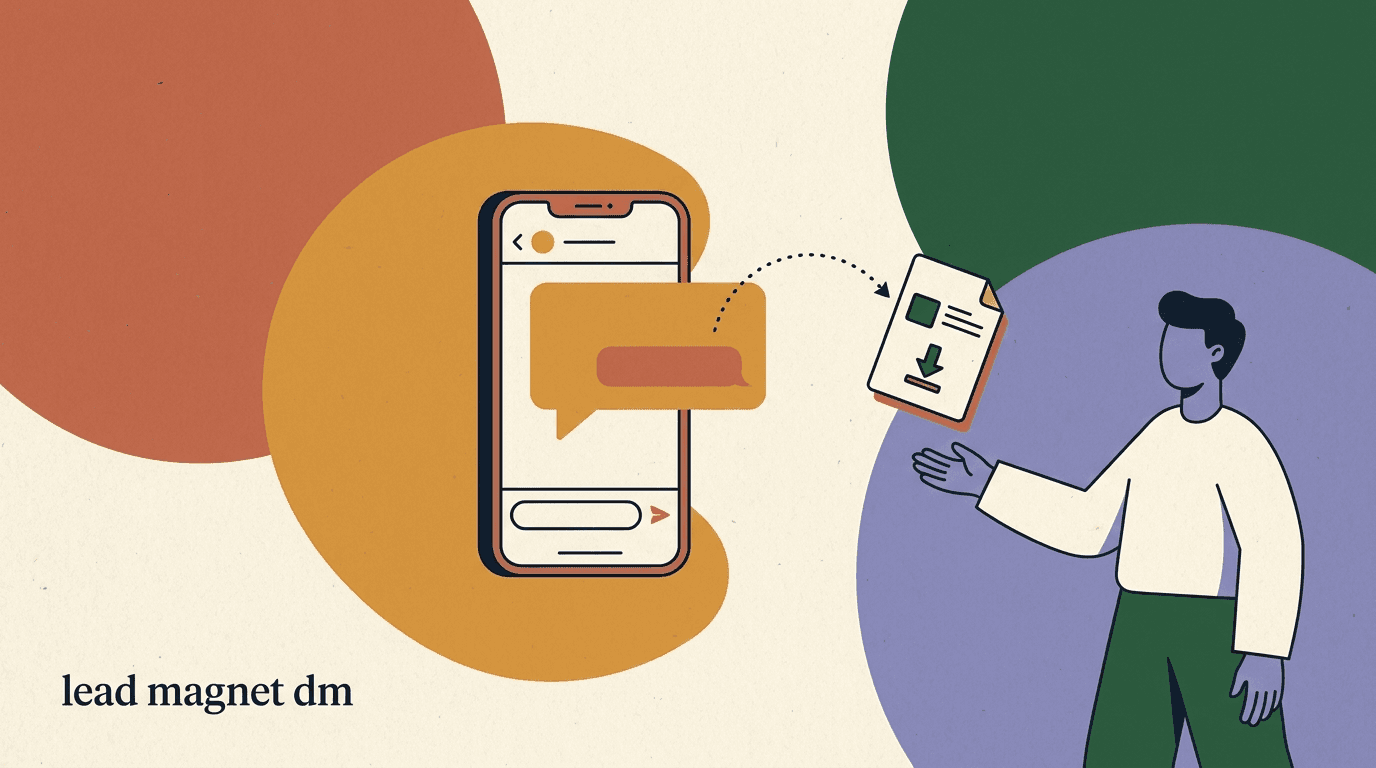
Nobody gives up an email for nothing, and the bar is higher than it used to be because everyone's inbox is full. The lead magnet has to be specific, immediately useful, and tightly matched to the content that earned the person's attention in the first place. A vague 'join my newsletter' is not a lead magnet; it is a request for a favor. 'The exact 7-email welcome sequence I use to convert subscribers, as a copy-paste template' is a lead magnet, because it promises a concrete result the person can use today.
The best lead magnets solve one narrow problem fast. Think templates, checklists, swipe files, a short guide, a free tool, a discount code, a private resource, or early access to something. The narrower the better — a niche resource that perfectly fits your audience outperforms a broad ebook nobody finishes. And it should match the post that triggered the DM: if someone engaged with a Reel about hooks, the magnet should be about hooks, not your general 'creator starter pack.'
Match the magnet to the intent, and the capture rate takes care of itself. The table below shows the kinds that tend to earn an email, paired with the audience they fit.
| Lead magnet type | Why it converts | Best for |
|---|---|---|
| Template or swipe file | Immediate, copy-paste value the person uses today | Creators, marketers, founders |
| Checklist or cheat sheet | Reduces effort on a task they already do | Service providers, coaches |
| Short guide or mini-course | Teaches a specific skill they just showed interest in | Educators, course creators |
| Discount or early access | Tangible reward with urgency | Product brands, shops |
| Free tool or calculator | Ongoing utility keeps them subscribed | SaaS, fintech, niche tools |
One magnet per piece of content beats one magnet for everything
A single generic freebie attached to every post underperforms. Tie each high-performing post to a magnet that extends that exact topic. The relevance lift in capture rate is worth the extra effort of building a few targeted resources.
How do you get people from a post into the DM?
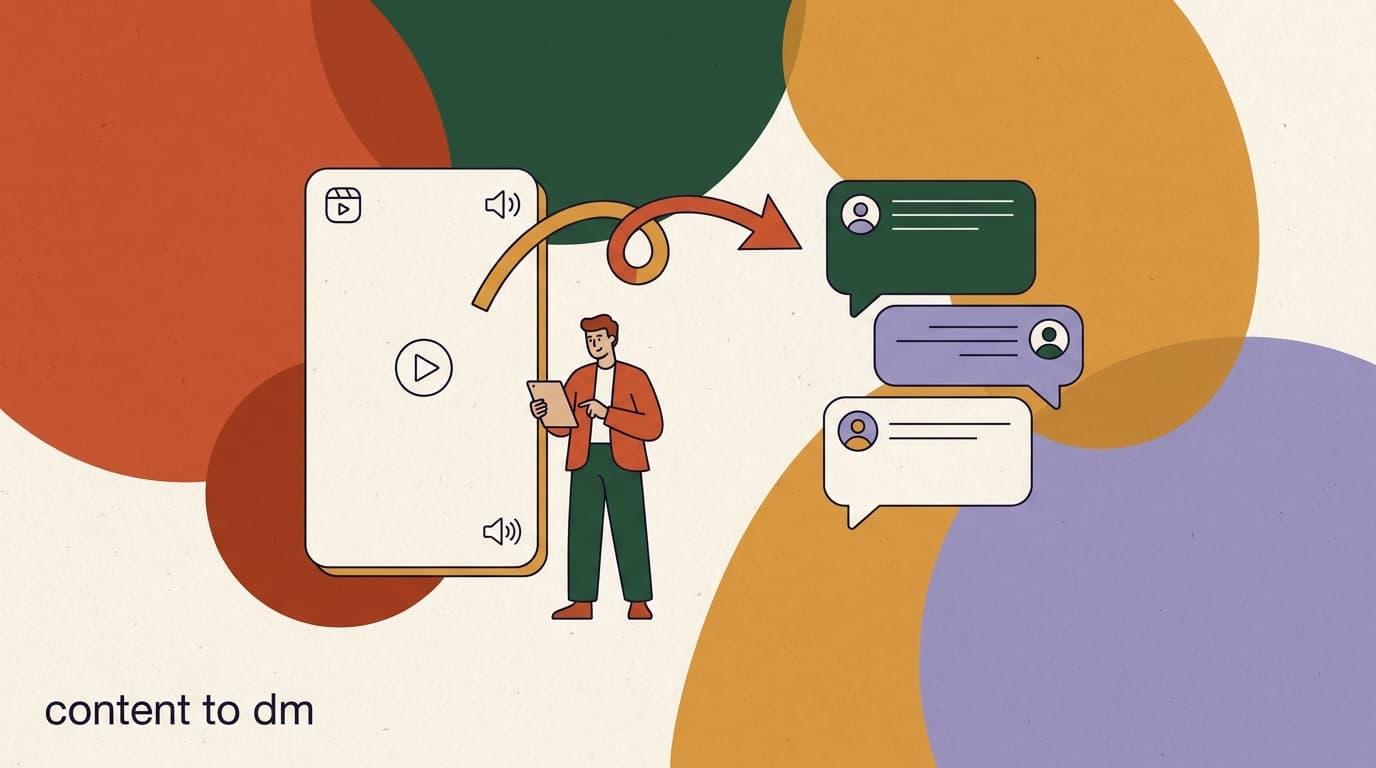
The bridge from public content to private DM is almost always a keyword. You post a Reel, carousel, or Story, and you tell people to comment a specific word or DM you a word to get the resource. When they do, an automation fires a DM with the lead magnet and the email ask. This is the comment-to-DM pattern, and it is the engine of DM list building.
The call to action has to be explicit and repeated. People skim. Say the keyword in the caption, say it on screen in the video, and say it out loud. 'Comment GUIDE and I'll DM you the template' works because there is no ambiguity about what to do or what they get. Vague CTAs like 'link in bio' or 'DM me for info' convert a fraction as well because they ask the viewer to do the work of figuring out the next step.
Pick keywords that are easy to type and hard to trigger by accident. Single, distinctive words — GUIDE, TEMPLATE, START, KIT — beat phrases and beat common words that show up in normal comments. The cleaner the trigger, the cleaner your automation, and the fewer false fires you have to clean up later.
- Create the post with a clear keyword CTAMake a Reel, carousel, or Story tied to your lead magnet topic. Say the keyword in the caption, on screen, and out loud.
- Set the comment or DM triggerConfigure an automation so that the keyword triggers an auto-DM. Comment-to-DM also boosts the post by driving comments.
- Send the magnet and ask for the emailThe first DM delivers context and asks for the email. Do not dump the resource and ask for the address in one breath — lead with value.
- Capture and confirm the email in the threadWhen they reply with an address, save it to a custom field, confirm it back to them, and trigger double opt-in.
Comment-to-DM does double duty
Asking for a comment instead of a DM has a side benefit: comments signal engagement to the algorithm, which can push the post to more people, which feeds more comments. The keyword grows your reach and your list at the same time.
How do you actually capture the email inside the DM?
This is the heart of it, and the part most guides hand-wave. Capturing an email in a DM means: the person replies with their address, your automation recognizes it as an email, stores it against that contact, and confirms back to them — all inside the conversation. Done well, it feels like a quick exchange with a helpful person. Done badly, it feels like a form bolted onto a chat.
The sequence that works is value first, ask second, confirm third. Open the DM by delivering or previewing the thing they asked for, so they know you are real and the offer is genuine. Then ask for the email with a clear reason — 'drop your best email and I'll send the full template plus my weekly breakdowns.' When they reply, validate that it looks like an email, save it, and confirm: 'Got it — sending to name@example.com now. Check your inbox in a minute.' That confirmation step catches typos and reassures the person that something happened.
Two failure modes to avoid. First, do not ask for the email before giving any value — it reads as a toll booth and people bounce. Second, do not skip the confirmation, because a mistyped address is a lost subscriber who thinks they signed up and never hears from you. A capture flow that handles both feels easy to the person and clean on your end.
Always confirm the address back to them
Mistyped emails are the silent killer of DM list building. Echoing the address back catches typos in the moment and gives the person a chance to correct it before it becomes a dead contact in your email tool.
Sample capture DM (value-first sequence)
- Auto-DM 1
- Hey! Thanks for commenting GUIDE. Here's the quick version, and I'll send the full copy-paste template to your inbox.
- Auto-DM 2
- What's the best email to send it to? Drop it here and I'll fire it over right now.
- User reply
- sure - jamie@example.com
- Auto-DM 3
- Perfect, sending to jamie@example.com now. Check your inbox (and promotions tab) in a minute. Reply CONFIRM there to lock it in.
What is double opt-in and why can't you skip it?
Double opt-in means that after someone gives you their email, they have to take one more action to confirm — usually clicking a link in a confirmation email, or in the DM context, replying CONFIRM and then clicking through. Only confirmed addresses go onto your active sending list. It is one extra step, and it is not optional if you care about deliverability or about staying on the right side of consent rules.
The reason is partly legal and partly practical. Legally, frameworks like GDPR and CAN-SPAM expect clear, demonstrable consent — and a confirmed opt-in is the cleanest proof you have that this person actually asked to hear from you. Practically, double opt-in filters out typos, bots, and people who fat-fingered the wrong address, which keeps your bounce rate low and your sender reputation healthy. A list of confirmed subscribers outperforms a bigger list of unconfirmed ones on every metric that matters.
In a DM flow, you can run double opt-in two ways. You can have the email tool send its own confirmation email after KlyoChat passes the address (the standard approach — your email platform owns the confirmation), or you can add a lightweight confirm step in the DM itself before you hand over the address. Most creators let the email tool handle the formal confirmation, because that is where the consent record needs to live anyway.
- Double opt-in is your strongest, cleanest record of consent.
- It filters typos, bots, and bad addresses before they hit your sending list.
- It protects your sender reputation, which protects everyone's deliverability.
- Let your email platform own the formal confirmation step and the consent log.
Consent is not a formality
Capturing an email in a DM does not by itself mean you have permission to send marketing email. The person opted in via the DM, but the confirmation and the consent record should live in your email platform. Treat consent as a real obligation, not a checkbox — it is the foundation of a list you can rely on.
How does the email get from the DM to your email tool?
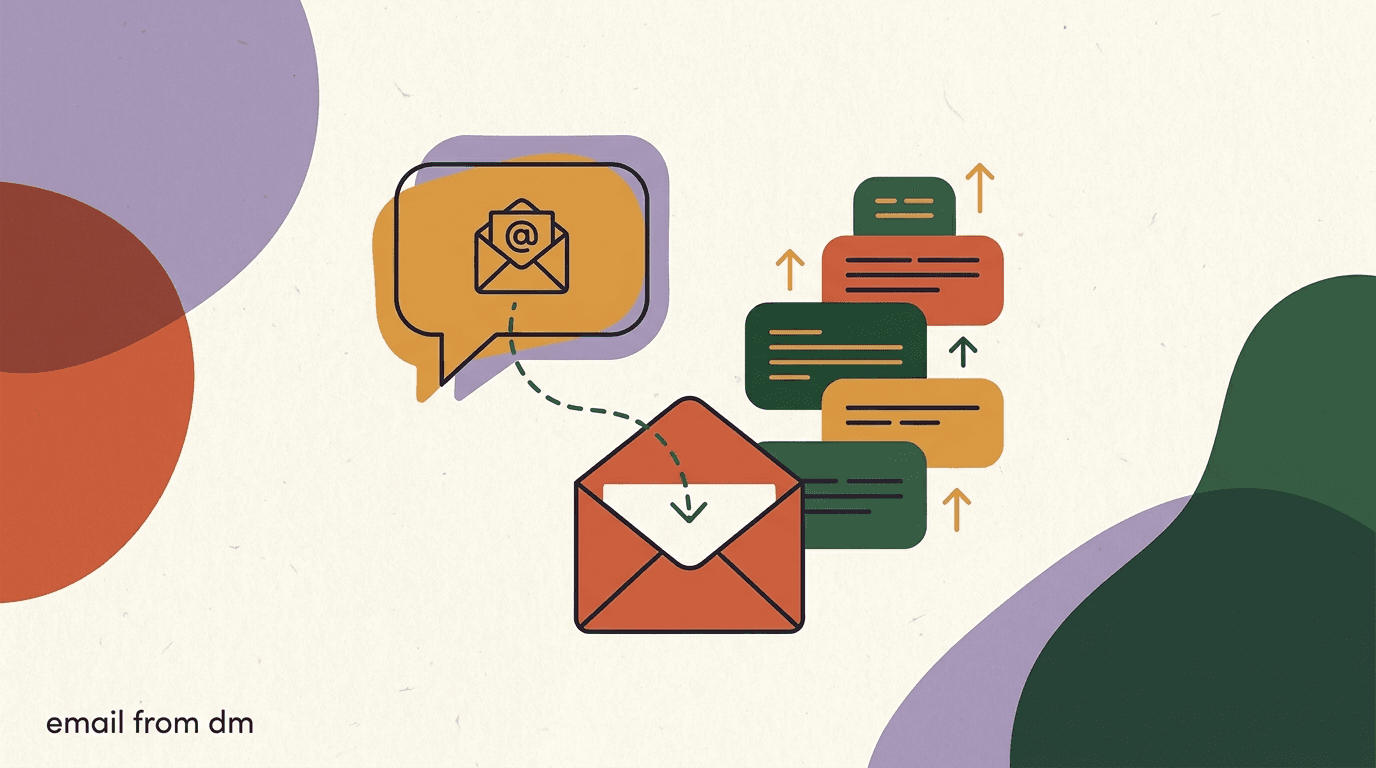
Here is the honest architecture, and the most important section to get right. KlyoChat captures the email in the DM and stores it as a custom field on the contact. It does not send your newsletter. To actually email the person, that address has to move from KlyoChat to your email platform — Mailchimp, ConvertKit, beehiiv, Kit, MailerLite, whatever you run. KlyoChat is the capture and conversation layer; your email tool is the sender.
There are a few ways to move the address. The cleanest is an integration or automation that pushes new captured emails into your email tool automatically, so a confirmed DM capture becomes a new subscriber without you touching it. If you do not have a direct integration, you can connect the two through an automation platform like Zapier or Make, or — for low volume — export captured contacts from KlyoChat and import them into your email tool on a schedule. The export route works but it is manual and breaks the real-time feel, so automate it if you can.
Whichever path you use, tag the contact so you know the source. A subscriber tagged 'instagram-dm-guide' tells your email tool exactly which magnet and which post brought them in, which lets you send a relevant welcome sequence and measure which content actually grows your list. The tag travels with the email when it moves to your sender, so set it at capture time in the DM.
| Hand-off method | How it works | Best when |
|---|---|---|
| Native integration | Captured email flows straight into your email tool | Your email platform is directly supported |
| Automation platform | Zapier or Make passes the address between the two | No native integration but both connect to Zapier |
| CSV export / import | Export from KlyoChat, import into the email tool | Low volume or one-time backfill; manual |
KlyoChat captures; your email tool sends
We will say this plainly because it matters for your stack: KlyoChat has no native email sending. It captures the address in the DM, tags it, and hands it to your email platform. The newsletter goes out from Mailchimp, ConvertKit, beehiiv, or your tool of choice. Build accordingly.
Should you nurture in the DM, in email, or both?
The instinct is to capture the email and move everything to the inbox. Resist it. The DM and the email serve different jobs, and the creators who grow fastest use both. The DM is immediate, personal, and high-trust but constrained by platform rules and the 24-hour messaging window. Email is slower, lower-trust per message, but unlimited and owned. Used together, they cover each other's weaknesses.
A practical split: use the DM for the moment of capture and a short, warm welcome, then let email carry the long-term relationship. The DM says 'great, you're in, here's the thing, watch your inbox.' Email then runs the welcome sequence, the regular newsletter, and the offers. You can still reach back into the DM for time-sensitive nudges — a launch reminder, a 'did you get it?' follow-up — but the bulk of nurture lives in the channel you own.
The reason to keep the DM in the mix at all is that some people who go quiet on email are still active on Instagram, and vice versa. A subscriber who stopped opening emails might still react to a Story. Having both channels means a dormant contact in one place is not necessarily a lost contact. Just respect the platform's messaging rules — Instagram limits when you can proactively message someone outside the standard window, so the DM is for responses and timely follow-ups, not endless broadcasting.
- DM: capture, instant welcome, time-sensitive nudges within the messaging window.
- Email: welcome sequence, regular newsletter, offers, long-term nurture.
- Tag by source so the email welcome matches the magnet that brought them in.
- Treat a quiet contact in one channel as reachable in the other, not lost.
The DM welcome sets up the email open
Tell people in the DM exactly what to expect by email and from what sender name. 'I'll email you from Jamie at Creator Weekly — whitelist it so it doesn't land in promotions.' That one line lifts your first-email open rate and keeps your hard-won subscriber from missing the resource.
What does a full DM-to-email flow look like end to end?
Pulling the pieces together, here is the whole loop in order, so you can see how capture, consent, and hand-off fit. This is the flow you are building, regardless of which tools you use to build it.
- Post content with a keyword CTAA Reel or carousel on a topic tied to your lead magnet. 'Comment KIT for the template.'
- Auto-DM the magnet and ask for the emailValue first: deliver or preview the resource, then ask for the best email to send the full version.
- Capture and confirm the address in the threadRecognize the email, save it to a custom field, tag the source, and echo it back to catch typos.
- Trigger double opt-in via your email toolPass the address to your email platform, which sends the confirmation and records consent.
- Hand off and start the email welcomeOn confirmation, the contact enters your email welcome sequence — tagged with the magnet that brought them in.
- Keep both channels warmEmail carries the nurture; the DM handles timely follow-ups within the messaging window.
Sample capture DM (discount magnet, product brand)
- Auto-DM 1
- Thanks for commenting CODE! Your 15% welcome discount is ready. Want it sent to your inbox so you don't lose it?
- User reply
- yes please
- Auto-DM 2
- Great - what's the best email? I'll send the code plus first dibs on new drops.
- User reply
- alex@example.com
- Auto-DM 3
- Sending your code to alex@example.com now. Click confirm in that email to activate it. Talk soon!
How do you write a DM that captures the email without sounding like a bot?
The fastest way to kill a capture rate is to make the DM feel like it came from a vending machine. People can smell a rigid template, and the moment they do, the warmth that made the DM worth more than a form evaporates. The fix is not to abandon automation — it is to write the automation the way you would actually talk, and to let an AI agent handle the parts that vary so the conversation bends to the person instead of marching through a script.
Start by matching the energy of your audience. If your captions are casual, your DM should be casual. If you write in full sentences with a professional tone, keep that. The DM is an extension of your brand voice, not a separate corporate channel, and the jarring shift from a fun Reel to a stiff automated message is enough to make people back out. Read your DM out loud before you ship it — if you would never say it to someone's face, rewrite it.
Keep each message short and ask one thing at a time. A wall of text with the resource, the email ask, the confirmation instructions, and a pitch for your course all in one bubble overwhelms people and tanks replies. Break it into two or three short messages, each doing one job. And leave room for the human moment: if someone replies with a question instead of an email, the flow should be able to answer it before circling back to the ask, which is exactly where an AI agent earns its place.
Finally, be honest about what they are signing up for. 'Drop your email and I'll send the template plus my weekly breakdowns' is better than hiding the newsletter behind the freebie, because the people who opt in knowing there is a newsletter are the people who will actually open it. A capture that hides the ongoing relationship gets you a bigger list of unsubscribes-in-waiting.
- Match your normal brand voice — casual stays casual, professional stays professional.
- One ask per message; break long instructions into two or three short bubbles.
- Let an AI agent handle off-script questions before returning to the email ask.
- Be upfront that a newsletter is part of the deal, not just the one-time freebie.
- Read it out loud — if you would not say it in person, rewrite it.
Write the DM, then cut it in half
The first draft of a capture DM is almost always too long and too eager. Cut the throat-clearing, cut the second pitch, and keep the value plus one clear ask. Short, warm, and specific beats long and polished every time in a DM.
What about people who DM you their email unprompted?
Not every email arrives through a tidy keyword funnel. People reply to Stories, answer your questions, ask about a product, and sometimes volunteer their email in the middle of an ordinary conversation. These unprompted captures are some of the highest-intent contacts you will ever get — the person reached out on their own — and most creators waste them because there is no system to catch an email that shows up outside the official flow.
The answer is to treat your whole inbox as a capture surface, not just the keyword-triggered threads. A unified inbox that recognizes an email address wherever it appears in a conversation lets you save it, tag it, and offer to add the person to your list right there. 'I see you mentioned your email — want me to send you my weekly newsletter too?' turns a stray address into a confirmed subscriber, with consent, in one exchange.
Consent still matters here, and arguably matters more, because the person gave you the email for a specific reason — a question, an order, a reply — not necessarily to join a marketing list. Do not silently scrape an address out of a support conversation and start emailing offers. Ask. The extra question costs you nothing and it keeps your list clean, compliant, and full of people who genuinely chose to be there.
Do not repurpose an email without asking
An address given for a shipping question is not consent to receive marketing. Always ask before adding an unprompted email to your newsletter list. It is one extra message and it is the difference between a clean, compliant list and a complaint.
Sample capture DM (unprompted email in a normal chat)
- User reply
- do you ship internationally? you can reach me at sam@example.com
- Auto / agent reply 1
- Yes, we ship worldwide! I'll follow up on shipping options shortly.
- Auto / agent reply 2
- Quick one — want me to add sam@example.com to our weekly drops and discount list too? Totally optional.
How do you scale DM list building without losing the personal feel?
A capture flow that works for fifty DMs a week behaves differently at five thousand. Volume is the moment most creators either burn out doing it manually or over-automate into something cold and spammy. Scaling well means keeping the parts that feel personal while letting software absorb the repetitive work — and knowing which is which.
The repetitive work is real and worth automating without guilt: recognizing the keyword, sending the magnet, recognizing the email, saving and tagging it, echoing it back, and triggering the hand-off. None of that benefits from a human doing it by hand, and a person doing it manually at volume will make mistakes and miss messages. Automate the mechanics completely. Where a human or a well-trained AI agent adds value is in the unscripted middle — the question, the objection, the 'wait, is this actually free?' — and those are the moments to keep flexible.
Watch two things as you scale. First, keep an eye on Instagram's messaging window and rate limits; automated messaging that ignores platform rules gets accounts flagged, and a flagged account captures zero emails. Build your flow to respond within the window and to use timely follow-ups rather than bulk outreach. Second, audit your captured-but-unconfirmed contacts regularly. At scale, the gap between captured and confirmed widens, and a pile of unconfirmed addresses is a signal that your opt-in email is landing in spam or your DM is not setting up the inbox check well enough.
The creators who scale this cleanly think of it as one funnel with two operators: software runs the predictable path at any volume, and a human or AI agent steps in for the moments that need judgment. That division is what lets a single creator capture thousands of emails a month from DMs without the whole thing feeling like a robocall.
- Automate the mechanical path completelyKeyword, magnet delivery, email recognition, tagging, confirmation echo, and hand-off should need zero manual touches.
- Keep the unscripted middle flexibleLet an AI agent or a human handle questions and objections before returning to the email ask.
- Respect the messaging window and rate limitsRespond within Instagram's window and use timely follow-ups, not bulk outreach, to avoid getting flagged.
- Audit captured-but-unconfirmed contactsA growing gap means your opt-in email is landing in spam or your DM is not prompting the inbox check.
Over-automation gets accounts flagged
Scaling does not mean blasting messages. Instagram limits proactive messaging outside the engagement window, and ignoring that gets accounts restricted. Automate the mechanics, respect the window, and lean on responses and timely follow-ups rather than bulk sends.
What are the most common DM list-building mistakes?
Most failed DM funnels fail for the same handful of reasons, and all of them are fixable. The point of listing them is so you can audit your own flow against the list before you blame the strategy.
The biggest is asking for the email too early or too coldly, before any value has changed hands. The second is skipping confirmation, which quietly fills your list with typos. The third is treating the DM as the destination — capturing emails that never make it to an email tool, so they are never actually emailed. Each of these breaks a different stage of the loop.
- Asking for the email before delivering any value — leads bounce at the toll booth.
- No confirmation step, so mistyped addresses become dead contacts.
- Capturing emails that never reach an email tool, so the newsletter never sends.
- Vague CTAs ('DM me for info') that leave the viewer unsure what to do.
- Ignoring consent and double opt-in, which wrecks deliverability and risks compliance.
- Generic lead magnets that do not match the post that earned the attention.
- Broadcasting in the DM outside the messaging window and getting flagged.
A captured email that never reaches your email tool is worthless
The most common technical failure is treating the DM as the finish line. If the address never moves to Mailchimp, ConvertKit, or your sender, you cannot email the person — you have a list you cannot use. Wire up the hand-off before you scale the capture.
How do you measure whether your DM list building is working?
If you cannot measure it, you cannot improve it, and DM funnels give you clean numbers at each stage. Track the funnel as a series of conversion rates rather than one vanity total, because the rates tell you where to fix things. Reach to keyword comments tells you if the CTA is clear. Comments to email captures tells you if the magnet and ask are strong. Captures to confirmed subscribers tells you if your consent and hand-off are clean.
Watch the drop-off between stages. A high comment count but few email captures means the ask is weak or the magnet is not worth an email. Lots of captures but few confirmations means your double opt-in email is landing in spam or your DM did not set up the inbox check. Each gap points at a specific fix, which is the whole advantage of tracking the funnel by stage.
Finally, tie it back to revenue and engagement on the email side. Tag by source so you can see which posts and magnets produce subscribers who actually open, click, and buy — not just subscribers who confirm and go quiet. The post that drives the most captures is not always the one that drives the best subscribers, and the tag is how you tell the difference.
| Stage | Metric | What a low number tells you |
|---|---|---|
| Post -> keyword | Comment / DM rate | CTA is unclear or the topic does not pull |
| Keyword -> email | Capture rate | Ask is too cold or the magnet is not worth an email |
| Email -> confirmed | Confirmation rate | Opt-in email lands in spam or the DM did not prompt the check |
| Confirmed -> active | Open / click rate by source | Subscribers are low intent or the welcome is weak |
How does KlyoChat fit into growing your email list?
If you decide to run this loop seriously, KlyoChat is built for the capture half of it. It gives you an AI-native unified inbox across Instagram, Facebook, WhatsApp, Telegram, TikTok, and X, plus comment-to-DM automation and no-code flows. You set a keyword, fire an auto-DM with your magnet, capture the email into a custom field, tag the source, and confirm it back to the person — the exact sequence in this guide, without stitching together scripts. AI agents can handle the back-and-forth so the capture feels like a real conversation rather than a rigid form.
We will be straight about the boundary, because it is the whole point of this article: KlyoChat does not send email. There is no native newsletter, no broadcast email, no email sequencing inside KlyoChat. It captures the address and hands it to your email platform through an integration, an automation tool, or export. Your newsletter goes out from Mailchimp, ConvertKit, beehiiv, or whatever you run. KlyoChat is the conversation and capture layer; pair it with a real email tool and the two cover the full funnel. Anyone selling you 'all-in-one' that captures and sends from one box is either bundling a weak email product or stretching the truth — we would rather you run a strong sender alongside us.
A few other honest limits worth knowing. KlyoChat has no native SMS, so if texting is part of your plan that lives elsewhere too. And we are a newer, smaller community than the long-established players, so the template library and third-party tutorials are still growing. What you get in return is a focused, AI-native capture layer and flat, predictable pricing: Basic at $19/month, Pro at $49/month ($39 billed yearly), and Business at $129/month, each with a 7-day free trial and no credit card required to start.
- Capture emails in the DM via flows and custom fields, tagged by source.
- AI agents make the capture conversation feel human, not like a form.
- Honest limit: no native email — KlyoChat hands the address to your sender.
- Honest limit: no native SMS, and a newer, smaller community than incumbents.
- Flat pricing from $19/month with a 7-day free trial, no card to start.
Pair KlyoChat with your email platform
The right stack for DM-driven list growth is a strong capture layer plus a strong sender. KlyoChat captures and converses; Mailchimp, ConvertKit, or beehiiv sends. Connect them once and the loop runs end to end.
Where each tool does its job
- KlyoChat
- Comment-to-DM, capture the email in the DM, tag the source, confirm, hand off
- Your email tool
- Double opt-in confirmation, welcome sequence, newsletter, offers
Growing your email list from Instagram DMs is not a hack — it is a clean little loop you build once and improve over time. Offer a lead magnet worth an email, get people from a post into the DM with a clear keyword, capture the address inside the conversation with value first and a confirmation step, run double opt-in, and hand the email to the platform that actually sends your newsletter. Keep the DM warm for timely follow-ups and let email carry the long-term relationship.
The piece most people get wrong is the hand-off, so it bears repeating: the DM captures, your email tool sends. Build the bridge between them, tag every subscriber by source, and watch your conversion rates stage by stage. Do that consistently and the rented audience on Instagram steadily becomes an owned audience in your inbox — the one asset no algorithm can take from you. For the upstream half of this, see our content-to-DM strategy and lead magnet guides; for the capture mechanics, look at flows and the creators solution.