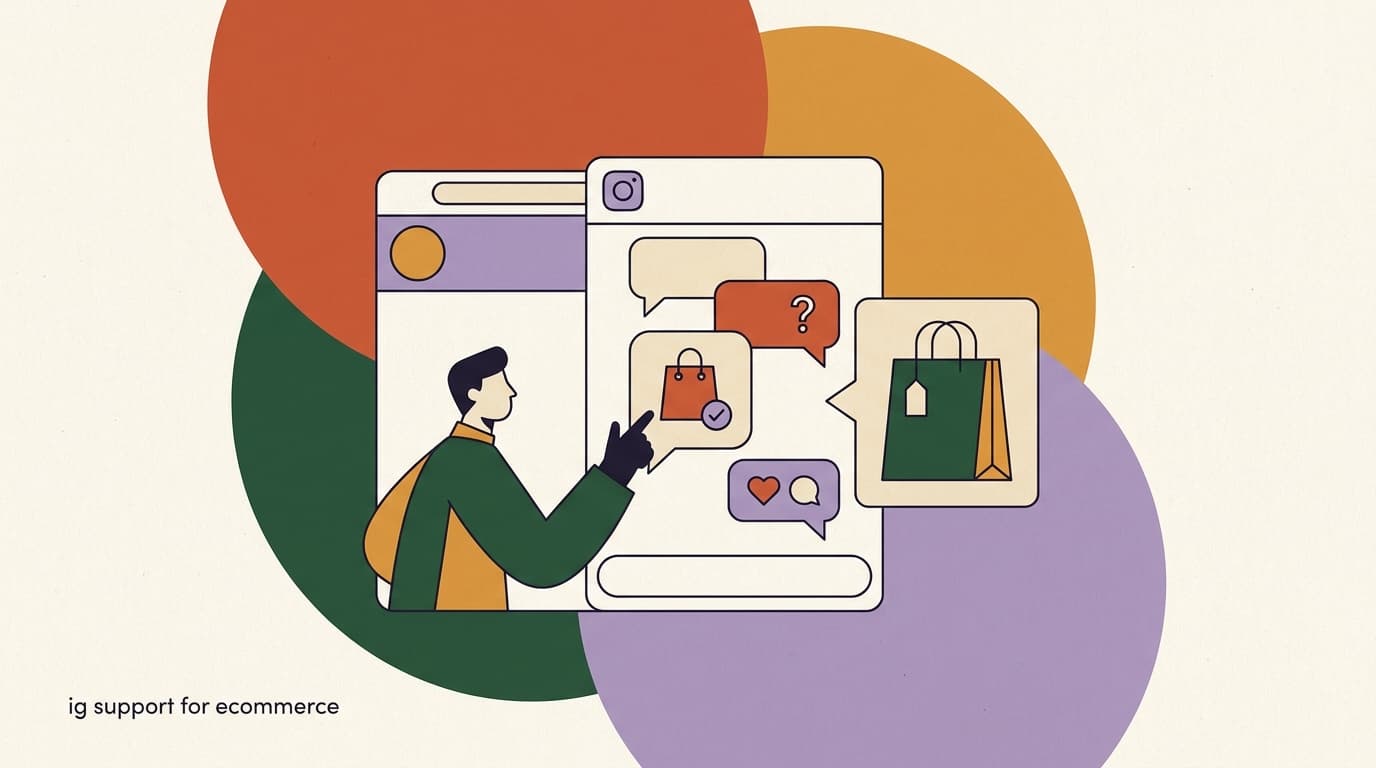
For a growing direct-to-consumer brand, Instagram is rarely just a marketing channel. It is also, whether you planned for it or not, a customer support channel. People who discover your product in a Reel ask their questions in the same place they found you: the comments and the DMs. They do not open a help center, they do not email support@, and they almost never fill out a contact form. They tap the message button and type "does this run small?"
That behavior creates a real operational problem. Instagram support ecommerce volume is spiky, informal, and mixed — a sizing question, an order status check, a return request, and a wholesale inquiry can all land in the same hour, in the same inbox, from people who expect a reply in minutes, not days. Handle it well and Instagram becomes one of your highest-converting service channels. Handle it badly and you lose sales you already paid to acquire.
This guide is about how D2C brands actually run support on Instagram: how to manage the volume, how to triage product versus order questions, how an AI agent can take first response while a human handles the cases that need judgment, how to work inside Meta's rules and the 24-hour messaging window, and how a team inbox keeps a small support crew from drowning. We build KlyoChat, a tool for exactly this kind of work, so we have a point of view — but most of what follows is channel strategy that applies no matter what software you run.
Why does so much e-commerce customer support happen on Instagram now?
The short answer is that Instagram is where the discovery happens, and support follows discovery. When a customer finds you through a Reel, a Story, or a shopping tag, the path of least resistance for any question is the same app they are already in. Asking in a DM costs them nothing and feels personal. Sending an email feels like filing a ticket.
There is also a trust dimension. For a D2C brand, the Instagram DM is often the most human touchpoint a customer has with the company. The same thread might contain a question about a product, a screenshot of an order, and a reply to one of your Stories. Customers do not separate "marketing" from "support" the way your internal team does. To them it is one conversation with the brand.
And the volume is not trivial. A single product launch or a Reel that performs well can generate hundreds of DMs and comments in a day, the majority of which are variations on the same handful of questions. That concentration is the opportunity: if most of your inbound is repetitive, most of it can be answered quickly and consistently without a human typing every reply.
Support and sales are the same conversation here
On Instagram the line between a support question and a buying signal is thin. "Does this come in black?" is a service question and a purchase intent at the same time. Treating Instagram DMs as a pure cost center misses the revenue sitting inside the support queue.
What kinds of questions actually come into Instagram DMs?
Before you can build a workflow, you need to know what you are routing. Across most D2C brands the Instagram inbox breaks down into a predictable mix. The exact ratios vary by category, but the categories themselves are remarkably consistent.
Knowing the mix matters because it tells you what to automate first and what to keep human. The high-volume, low-judgment questions are where an AI first response earns its keep. The low-volume, high-stakes messages are where a human needs to step in.
- Product questions are the largest bucket and the most automatable — the answers live in your catalog and FAQ.
- Order status is high-volume but needs a data lookup, so it suits an AI agent connected to your store.
- Returns sit in the middle: the policy is automatable, but the emotional or exception cases are not.
- Complaints, damaged goods, and partnership requests are low-volume and high-stakes — route them to a person quickly.
| Question type | Typical share | Best first responder |
|---|---|---|
| Product questions (size, fit, materials, use) | High | AI agent |
| Order status and shipping (where is it) | High | AI agent |
| Returns, exchanges, refunds | Medium | AI then human |
| Complaints and damaged items | Low | Human |
| Wholesale, press, partnerships | Low | Human |
A realistic hour in a D2C Instagram inbox
- 10:02
- "Does the tee run true to size?" — product question
- 10:09
- "Where's my order #4821?" — order status
- 10:15
- "Can I exchange a medium for a large?" — return/exchange
- 10:23
- "My package arrived ripped open" — complaint, needs a human
- 10:31
- "Do you sell wholesale?" — partnership, needs a human
Why is Instagram support volume so hard to handle manually?
The trouble with handling Instagram support by hand is not any single message — it is the pattern. Volume arrives in bursts tied to your content calendar, not in a steady stream you can staff against. A quiet Tuesday can turn into a flood the moment a Reel takes off, and the people messaging during that spike are the warmest leads you will ever get.
The native Instagram inbox makes this worse. It was built for individuals and small creators, not for a support team. There is no way to assign a conversation to a teammate, no internal notes, no way to see who already replied, and no reliable triage. Two people answer the same DM, or worse, nobody does because each assumed the other had it.
Then there is the time pressure. Instagram users expect fast replies — a question that sits for a day often means a lost sale, because the customer has already bought from someone who answered. Speed is a competitive feature on this channel, and manual handling cannot keep up once you cross a few dozen conversations a day.
- Volume is spiky and tied to content, so you cannot staff it on a predictable schedule.
- The native inbox has no assignment, notes, or status, so collisions and dropped messages are routine.
- Customers expect minutes, not hours — slow replies leak revenue you already paid to acquire.
- Mixed message types in one stream make manual triage slow and error-prone.
The native inbox does not scale with a team
Instagram's built-in DMs work for one person answering a handful of messages. The moment two or more people share an inbox, you need assignment, notes, and status tracking. Without them, the failure mode is silent — messages get answered twice or not at all, and you only notice when a customer complains.
How should you triage product questions versus order questions?
Triage is the single highest-leverage thing you can do for Instagram support. The goal is to get every message to the right responder — automated or human — as fast as possible, so simple things resolve instantly and hard things reach a person who can actually help.
A practical triage model sorts incoming DMs into three lanes based on what the message needs. Most brands can route the first two lanes almost entirely to automation and reserve human attention for the third.
- Lane 1 — Knowledge questionsSizing, materials, care, ingredients, how-to-use, stock. The answer lives in your catalog and FAQ, so an AI agent can resolve these instantly and consistently.
- Lane 2 — Account and order lookupsOrder status, tracking, shipping timelines. These need a data lookup against your store, so route them to an AI agent connected to your order system, with a human fallback.
- Lane 3 — Judgment and exceptionsComplaints, damaged items, refund disputes, partnerships. These need a person. The job of automation here is to recognize them fast and hand off cleanly with context.
Triage on intent, not keywords alone
Keyword rules break the moment a customer phrases something unexpectedly. An AI agent that classifies on intent handles "is this gonna fit me lol" the same as "what size should I order," which keyword routing usually misses. Use intent classification as the backbone and keywords only as a backup.
How do AI first response and human handoff work together?
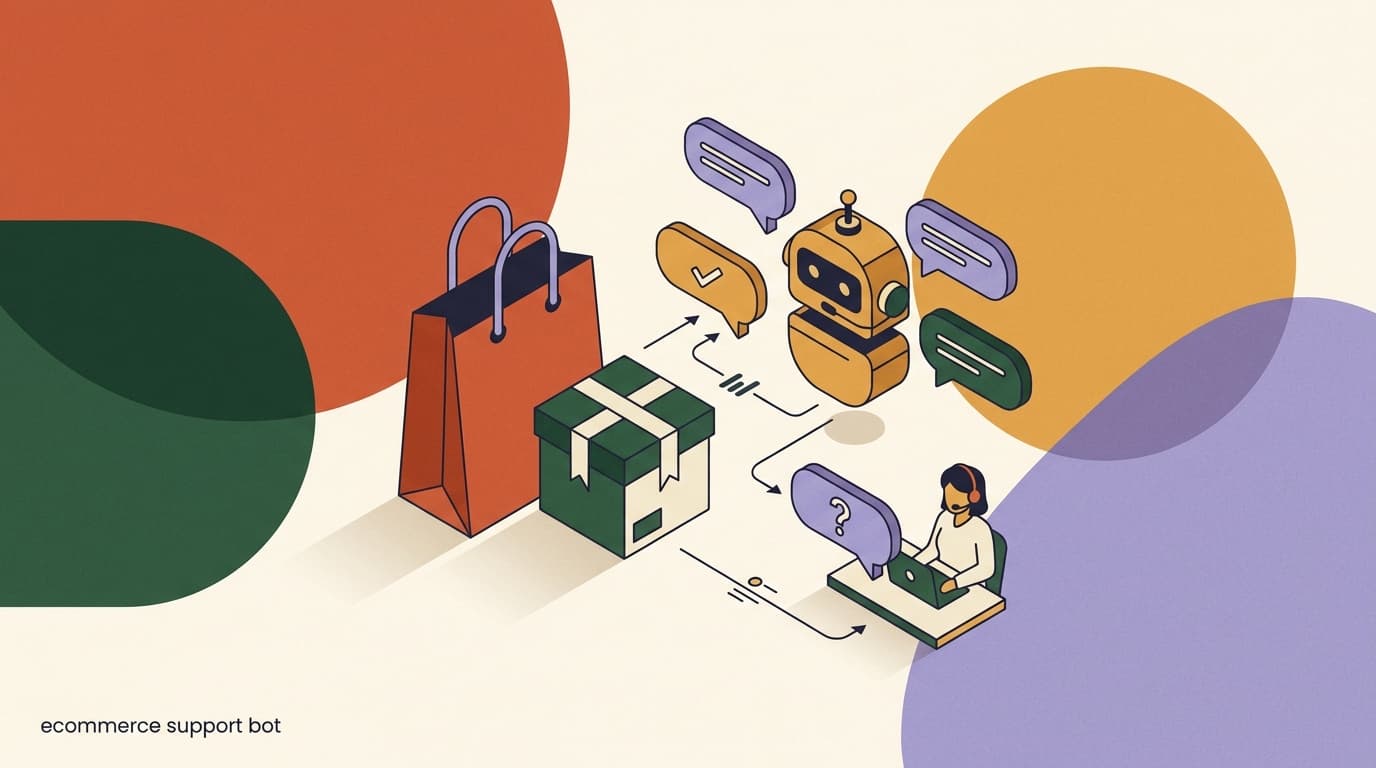
The model that works for Instagram support is not "automate everything" and it is not "do everything by hand." It is a layered one: an AI agent takes the first response on every conversation, resolves what it can, and hands off the rest to a human with full context. Think of the AI as triage and first reply, and the human as escalation and judgment.
In practice the AI handles the bulk of Lane 1 and Lane 2 — the product and order questions that make up most of the volume. When a conversation needs a person, the AI does not just dump it; it summarizes what the customer wants, what it already tried, and any order details it pulled, so the human starts from context instead of scrolling the thread.
The handoff trigger matters. A good system hands off automatically when it detects frustration, a refund or complaint, a question it cannot answer confidently, or an explicit request to talk to a human. It should also let the customer reach a person at any time — never trap them in a bot loop. That single rule does more for trust than any clever automation.
Always leave an exit to a human
The fastest way to make customers hate your Instagram support is to trap them with a bot. Make "talk to a person" work at any point in the conversation. Counterintuitively, an easy escape hatch raises trust in the automation, because people stop fearing they'll get stuck.
AI first response, then clean handoff
- Customer
- "My order came with the wrong color and I'm pretty upset"
- AI detects
- complaint + negative sentiment → route to human
- AI replies
- "I'm sorry about that — I'm bringing in a teammate who can sort this out right now."
- Human sees
- summary: wrong color received, order #4821, customer upset, no resolution yet
What is the 24-hour window and why does it govern everything?
Meta enforces a rule on Instagram and Messenger messaging that shapes every support workflow: the 24-hour standard messaging window. After a customer messages you, you have 24 hours to respond freely with standard messages. Once that window closes, you can no longer send arbitrary messages — you are limited to specific message types Meta permits outside the window.
This is not a feature of any one tool; it is a platform policy that applies to everyone, KlyoChat included. It exists to prevent spam, and it has a direct operational consequence: speed is not just good service, it is compliance. If a DM sits unanswered for over a day, you may lose the ability to reply normally at all, and the customer is gone anyway.
The practical takeaway is that your whole workflow should be built to respond well inside 24 hours — ideally inside minutes. An AI first response is the most reliable way to do that, because it answers immediately and keeps the window open for a human follow-up if one is needed. The window turns response speed from a nice-to-have into a hard requirement.
Respect Meta's rules and the 24-hour window
Outside the 24-hour window you cannot send standard promotional or freeform messages — only the message types Meta allows. Trying to work around this risks your account. Build your support flow to resolve conversations inside the window, and never use the channel to spam people who messaged once.
How do comments become support conversations?
A large share of Instagram support questions never start in the DMs at all — they start in the comments. Someone watches a Reel, has a question, and drops it under the post: "price?", "does it ship to Canada?", "is this still available?" If you only watch the inbox, you miss all of it, and so do the dozens of other people reading the same comment.
The pattern that works is comment-to-DM: when someone comments with a question (or a specific keyword you choose), you reply publicly and also open a private DM to handle the rest. The public reply shows everyone you are responsive; the DM lets you actually answer, capture the lead, and continue inside the 24-hour window where you can give real detail.
This is where support and growth blur in a useful way. A comment-to-DM flow that answers "price?" with both a public nudge and a private message turns a passive commenter into an active conversation — and a conversation is where a sale can happen. The same mechanism that handles support also captures intent you would otherwise lose to the scroll.
- Detect the commentWatch for question comments or a chosen keyword on your posts and Reels, including high-traffic launch content.
- Reply publiclyPost a short public reply so other readers see you are responsive — "Just sent you the details in DMs!"
- Open the DMSend a private message that answers the question and invites the rest of the conversation into the inbox.
- Triage like any DMFrom there it flows into your normal triage — AI first response, human handoff if needed.
Comments are a support queue you can't see in the inbox
If your support workflow only covers DMs, you are ignoring a whole channel of public questions. Comment-to-DM brings those into the same triage as everything else, so nothing falls through and the public thread shows you're paying attention.
What does a team inbox add that the native app can't?
Once more than one person touches Instagram support, the native app stops being enough. A shared team inbox is the layer that lets a small crew handle real volume without stepping on each other. The difference is the same as the difference between a personal email account and a proper help desk.
The core capabilities are unglamorous but decisive. Assignment routes each conversation to one owner so two people don't reply to the same DM. Internal notes let a teammate add context without the customer seeing it. Snooze clears resolved-for-now threads out of the active view so the queue reflects what actually needs attention. Mentions pull in the right person for a specific case. Together they turn a chaotic stream into a managed queue.
The other quiet benefit is visibility. A team inbox shows who is handling what, what is still open, and how fast you are responding. On a channel where the native tools give you almost no operational insight, that visibility is what lets you actually run support rather than just react to it.
- Assignment ends the double-reply problem that plagues shared native inboxes.
- Notes pass context between teammates without cluttering the customer thread.
- Snooze keeps the active queue honest, so open really means open.
- Mentions and a shared view make a small team feel like a real support desk.
| Capability | Native Instagram app | Team inbox |
|---|---|---|
| Assign a conversation to one person | No | Yes |
| Internal notes the customer can't see | No | Yes |
| Snooze and status tracking | No | Yes |
| @mention a teammate for help | No | Yes |
| See who already replied | No | Yes |
How do you turn Instagram support into sales?
The brands that get the most out of Instagram support stop thinking of it as damage control and start treating it as a sales surface. Every support DM is a person who is engaged enough with your brand to type a question. That is a warmer signal than almost any ad click, and it is sitting in your inbox.
The mechanics are simple. When a customer asks a product question, the answer can include the next step — a link to the product, a size recommendation, a bundle suggestion, a restock alert. When an order question resolves, that is a natural moment to mention a complementary item or a returning-customer perk. None of this requires hard selling; it requires not leaving the obvious next step unsaid.
An AI agent helps here precisely because it is consistent. A human rep might forget to mention that the item the customer is asking about comes in a set, or that there is a current promotion. An agent trained on your catalog and offers can attach the right next step to every relevant answer, while still handing off to a human when the conversation needs a personal touch.
Answer the question, then offer the next step
The cheapest revenue lift on Instagram is ending support answers with a relevant next step — the product link, a size tip, a bundle, a restock notice. You already have the customer's attention. The only mistake is letting the conversation end one step short of the sale.
A support answer that also moves a sale
- Customer
- "Does the hoodie run true to size?"
- Weak reply
- "Yes, true to size." (answers, ends there)
- Strong reply
- "True to size — if you're between sizes, go up. Here's the link, and it's part of our bundle this week."
How do you write AI replies that sound like your brand, not a bot?
The reason customers tolerate — and often prefer — an instant AI reply on Instagram is that the good ones do not read like form letters. They read like a fast, knowledgeable person from the brand. Getting there is mostly about what you feed the agent and how you set its tone, not about clever phrasing tricks.
Start with the source material. An AI agent answering product questions should be trained on your actual catalog, your real sizing notes, your true shipping timelines, and your published return policy — not a generic FAQ. The more specific the knowledge, the less the replies sound hedged or vague. Customers can tell the difference between "please check our shipping page" and "orders to the US usually arrive in 3 to 5 business days."
Then set the voice deliberately. A brand that talks casually in its Reels should not suddenly go corporate in the DMs. Match the register, keep replies short, and let the agent use the same words your customers use — "runs small," "true to size," "back in stock soon." Short, specific, and human-sounding beats long and polished on this channel every time.
- Train on real catalog, sizing, shipping, and policy data — specificity is what kills the generic-bot feel.
- Set the tone to match your Reels and captions, not a corporate help desk.
- Keep replies short; long paragraphs read as automated on a fast, casual channel.
- Use customer language — the phrases people actually type — so answers feel native to Instagram.
Specific beats polished
The single biggest tell of a low-quality support bot is vagueness — sending people to a policy page instead of answering. Feed the agent real numbers and policies so it can give the actual answer. A specific reply in plain language always reads more human than a smooth non-answer.
Generic bot reply versus on-brand reply
- Generic
- "Thank you for your inquiry. Please refer to our shipping policy for delivery estimates."
- On-brand
- "Good question! US orders usually land in 3 to 5 business days. Want me to check on a specific order?"
How do you handle a launch or viral spike without falling behind?
The hardest moment for Instagram support is also the most valuable one: a launch or a Reel that takes off. Volume can jump from a handful of messages to hundreds in an afternoon, and every one of those people is at peak interest. A queue that backs up during a spike is a queue full of lost sales.
This is precisely where the AI-first model proves itself. Manual support cannot absorb a 10x spike — you cannot hire for a Tuesday afternoon — but an AI agent answers the hundredth DM as fast as the first. During a spike, the agent holds the line on the repetitive product and order questions while your humans focus only on the escalations the team inbox surfaces. The volume that would have buried a manual team becomes routine.
There is also a preparation angle. Before a launch, update the agent's knowledge base with the new product's details, sizing, and shipping notes, and set up a comment-to-DM flow on the launch post so the flood of public questions gets captured rather than lost. A little prep turns the spike from a fire drill into a busy but managed day.
- Pre-load the launch knowledgeAdd the new product's details, sizing, stock, and shipping timelines to the AI agent before the post goes live.
- Arm the launch post with comment-to-DMSet a flow on the launch Reel or post so public questions get pulled into the inbox instead of buried in comments.
- Let AI hold the repetitive volumeThe agent answers the flood of identical product and order questions instantly, keeping inside the 24-hour window.
- Focus humans on escalations onlyYour team works the handoffs the inbox surfaces — complaints, exceptions, VIPs — not the bulk queue.
- Review the spike afterwardCheck handoff reasons and unanswered questions to find gaps, then feed them back into the agent for next time.
A spike is the test the native inbox always fails
Any setup looks fine on a slow day. The real test is the launch afternoon when volume jumps 10x. AI first response is the only way a small team absorbs that without a backlog — and the backlog is exactly when the warmest buyers are waiting.
What does a complete Instagram support workflow look like?
Putting the pieces together, here is the end-to-end workflow a well-run D2C brand uses on Instagram. It covers both DMs and comments, blends AI and human, and is built around the 24-hour window from the start.
The point of writing it out is that each piece reinforces the others. Comment-to-DM feeds the inbox, triage sorts it, AI handles the bulk, handoff catches the rest, and the team inbox keeps it all visible and accountable.
- Capture from comments and DMsComment-to-DM flows pull public questions into the inbox alongside direct messages, so every question lands in one place.
- Triage by intentAn AI agent classifies each conversation — product question, order lookup, or judgment case — and routes accordingly.
- AI first responseThe agent answers product and order questions instantly inside the 24-hour window, with the right next step attached.
- Hand off with contextComplaints, exceptions, and anything the AI is unsure of go to a human with a summary, never a cold thread.
- Resolve in the team inboxAssigned owners use notes, mentions, and snooze to close conversations, with full visibility into what's open and how fast you're replying.
- Review and improveAnalytics show response time, volume, and common questions, so you keep feeding the AI's knowledge and tightening the workflow.
The workflow is the product, not the bot
It is tempting to think the AI agent is the whole answer. It isn't. The result comes from the whole loop — capture, triage, AI, handoff, team inbox, review. A great bot inside a chaotic inbox still loses messages. Build the loop, then the AI makes it fast.
What should you measure to know it's working?
If you only track one thing, track first response time — on Instagram it correlates more tightly with conversion than almost anything else, because the customer is often deciding whether to buy in the moment they ask. But a few more numbers turn support from a feeling into a system you can improve.
The metrics below tell you whether your triage is sorting correctly, whether the AI is actually deflecting volume, and whether handoffs are landing well. Watch them weekly during launches and monthly otherwise.
- A rising AI resolution rate means your knowledge base is getting better — keep feeding it real questions.
- A spiking handoff rate often means a new product or issue your AI hasn't learned yet.
- Support-attributed sales is the number that reframes the inbox as a revenue channel, not a cost.
| Metric | What it tells you |
|---|---|
| First response time | How fast customers hear back — the strongest conversion lever |
| AI resolution rate | Share of conversations closed without a human — your deflection |
| Handoff rate and reason | Whether triage is sorting correctly and what's escalating |
| Conversations per launch | Volume tied to content, so you can plan staffing and automation |
| Support-attributed sales | Revenue from conversations that started as questions |
What are the limits and risks you should plan for?
Automating Instagram support well means being honest about what should not be automated and what can go wrong. The goal is faster, more consistent service — not removing humans from the conversations that need them.
Some situations always belong to a person: complaints, damaged or wrong items, refund disputes, anything involving an upset customer, and anything legal or sensitive. The AI's job in those cases is to recognize them fast and hand off gracefully, not to try to resolve them. Pushing automation into these moments is how brands lose customers and reputation at the same time.
There are platform risks too. Meta's rules and the 24-hour window are non-negotiable; using the channel to spam people who messaged once, or trying to evade messaging policies, puts your account at risk. And no automation should ever pretend to be human in a way that misleads — be helpful and fast, but let customers reach a person whenever they want one.
- Keep sensitive cases human: complaints, damaged goods, refunds, upset customers, legal matters.
- Respect Meta's messaging policies and the 24-hour window — they apply to every tool, not just one.
- Don't trap customers in a bot; an easy path to a human is a feature, not a failure.
- An AI agent is only as good as its knowledge base — stale catalog or policy info produces wrong answers.
Human handoff for sensitive cases is not optional
The fastest path to a viral complaint is a bot arguing with an upset customer about a damaged order. Route anything sensitive — complaints, refunds, distress — to a human immediately, with context. Automation should shorten the queue, never stand between a frustrated customer and a person who can help.
How does KlyoChat handle Instagram support for e-commerce?
We built KlyoChat to run exactly the workflow this guide describes, and Instagram is a first-class channel in it. It is an AI-native, mobile-first unified inbox that brings Instagram together with Facebook, Telegram, WhatsApp, TikTok, and X — so the brands selling across several platforms answer everything from one place instead of app-hopping.
On the Instagram side specifically, KlyoChat covers the full loop: comment-to-DM flows pull public questions into the inbox, custom AI agents take first response on product and order questions, and a team inbox gives you assignment, snooze, @mentions, internal notes, and an AI co-pilot for your human reps. The AI agents are included in your plan — not a separate add-on — and you can train them on your catalog, FAQ, and policies so the first response is accurate and on-brand. Analytics show response time and volume so you can keep improving.
Pricing is flat and bundled. Basic is $19/month, Pro is $49/month ($39 billed yearly) and includes all channels, 10,000 contacts, and custom AI agents, and Business is $129/month for larger teams. Every plan starts with a 7-day free trial and no credit card, so you can connect your Instagram account and watch the workflow run on your own DMs before paying anything.
- AI agents are included in every plan, not a separate paid add-on.
- Mobile-first, so you can run support from your phone, not just a desktop.
- Honest limits: KlyoChat has no native SMS or email, and it isn't a website-widget tool — it's for social and messaging channels.
- We're a newer, smaller community than the largest incumbents, and we respect Meta's rules and the 24-hour window like everyone must.
| Need on Instagram | How KlyoChat covers it |
|---|---|
| Public questions in comments | Comment-to-DM flows pull them into the inbox |
| Instant first response | Custom AI agents trained on your catalog and FAQ, included |
| Clean human handoff | Team inbox with assign, notes, @mentions, AI co-pilot |
| Multi-channel support | One inbox across IG, FB, WhatsApp, Telegram, TikTok, X |
| Knowing it works | Built-in analytics on response time and volume |
Where KlyoChat is not the right fit
If your support strategy depends on SMS, email, or a chat widget on your website, KlyoChat won't cover those — we focus on social and messaging inboxes like Instagram. And as a newer product, our community is smaller than the biggest incumbents'. We'd rather you know that up front than be surprised later.
How do you get started without disrupting your current support?
You do not have to rebuild your support operation in one move. The lowest-risk way to start is to connect your Instagram account, point an AI agent at your most common questions, and let it take first response while your team still watches everything in the shared inbox. Nothing is hidden, and a human can step in at any time.
From there you expand based on what you see. Turn on comment-to-DM for your launch content, add order-status lookups, and widen the AI's knowledge base as real questions reveal the gaps. Because the team inbox keeps humans in the loop, you are never betting the customer experience on automation you haven't tested.
- Connect InstagramLink your account to the inbox via the standard Meta connection — a few clicks, no migration of past data required.
- Train an AI agent on your top questionsFeed it your catalog, sizing, shipping, and return policy so first response is accurate from day one.
- Keep humans in the loopRun the team inbox alongside the AI so every conversation is visible and handoff works from the start.
- Add comment-to-DM and order lookupsExpand to public comments and order-status answers once the basics feel solid.
- Review weekly and widen the knowledge baseUse analytics and handoff reasons to find gaps, then keep teaching the agent.
The bottom line: Instagram support ecommerce is not a side task you bolt onto your marketing — it is a service and sales channel that rewards speed, triage, and a sensible split between AI and humans. The repetitive product and order questions that make up most of the volume can be answered instantly. The sensitive cases that need judgment should reach a person fast, with context. And the whole thing has to live inside Meta's rules and the 24-hour window, which makes response speed a requirement rather than a goal.
If you want to go deeper on the AI side, our pieces on the ecommerce support chatbot and the ecommerce AI support agent cover the automation in detail, and if WhatsApp is part of your mix, the Shopify WhatsApp integration guide pairs naturally with this one. However you build it, the principle holds: answer fast, route well, keep humans where humans belong, and treat every support DM as the warm lead it actually is.