Instagram close friends automation is one of the most misunderstood ideas in creator marketing. People hear the phrase and picture a bot that quietly adds followers to their green-ring Close Friends list, drops exclusive Stories on a schedule, and converts a VIP tier while they sleep. That is not what is possible, and any tool promising it is either bending the truth or about to get your account flagged. The honest version is more useful anyway.
Close Friends is a manual Instagram feature. There is no public interface Meta exposes that lets software add someone to your list or publish a Close Friends Story for you. So the automation does not happen on the Close Friends feature itself — it happens around it. You automate the parts that scale badly by hand: capturing the people who want in, tagging them as VIPs, segmenting them by interest or intent, and nudging them with the right message at the right moment. Then you, the human, add them to the list and post the exclusive content yourself.
This guide walks through that whole system end to end. We will define what Close Friends actually is, why creators run it as a VIP tier, exactly where the automation boundary sits, and how to build a keyword-to-DM invite, a tagging and segmentation layer, an exclusive-drop rhythm, and a conversion path. We build KlyoChat, so we have a point of view — but we have marked the honest limits clearly, including the ones that apply to us too.
What is Instagram Close Friends, and what does automating it mean?
Close Friends is a native Instagram feature that lets you publish a Story to a hand-picked subset of your followers instead of your whole audience. People on the list see a green ring around your Story and a small green badge; everyone else never knows the Story existed. You control the list entirely from inside the app — add and remove people one at a time — and Instagram does not notify anyone when they are added or dropped. It was designed for personal use, sharing candid moments with a small circle, but creators quickly repurposed it as a lightweight VIP channel.
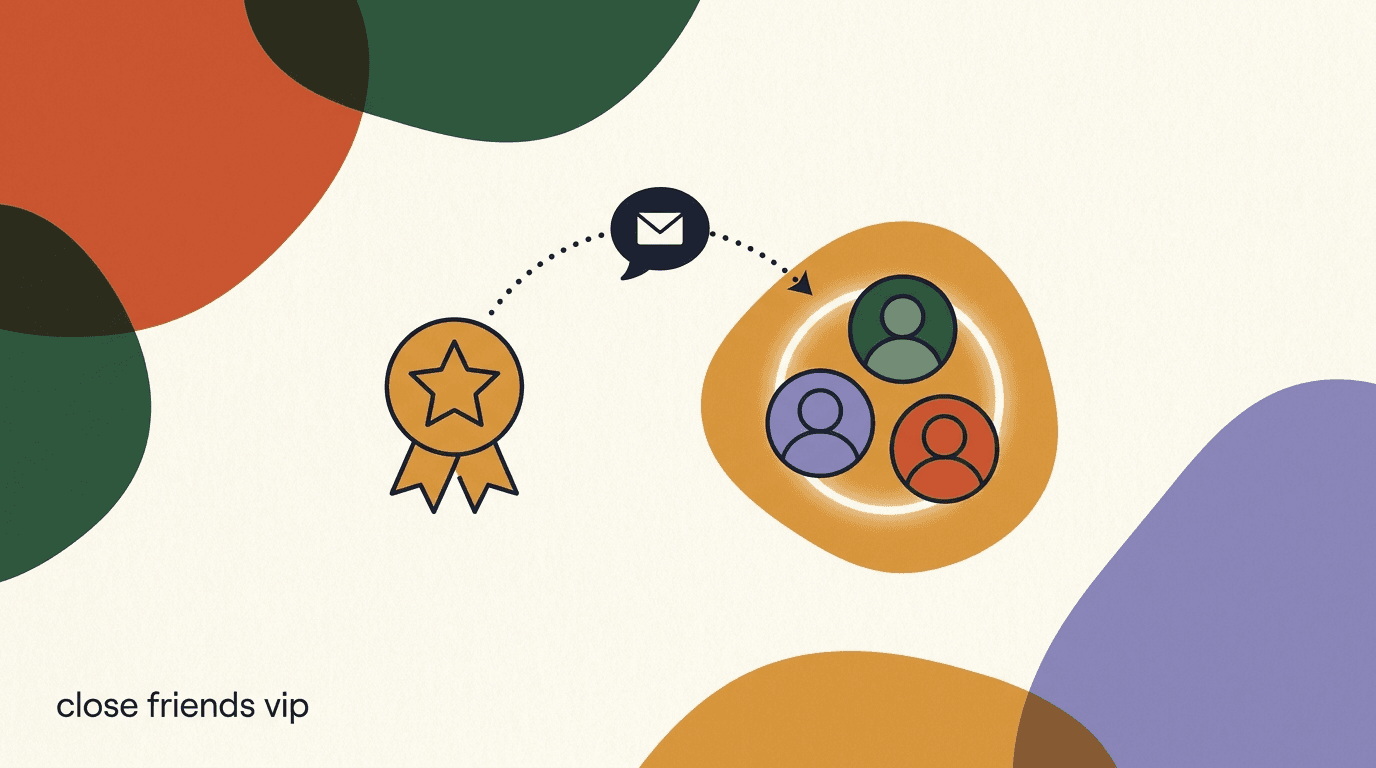
When we say Instagram close friends automation, we do not mean automating the list itself. We mean building an automated system that feeds the list. The Close Friends story you post stays manual — you choose the moment, the content, and who is on the list. What software handles is everything upstream: the DM that invites people to opt in, the tag that marks them as a VIP, the segment that groups them, and the follow-up that keeps them warm. Think of Close Friends as the stage and automation as the box office and the mailing list around it.
This distinction matters because it sets honest expectations. If you understand where the line sits, you build a system that is durable and compliant. If you ignore it, you chase a shortcut that does not exist. For background on the platform and how its features have evolved, the public Instagram overview on Wikipedia is a reasonable neutral reference.
The one boundary to remember
Meta provides no API for the Close Friends list. No compliant tool can add members or publish Close Friends Stories for you. Automate the capture and segmentation in DMs; add people and post the exclusive content by hand. Every strategy in this guide respects that line.
Why do creators use Close Friends as a VIP tier?
The appeal is scarcity and intimacy at the same time. A Close Friends story feels different from a public post because the viewer knows it was not meant for everyone. That perceived exclusivity does real work: it raises the sense of belonging, it makes announcements feel like insider access rather than broadcast marketing, and it gives your most engaged followers a reason to stay close. For a creator whose whole business runs on relationship, that is valuable real estate.
There is also a practical retention angle. Instagram's public feed reach is unpredictable, and a large share of your followers may never see a given post. Close Friends is a smaller, self-selected audience that has actively raised a hand to hear more from you. Reach into that group tends to be far more reliable because the people on the list are the ones who opened your Stories in the first place. You are trading breadth for depth, on purpose.
Finally, it is a soft monetization surface. A VIP tier does not have to be paid to be valuable, but it is a natural place to test early-access drops, member-only discounts, behind-the-scenes process, and first looks at products. Creators use it to warm an audience before a launch, to reward buyers, and to gather feedback from the people who care most. Instagram's own resources for business accounts lean heavily on this idea of nurturing an engaged core rather than chasing raw follower counts.
- Perceived exclusivity — a green-ring Story reads as insider access, not marketing.
- Higher, more reliable reach into a self-selected, already-engaged group.
- A low-pressure place to test drops, discounts, and early access before a public launch.
- Stronger retention — VIPs have a reason to keep opening your Stories.
- Direct feedback from the followers who care most about what you make.
Public post vs Close Friends drop
- Public feed post
- Reaches an unpredictable slice of followers; reads as an announcement to everyone
- Close Friends story
- Reaches a self-selected VIP group; reads as an insider heads-up they opted into
Can you automate the Close Friends list directly?
No — and it is worth being blunt about why. Instagram exposes automation through the Messenger and Instagram messaging APIs, which cover DMs, comment replies, and message-based flows. The Close Friends list is not part of that surface. There is no endpoint to read who is on your list, add a member, remove one, or publish a Story to it. So the specific action people imagine when they say 'automate Close Friends' cannot be done by any tool that plays by Meta's rules.
Tools that claim otherwise typically rely on unofficial automation that mimics taps inside the app — the kind of gray-area behavior that gets accounts restricted or banned. That is a bad trade for a channel whose entire value is trust with your most loyal followers. Losing the account, or having Stories throttled, costs far more than the manual minute it takes to add someone to a list. The compliant path is slower on the posting step and dramatically safer.
The good news is that the manual part is tiny. Adding people to Close Friends and posting a Story takes seconds once you know who belongs there. The hard, repetitive work — figuring out who wants in, keeping track of them, and following up — is exactly the part software is good at. So the honest version of Instagram close friends automation splits cleanly into an automated layer and a manual layer, and the manual layer is the small one.
| Task | Automatable? | Who does it |
|---|---|---|
| Invite followers to opt into the VIP list | Yes | Keyword-to-DM flow |
| Tag and segment people who opted in | Yes | Inbox tags and rules |
| Remind or nudge VIPs with a message | Yes | Broadcast or DM sequence |
| Add a person to the Close Friends list | No | You, inside the app |
| Publish a Close Friends Story | No | You, inside the app |
| Track who converted after a drop | Yes | Tags and inbox notes |
Avoid tools that promise to auto-add or auto-post
Any service claiming to add members to your Close Friends list or publish Close Friends Stories for you is using unofficial automation Meta does not permit. That risks restrictions or a ban on the exact account your VIP tier depends on. Keep the posting step manual — it is the safe and honest choice.
What can you actually automate around Close Friends?
Once you accept that the list stays manual, the automation opportunity gets clearer, not smaller. Everything that makes a VIP tier work at scale lives in the DMs and the data around them, and that is precisely where compliant automation operates. The job is to move people from casual follower to tagged VIP without you doing it one message at a time, so that by the time you add someone to the list, the system already knows who they are and why they are there.
There are four automatable jobs. The first is capture: a repeatable way for interested followers to raise their hand, usually a keyword they comment or DM. The second is segmentation: tagging each person so you know their interest, their source, and their stage. The third is nurture: keeping the list warm with the occasional broadcast or sequence so the VIP tier does not go stale. The fourth is measurement: tracking who opted in, who engaged, and who bought, so you can tell whether the tier earns its keep.
Notice what all four have in common — none of them touch the Close Friends feature itself. They happen in your inbox and your contact records. The Close Friends Story is the payoff at the end, posted by you, to a list your automation quietly assembled. That is the mental model to hold: automate the pipeline, hand-craft the moment.
- Capture — a keyword-to-DM invite that lets followers opt into the VIP list themselves.
- Segmentation — tags that record interest, source, and stage for every person who opts in.
- Nurture — broadcasts and sequences that keep VIPs warm between drops.
- Measurement — tracking opt-ins, engagement, and conversions against the tier.
Design the pipeline first, the posting last
Most creators start by thinking about what to post to Close Friends. Flip it. Design the capture-and-tag pipeline first so you always know who to add and why. The content is easy once the list assembles itself.
How do you invite VIPs with a keyword-to-DM flow?
The cleanest way to fill a VIP list is to let people ask for it. You post a public Story or feed post that says something like: comment VIP and I will send you the details. When someone comments the keyword, an automation replies in their DMs with the invitation and instructions. This is the same comment-to-DM mechanic that powers a good lead magnet DM strategy, pointed at a different goal — instead of delivering a freebie, it delivers an invite to your Close Friends tier.
The reason this works is consent. Instagram's messaging rules, and plain good manners, favor conversations the user started. When someone comments your keyword, they have opted into the DM, so your invitation lands as a welcome reply rather than an intrusion. That keeps you inside Meta's messaging guidelines in the Instagram Help Center and keeps the interaction feeling like a favor, not a pitch. You build the trigger and reply once in a visual builder — see how flows work on the KlyoChat flows page — and it runs every time.
Here is the important honesty: the flow does not add anyone to Close Friends. It captures and tags them. At the end of the DM you either add them by hand or, better, ask a qualifying question first so only genuinely interested people land on the list. The steps below assume a single keyword and one qualifying reply, which is enough for most creators to start.
- Post the public invite with a keywordShare a Story or post: comment VIP to get on my Close Friends list for early drops. Make the value of the tier explicit — what they will get and how often.
- Trigger the DM on the keywordSet an automation so that commenting VIP (or DMing it) fires a friendly reply. Because the user acted first, the DM is consent-based and lands as a welcome.
- Confirm intent with one questionAsk a simple yes/no or tap: want in? This filters idle commenters from real VIPs and gives you a clean signal to tag on.
- Tag the person as a VIP prospectWhen they confirm, apply a tag like vip-prospect automatically. This is the record your segmentation and future broadcasts rely on.
- Add them to Close Friends by handYou do this step in the app. The tag tells you who to add; the actual add and any exclusive Story stay manual, as Meta requires.
Make the ask specific
Followers opt in when they know exactly what they get. Comment VIP for early access to drops and member-only prices converts far better than a vague join my Close Friends. Name the benefit and the cadence up front.
Keyword-to-DM VIP invite flow
- Public trigger
- Story: comment VIP for early access to my next drop
- Auto DM reply
- Thanks for raising your hand! Want a spot on my Close Friends list for first looks and member prices?
- On yes
- Auto-tag vip-prospect, send confirmation, notify you to add them
- Manual step
- You add them to Close Friends and they see the next green-ring Story
How do you tag and segment VIPs in your inbox?
Tags are what turn a pile of DMs into a usable VIP list. A tag is just a label on a contact — vip-prospect, vip-member, buyer, waitlist — and the value comes from applying them consistently and automatically. Once every person who opts in carries the right tags, you can filter your inbox to see only VIPs, send a broadcast to just one segment, and tell at a glance who is new versus who has already bought. Without tags, you are scrolling and guessing.
Segmentation is tagging with a purpose. Rather than one flat vip list, you split VIPs by the axis that changes how you talk to them: interest (which product line they care about), source (which campaign brought them in), and stage (prospect, member, buyer, lapsed). That way a drop about product A goes to the people who care about product A, and a re-engagement message goes only to VIPs who have gone quiet. Relevance is the whole game — a VIP tier that blasts everyone the same thing stops feeling exclusive fast.
The tagging itself should be automatic wherever possible. When the keyword flow fires, tag vip-prospect. When someone buys, tag buyer. When someone clicks a specific drop, tag their interest. You apply the manual judgment only at the edges. The table below shows a simple three-tier segment model most creators can start with and grow into.
- Define three or four tags, not thirtyStart with vip-prospect, vip-member, and buyer. Too many tags on day one guarantees inconsistency. Add finer segments only when you have a message that needs them.
- Auto-apply tags from your flowsWire the keyword flow to tag vip-prospect, and any purchase or key click to tag accordingly. Automatic tagging is the only kind that stays accurate over time.
- Filter your inbox by segmentUse the tags to view only VIP members, only prospects, or only buyers. This is how you decide who to add to Close Friends and who to nudge next.
- Keep the segments cleanMove prospects to members when you add them to Close Friends, and mark lapsed VIPs who have gone quiet. A tidy segment map makes every later step easier.
| Segment | How they enter | What you send them |
|---|---|---|
| VIP prospect | Opted in via keyword, not yet on the list | Confirmation, then a manual add to Close Friends |
| VIP member | Added to your Close Friends list | Exclusive drops, early access, member prices |
| Buyer | Purchased from a drop | Thank-you, upsell, request for feedback or a review |
Segments make exclusivity feel real
The reason a VIP tier stays special is relevance. When a Close Friends member only hears about things they actually care about, the tier feels curated. When everyone gets the same blast, it feels like a mailing list. Segmentation is what protects the feeling of exclusivity you are selling.
What should you drop exclusively to Close Friends?
The content has to justify the access. If your Close Friends Stories are the same thing everyone sees a day earlier, the tier loses its meaning quickly. The point of an exclusive drop is that it is genuinely for members — earlier, cheaper, more candid, or simply unavailable to the public. That is the trade the VIP made when they opted in, and honoring it is what keeps the list from going stale.
There are a few reliable categories. Early access is the simplest: members see or buy a product before the public launch. Member pricing gives a real discount only reachable through the Close Friends Story. Behind-the-scenes shows the process, the mistakes, and the work-in-progress that does not belong on your polished public feed. First looks share a concept or prototype and ask for reactions. And member-only Q&A or requests make the group feel like a room, not an audience.
Cadence matters as much as content. A VIP tier that posts nothing feels abandoned; one that posts constantly stops feeling special. Most creators land on a rhythm of one or two meaningful drops a week, timed around whatever they are building. The example below shows a month of drops that mixes value, access, and the occasional soft offer without exhausting the list.
- Early access — members see or buy before the public launch.
- Member pricing — a real discount reachable only through the Close Friends Story.
- Behind-the-scenes — process, work-in-progress, and the honest mess of making things.
- First looks — prototypes or concepts, with a request for member reactions.
- Member-only Q&A — questions and requests that make the group feel like a room.
A month of Close Friends drops
- Week 1
- Behind-the-scenes of a product in progress + one member question
- Week 2
- First look at a new concept, asking members to vote on direction
- Week 3
- Early access: members can buy 48 hours before the public
- Week 4
- Member-only price on the launched product, then a thank-you to buyers
How do you convert Close Friends VIPs into buyers?
A VIP tier is a warming engine, not a hard-sell channel. The people on your Close Friends list are the most trusting slice of your audience, and the fastest way to burn that trust is to treat every drop as a pitch. The conversion comes from rhythm: mostly value and access, with the occasional clear offer that feels like a reward for being on the list rather than an interruption. When you do make an offer, the exclusivity does the persuading — early access and member pricing are reasons to act now that the public simply does not have.
The mechanics of the sale still happen in the DMs, and that is where automation helps again. A Close Friends Story can point members to reply with a keyword to get the member link or code, which fires a DM with the details and tags them as a buyer when they purchase. This keeps the transaction inside a conversation the member started, and it feeds your segmentation so your follow-up is accurate. For the full playbook on turning conversations into revenue, see how to monetise Instagram DMs.
After the sale, keep the loop closed. Tag buyers, thank them, and ask for feedback or a review — the same intimacy that made them buy makes them willing to tell you what they thought. Over time, buyers become your most reliable segment: the people who bought once are the ones most likely to buy the next drop, and your VIP tier compounds because it remembers who they are.
- Lead with value; make offers occasional and framed as a member reward.
- Use exclusivity — early access and member pricing — as the reason to act now.
- Run the actual sale through a DM keyword so the conversation stays consent-based.
- Tag buyers automatically so your follow-up and next drop stay relevant.
- Close the loop: thank buyers and ask for feedback while trust is highest.
The 80/20 rule for VIP content
Aim for roughly four value or access drops for every one direct offer. VIPs tolerate — even welcome — the occasional pitch when the tier mostly gives them something. Flip the ratio and the green ring starts to feel like an ad channel, and opt-outs follow.
How does Close Friends compare to broadcasts and a paid channel?
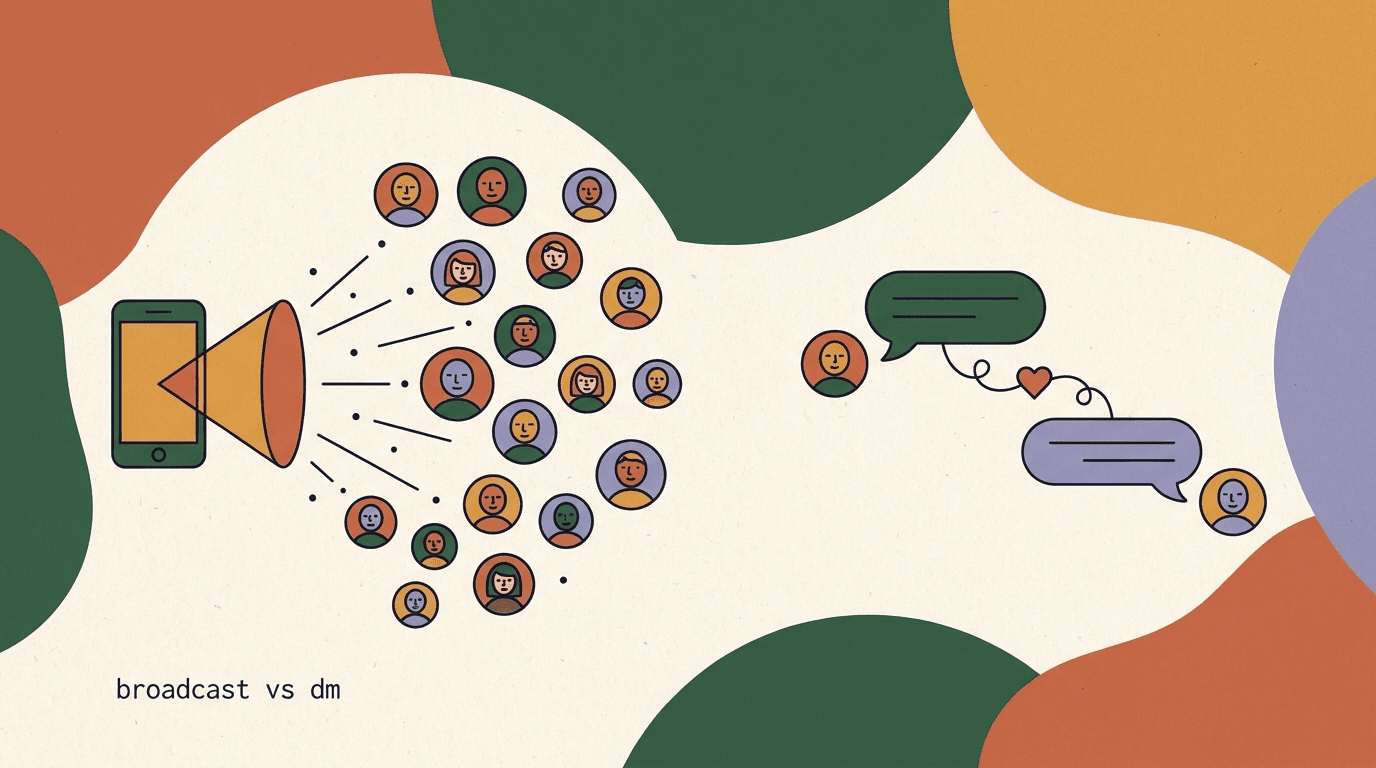
Close Friends is one of three ways to reach a VIP group, and they are not interchangeable. A Close Friends Story is native, visual, and ephemeral — it disappears in 24 hours, it lives inside the Instagram experience, and it cannot be automated to post. A DM broadcast is a message sent to a segment of your contacts; it is automatable, it is more direct than a Story, and it lands in the inbox where people actually read. A paid channel — a membership or subscription — adds a payment wall and stronger commitment but also more friction and platform fees.
Most creators use two of these together rather than picking one. Close Friends carries the visual, in-the-moment drops; a broadcast carries the direct nudge — the reminder that a drop is live, the link, the code. Because the Story cannot be automated and the broadcast can, they cover each other's gaps. For a deeper look at when to reach for each, we compared them directly in broadcast versus DM on Instagram, and you can see the mechanics on the KlyoChat broadcasts page.
The table below lays the three side by side on the dimensions that actually decide which to use: whether it can be automated, how direct it is, and what it costs in money and friction. There is no single winner — the point is to match the channel to the moment.
| Channel | Automatable | Directness | Cost / friction |
|---|---|---|---|
| Close Friends Story | No (manual post) | Medium — visual, ephemeral | Free, low friction to view |
| DM broadcast | Yes | High — lands in the inbox | Included in tooling, respects the 24-hour window |
| Paid membership | Partly | High — committed audience | Platform fees + higher opt-in friction |
Mind the 24-hour messaging window
DM broadcasts on Meta platforms must respect the standard messaging window — you can freely message someone within 24 hours of their last interaction, and outside it you are limited to approved message types. Plan broadcasts around recent engagement, and use the Close Friends Story to prompt the interaction that reopens the window.
What does a full Close Friends VIP funnel look like end to end?
Put the pieces together and you get a funnel that is mostly automated at the top and deliberately manual at the moment of exclusivity. It starts with a public post that offers the VIP invite, runs interested people through a consent-based DM that captures and tags them, hands you a clean list to add to Close Friends, and then alternates exclusive Stories with the occasional broadcast nudge and a conversion path back through the DMs. Each stage has an owner — software or you — and the owners are chosen to respect the Close Friends boundary.
The value of drawing it out is that it exposes where the human belongs. Everything before the Close Friends add is automatable and should be automated, because it is repetitive and high-volume. The Close Friends add and the Story are manual and should stay small and deliberate. Everything after the drop — tracking, tagging, follow-up — swings back to automation. Seeing it as a relay, rather than a single bot, is what keeps the whole thing compliant.
The example below traces one follower, Maya, through the funnel so the abstract stages become concrete. Notice that the only steps you personally perform are the add and the post; the rest runs itself.
- Public inviteA Story offers the VIP tier and asks people to comment or DM a keyword. This is the only top-of-funnel input and it is fully public.
- Consent-based captureThe keyword fires an auto-DM that explains the tier, confirms intent, and tags the person vip-prospect. No manual work per person.
- Manual add to Close FriendsYou review the tagged prospects and add them to your Close Friends list in the app. Small, deliberate, human.
- Exclusive drops + broadcast nudgesYou post green-ring Stories on your cadence; automated broadcasts remind the segment when a drop is live, respecting the 24-hour window.
- Convert and tag buyersA drop points members to a DM keyword for the link or code; purchases tag them buyer and trigger a thank-you and feedback ask.
One follower through the funnel
- Day 1
- Maya comments VIP on a Story; auto-DM invites her, she says yes, tagged vip-prospect
- Day 2
- You add Maya to Close Friends by hand; her tag flips to vip-member
- Day 9
- Close Friends Story: early access; a broadcast reminds her the drop is live
- Day 9
- Maya DMs the keyword, buys at the member price, auto-tagged buyer
How do you measure whether your VIP tier is working?
A VIP tier is easy to feel good about and hard to judge without numbers, so decide up front what success looks like. The tier is not there to be big — a small, engaged Close Friends list beats a large, indifferent one every time. The metrics that matter are about opt-in quality, engagement, and conversion, not raw membership. If you only track how many people are on the list, you will optimize for the wrong thing and dilute the exclusivity that made it valuable.
Track four things. Opt-in rate tells you whether your public invites are compelling — how many people who see the ask actually raise their hand. Engagement rate on Close Friends Stories tells you whether the content justifies the access. Conversion rate on member drops tells you whether the tier drives revenue. And churn — people who mute, leave, or go silent — tells you whether you are over-posting or under-delivering. Because your tags record who opted in, engaged, and bought, most of this is countable from your segments without extra tooling.
The table below gives a starting definition for each metric and a rough sense of what a healthy VIP tier looks like. Treat the ranges as orientation, not targets carved in stone — your niche and audience size move them. The direction of travel matters more than any single number.
- Opt-in rate — share of people who see the invite and actually join the list.
- Story engagement — replies, taps, and reactions on Close Friends Stories.
- Drop conversion — share of members who buy from an exclusive offer.
- Churn signals — mutes, opt-outs, and VIPs who have gone silent.
| Metric | What it tells you | How to read it |
|---|---|---|
| Opt-in rate | Whether your invite is compelling | Rising means the ask and benefit are landing |
| Story engagement | Whether the content earns the access | High replies and taps mean the drops are relevant |
| Drop conversion | Whether the tier drives revenue | Even a small list can convert well if it is warm |
| Churn / silence | Whether you are over- or under-posting | Rising silence means recalibrate cadence and value |
What are the common mistakes with Close Friends marketing?
The failures are predictable, which makes them avoidable. The first and biggest is chasing automation that does not exist — trying to auto-add members or auto-post Stories with gray-area tools. It risks the account, and the payoff is a few saved minutes on the one step that should stay manual. Every other mistake is smaller, but together they explain why some VIP tiers thrive and others quietly die.
The second is treating the tier as a broadcast channel. When every drop is a pitch, the green ring stops meaning access and starts meaning ads, and people mute. The third is inconsistency — a list you add to in bursts and then ignore for a month teaches members the tier is not real. The fourth is skipping segmentation, so everyone gets everything and relevance collapses. And the fifth is not honoring the exclusivity: if members can get the same thing publicly, you have given them no reason to stay.
The fixes are the mirror image of the mistakes, and they are all things this guide has already covered: keep the posting manual, keep offers occasional, keep a steady cadence, segment your list, and make sure member content is genuinely for members. None of that is complicated. It just requires resisting the two temptations — to over-automate and to over-sell — that kill VIP tiers.
- Using non-compliant tools to auto-add or auto-post — risks the account for a trivial gain.
- Turning the tier into a pitch channel — mostly value, occasional offers, or people mute.
- Inconsistent posting — a neglected list teaches members the tier is not real.
- No segmentation — everyone gets everything and relevance collapses.
- Weak exclusivity — if the public gets the same thing, membership means nothing.
Over-automation is the expensive mistake
The instinct to automate every step is exactly what puts a Close Friends tier at risk. The manual posting step is a feature, not a bug — it keeps you compliant and keeps the content deliberate. Automate the pipeline that feeds the list, never the list itself.
Where does KlyoChat fit in Close Friends automation?
We built KlyoChat to handle exactly the automatable half of this — the capture, tagging, segmentation, and nurture that turn casual followers into a tagged VIP list. It is an AI-native unified inbox that brings Instagram, Facebook, WhatsApp, Telegram, TikTok, and X into one place, then adds comment-to-DM and keyword triggers, tags and segments, broadcasts, and custom AI agents on top. For the VIP workflow, that means the keyword invite, the auto-tagging, and the broadcast nudge all live in one tool, wired together, with the AI agent handling first replies so no opt-in sits waiting.
Here is the honest boundary, stated plainly: KlyoChat cannot add anyone to your Close Friends list or post a Close Friends Story for you, because Meta provides no API for that. No compliant tool can. What KlyoChat does is assemble the list for you — every person who opted in, tagged and segmented — so the manual add takes seconds and you always know who belongs there and why. We automate up to the boundary and stop, on purpose. You can see the pieces on the broadcasts and flows pages, and the full plan details on pricing.
A couple more honest limits, since a VIP tier is a long-term investment and you should choose with open eyes. KlyoChat has no native SMS or email, so if your VIP strategy leans on those channels alongside Instagram, factor that in. Broadcasts respect Meta's 24-hour messaging window like every compliant tool. And we are a newer, smaller community than the biggest incumbents — that means faster iteration and direct support, but a smaller template library and fewer third-party tutorials for now.
- Automates the capture, tagging, segmentation, and broadcast — the scalable half of the tier.
- Cannot and will not auto-add to Close Friends or auto-post Stories — that stays your manual step.
- No native SMS or email; broadcasts respect Meta's 24-hour window.
- Newer, smaller community than the incumbents — faster support, fewer third-party templates.
| VIP tier job | Handled by KlyoChat? | Notes |
|---|---|---|
| Keyword-to-DM VIP invite | Yes | Comment-to-DM and keyword triggers, built visually |
| Auto-tag and segment opt-ins | Yes | Tags and segments applied automatically from flows |
| Broadcast nudges to a segment | Yes | Sent to a chosen segment within the 24-hour window |
| AI first reply to opt-ins | Yes | Custom AI agents answer instantly, then hand off |
| Add members to Close Friends | No | Manual in the app — no Meta API exists |
| Post a Close Friends Story | No | Manual in the app — you keep the exclusive moment |
What to expect if you try it
KlyoChat gives you the pipeline that fills a Close Friends list — invites, tags, segments, and nudges in one inbox — with a 7-day free trial and no credit card. It will not do the one thing no compliant tool can: post to Close Friends for you. If that split matches how you want to run a VIP tier, it is a clean fit.
KlyoChat plans at a glance
- Basic
- $19/mo — 2 seats, 2 channels, 1,000 contacts, 1 AI agent
- Pro
- $49/mo ($39 billed yearly) — 5 seats, all channels, 10,000 contacts, custom AI agents
- Business
- $129/mo — 15 seats, 50,000 contacts, API, Shopify/Woo integrations
- Trial
- 7-day free trial on every plan — no credit card required
The honest takeaway on Instagram close friends automation: you cannot automate the Close Friends list itself, and you should not want to. The list and the Story are the deliberate, human part of a VIP tier — the moment of exclusivity that makes the whole thing worth running. What you automate is everything around it: the keyword invite that captures interested followers, the tags that segment them, the broadcasts that keep them warm, and the DM path that converts them. Build that pipeline well and the manual step shrinks to seconds.
If you want to go deeper on the pieces, start with a lead magnet DM strategy for the capture mechanics, weigh your reach options in broadcast versus DM, and turn the warmth into revenue with how to monetise Instagram DMs. Whatever tool you use, keep the split clear: automate the pipeline, hand-craft the exclusive moment, and respect the boundary Meta actually enforces.