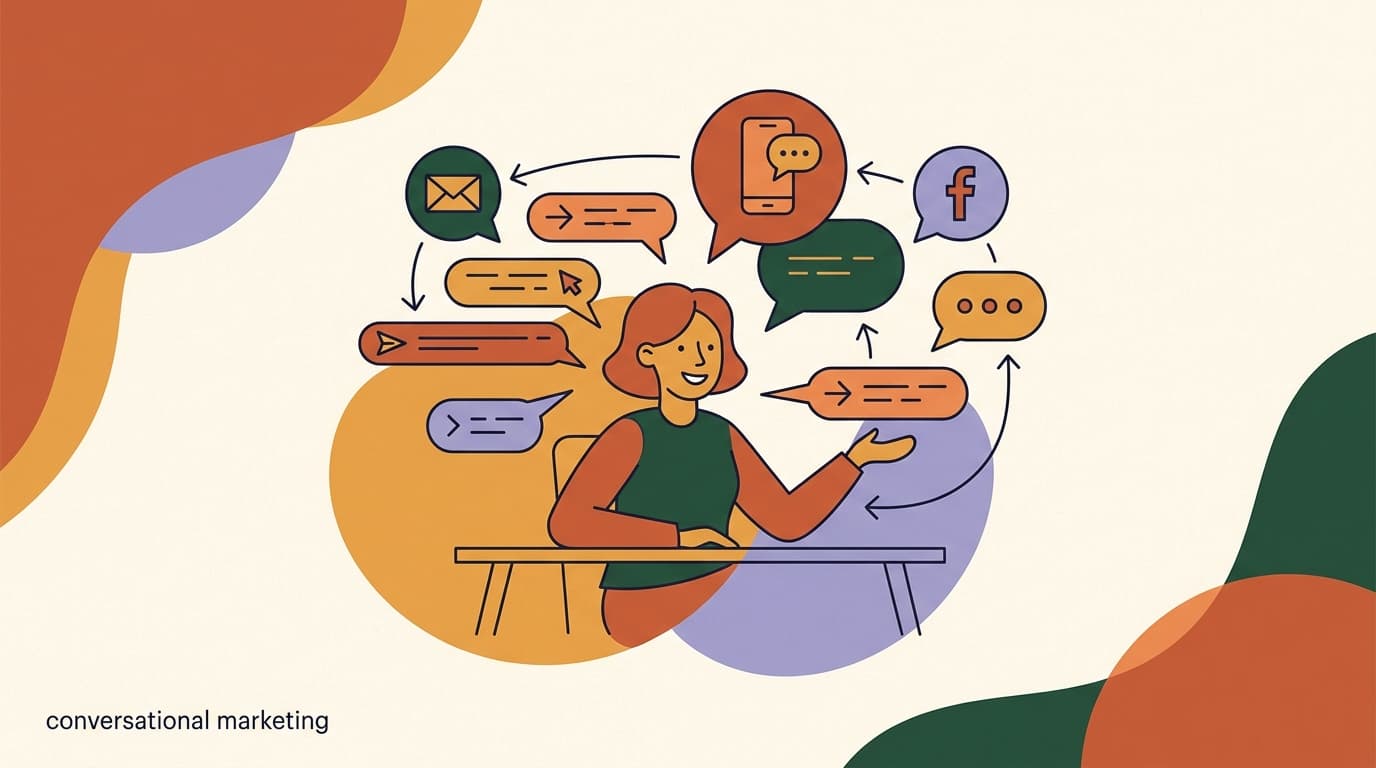
Conversational marketing examples are easiest to understand when you stop treating them as campaigns and start treating them as conversations that happen to have a goal. Instead of pushing a message out and hoping someone clicks, you open a thread, ask a question, listen to the answer, and route the person to whatever they actually need — a lead magnet, a product, a booking, a human. The mechanics change per channel, but the shape is always the same: a trigger, a two-way exchange, and a clear next step.
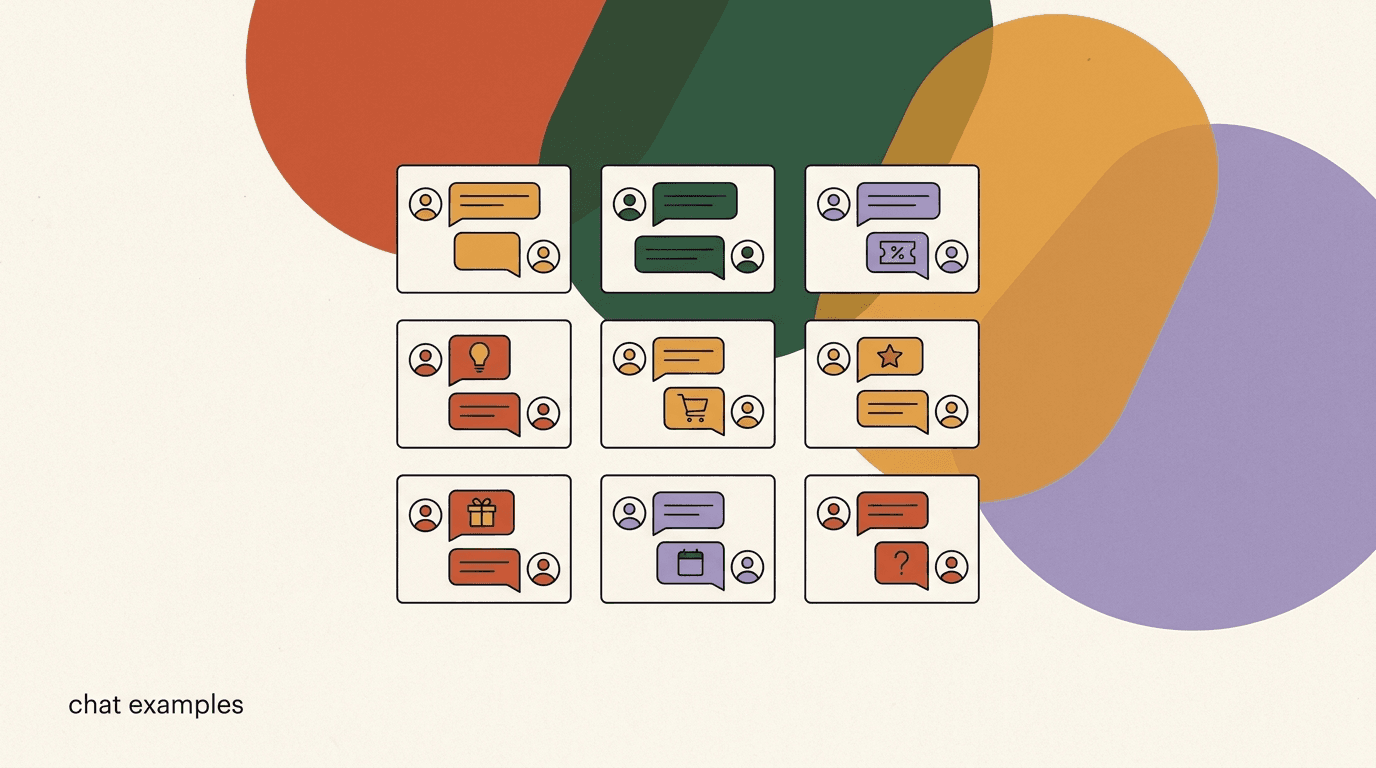
That shape is why chat converts. A landing page talks at everyone identically. A conversation adapts to the one person in it, which is the entire premise behind conversational commerce. The problem is that most teams have heard the theory and still cannot picture what a working play looks like in practice, message by message. So this article is deliberately concrete. Below are 12 conversational marketing examples — each with what it is, why it works, how to build it, and a sample script you can adapt.
A note on honesty before we start: we build KlyoChat, an AI-native inbox for social messaging, so we have a point of view about tooling. But nothing in these 12 examples requires our product. The patterns work in any chat tool that supports comment triggers, flows, and broadcasts. Where a claim depends on your numbers, we say so, and we have not invented a single statistic or named a single brand. The scripts are generic on purpose so you can drop your own offer in.
What makes a conversational marketing example actually work?
Before the 12 plays, it helps to name the pattern they all share, because that pattern is what separates a campaign that converts from a chatbot that annoys. A working conversational play does four things in order, and skipping any one of them is the usual reason a play falls flat.
First, it earns the opening. Nobody wants an unprompted sales DM, so the good examples are triggered by an action the person already took — a comment, a story reply, a keyword, a click, an abandoned cart. The trigger is consent in miniature. Second, it asks before it tells. The first message is a question or a small, useful offer, not a pitch. Third, it routes on the answer. What the person says next changes what they see, so the conversation feels built for them. Fourth, it always names the next step. Every message ends with an obvious thing to do, so the thread never dead-ends.
- Trigger: an action the person already took, so the opening is welcome, not cold.
- Question first: lead with something useful or curious, never a hard pitch.
- Route on the reply: branch the conversation on what they actually say.
- Name the next step: end every message with one clear thing to do.
- Respect the channel rules: on Meta channels you generally reply inside a 24-hour window unless you use an approved template.
The four-part shape is the whole trick
If a play is not converting, check it against trigger to question to route to next step. Nine times out of ten the broken one is the missing question — the flow jumps straight to selling instead of asking anything, and the person feels handled instead of helped.
Example 1: The comment-to-DM lead magnet
This is the play most people mean when they say chat marketing, and it is the best starting point because the trigger is public and the payoff is private. You post content — a Reel, a carousel, a video — that promises something specific in exchange for a comment. Someone comments the keyword, and an automation opens a DM to deliver the promised thing and continue the conversation.
It works because the comment does three jobs at once. It signals real intent, it boosts the post's reach through engagement, and it moves a public interaction into a private channel where you can actually follow up. The person asked for the resource, so the DM is expected rather than intrusive. That is the difference between a lead magnet and spam. If you want the deeper theory on why the inbox outperforms the feed for this, our piece on the DM as a sales channel covers the mechanics.
To build it, decide on one genuinely useful asset — a checklist, a template, a discount, a short guide — and pick a keyword that is easy to type and hard to fatfinger. Set the comment trigger, write a DM that delivers the asset and asks one qualifying question, then branch based on the reply. Keep the first DM short; the resource is the hook, the question is the conversation.
- Pick one asset and one keywordChoose a single high-value resource and a short trigger word like GUIDE or START. One offer per post keeps the flow clean.
- Set the comment-to-DM triggerFire an automated DM when someone comments the keyword. Reply publicly to the comment too, so the thread looks alive to lurkers.
- Deliver, then askSend the asset immediately, then ask one qualifying question that routes the person toward a next step rather than ending the thread.
Deliver the promise instantly
The single biggest reason comment-to-DM plays lose trust is a delayed or missing asset. If someone comments the keyword and the resource does not arrive in the first message, the conversation is already damaged. Automate the delivery so it is instant, every time.
Sample: comment-to-DM lead magnet
- Post caption
- Comment GUIDE and I will send you the 1-page onboarding checklist.
- Auto-DM 1
- Here is the checklist you asked for — link inside. Quick one: are you setting this up for yourself or a team?
- If reply: team
- Nice. Teams usually get stuck on step 3. Want the 2-minute walkthrough for that part?
- If reply: myself
- Perfect. Most solo users finish in a day. Want a nudge if you get stuck on any step?
Example 2: The quiz funnel that qualifies as it converts
A quiz funnel turns lead capture into something people enjoy answering. Instead of a form, you ask two to four light questions in chat, and each answer both segments the person and moves them toward a tailored recommendation. The person gets a result that feels personal; you get structured data and a warm lead in the same motion.
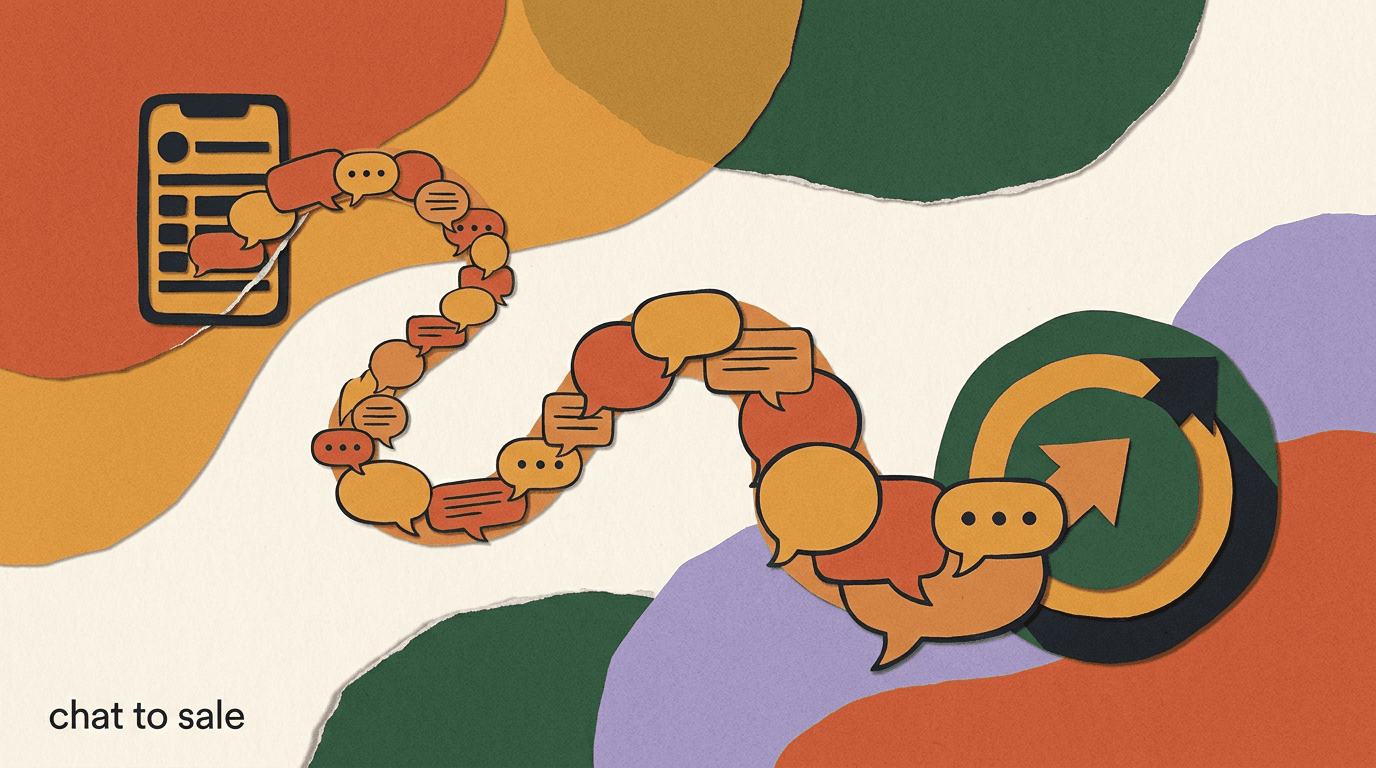
It works because a quiz reframes qualification as help. Nobody wants to fill out a form so you can sell to them, but plenty of people will answer three quick questions to find out which option fits them. The questions do double duty: they feel like a service to the person and they tell you exactly how to route the conversation. Done well, a quiz funnel is one of the cleanest ways to build a genuine chat-to-sale funnel because every answer narrows the recommendation.
Keep it short. Two to four questions is the sweet spot; past that, completion drops. Make each answer a tappable button rather than free text where you can, so the person barely has to think. End with a specific recommendation and a next step — not a generic thank-you.
Buttons beat blank boxes
Every free-text question is a chance for someone to drop out or type something your flow cannot parse. Use tappable quick-reply buttons for the quiz body and save open text for the one place you truly need it, like an email or a specific request.
Sample: 3-question quiz funnel
- Opener
- Want me to point you to the right plan in 20 seconds? Tap start.
- Q1
- How many people will use it? Just me / 2-5 / 6+
- Q2
- What matters most? Speed / Price / Support
- Result
- Based on that, the Team plan fits best — here is why, and a link to try it free.
Example 3: The product finder that ends in a recommendation
A product finder is a close cousin of the quiz, tuned for catalogs. When someone has too many options — sizes, styles, use cases, bundles — a short guided conversation narrows the field for them and lands on one or two specific products with a direct link to buy. It is the chat version of a knowledgeable shop assistant asking what you are looking for.
It works because choice is exhausting. A grid of 40 products makes people bounce; a conversation that asks two questions and then says here are the two that fit you removes the paralysis. The person feels guided rather than sold to, and you get a much higher rate of add-to-cart because you handed them a decision instead of a catalog.
The build is a short branching flow that maps answers to products. Where you have real inventory, connect the flow to your catalog so recommendations reflect what is actually in stock. If a person's answers do not match anything cleanly, route them to a human rather than forcing a poor recommendation — a good miss is better than a confident wrong answer.
- Map answers to a small product setFor each combination of answers, pre-decide the one or two products you would recommend. Keep the output narrow — two options, not ten.
- Ask about use, not featuresPeople know their situation, not your spec sheet. Ask what they will use it for, then translate that into the right product yourself.
- End with a link and a fallbackClose with a direct buy link plus an escape hatch: not sure? Reply and a human will help. Never dead-end an unmatched answer.
Sample: product finder for a gift
- Opener
- Shopping for yourself or a gift?
- If gift
- Nice. Who is it for — partner, parent, friend, or coworker?
- Follow-up
- Got it. What is your budget — under 25, 25 to 50, or 50 plus?
- Result
- For a friend under 50, these two are our most-gifted. Tap to see them.
Example 4: Cart recovery that happens in the chat
Most cart recovery is an email that lands in a crowded inbox hours later. The conversational version is a chat message that arrives while the intent is still warm, references the specific thing the person left behind, and offers a one-tap way to finish. Because it is in a channel the person actually checks, open rates are structurally higher than email.
It works because it is timely and specific. A generic you left something in your cart email is easy to ignore; a message that names the product, answers the likely objection, and links straight back to checkout meets the person at the exact moment of hesitation. The best versions ask why rather than just nudging — sometimes the answer is a shipping question you can resolve on the spot, turning an abandonment into a sale and a support win at once.
One honest constraint worth naming: on Meta-owned channels you generally have to reply inside a 24-hour window from the person's last message, or send an approved template outside it. That shapes timing. The WhatsApp specifics are documented in the WhatsApp Business Platform docs, and it is worth designing your recovery message to land inside that window rather than fighting it.
Mind the 24-hour messaging window
On Instagram, Messenger, and WhatsApp you generally can only send free-form messages within 24 hours of the person's last message. Outside that window you need an approved template. Build cart-recovery timing around this rule instead of assuming you can message whenever you like.
Sample: cart recovery in DM
- Trigger
- Cart abandoned 1 hour ago, item left in basket.
- Message 1
- Saw you were looking at the medium tote — still deciding? Happy to answer anything.
- If reply: shipping?
- Free over 40, and it ships next day. Want me to hold your cart and send the checkout link?
- If no reply, day 2
- Your cart is still saved. Here is the link if the timing is better today.
Example 5: The win-back campaign for quiet contacts
Every list accumulates people who engaged once and went quiet — bought a year ago, downloaded a guide, then disappeared. A win-back play re-opens the conversation with those dormant contacts using a reason to return: a new feature, a relevant offer, or simply a genuine check-in. Done as a broadcast with a conversational reply path, it costs almost nothing and reactivates people you have already earned.
It works because re-engaging an existing contact is far cheaper than acquiring a new one, and a message beats an email for reach among people who have gone cold on your newsletter. The key is to lead with something worth their attention and to make it trivially easy to either re-engage or opt down. A win-back that only pushes hurts you; one that offers value and an easy exit rebuilds trust.
Segment before you send. Blasting your entire quiet list identically wastes the play. Group by why they went quiet — past buyers, trial dropoffs, lead-magnet-only contacts — and tailor the hook to each. For the broader strategy behind re-engagement in messaging, our overview of conversational marketing in 2026 puts win-back in context with the rest of the lifecycle.
Give people an easy way down, not just out
A win-back that only offers unsubscribe or ignore loses people permanently. Offer a middle option — pause, remind me later, less often — and you keep the relationship alive with contacts who are not gone, just busy.
Sample: win-back broadcast with reply path
- Broadcast
- It has been a while. We rebuilt the thing you told us was clunky — want a 30-second look?
- If reply: yes
- Here is the before-and-after. Also, returning customers get 15 percent this week — code inside.
- If reply: not now
- No problem. Want me to check back in a month, or pause updates for now?
- If no reply
- No follow-up sent — quiet contacts stay quiet unless they raise a hand.
Example 6: Booking and appointment scheduling by chat
For any service business — clinics, salons, consultants, home services — booking is the whole game, and chat is a natural place to do it. Instead of sending someone to a separate scheduling page and hoping they finish, you handle the whole booking inside the conversation: offer times, confirm, and then send reminders that cut no-shows. The person never leaves the thread.
It works because it removes steps. Every extra click between I want to book and it is booked is a place to lose the person. A conversation that offers three times, takes a tap, and confirms is shorter than any form. And because the booking lives in a channel the person checks, the reminder the day before actually gets seen — which is where the real return on scheduling by chat shows up, in fewer empty slots.
The build pairs a booking flow with a reminder sequence. Collect only what you need to book, confirm clearly, then schedule automated reminders at sensible intervals. Include a simple way to reschedule in the reminder itself, because the alternative to an easy reschedule is a silent no-show.
- Offer times, do not ask for themPresent two or three specific slots as buttons. Choosing from options is faster than typing a preference and cuts back-and-forth.
- Confirm in one clear messageRestate the date, time, and location or link in a single confirmation so there is no ambiguity to double-check later.
- Automate reminders with a reschedule pathSend a reminder a day before and an hour before, each with a one-tap reschedule option to convert would-be no-shows into moved bookings.
Sample: booking flow
- Opener
- Happy to get you booked. Which works better — Tue 2pm, Wed 10am, or Wed 4pm?
- On tap
- Booked you for Wed 10am. I will send a reminder the day before with directions.
- Reminder, day before
- See you tomorrow at 10am. Need to move it? Tap here to pick a new time.
- Reminder, 1 hour
- Starting in an hour. Reply if anything comes up.
Example 7: Event RSVP and reminder sequences
Whether it is a webinar, a launch, a workshop, or an in-person meetup, attendance lives and dies on reminders — and reminders in chat get seen in a way that calendar invites and emails do not. An RSVP play captures interest with a single tap, confirms the person is in, and then runs a short reminder sequence that reliably converts registrations into actual attendance.
It works because the gap between signed up and showed up is enormous, and reminders close it. People register with genuine intent and then forget, get busy, or lose the link in their inbox. A chat reminder that arrives the morning of, with the join link right there, meets the person where they already are. The RSVP itself being one tap also lifts registration, because you removed the form.
Build it as a trigger plus a scheduled sequence. Capture the RSVP from a comment, a link, or a keyword; send an instant confirmation with the essentials; then schedule reminders — a day before, the morning of, and minutes before it starts. For live events, the last-minute reminder with a direct join link is the one that moves the attendance number most.
The last reminder does the heavy lifting
If you only send one reminder, send the one right before the event with the join link attached. Registration-to-attendance is won in the final few minutes, when the person is deciding whether to show up in real time.
Sample: event RSVP and reminders
- Trigger
- Comment RSVP on the launch post.
- Confirmation
- You are on the list for Thursday's live session at 1pm. I will remind you so you do not miss it.
- Morning-of
- Today at 1pm. Here is your join link — save it so it is handy.
- 5 minutes before
- Starting now. Tap to join — we are kicking off with the Q&A.
Example 8: Turning support questions into sales
Support and sales are usually treated as separate worlds, but in chat they are the same conversation. When someone asks does this work with X or is it available in my size, they are not just seeking information — they are one honest answer away from buying. A support-to-sale play answers the question well and then, when the moment is right, names the next step toward purchase.
It works because a question is intent wearing a disguise. The person cared enough to ask, which puts them further down the funnel than most of your traffic. Answer clearly, resolve the doubt, and the natural close is not pushy — it is helpful. The skill is knowing when the question is genuinely just support and when it is a buying signal, and only nudging in the second case.
This is where an AI first responder earns its place. It can answer the routine question instantly at any hour, recognize a buying signal, and either move the person toward checkout or hand a warm, context-rich conversation to a human. Set it up so the AI handles the known questions and escalates the ones with real money or nuance attached. Our overview of AI agents covers how that handoff is structured in practice.
Answer first, sell second — and only sometimes
The fastest way to poison a support-to-sale play is to pitch before you have actually answered the question. Resolve the doubt completely, then read the room. If the reply was pure support, leave the sale out. The trust you keep is worth more than one forced close.
Sample: support question becomes a sale
- Question
- Does the stand fit a 15-inch laptop?
- Answer
- Yes — it holds up to 17 inches comfortably. Your 15 will sit at a nice angle.
- Soft close
- Want me to send the link? It ships next day if you order today.
- If price hesitation
- Totally fair. It is covered by a 30-day return, so there is no risk in trying it.
Example 9: The story-reply and poll-to-DM play
Stories and their interactive stickers — polls, questions, sliders, quizzes — are a low-friction conversation starter that most brands waste on vanity engagement. The play is to treat a story reply or a poll vote as a trigger that opens a DM, turning a throwaway tap into a real thread. Someone answers your poll, and you follow up in the inbox with something relevant to how they voted.
It works because interacting with a story is the lightest possible commitment, which means far more people do it than would ever fill a form or click a link. Each of those taps is a tiny signal of interest and a tiny grant of permission. Converting that signal into a DM lets you continue with people who have already raised a hand, at a volume the more demanding formats never reach.
Keep the follow-up tightly matched to the interaction. If your poll asked coffee or tea, the DM to the tea voters should be about tea, not a generic promo. The whole value is relevance — you know something specific about this person from how they responded, so use it. Instagram's own rules on what automated messaging is allowed are worth a read in the Instagram Help Center before you scale this.
Sample: poll-to-DM follow-up
- Story poll
- Biggest struggle right now: getting leads or closing them?
- If vote: getting leads
- You picked getting leads — most of our audience does. Want the 3 tactics that helped them most?
- If vote: closing them
- Closing is a different beast. Want the follow-up script our users swear by?
- Next step
- On send: deliver the resource, then ask one qualifying question to continue the thread.
Example 10: The waitlist and back-in-stock alert
Scarcity and anticipation are powerful, and chat is the ideal place to hold them. A waitlist play lets people raise their hand for something not yet available — a sold-out product, an unreleased feature, an upcoming drop — and then notifies them the moment it is ready. Because the alert lands in a channel they check, the conversion when you do notify is unusually high.
It works because the person opted in at a moment of genuine desire and told you exactly what they want. When you message stock is back or it is live, you are not interrupting — you are delivering something they explicitly asked to be told about. That makes the back-in-stock alert one of the highest-converting single messages you can send, provided you actually deliver on it promptly.
The build is a capture plus a triggered broadcast. Collect interest via keyword, comment, or a product-page prompt, tag the person to what they are waiting for, and fire the alert when the trigger fires. Send it fast — the value of a waitlist decays with every hour between available again and the person hearing about it, especially for limited stock.
Speed is the whole value of a waitlist
A back-in-stock alert that arrives a day late is worth a fraction of one that arrives in the first hour. Automate the trigger so restocks fire the alert immediately — a manual send that waits for someone to notice defeats the purpose of the list.
Sample: back-in-stock alert
- Capture
- Out of stock? Reply NOTIFY and I will message you the second it is back.
- Confirmation
- Done — you are first in line for the charcoal medium. Sit tight.
- Alert
- It is back. The charcoal medium is in stock and going fast — here is your link.
- Nudge, 24h
- Still available for now, but low. Want me to hold one in your cart?
Example 11: The welcome conversation for new followers
A new follower is at peak curiosity and will never be more open to you than in the first minutes. Most brands do nothing with that moment. A welcome conversation greets new followers, orients them with a warm first message, and offers one clear next step — a best-of resource, a starter offer, or a simple question that opens a real dialogue.
It works because it converts fleeting attention into a relationship before it cools. Someone followed you for a reason; a good welcome finds out what that reason is and points them at the thing that matches it. Compare that to the usual experience of following an account and hearing nothing — the welcome is the difference between a passive follower and an engaged contact who now expects to hear from you.
Keep it human and light. This is not the place for a hard pitch; it is a handshake. One friendly message, one useful thing, one small question. Over-engineering the welcome into a five-step funnel kills the warmth that made the moment valuable in the first place. Warmth first, offer second, and only if the person leans in.
Sample: new-follower welcome
- Welcome
- Thanks for following. Quick question so I can point you the right way — what brought you here?
- If reply: browsing
- Cool. Here is our most-saved post to start with — it is the one people always come back to.
- If reply: specific need
- Perfect, we have a lot on that. Want the short guide or the quick-start version?
- Tone note
- One message, one question, zero pressure. Save the offer for when they lean in.
Example 12: The post-purchase review and referral loop
The conversation should not end at checkout. The window right after a good purchase experience is the best time to ask for a review, a photo, or a referral — the person is happy, engaged, and thinking about you. A post-purchase loop checks in, confirms things went well, and then asks for the small favor that compounds into social proof and new customers.
It works because it asks at the peak of goodwill and it sequences the ask correctly. You do not open with give us a review; you open with did everything arrive okay. If the answer is yes and happy, then you ask for the review or the referral. If the answer is a problem, you catch it privately and fix it before it becomes a public one-star. Either branch is a win: more reviews, or a saved customer and a resolved issue.
Build it as a delayed, branching sequence. Wait a sensible interval after delivery, ask an open check-in question, and route on the sentiment. Happy customers get the review or referral ask with a direct link; unhappy ones get routed to support before anything else. Never ask a frustrated customer for a public review — read the reply first, then ask.
- Wait for the experience to landDelay the check-in until the product has arrived and been used. Asking too early gets you a review of the shipping, not the product.
- Check in before you askOpen with a genuine did this work out question. The answer tells you whether to ask for a review or route to support.
- Branch on sentimentHappy replies get a review or referral link. Unhappy replies get a human and a fix. Never ask an upset customer for public praise.
Sample: post-purchase loop
- Check-in, day 5
- Hey — has the order settled in okay? Anything not quite right?
- If happy
- Love that. Would you drop a quick review? Takes 30 seconds and genuinely helps us — link here.
- If unhappy
- Sorry to hear that. Let me get this sorted right now — what went wrong?
- Referral add-on
- If a friend would like it too, here is a code that gives you both 10 percent.
How do you choose which conversational marketing examples to run first?
Twelve plays is a menu, not a to-do list. Trying to launch all of them at once guarantees that none get the attention they need to work. The better approach is to pick one play that matches where your business actually leaks the most value right now, ship it properly, and only add the next once the first is running on its own.
Match the play to your bottleneck. If you have reach but few leads, start with the comment-to-DM lead magnet or the story-reply play. If you get leads but few sales, the quiz funnel, product finder, or support-to-sale play is where your money is. If you sell but do not retain, win-back and the post-purchase loop are your first moves. The table below maps common bottlenecks to the play that addresses each.
| Your bottleneck | Start with | Why it fits |
|---|---|---|
| Reach but few leads | Comment-to-DM lead magnet | Turns public engagement into private, opted-in contacts |
| Leads but weak qualification | Quiz funnel | Segments and warms in the same conversation |
| Traffic but low add-to-cart | Product finder | Removes choice paralysis with a guided recommendation |
| Carts but low checkout | Cart recovery in chat | Reaches the person while intent is still warm |
| Sales but weak retention | Post-purchase loop + win-back | Compounds goodwill into reviews, referrals, and reactivation |
| Bookings with no-shows | Booking + reminders | Reminders in chat get seen and cut empty slots |
One play, shipped fully, beats five half-built
A single comment-to-DM flow that delivers instantly and follows up well will out-earn a dashboard full of half-configured campaigns. Get one play working end to end, watch it for a week, then add the next. Momentum comes from finished, not started.
What common mistakes make these examples fail?
The plays above are proven patterns, but they fail predictably when a few basics are ignored. Almost every underperforming conversational campaign we see is broken by one of the same handful of mistakes, and all of them are avoidable with a little discipline up front.
The most common is skipping the question — jumping straight to a pitch instead of opening a real exchange, which makes the automation feel like a billboard with a chat skin. The second is a broken promise: a comment-to-DM that does not deliver the asset, or a waitlist that alerts a day late. The third is ignoring the messaging window and getting flows blocked. The fourth is over-automating to the point where a human is never reachable, which turns a frustrated person into a lost one.
- No question: the flow pitches before it asks anything, so it feels like an ad, not a conversation.
- Broken promise: the asset does not arrive, or the alert is late — trust dies on the first message.
- Ignoring the 24-hour window: free-form messages sent too late get blocked instead of delivered.
- No human escape: over-automation with no path to a person loses the exact people worth keeping.
- One message for everyone: broadcasts with no segmentation waste the audience and the play.
- No next step: a message that ends without an obvious action leaves the person nowhere to go.
Automation should hand off, not trap
The point of automating chat is to handle the routine instantly and free your people for the conversations that need them — not to build a maze with no exit. Always leave a clear, fast path to a human. The conversations that most need one are usually the most valuable.
How does KlyoChat run these plays in one place?
Every example above works in any capable chat tool, and you should pick the one that fits your budget and channels. Since you are reading this on our blog, here is an honest account of how KlyoChat handles these plays — and where it does not fit, so you can decide for yourself.
KlyoChat is an AI-native unified inbox for social messaging. It brings Facebook, Instagram, Telegram, WhatsApp, TikTok, and X into one place, so the comment-to-DM lead magnet, the poll-to-DM play, cart recovery, and win-back all run from the same screen rather than across six apps and six logins. Comment-to-DM triggers, no-code flows for quizzes and product finders, and broadcasts for waitlists and win-back are built in. Custom AI agents handle the support-to-sale and first-response plays, answering routine questions and escalating the ones that need a person.
The honest limits matter as much as the features. KlyoChat does not do native SMS or email, so if your booking reminders or win-back need those channels, you will pair it with another tool or look elsewhere. Like every platform, it respects Meta's 24-hour messaging window — that is an industry rule, not a product choice. And it is a newer, smaller community than the incumbents, so the template marketplace is leaner. If those are dealbreakers, a bigger suite may suit you better, and that is a fair call.
| Play | KlyoChat feature that runs it | Honest note |
|---|---|---|
| Comment-to-DM lead magnet | Comment triggers + auto-DM flows | Works across FB, IG, and more from one inbox |
| Quiz / product finder | No-code branching flows | Buttons and routing built in; connect your catalog for stock |
| Cart recovery / win-back | Broadcasts + triggered flows | Bound by Meta's 24-hour window like any tool |
| Support-to-sale | Custom AI agents with handoff | AI answers routine, escalates the nuanced ones |
| Reminders (booking, event) | Scheduled flow sequences | In-chat only — no native SMS or email |
Try the plays before you commit to the tool
The 7-day trial takes no card, so the fair way to evaluate any of this is to build one play — the comment-to-DM lead magnet is the fastest — and watch it run for a few days. If it earns its keep, keep going. If not, you have lost nothing. See current numbers on our pricing page.
KlyoChat plans at a glance
- Basic
- $19/mo — a starting point for a single brand and a couple of channels
- Pro
- $49/mo ($39 billed yearly) — all channels, custom AI agents, the plan most teams run these plays on
- Business
- $129/mo — higher seats and contact ceilings for bigger operations
- Trial
- 7-day free trial, no credit card — test the full product, not a limited slice
The through-line across all 12 conversational marketing examples is the same four-part shape: earn the opening with a trigger, ask before you tell, route on the reply, and always name the next step. Get that pattern right and the specific play — lead magnet, quiz, cart recovery, booking, win-back — is just a variation on a theme you already understand. Get it wrong and no amount of clever automation saves it.
Pick the one play that matches where your business leaks the most value, build it end to end, deliver on every promise instantly, and respect the channel rules. Then add the next. For the strategy that ties these plays into a full lifecycle, see conversational marketing in 2026; to understand why the inbox converts, read the DM as a sales channel; and to map the whole path from first message to purchase, our guide to the chat-to-sale funnel pulls it together.