You want to build Instagram DM flow automation from scratch, but every tutorial assumes you already know what a trigger, a node, and a delay are. This guide does not. We are going to build your very first flow from zero — connect your Instagram account, choose what starts the conversation, write the first automatic reply, add one short follow-up message, and test the whole thing on your own phone. No jargon you have not met yet, and no step skipped.
By the end you will have a small, working automation: someone messages your account with a specific word, and Instagram replies on your behalf, instantly, day or night. That is the foundation of everything else — comment-to-DM funnels, lead capture, FAQ bots, product links. Once the first flow clicks into place, the rest is just more of the same idea.
This is a beginner build, and we will move slowly. We will tell you what you should see on screen at each step so you never feel lost, and we will flag the small mistakes that trip up most first-timers. We build KlyoChat, a no-code DM flow builder, so the screenshots in your head will match our product — but the concepts here apply to any tool you choose.
What is an Instagram DM flow, in plain English?
A DM flow is a small set of automatic messages that fire when something specific happens in your Instagram account. Think of it as a recipe: when X happens, send Y, then maybe wait and send Z. You design the recipe once, and Instagram runs it for you forever — to one person or to ten thousand.
The point of a flow is to do the repetitive part of your DMs for you. If you find yourself typing the same answer over and over — your prices, your menu, your booking link, your opening hours — that answer is a candidate for a flow. You are not replacing real conversation; you are handling the predictable opening so you can spend your time on the messages that actually need a human.
Every flow is built from a few simple parts. You do not need to understand all of them deeply to start; you only need three to build your first one. The rest you will pick up naturally as you grow, the same way you learned to use any app — by doing the easy thing first and letting the rest reveal itself.
| Part | What it means | Plain example |
|---|---|---|
| Trigger | The thing that starts the flow | Someone DMs the word PRICE |
| Action | What the automation does | Send a reply with your pricing link |
| Message | The text (and buttons) you send | Hi! Here is our menu... |
| Delay | An optional pause before the next step | Wait 1 hour, then follow up |
| Condition | An optional branch based on a reply | If they say yes, send the booking link |
You only need three parts to start
For your first flow, ignore conditions and complex branching. A trigger, one message, and one short follow-up is a complete, useful automation. Add the fancy parts later, once the basics feel comfortable.
Why bother automating your Instagram DMs at all?
Before we build, it is worth being clear about why this is worth fifteen minutes. The honest answer is that DMs are where buying decisions happen on Instagram now — people comment less and message more, and a question in your inbox is a much warmer signal than a like. The problem is timing. Someone messages you at 11pm asking your price, and if they do not hear back until the morning, the moment has often passed. A flow answers in seconds, while the interest is still hot.
There is also the simple matter of volume. A single post that does well can bring dozens or hundreds of the same question. Answering each one by hand is not a good use of your time, and missing some is worse — it reads as ignoring people. A flow handles all of them identically and instantly, and it never gets tired, distracted, or rude.
None of this means automation replaces you. The best setups use a flow to handle the predictable opening — the price, the link, the hours — and then hand off to a human for anything real. You are buying back your time on the boring questions so you have more of it for the conversations that close sales or build loyalty.
- Speed: an instant reply catches people while they are still interested.
- Consistency: every person gets the same accurate answer, with no typos and nothing forgotten.
- Coverage: your account answers questions at 3am, on weekends, and while you are busy.
- Capture: a flow can collect interest and tag people so you can follow up later, instead of letting leads vanish.
- Time back: you stop re-typing the same three answers and focus on the messages that matter.
Automation is the opening, not the whole conversation
A flow is at its best handling the first, predictable message. Always leave an easy way for people to reach a human — a line like just reply here and we'll help. The goal is faster service, not a wall between you and your followers.
What do you need before you start building?
Good news: the requirements are short, and most creators already meet them. Spend two minutes checking these off before you open the builder, so nothing stops you halfway through.
- An Instagram Business or Creator account. Personal accounts cannot connect to automation tools — this is Instagram's rule, not ours. Switching is free and takes about a minute in your Instagram settings.
- A Facebook Page linked to that Instagram account. Instagram's automation permissions route through the Page, so the connection needs it. If you do not have one, you can create a basic Page in a few minutes.
- Admin access to both. You will be asked to log in and approve permissions, so you need to be the owner or an admin.
- A flow builder account. For this guide we use KlyoChat, which offers a 7-day free trial with no credit card, so you can build and test before deciding anything.
- One clear idea of what your first flow should do. Pick the smallest useful thing — a keyword reply or a welcome message. We will choose together in the next step.
Personal accounts will not work — switch first
The single most common reason a first-time setup stalls is a personal Instagram account. If your connect step keeps failing, this is almost always why. Switch to a Business or Creator account in Instagram settings, then come back.
Step 1: How do you connect Instagram to a flow builder?
Connecting is the part beginners dread and the part that is actually easiest. You are not writing any code or copying any keys — you are just logging into Instagram through a secure window and tapping Allow. Here is exactly what happens.
It helps to know what is going on behind the scenes, because it makes the permission prompts feel less scary. Instagram does not let outside apps touch your account directly. Instead, you log into Instagram yourself, Instagram asks whether you want to grant this specific app permission to send and read messages, and only if you agree does it hand the app a limited, revocable key. The app never sees your password, and you can take the key back whenever you like. That is the whole security model in one sentence.
- Open your builder and find Connect a channelIn KlyoChat, this is on the home screen or under Channels. Tap it and choose Instagram from the list of platforms.
- Log in through the official Instagram windowA secure Instagram/Meta login window opens. You enter your credentials directly with Instagram — the builder never sees your password. This is the standard OAuth flow you have used to sign into other apps.
- Pick the right account and PageIf you manage several accounts, choose the Instagram account you want to automate and the Facebook Page it is linked to. Double-check this — connecting the wrong account is an easy slip.
- Approve the permissionsInstagram asks you to allow messaging and management permissions. These let the tool send DMs on your behalf and read incoming messages. Tap Allow on each.
- Confirm the connectionYou return to the builder, which now shows your Instagram account with a green or connected status.
What you should see — and why it is safe
You should land back in the builder with your account name and a connected badge. You logged in directly with Instagram, so your password stays with Meta. You can revoke access any time from your Instagram or Facebook security settings, which means you are never locked in.
Step 2: Which trigger should your first flow use?
The trigger is what starts your flow. For a first build, you want a trigger that is easy to test and easy to understand. Two are perfect for beginners, and you should pick one — not both — for now.
Resist the urge to set up four triggers at once. It is tempting, because each one feels useful, but every trigger you add is another thing that can misfire, another thing to test, and another thing to debug when something goes wrong. A single, well-tested trigger that works beats four half-tested ones that confuse you. You can always add more after the first is solid.
| Trigger type | Starts when... | Best first use |
|---|---|---|
| Keyword in a DM | Someone messages a specific word | Replying to PRICE, MENU, or HOURS |
| Comment on a post | Someone comments on your post | Sending a link when people comment LINK |
| Story reply | Someone replies to your story | Answering a poll or question follow-up |
| New conversation | Anyone messages you for the first time | A welcome / greeting message |
Start with a keyword trigger
A keyword DM trigger is the easiest to test, because you control it completely — you can DM the keyword to yourself from another account and watch the flow run. Comment triggers are powerful too, but keywords give you the cleanest first win.
How do you set up the keyword trigger?
Let's build a keyword flow. Imagine you run a small bakery and you want anyone who DMs the word MENU to instantly get your menu link. Here is how you tell the builder to watch for that word.
The reason a keyword flow is the best first build is that it puts you in control of the whole test loop. You decide the word, you send the word, you see the result — there is no waiting for a real follower to do something unpredictable. That tight feedback loop is exactly what you want while you are still learning where the buttons are.
- Create a new flowTap New flow or the plus button. Give it a clear name like Menu auto-reply so you can find it later. Naming flows well saves real confusion once you have several.
- Choose the keyword triggerFrom the trigger options, pick Keyword (sometimes labelled DM keyword). The builder asks which words should start the flow.
- Enter your keyword (and a few variations)Type MENU. Add common variations people actually type — menu, Menu, food, what do you sell. The flow fires if any of them match.
- Decide on exact match vs containsContains is friendlier for beginners: the flow fires if the message includes your word anywhere, so I want the menu still works. Exact match is stricter. Start with contains.
- Save the triggerConfirm. You should now see the trigger sitting at the top of your flow, with an empty space below it waiting for your first message.
What you should see
After saving, the builder shows your trigger block at the top of an otherwise empty flow. That blank space below it is normal — it is where your first message goes next. If you see your keyword listed and a connected Instagram account, you are exactly on track.
A good first keyword setup
- Keyword
- MENU
- Variations
- menu, food, what do you sell, do you have a menu
- Match type
- Contains (fires if the word appears anywhere)
- Flow name
- Menu auto-reply
Step 3: How do you write the first auto-reply?
This is the message your followers will actually read, so it matters more than any setting. The good news is that a great first auto-reply is short, warm, and ends with one clear next step. You are not writing an essay — you are starting a helpful conversation.
Open the message block under your trigger and type your reply. Keep it to two or three short lines. Greet the person, give them what they asked for, and point to one action. That is the whole job.
A useful mental test: read your reply out loud as if you were saying it to a customer standing in front of you. If it sounds stiff, robotic, or like a corporate auto-responder, rewrite it the way you would actually talk. The whole advantage of Instagram DMs is that they feel personal — do not throw that away with a message that sounds like a form letter.
It also pays to answer the question before you ask for anything. People who message you want something; give it to them in the very first line, then make your request. A reply that opens with give us your email before you have helped them at all gets ignored. A reply that hands over the menu first and then gently asks what they would like keeps the conversation alive.
- Open with a quick, human greeting — Hi or Hey works fine.
- Deliver the thing they asked for immediately, in the first line.
- Add one clear next step — a link, a question, or a button.
- Use the person's name if your builder supports a name variable; it makes the auto-reply feel personal.
- Keep it short. Long auto-replies feel like spam and get ignored.
Add a button instead of a bare link when you can
Most builders let you add a tappable button (View menu, Book now). Buttons get more taps than links buried in text and look more polished. If your builder has them, use one for your main next step.
Weak vs strong first reply
- Weak
- Thanks for your message. Someone will get back to you soon.
- Strong
- Hi! Here is our full menu 🍰 [link]. Want us to hold something for pickup? Just reply with the item and a time.
Step 4: How do you add a follow-up message?
A single reply is already useful, but one short follow-up turns a reply into a real flow — and teaches you how the builder chains steps together. The follow-up nudges people who got your first message but did not act on it.
We will add a delay so the follow-up does not arrive instantly (that feels robotic), then a second, shorter message. Important: keep follow-ups gentle and few. One is plenty for a first flow.
The delay is the part that makes the whole thing feel human rather than automated. A reply that fires in two seconds is great — that is helpful speed. But a second message that lands two seconds after the first reads as a bot talking to itself. Giving the follow-up a little space (an hour, a few hours) mimics how a real person would circle back: I messaged you earlier, just checking in. That small gap is the difference between thoughtful and pushy.
- Add a delay stepBelow your first message, tap the plus and choose Delay. Set it to something natural — 1 hour or 1 day. This pause is what separates a flow from a single canned reply.
- Add a second messageAfter the delay, add another message block. Make this one shorter than the first — a light nudge, not a repeat.
- Write a helpful nudgeTry: Still thinking it over? Happy to answer any questions — just reply here. The goal is to reopen the conversation, not to sell hard.
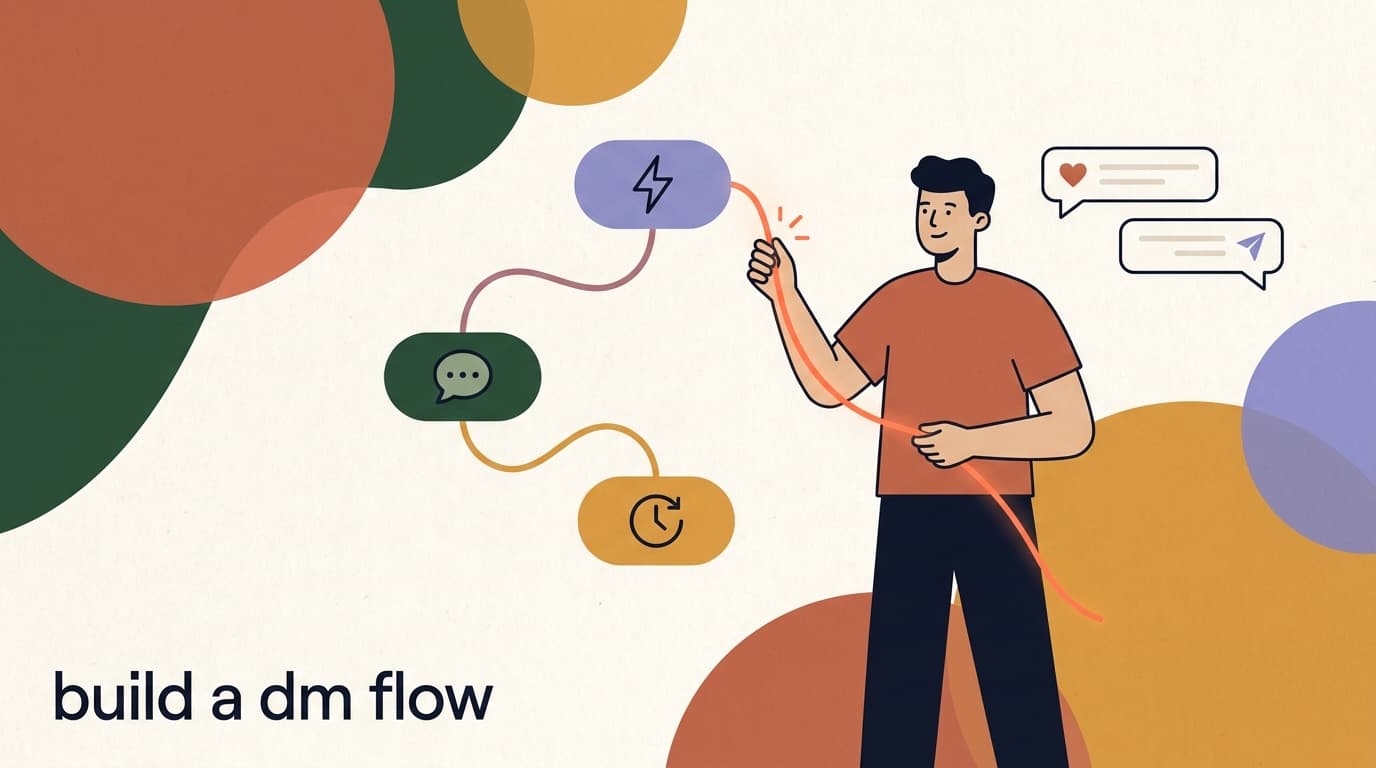
- Connect the steps in orderMake sure the blocks are linked top to bottom: trigger, first message, delay, follow-up. In most builders they connect automatically as you add them; check the lines between blocks point the right way.
- Save the flowSave your work. You now have a complete two-message flow with a natural pause in between.
Respect the 24-hour window and do not over-message
Instagram and Meta have rules about messaging people outside a 24-hour window after their last interaction, and they penalize spammy automation. For a first flow, keep follow-ups inside 24 hours and limit yourself to one. More messages do not mean more results — they mean more unfollows and risk to your account.
Step 5: How do you test your flow live?
Never launch a flow you have not tested — typos and broken links are the most common first-flow problems, and they are invisible until a real follower hits them. Testing takes two minutes and saves you from sending a broken auto-reply to your whole audience.
The cleanest test uses a second Instagram account (a friend's, or a spare). You play the role of a follower and watch your own flow run in real time.
Why a second account? Many automation tools deliberately ignore messages from the connected account itself, to avoid the account talking to its own automation in a loop. So if you DM your business account from that same business account, nothing may happen — and you will think the flow is broken when it is fine. Borrow a friend's phone, use a spare account, or ask a teammate to send the keyword. Testing as a genuine outsider is the only way to see exactly what a real follower will experience.
- Turn the flow onFlip the flow from Draft to Active or Live. A draft flow will not fire, so this is easy to forget.
- Message your keyword from a second accountFrom a different Instagram account, send your business account the keyword (MENU). Use a real device so you see what a follower sees.
- Watch the first reply arriveWithin a few seconds, your auto-reply should land. Read it on the phone screen, not just in the builder — check the link works and the formatting looks right.
- Confirm the follow-up timingIf your delay is short, wait for the follow-up. If it is a day, you can temporarily set the delay to a minute to test, then change it back.
- Fix anything, then re-testBroken link? Awkward wording? Wrong trigger? Edit, save, and send the keyword again. Repeat until it runs perfectly.
What a successful test looks like
You send MENU from your test account and, within seconds, your business account replies with the right message and a working link. If the follow-up arrives on schedule too, your first Instagram DM flow is fully working. That is the moment to celebrate — you built it.
A quick recap: your 15-minute build, start to finish
Here is the whole thing in one place. If you followed along, you have already done all of this. If you skimmed, this is your checklist to run top to bottom.
| Step | What you do | Roughly |
|---|---|---|
| 1. Connect | Link Instagram via the secure login | 3 min |
| 2. Trigger | Choose a keyword and variations | 2 min |
| 3. First reply | Write a short, warm message with one next step | 3 min |
| 4. Follow-up | Add a delay and one gentle nudge | 3 min |
| 5. Test | Send the keyword from a second account, fix, re-test | 3 min |
Done is better than perfect
Your first flow does not need to be clever. A working keyword reply that points people to one link beats an elaborate flow you never finish. Ship the simple version, watch how people use it, then improve it.
What are good first flows to copy?
Not sure what to automate first? These four are simple, genuinely useful, and easy to build with exactly the steps above. Pick one that matches your account.
- Menu / pricing reply: keyword MENU or PRICE sends your menu or pricing link. Perfect for food, services, and shops.
- Link in DM: comment LINK on a post, and the flow DMs the link — cleaner than link in bio and it captures the conversation.
- Welcome message: when someone messages you for the first time, send a friendly greeting and your top FAQ.
- Booking nudge: keyword BOOK sends your booking link, then a follow-up the next day if they have not booked.
Example: a salon's first flow
- Trigger
- Keyword BOOK (contains)
- First reply
- Hi! Here is our booking page 💇 [link]. Tell us the service and we'll suggest a time.
- Delay
- 3 hours
- Follow-up
- Still want to book? Reply here and we'll sort it for you.
How do you choose keywords people will actually type?
A keyword flow only fires if someone uses your word, so the words you pick decide how often your flow works at all. Beginners tend to pick the word that makes sense to them and forget that customers think differently. The fix is to think like your follower, not like your business.
Pick words that are short, obvious, and natural to type. Then add the variations people genuinely use — including misspellings, plurals, and the casual way people actually phrase things. With Contains matching, every variation you add widens the net without any extra work.
- Keep the headline keyword short and easy to remember — one word is ideal for posts and stories.
- Add the lowercase, plural, and misspelled forms; people type fast and loose.
- Include the question form people use, like how much or do you ship.
- Avoid words that appear in normal chat by accident, or your flow will fire when it should not.
- When you promote the keyword in a caption, write it in caps (Comment MENU) so it stands out, even though matching is not case-sensitive.
| Your goal | Primary keyword | Variations worth adding |
|---|---|---|
| Share your menu | MENU | menu, food, what do you have, do you have a menu |
| Share pricing | PRICE | price, prices, cost, how much, pricing |
| Take bookings | BOOK | book, booking, appointment, schedule, slot |
| Give a discount code | CODE | code, discount, promo, coupon, offer |
Tell people the keyword explicitly
Flows work best when you ask for the keyword out loud: DM us MENU for our full list. Do not assume people will guess the magic word. The clearer your call to action, the more your flow fires — and the more value you get from building it.
What does a healthy first flow look like after a week?
Once your flow has been live for a few days, you can tell whether it is doing its job by looking at a handful of simple signals. You do not need a dashboard or fancy analytics for your first flow — your own inbox tells you most of what you need to know.
The goal of this check is not to chase perfect numbers. It is to catch the obvious problems early: a flow that never fires, a link nobody taps, or a follow-up that annoys people. Spend ten minutes once a week and adjust one thing.
- If almost nobody triggers the flow, the problem is usually promotion — tell more people the keyword, more clearly.
- If people trigger it but nobody taps the link, your message or your offer needs work, not your settings.
- If you get complaints, it is nearly always the follow-up — shorten it, delay it more, or cut it.
- If real questions are slipping through unanswered, your flow needs a clearer hand-off to a human.
| Signal | What good looks like | What to do if it is off |
|---|---|---|
| Flow firing | It triggers when you expect it to | Check the trigger keyword and that the flow is Active |
| First reply landing | People receive it within seconds | Test again from a second account |
| Link taps / replies | A healthy share take the next step | Make the next step clearer or use a button |
| Follow-up reaction | Some re-engage, few complain | If people object, soften it or remove it |
| Human hand-off | Real questions reach you, not a dead end | Add a line inviting people to reply for help |
One improvement per week is plenty
You do not need to overhaul your flow constantly. Pick the single weakest signal, make one change, and see what happens over the next few days. Steady small improvements compound; constant rewrites just make it hard to tell what worked.
Why is my flow not working? Troubleshooting the common issues
If your test did not fire, do not panic — almost every first-flow problem is one of a handful of small things. Work down this list and you will find it.
The trick with troubleshooting is to change one thing at a time and re-test after each change. If you fix three things at once and the flow starts working, you have learned nothing about what was actually wrong, and the next time it breaks you will be lost again. Slow, single-step fixes teach you the tool and make you faster forever.
| Symptom | Likely cause | Fix |
|---|---|---|
| Flow never fires | Flow is still in Draft | Switch it to Active/Live and re-test |
| Connect step keeps failing | Personal Instagram account | Switch to a Business or Creator account |
| No reply to your keyword | Keyword mismatch or exact-match set | Add variations and use Contains match |
| Reply arrives but link is broken | Typo or missing https in the link | Re-paste the full link and re-test |
| Follow-up never sends | Delay too long, or 24-hour window passed | Shorten the delay and keep it inside 24h |
| Testing from your own account fails | Some tools ignore the connected account itself | Test from a different Instagram account |
If it still will not connect, check account roles
When the connect step fails repeatedly even on a Business account, the usual culprit is missing admin access to the linked Facebook Page, or the Instagram account not actually being linked to a Page. Fix the Page link in Instagram settings, confirm you are an admin, then reconnect.
What mistakes do most beginners make on their first flow?
You will learn faster if you know the potholes before you hit them. None of these are disasters, and all of them are easy to avoid once you have seen them named. Most first-flow regret comes down to this short list.
- Trying to build everything at once. A welcome flow, a comment flow, a booking flow, and an FAQ bot on day one is a recipe for confusion. Build one, finish it, then build the next.
- Writing a long, formal auto-reply. People skim DMs on their phones. A wall of text gets ignored; two warm lines get read.
- Forgetting to switch the flow from Draft to Active. The single most common reason a flow does nothing — it was never turned on.
- Sending the follow-up too fast, or sending too many. A nudge two seconds after the first message reads as a glitch; three nudges read as spam.
- Testing from the connected account. Many tools ignore it, so it looks broken. Always test as a real outsider.
- No way to reach a human. A flow that dead-ends frustrates people with real questions. Always invite a reply.
- Picking a keyword nobody would type, then wondering why the flow never fires. Choose words your customers actually use.
The biggest mistake is treating people like a list
Automation should feel like fast, friendly service, not a broadcast machine. The flows that hurt accounts are the ones that blast messages, ignore replies, and never let a human in. Build for the person on the other end, and the rules take care of themselves.
How do you make a good first flow even better?
Once your flow works, small upgrades make a real difference. None of these are required, and you should add them one at a time so you can see what each one does.
- Add a name variable so the greeting reads Hi Sara instead of Hi. Personalization lifts replies.
- Replace bare links with buttons for a cleaner look and more taps.
- Add a simple branch: if someone replies yes, send the booking link; if no, send a softer follow-up.
- Tag people who trigger the flow (interested in menu) so you can message that group later.
- Set quiet hours so follow-ups do not land at 3am — respectful timing protects your reputation.
- Review the flow after a week. Look at which messages get replies and trim anything that does not.
Change one thing at a time
When you tweak a working flow, change a single element, test it, then move on. If you rewrite everything at once and it breaks, you will not know which change caused it. Slow and steady keeps your flow reliable.
How does KlyoChat make this first flow easy?
Everything above works in any decent flow tool. We built KlyoChat to make the beginner path specifically smoother — fewer steps to a working flow, and the ability to build the whole thing from your phone, which matters when you run your business from Instagram in the first place.
KlyoChat is an AI-native, mobile-first unified inbox for Facebook, Instagram, Telegram, WhatsApp, TikTok, and X. The no-code flow builder and template library mean your first keyword reply or comment-to-DM flow can be live in minutes, and you can edit it later from the same phone you post from. AI agents are included in your plan, so when you are ready, an agent can handle first responses across every channel without a separate add-on.
- Honest limit: KlyoChat does not offer native SMS or email — it focuses on social and chat channels.
- Honest limit: we are a newer, smaller community than the biggest incumbents, so there are fewer third-party tutorials out there (this guide helps).
- Like any tool, you must follow Meta's rules — the 24-hour window and no spam — to keep your account healthy.
| For your first flow | What KlyoChat gives you |
|---|---|
| Build from your phone | Create and edit flows on mobile, not just desktop |
| No-code builder + templates | Start from a ready template or from scratch |
| Keyword and comment-to-DM triggers | Both built in, beginner-friendly |
| AI agents | Included in your plan — no separate AI fee |
| All your channels | One inbox for IG, FB, WhatsApp, Telegram, TikTok, X |
We build KlyoChat, so here is the honest version
We are recommending our own product, so we will be straight with you: if your strategy depends on SMS or email, KlyoChat is not the right fit on its own. If your strategy lives on Instagram and other chat channels, building your first flow with us is genuinely fast — start the free trial and see for yourself.
KlyoChat plans at a glance
- Basic
- $19/mo — great for a first account and a few flows
- Pro
- $49/mo ($39 yearly) — all channels, 10,000 contacts, AI agents
- Business
- $129/mo — for larger teams and higher volume
- Trial
- 7-day free trial, no credit card, no free plan
Where should you go after your first flow?
You have built and tested a working Instagram DM flow — the hardest part is behind you, because the skills repeat. Every future flow is the same loop: pick a trigger, write the messages, add the steps, test it. The only thing that changes is what you are automating.
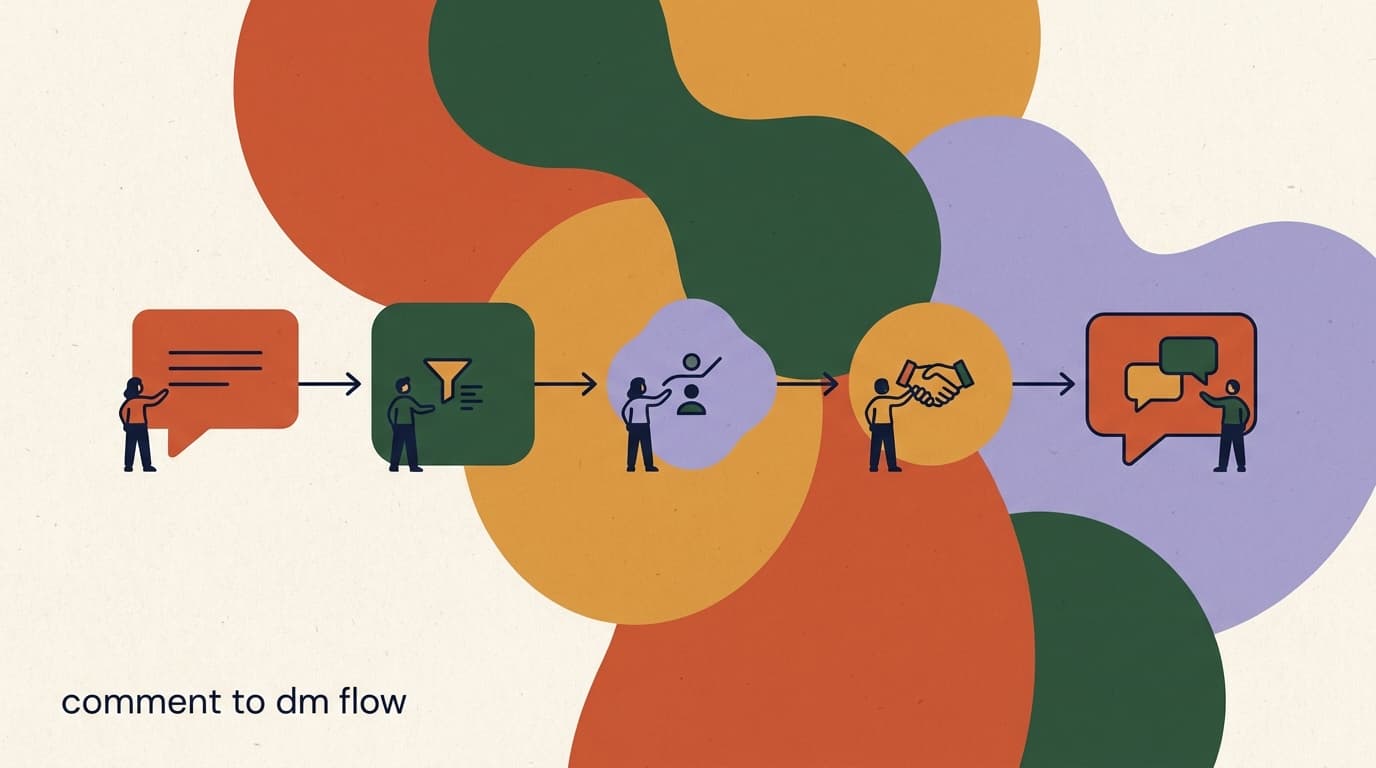
Two natural next steps: turn your post comments into DMs automatically with our comment-to-DM flow tutorial, which walks through a specific five-step funnel, and read the broader Instagram DM automation guide to see what is possible as you grow. You can also browse our templates to start your next flow from a proven layout instead of a blank screen.