Instagram broadcast channel restock alerts solve a specific, recurring problem for boutiques: a limited-run item sells out, comes back in stock, and the shop has no reliable way to tell the specific people who wanted it — fast — without hoping they happen to see a feed post before it sells out again. A regular post competes with the algorithm and everyone else's content. A broadcast channel goes straight to a list of people who opted in specifically because they want to hear from you first.
This is a different tool from DM automation or comment-to-DM, and it's worth being precise about the difference: broadcasts are one-to-many, opt-in, subscriber messaging, not a reply to something someone said. The right use case is exactly the moments that are time-sensitive and apply to everyone on the list at once — a restock, a flash sale, a new drop going live.
What is an Instagram broadcast channel, exactly?
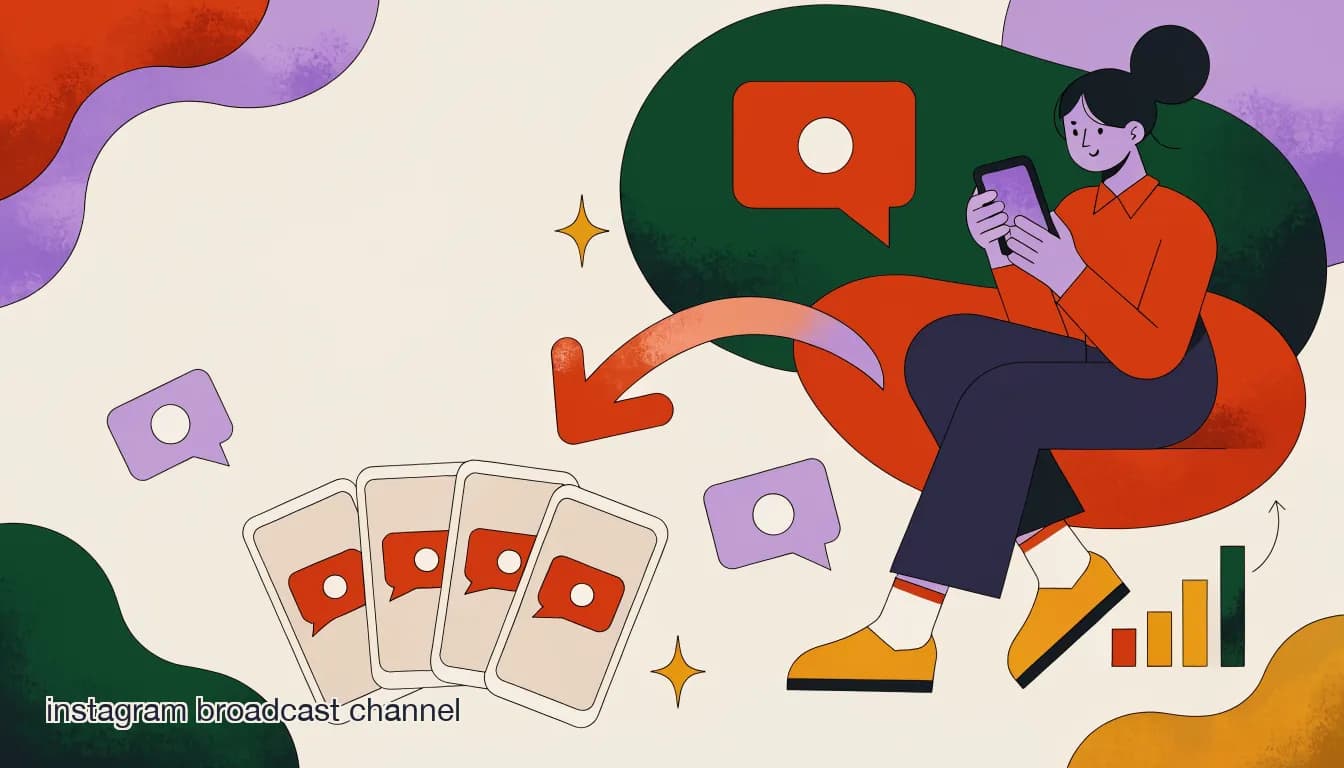
A broadcast channel is a one-way messaging feature where a business or creator sends updates directly to everyone who has joined the channel, and members can react but the channel owner controls who posts. It sits outside the normal feed algorithm entirely — a member who joined your channel sees your broadcast the way they'd see a text message, not competing for attention against everyone else they follow.
For a small boutique, that structural fact is the whole value proposition: broadcast channels are notably effective even with small, engaged audiences, because the people in the channel actively chose to be there for exactly this kind of update. A channel with 300 members who all see a restock alert can outperform a feed post that gets 3,000 impressions but reaches almost none of the people who were actually waiting for that specific item.
Broadcast channels reward loyalty, not follower count
A boutique doesn't need a huge following to make broadcast channels work — a smaller list of genuinely interested subscribers converts far better on time-sensitive drops than a larger, passive follower count that mostly never sees your feed posts.
How is a broadcast channel different from a DM or a comment-to-DM flow?
These three tools solve different jobs, and mixing them up is the most common mistake boutiques make when they start experimenting with broadcast channels.
| Tool | Direction | Best use case |
|---|---|---|
| Comment-to-DM automation | One-to-one, reactive | Answering a question the moment someone asks it publicly |
| Direct DM | One-to-one, ongoing | A specific customer's order, a personal follow-up |
| Broadcast channel | One-to-many, proactive | "This is restocked now" / "flash sale starts in 10 minutes" to everyone at once |
Where boutiques go wrong is treating a broadcast channel like a bigger DM list and sending it the same volume of casual, day-to-day messages they'd send a single loyal customer. A DM feels personal because it's one-to-one; the same frequency applied one-to-many across a broadcast list reads as spam almost immediately, even to people who genuinely like your brand.
What should a boutique actually broadcast, versus post normally?
Not everything belongs in a broadcast channel — sending too much, too often, is the fastest way to get subscribers to mute or leave. The strongest use cases share a common trait: they are time-sensitive and relevant to essentially everyone on the list, which is exactly what a feed post is bad at delivering reliably.
- Restock alerts for a specific item that previously sold out — the highest-converting use case, because it's reaching people who already showed intent.
- Flash sale start times, especially short windows where a feed post's algorithmic delay could mean people see it after the sale ends.
- New drop launches, sent minutes before the listing goes live so subscribers get first access.
- Live sale announcements — "going live in 15 minutes" drives real-time attendance far better than hoping people check their feed.
Don't turn your broadcast channel into another feed
General content, behind-the-scenes posts, and every single new listing will train subscribers to stop opening notifications from your channel. Reserve broadcasts for genuinely time-sensitive, list-wide relevant moments, and the open rate stays high.
How do you build a broadcast channel subscriber list from scratch?
A broadcast channel is only as valuable as who's in it, and growing that list deliberately matters more than most boutiques expect at first.
- Create the channel and write a clear value proposition"Join for restock alerts and first access to drops" is a concrete reason to join — vague invites get ignored.
- Promote it at the moment of highest intentWhen an item sells out, that's the exact moment to say 'join the broadcast channel to know the second it's back.' Intent is highest right when someone is disappointed they missed it.
- Add a permanent invite to your bio and Stories highlightMake joining a one-tap action available anytime, not just during a promotional push.
- Send a genuinely useful first broadcast quicklyNew subscribers should get value within days of joining, not weeks — a quick restock or early-access moment confirms they made the right call.
- Track who converts, not just who joinsA large but inactive subscriber list is a vanity metric — pay attention to open and click behavior on your broadcasts, not just member count.
How fast can a boutique actually sell out from a single broadcast?
This varies by shop and audience, but the mechanism explains why it's often surprisingly fast: everyone on the list gets the message at essentially the same moment, with no algorithmic delay and no competing content in a feed. For a genuinely limited restock — say, 20 units of a popular item — a well-targeted broadcast to an engaged list of a few hundred subscribers can move meaningfully faster than the same item posted to a much larger general following, because the broadcast reaches the people already primed to buy, instantly, instead of hoping the algorithm surfaces a feed post to the right eyes in time.
Same restock, two channels
- Feed post to 8,000 followers
- Reaches a fraction due to algorithmic distribution; sells out over several hours as people gradually see it
- Broadcast to 350 subscribers
- Nearly everyone sees it within minutes; sells out in under 30 minutes
Should broadcast messages be automated or sent manually?
Both have a place, and knowing which to automate is worth thinking through before you build the habit either way. A restock alert that fires automatically the instant inventory updates — no manual step, no delay while someone remembers to send it — captures demand at the fastest possible moment, which matters most for genuinely limited items where minutes decide whether it sells out to your list or gets discovered by someone browsing later.
A flash sale announcement or a drop launch, on the other hand, often benefits from a manual send with a little personality — a quick voice note, a specific reason for the sale, a personal touch that a purely automated trigger can't replicate. The practical pattern most boutiques land on: automate restocks (time-critical, repetitive), write flash sales and drops by hand (less frequent, more brand voice).
How does a broadcast channel work alongside comment-to-DM and a shared inbox?
A broadcast is the announcement; comment-to-DM and your shared inbox handle everything that happens after someone reacts to it. A restock broadcast will generate a burst of DMs and comments asking follow-up questions — sizing, whether a specific variant is included, shipping time — right in the window when your team is busiest. That's exactly where comment-to-DM automation and an AI agent absorb the repeatable questions, so a human isn't manually answering the same sizing question forty times in the ten minutes after a broadcast goes out.
- Broadcast: announces the restock or sale to the whole list at once.
- Comment-to-DM / AI agent: absorbs the immediate wave of repeatable follow-up questions.
- Shared inbox: catches anything unusual — a payment issue, a custom request — that needs a human during the busiest window.
What mistakes do boutiques make with broadcast channels?
Most of these come from treating the channel like just another content feed rather than a high-trust, opt-in list.
- Sending too frequently, which drives subscribers to mute notifications and quietly stop engaging.
- Using it for general content instead of time-sensitive, list-wide relevant moments.
- Never promoting the channel at the highest-intent moment — right when an item sells out.
- Not preparing the team for the follow-up message volume a successful broadcast generates.
- Forgetting to update inventory the instant a broadcast goes out, leading to overselling a limited restock.
How do you write a broadcast message that actually converts?
A broadcast's job is to get someone to act within minutes, not to read like a newsletter. The strongest-performing broadcasts share a small set of traits worth deliberately building into every message you send.
- Lead with the specific news, not a greeting — "The rust midi dress is back" beats "Hey everyone! Exciting news..." for a channel where every second of scroll matters.
- State the quantity or time limit explicitly — "only 8 left" or "sale ends at 9pm" gives a concrete reason to act now instead of later.
- Include one clear link, not several competing calls to action.
- Keep it short enough to read in the notification preview — the first line often decides whether someone opens the full message at all.
Test your subject line against the notification preview
Most subscribers decide whether to open a broadcast based on the first handful of words they see in the notification, before opening the full message. Write that opening line first, and write it like a headline, not an introduction.
Two versions of the same restock broadcast
- Weak
- "Hi everyone! We have some exciting updates about our inventory, check it out when you get a chance :)"
- Strong
- "Back in stock: the rust midi dress. Only 12 available — shop now: [link]"
How do broadcast channels compare to email or SMS marketing lists for a boutique?
Boutiques who've run email or SMS lists before will recognize the mechanic — an opted-in list you message directly — but the platforms differ in ways worth understanding before assuming broadcast channels replace either one outright.
| Channel | Typical open rate | Best for | Limitation |
|---|---|---|---|
| Instagram broadcast channel | High among engaged subscribers, similar to a close-friends story | Fast, visual, time-sensitive drops | Tied to Instagram; subscribers must have the app open eventually |
| SMS | Very high, near-instant read rates | Extremely time-sensitive alerts | Requires phone numbers and often carries per-message costs |
| Lower and slower than broadcast or SMS | Longer-form content, less time-sensitive updates | Easy to ignore in a crowded inbox |
What's the best way to organize inventory around a broadcast restock alert?
A broadcast can only move as fast as your operations can keep up with, and the most common failure boutiques run into isn't a marketing problem at all — it's an inventory and fulfillment problem exposed by the broadcast's own success. If a broadcast sells out an item in eight minutes but your team only checks orders once an hour, you get a wave of orders for stock that's already gone, plus the awkward follow-up of contacting people to refund or offer a substitute.
- Hold back a small buffer, not your full countListing the exact number you have in stock invites overselling if two orders land within the same minute; a small buffer protects against that timing gap.
- Have someone actively monitoring orders during and right after the broadcastThe highest order velocity happens in the first few minutes — that's when a person needs to be watching, not checking in an hour later.
- Update the broadcast channel itself when an item sells outA quick follow-up message — "sold out! thank you all" — closes the loop for anyone still deciding, rather than leaving them to find out only after ordering.
- Have a clear policy ready for oversold ordersDecide in advance whether you'll offer a refund, a similar item, or first access to the next restock — having this ready avoids scrambling to improvise a response to an upset customer.
How often is too often for broadcast messages?
There's no universal number, but the pattern that holds across most boutiques running broadcast channels well is quality over frequency — subscribers tolerate, and even welcome, a message the moment a genuinely limited item is back or a flash sale opens, but they mute a channel that sends several updates a week regardless of urgency. A useful gut check before sending: would this message feel like a genuine heads-up, or would it feel like noise if you personally received it from five different shops you follow?
- Restocks: send only when something previously sold out is genuinely back — not every routine inventory update.
- Flash sales: reserve for real time-boxed events, not every markdown or clearance item.
- New drops: fine to send regularly if drops themselves are a core, expected part of your brand's rhythm and subscribers joined specifically for that.
- General updates, behind-the-scenes content, or reminders to 'check out the shop': keep these to your regular feed and Stories, not the broadcast channel.
Can a broadcast channel help recover interest in an item that didn't sell during a live sale?
Yes, and it's a pattern worth building into your regular workflow rather than treating live sales and broadcasts as separate tools. Items that go unclaimed during a live sale or comment-selling event are prime candidates for a short follow-up broadcast — "a few pieces from last night's live are still available" — reaching the same engaged list that was already primed to buy, without requiring a whole new live event to move the remaining inventory.
This closes a real gap: a live sale creates urgency in the moment, but not everyone who wanted to attend was watching in real time. A follow-up broadcast the next day captures a second wave of buyers from the same underlying demand.
How does KlyoChat support broadcast-driven restocks and flash sales?
KlyoChat's broadcast tool lets a boutique message a subscriber list with dynamic segments — for example, only the people who previously asked about a specific sold-out item — rather than blasting every subscriber with every update. Restock and flash-sale broadcasts can be scheduled or triggered, and the AI agent and shared inbox are already positioned to absorb the immediate wave of follow-up questions a successful broadcast generates, so the moment doesn't overwhelm a small team.
| Broadcast need | How KlyoChat handles it |
|---|---|
| Segment by past interest | Dynamic segments target subscribers who asked about a specific item |
| Fast follow-up absorption | AI agent answers repeatable questions the moment they arrive |
| Team visibility during a spike | Shared inbox surfaces anything needing a human in real time |
| Cross-channel reach | Broadcasts work across supported channels, not just Instagram |
Segment before you scale broadcast volume
As a subscriber list grows, sending every broadcast to everyone starts to feel like spam even to genuinely interested subscribers. Segmenting by what someone previously asked about or bought keeps every broadcast relevant to the person receiving it.