Skip to content
KlyoChat
E-commerce & D2CMOFcommercial

Instagram Shop DM Automation: A Setup Guide for Small Boutiques

A step-by-step guide to instagram shop dm automation for small boutiques — what to trigger, what to automate, and what a human should always handle.

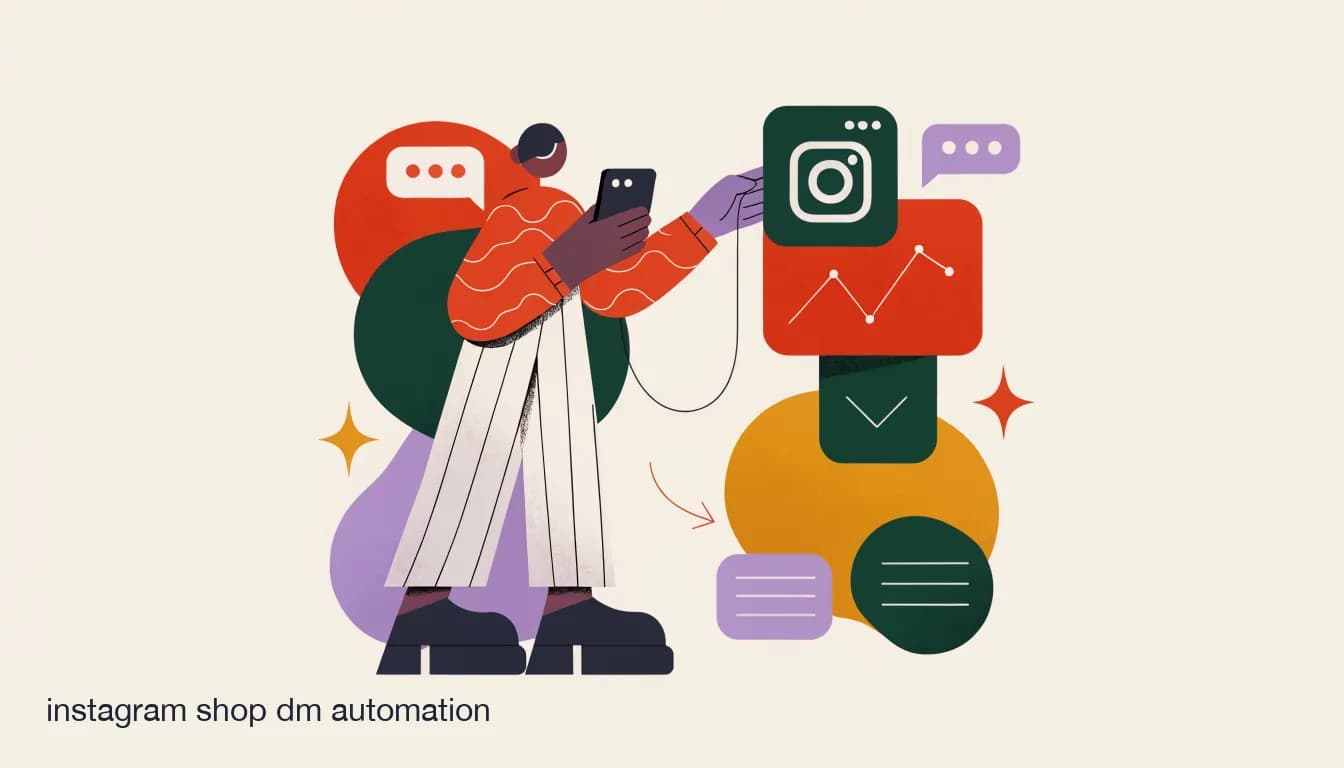
Flat illustration of a boutique owner setting up an automation flow on a phone connected to an Instagram Shop, on Instagram Shop DM Automation: A Setup Guide for Small Boutiques

KlyoChat Team

Updated March 2026 · 7 min read

The short answer

Instagram shop DM automation setup for a small boutique usually takes under an hour: connect your account, set comment and keyword triggers, write a small knowledge base for an AI agent, and route anything unresolved to a shared inbox. The goal is covering the repetitive 80% so your team focuses on closing sales.

On this page

Instagram shop DM automation is the umbrella term for everything that runs between a customer's first comment or DM and your team's first human reply — comment triggers, welcome messages, FAQ answers, and routing. For a small boutique, setting this up well is less about buying an expensive platform and more about deciding what should be automatic and what genuinely needs a person.

This guide walks through a realistic setup for a 2-5 person boutique team, from connecting your account to writing the handful of automated responses that cover most of your daily message volume.

What should actually be automated in an Instagram shop?

Not everything should be automated, and trying to automate too much is what makes bots feel impersonal. The useful split is between questions with one correct answer and conversations that need judgment.

Message typeAutomate?Why
"How much is this?"YesOne correct answer, high volume
"Do you have this in size M?"Yes, if inventory is knownAnswerable from current stock data
"Can you do a custom order?"No — route to a humanNeeds judgment and negotiation
A complaint about a damaged itemNo — route to a humanNeeds empathy and a real decision
Shipping time and return policyYesSame answer every time

How do I set up instagram shop DM automation step by step?

  1. Connect your Instagram (and Facebook) accountMost tools, including KlyoChat, connect via a standard Meta login — no developer needed.
  2. Set your comment triggersStart with broad keywords like "price," "size," and "how much" across your account, then refine per post if needed.
  3. Write a short knowledge baseSizing chart, shipping times, return policy, and your top 10 products with prices — this is what an AI agent draws answers from.
  4. Set the handoff ruleAnything the automation cannot confidently answer routes to your shared inbox instead of guessing.
  5. Test it on a real postComment on your own post as a customer would, and check the automated DM sounds like your brand, not a generic bot.

What does a good automated welcome flow look like for a boutique?

Write automation in your brand's actual voice

Copy a few real replies you have sent customers before and use that tone as the template for automated messages. The goal is a message a customer cannot easily tell was pre-written, not a message that reads like software.

First-time DM from a new follower

Generic bot reply
"Hello! How can I help you today?"
Boutique-tuned reply
"Hey! Welcome to [Shop Name] 🌿 Looking for something specific, or just browsing?"

How much time does this actually save a small team?

For a boutique fielding 30-80 messages a day, automation typically absorbs the routine 60-80% — price checks, sizing, shipping questions — leaving the team to focus on closing sales, handling exceptions, and building the relationships that keep customers coming back. It is not about replacing the team; it is about making sure the team's time goes to the messages that actually need a human.

  • Fewer repeated typing of the same price and shipping answers all day.
  • Faster first response time, which correlates directly with close rate on DM sales.
  • Less burnout for the one or two people usually stuck managing the inbox.
  • A record of every conversation, so nothing depends on one person's memory.

How does KlyoChat handle instagram shop DM automation?

KlyoChat combines comment-to-DM triggers, an AI agent trained on your product knowledge base, and a shared team inbox in one setup — so the automated layer and the human layer share the same conversation history instead of living in separate tools. Setup takes under an hour for most boutiques, and the AI agent is included from the Pro plan rather than sold as a separate add-on.

Once the core automation is live, the next question most boutiques ask is how to connect it to whatever they use for actual checkout — Etsy, a marketplace, or a payment link — which our Etsy and Instagram automation guide covers next.

Frequently asked questions

How long does it take to set up Instagram shop DM automation?

For a small boutique with a modest catalog, most of the setup — connecting accounts, setting comment triggers, and writing a basic knowledge base — takes under an hour. Refining tone and adding more products can be done gradually afterward.

Do I need to know how to code to set up DM automation?

No. Modern tools for boutiques, including KlyoChat, use no-code triggers and a written knowledge base rather than requiring any developer or coding skill.

What should never be automated in a boutique's DMs?

Complaints, custom order negotiations, and anything requiring judgment or empathy should route to a human. Automation works best on repeatable, factual questions like price, size, and shipping time.

Can automation sound like my brand instead of a generic bot?

Yes, if you write the automated replies in your actual voice rather than using default templates. Basing automated messages on real replies you have sent before is the fastest way to keep the tone authentic.

What is a knowledge base and do I need one?

A knowledge base is a written reference — sizing, shipping, return policy, and product details — that an AI agent uses to answer questions accurately. A small, well-written one is more useful than a large, outdated one.

Will automation handle sold-out items correctly?

Only if your knowledge base or inventory data stays current. This is worth checking specifically, since an automated reply confirming a price on a sold-out item creates a bad customer experience.

Does DM automation work the same on Facebook as Instagram?

Most tools, including KlyoChat, support comment-to-DM and automated replies on both Instagram and Facebook, since Meta owns both platforms and the underlying mechanics are similar.

How do I know if automation is actually helping?

Track first-response time and how many conversations reach a human versus get resolved automatically. A drop in response time and a steady or improved close rate are the clearest signs it is working.

Can a 2-person boutique team really benefit from automation?

Yes — often more than larger teams, since a small team has the least slack to cover every message manually. Automation is what lets two people cover the volume that would otherwise need three or four.

What happens if the automated reply gets something wrong?

A good setup routes uncertain questions to a human instead of guessing, and every conversation should be visible in a shared inbox so mistakes can be caught and corrected quickly.

Do I need an Instagram Business or Creator account to set up DM automation?

Yes — comment-to-DM and automated messaging tools connect through Instagram's business messaging features, which require a Business or Creator account rather than a personal one. Most boutiques already have this since it is also required for an Instagram Shop, but confirm it before you start setup if you are on a personal account.

Can I set up different automation flows for different products or collections?

Yes — triggers can be scoped per post rather than applied account-wide, so a comment on your new drop can fire a different automated reply than a comment on an older, restocked item. This matters most for boutiques with frequently changing collections, where a single generic reply goes stale quickly.

I already use Instagram's native Quick Replies — do I still need a separate automation tool?

Quick Replies save you typing a saved response manually, but they don't trigger automatically off a comment or route conversations to a shared inbox. A dedicated automation tool covers what Quick Replies can't: instant comment-to-DM, an AI agent that answers in its own words, and visibility across a team.

How often should I update my knowledge base after the initial setup?

Whenever your prices, sizing, shipping times, or return policy actually change — there's no fixed schedule beyond that. Build a habit of updating it the same day you change a listing price or run out of a size, since a stale knowledge base is the most common cause of a wrong automated answer.

Can multiple team members manage the automation setup, or just the shop owner?

Most tools built for small teams, including KlyoChat, support multiple team members with shared access to triggers, the knowledge base, and the inbox — not just a single owner account. This matters once more than one person answers messages, since everyone needs to see the same automation rules and conversation history.

instagram shop dm automationinstagram dm automation setupinstagram shop automationboutique automation setupinstagram dm bot boutiqueautomate instagram shop messages

Set up your Instagram shop automation this week

Start a free 7-day KlyoChat trial — no credit card. Connect your account and go live in under an hour at https://app.klyochat.com/signup.