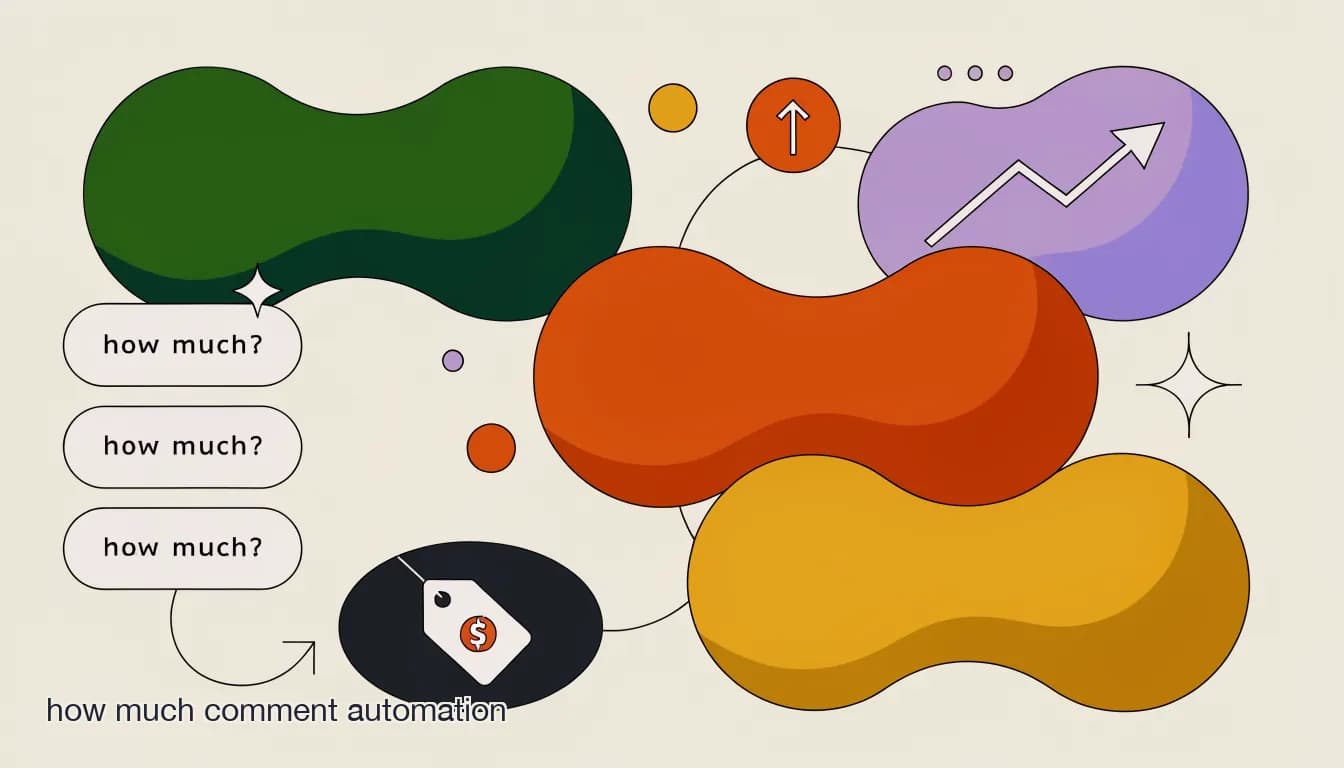
Every boutique that posts product photos on Instagram knows this comment by heart: "how much??" It shows up dozens of times a week, sometimes dozens of times on a single popular post, and it is one of the clearest buying signals a small business ever gets — someone liked a specific item enough to ask about it by name. How much comment automation exists because this exact moment is also one of the most commonly wasted.
This post looks at why the "how much?" comment causes so much lost revenue for small teams, and how to answer it automatically without sounding like a robot or giving away pricing in public.
Why is the "how much?" comment so easy to lose?
It looks like a small thing — one word question, one quick answer. In practice it fails for a few specific reasons.
- Popular posts get 20-50+ comments, and "how much?" gets buried within an hour.
- Answering with a price in the comment thread invites public price-shopping and comparison from other commenters.
- One-person teams cannot watch a post around the clock, especially after a viral moment or influencer share.
- By the time someone replies, the buyer has moved on to another post — or another shop entirely.
Should I ever reply with the price directly in the comments?
Generally no, for two reasons. First, it turns your comment section into a public price list that competitors and comparison-shoppers can scroll through. Second, it skips the chance to start an actual sales conversation — sizing, color, shipping time — that a DM allows and a public comment does not.
A comment reply and a DM reply can work together
A short public reply like "Sent you a DM!" acknowledges the commenter without posting the price, while the real conversation — price, size, payment — happens privately. This keeps the comment section clean and still confirms to the buyer that someone is responding.
How does how much comment automation actually reply?
The automation watches for the keyword pattern ("how much," "price," "cost," or a catch-all for any comment) on a specific post or across your whole account, then fires a DM referencing that exact product.
Automated reply to a "how much?" comment
- Trigger
- Comment containing "how much" on the Sage Wrap Dress post
- Automated DM
- "Hi! The Sage Wrap Dress is $58 and ships in 2 days. Want me to check your size?"
What if the automation gets the product wrong?
This is the most common worry, and it is a fair one — a bad automated reply is worse than none at all. The fix is scoping triggers per post (so the reply always references the correct item and price) rather than running one generic reply across your entire account. For boutiques with a large, fast-changing catalog, an AI agent trained on your current product list and prices reduces this risk further, since it can look up the right answer instead of relying on a single hardcoded reply per post.
| Setup approach | Risk of wrong reply | Effort to maintain |
|---|---|---|
| One generic reply for all posts | High — price is often wrong | Low |
| Per-post trigger with per-post price | Low | Medium — update per new post |
| AI agent with live product knowledge | Low | Low once the knowledge base is set |
How does KlyoChat handle the "how much?" comment?
KlyoChat lets you set keyword triggers per post or across your account, and pairs them with an AI agent trained on your product catalog, pricing, and sizing so replies stay accurate as your inventory changes. Every triggered conversation lands in a shared inbox, so if the automated reply cannot fully answer — a custom order, a bundle discount — a teammate sees it immediately instead of it sitting unanswered in the DM folder.
Fixing the "how much?" moment is the fastest win most boutiques can make this week. The next step is making sure the automation itself is set up correctly across your Instagram Shop, which our setup guide covers in detail.