If you run an Instagram account with any real volume of DMs, you have probably typed some version of the same sentence forty times this month: shipping times, sizing, whether you're open Sundays, how to book. An ai chatbot for instagram exists to take that repetition off your plate — reading incoming messages and comments in plain language, answering from information you've given it, and looping in a human the moment a conversation needs one.
The term gets used loosely, though, and that looseness costs people money. Some products sold as an 'Instagram chatbot' are really just button menus wearing an AI label. Others are genuine AI agents that read intent, hold context across a conversation, and only escalate when they should. Before you connect anything to your Instagram account, it's worth understanding which kind you're buying, because the two behave very differently the moment a real customer types something you didn't anticipate.
This guide covers what an AI chatbot for Instagram actually is, how it differs from a scripted flow, what a knowledge base does, how comment-to-DM automation works, when a human should take over, what Meta actually allows, and the concrete steps to set one up. We build KlyoChat, an AI-agent platform for Instagram and other channels — we'll say so plainly where it's relevant, and we'll be equally plain about where it isn't the right fit.
What is an AI chatbot for Instagram?
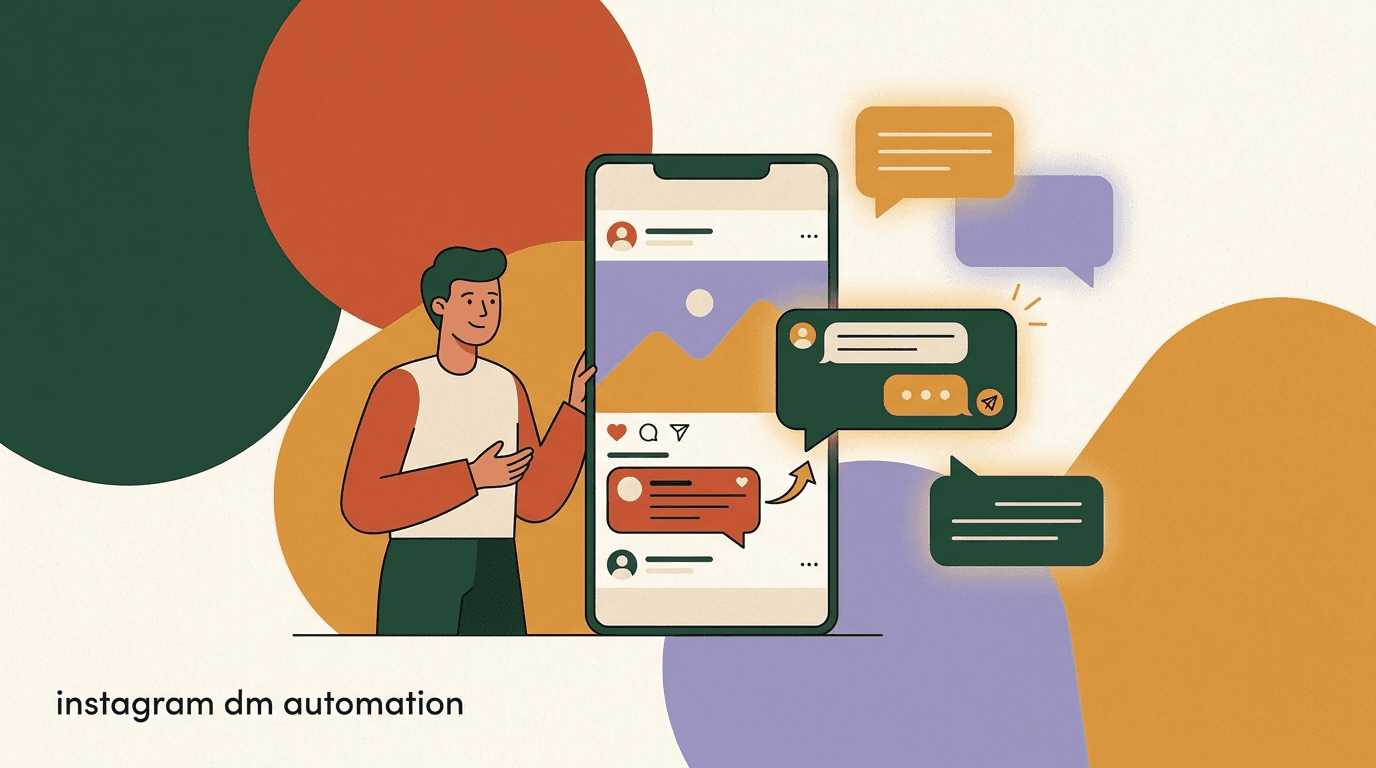
An AI chatbot for Instagram is software connected to your Instagram Business or Creator account — through Meta's official API, not a workaround — that reads incoming DMs and comments, understands what someone is asking in ordinary language, and replies automatically. The better ones do this from a knowledge base built from your own content: your FAQ page, shipping policy, price list, booking rules, or product catalog.
In practice it sits between two jobs your account already needs done. First, it's a first responder: someone messages at 11pm asking if you ship to Canada, and the bot answers immediately instead of the question sitting unread until morning. Second, it's a filter: it separates the ten questions it can answer confidently from the one that needs a person, and routes that one to your inbox instead of guessing.
Not every 'Instagram chatbot' on the market does this well. Some are AI-branded flow builders where you still draw every branch by hand and the AI just polishes the wording. Others are genuine reasoning agents. The next section draws that line clearly, because it's the single biggest factor in whether the bot will feel helpful or frustrating to the people messaging you.
AI agent vs scripted flow: what's the actual difference?
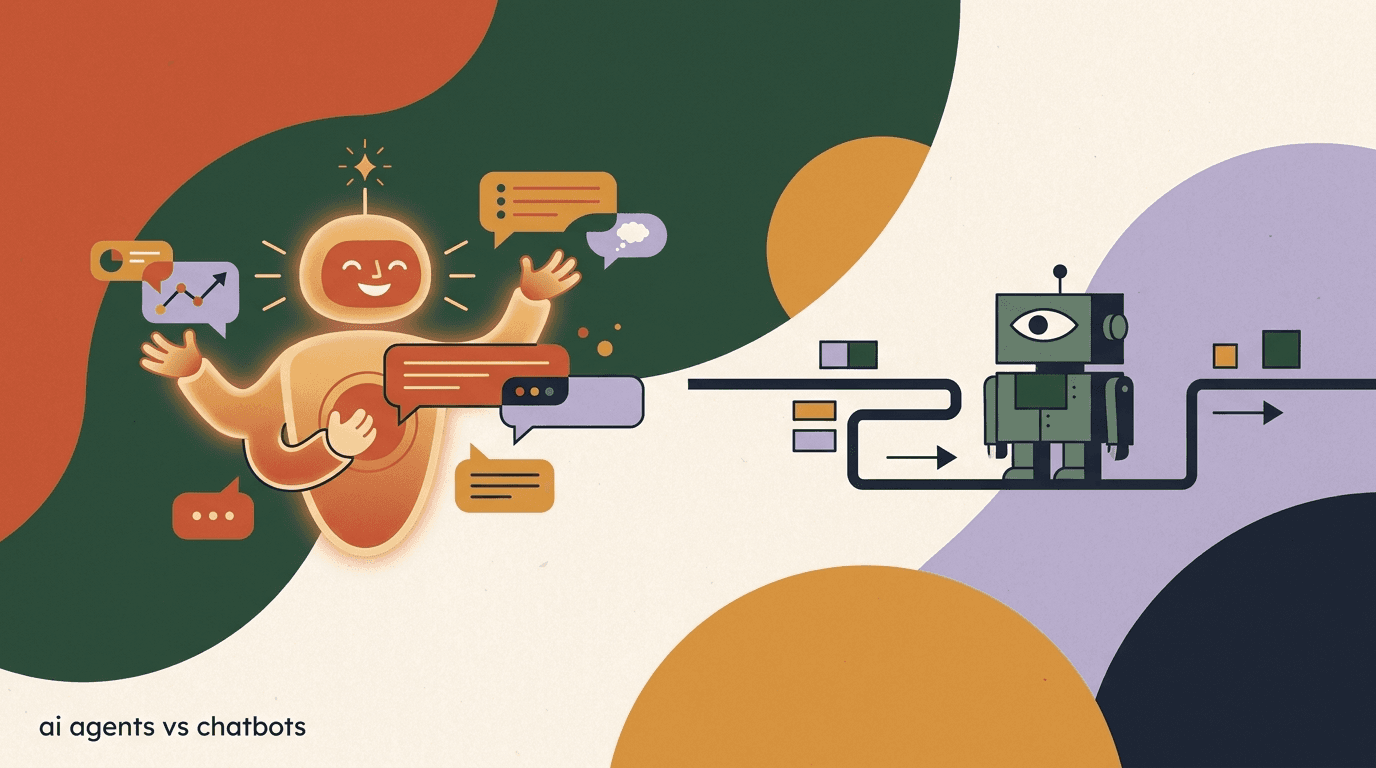
A scripted flow — sometimes marketed as a chatbot, sometimes just called automation — is a decision tree a human draws in advance. If the customer clicks 'Track my order,' send message A. If they type a keyword like 'price,' send message B. It's fast to build, completely predictable, and it works well for exactly the paths you anticipated. It breaks the moment someone phrases a normal question in a way you didn't script for.
An AI agent works differently. It reads the actual sentence someone typed, matches it against a knowledge base of your content, and generates an answer grounded in that content — rather than picking from a small set of pre-written replies. It holds context across the conversation, so if someone asks a follow-up two messages later, the agent remembers what was already said. And it knows what it doesn't know: a well-built agent recognizes low-confidence territory and hands off instead of guessing.
The practical difference shows up the first time a real customer goes off-script — which, on Instagram, is most of the time, because DMs read like text messages, not menu selections.
| Trait | Scripted flow / rule-based bot | AI agent |
|---|---|---|
| How it decides what to say | Matches a button click or exact keyword | Reads the sentence and reasons over a knowledge base |
| Handles a rephrased question | Usually breaks or loops to a menu | Usually still answers correctly |
| Remembers earlier context | Rarely, or only within one flow branch | Yes, across the conversation |
| Setup effort | Draw every branch by hand | Upload source content once; agent generalizes |
| Predictability | Very high — you wrote every line | High but not absolute — review its answers early on |
| Best for | Fixed processes: order status buttons, simple triage | Open-ended questions: FAQs, policies, product info |
Neither one is universally 'better'
A scripted flow is genuinely the right tool for a rigid, high-volume process — like a fixed order-status lookup where the answer only ever depends on an order number. An AI agent is the right tool for anything conversational: FAQs, policies, recommendations, qualification. Most Instagram DM volume is the second kind, which is why 'AI chatbot' increasingly means 'agent' rather than 'flow.'
Same DM, two different bots
- Customer
- "does the medium run big or should I size up"
- Scripted flow
- Doesn't match a keyword it was taught; falls back to a generic menu
- AI agent
- Reads the sizing guide in its knowledge base and answers the actual question directly
What is a knowledge base, and why does it matter here?
A knowledge base is the source material an AI agent draws its answers from — your shipping policy, FAQ page, return window, price list, service menu, booking rules, brand voice notes, anything a customer might reasonably ask about. Without one, an 'AI' bot is just generating plausible-sounding text with nothing underneath it, which is how you end up with confidently wrong answers about your own return policy.
With a knowledge base, the agent's answers are grounded: it looks up what you actually wrote before it replies, rather than inventing an answer from general internet knowledge. This is the difference between an agent that says 'returns are accepted within 30 days of delivery, unworn with tags' because that's literally in your policy document, and one that guesses a plausible-sounding return window because it has to say something.
Building a knowledge base is usually less work than people expect. Most businesses already have the content — an FAQ page, a policies document, a product spreadsheet — it just needs to be uploaded or pasted in. The agent handles the rest: reading it, indexing it, and pulling the right section when a matching question comes in.
- Good knowledge base sources: FAQ pages, shipping/return policies, pricing pages, service menus, booking rules, past support answers.
- Keep it current — an agent trained on last season's shipping times will confidently repeat them.
- Write it the way you'd want a new hire to read it: plain language, not internal jargon.
- Review the agent's answers in the first week or two and correct the source document, not just the individual reply.
Update the source, not the symptom
If the agent gives a wrong answer, the fastest permanent fix is almost always editing the knowledge base entry it pulled from — not writing a one-off correction. Fix the source once and every future conversation benefits.
How does comment-to-DM work with an AI chatbot?
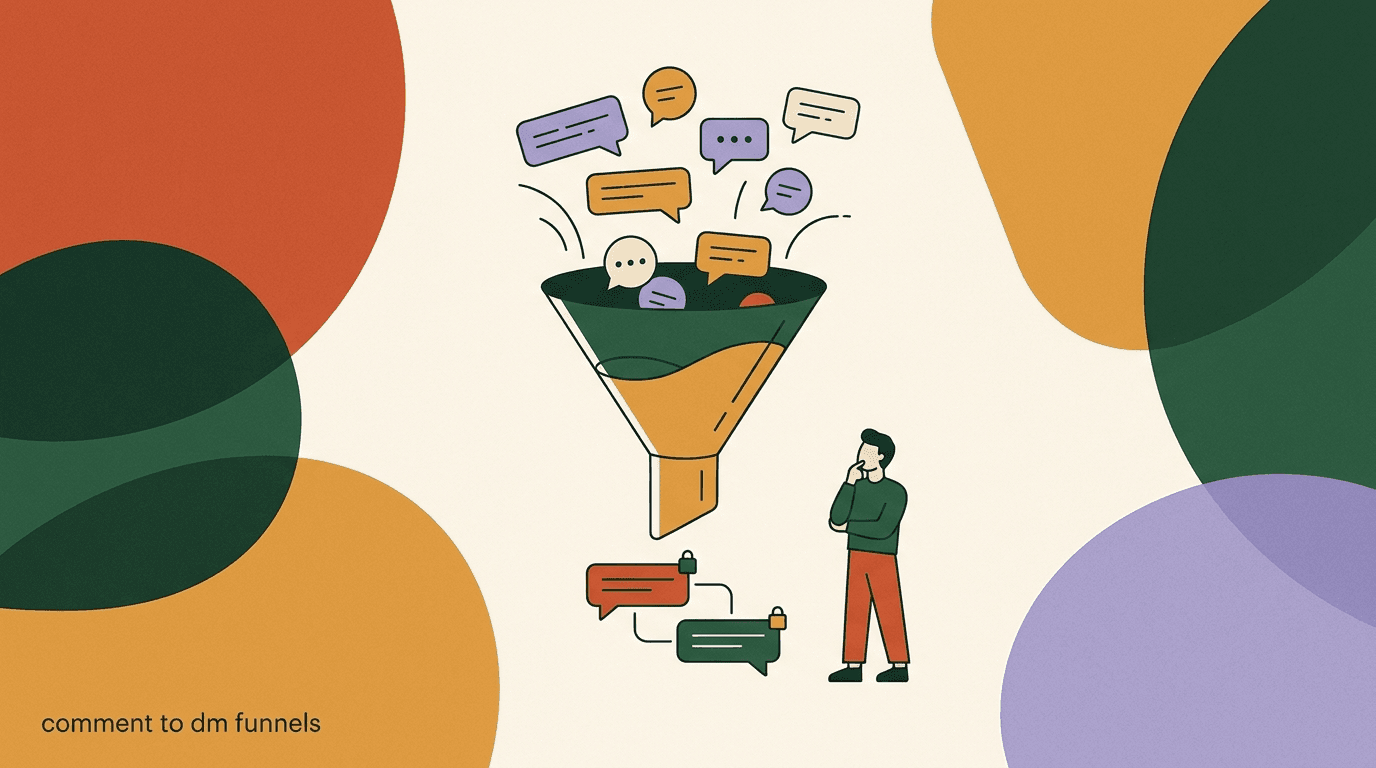
Comment-to-DM is the automation that turns a public comment on your post or reel into a private conversation. Someone comments 'link please' or 'price?' under your post, the automation detects the trigger word, sends them an automatic DM, and the AI chatbot takes it from there — answering follow-up questions, sending the link, or qualifying the lead.
It's one of the highest-converting setups on Instagram precisely because it removes friction at the exact moment of highest intent. The person just watched your reel and asked a question in public; a DM lands in their inbox seconds later while they're still looking at their phone, and an AI agent can carry the rest of that conversation instead of a single canned reply.
- Pick a triggerChoose the keyword or phrase you'll watch for in comments — 'link,' 'price,' 'DM me,' or a post-specific word you call out in the caption or video.
- Send the opener DMAutomatically send a DM to anyone who comments the trigger, referencing the post so the context is obvious.
- Hand off to the agentOnce the DM thread opens, let the AI agent take over — answering questions about the product, price, or offer from its knowledge base.
- Qualify or routeFor sales or bookings, have the agent ask one or two qualifying questions and route hot leads into your inbox or a booking link.
- Watch the first batchRead the actual conversations that come out of your first comment-to-DM campaign before scaling it to more posts.
Comment triggers need to be specific
A trigger word that's too common — like 'yes' or 'info' — will fire on unrelated comments and spam people who didn't ask for a DM. Pick something specific to the post, and always give people an easy way to opt out or ignore it.
When should the AI hand off to a human?
Handoff is the single most important design decision in an AI chatbot for Instagram, and it's the one people underinvest in. A good agent isn't judged by how many conversations it handles alone — it's judged by whether it correctly recognizes the ones it shouldn't.
The clearest handoff triggers are low confidence (the question doesn't match anything in the knowledge base well), an angry or upset tone, a request explicitly asking for a human, anything involving money disputes or refunds outside policy, and multi-part questions that need judgment rather than lookup. A well-configured agent treats these as a routing decision, not a failure — it tells the customer a person is joining, and drops the thread into your team inbox with the full conversation history attached so nobody has to ask the customer to repeat themselves.
- Hand off on: low-confidence answers, explicit human requests, complaints/disputes, refund exceptions, anything sensitive.
- Keep the human in the loop with full context — no 'please repeat your issue' after a handoff.
- Let a co-pilot mode draft a reply for the human to edit and send, rather than fully auto-sending on sensitive threads.
- Review handoff logs weekly to see what the agent is escalating and tighten the knowledge base where it shouldn't have needed to.
A handoff done right
- Customer
- "my order arrived damaged and this is the second time, I want a refund not a replacement"
- Agent
- Recognizes this exceeds a simple policy lookup — connects the customer to a teammate and posts the full thread with context
- Teammate
- Opens the conversation already knowing the order number, the damage claim, and that this is a repeat issue
What does Meta actually allow for Instagram automation?
Meta permits automated messaging on Instagram through its official Messaging API, and comment-to-DM automation is explicitly supported — this isn't a gray-area workaround, it's a documented, sanctioned use case, provided you use an approved platform rather than a scraping or credential-sharing tool.
The rules that actually matter in practice: only send messages people have a reason to expect (a reply to their comment or DM, not cold outreach to accounts that never engaged with you), respect the 24-hour standard messaging window for promotional content outside of approved message tags, don't misrepresent the bot as a human if directly asked, and give people a clear way to reach a real person. Meta enforces these through account-level restrictions, not just warnings, so it's worth building automation on a platform that handles the window and tagging rules for you rather than tracking them by hand.
Get real opt-in for comment-to-DM
The comment itself is the opt-in for comment-to-DM — someone chose to type the trigger word. Don't extend that into unrelated promotional messaging later without a separate, clear opt-in. Treat the trust someone extended by commenting as scoped to that specific offer, not a blanket permission slip.
How much does an AI chatbot for Instagram cost?
Pricing on most platforms follows one of two shapes: a base subscription with AI sold as a separate add-on, or a flat plan with AI included. It's worth checking which shape you're looking at before comparing sticker prices, because a cheap base tier with a $20–30/month AI add-on on top often costs more than a flat plan that already includes it.
As a general rule, budget for the account tier that includes your expected message and contact volume, plus whatever the AI layer costs if it's separate, plus WhatsApp's per-conversation fees if you're also connecting that channel — those are charged by Meta directly and apply regardless of which platform you use. Always verify current numbers on the vendor's own pricing page before budgeting, since these tiers change.
| What you need | Typical add-on model | Flat-included model |
|---|---|---|
| Base Instagram automation | Entry tier, e.g. ~$15–30/mo | Entry tier, e.g. ~$19/mo |
| AI chatbot / agent layer | Separate add-on, often ~$20–30/mo extra | Included in the mid tier |
| Comment-to-DM | Often included | Included |
| Team inbox for handoff | Sometimes a higher-tier feature | Included from the AI-capable tier |
How do you set up an AI chatbot for Instagram, step by step?
The setup itself is a few hours of work, most of it spent writing content for the knowledge base rather than clicking through settings. Here's the order that avoids the most common mistakes.
- Connect your Instagram account through the official APILink your Instagram Business or Creator account via Meta's Messaging API integration inside your automation platform — never a login-sharing or scraping tool, which risks the account.
- Gather your source contentPull together your FAQ, shipping and return policy, pricing, booking rules, and product details into one place before you start building the agent.
- Build the knowledge baseUpload or paste that content into the agent's knowledge base. Write it in plain language, and organize it the way a customer would ask about it, not the way your internal docs are organized.
- Set the agent's tone and boundariesDefine the voice (casual vs formal), what it should never promise (refunds outside policy, medical or legal claims), and what topics are off-limits.
- Configure handoff rulesSet the triggers that route to a human: low confidence, explicit request, complaints, or anything touching money.
- Turn on comment-to-DM for one or two postsPick a trigger word and test comment-to-DM on a small number of posts before rolling it out account-wide.
- Read the first real conversationsOnce live, read through the first batch of actual DM threads end to end. This is where you'll catch gaps in the knowledge base that no amount of pre-launch testing surfaces.
Launch narrow, then widen
Turn the agent on for one comment trigger and a handful of FAQ topics first. It's far easier to expand a working setup than to untangle a broad one that's giving wrong answers on twenty topics at once.
What can an AI chatbot for Instagram actually do — and what should stay manual?
The strongest use cases are high-frequency, information-based, and low-emotional-stakes: answering FAQs, quoting prices and availability, explaining sizing or shipping, qualifying leads with a couple of questions, sending booking links, and running comment-to-DM funnels from posts and reels. These are exactly the questions that eat support time without needing human judgment.
The weaker fits are anything requiring real discretion: refund exceptions, upset customers, legal or medical claims, and anything where the 'right' answer depends on context the agent can't see, like a relationship with a long-time customer. Automating those isn't just a bad experience — on complaints and money issues, it can actively make an unhappy customer angrier.
- Good fits: FAQs, pricing, sizing/specs, hours, booking, comment-to-DM qualification, order-status lookups.
- Weak fits: refund exceptions, disputes, complaints, anything needing human judgment or a relationship context.
- Middle ground: initial triage on anything, with the agent drafting a reply a human reviews before sending on sensitive threads.
AI chatbot vs. hiring someone to answer DMs manually?
For low volume — a handful of DMs a day — a person answering manually is fine, and an AI chatbot is probably overkill. The math changes once volume climbs: an agent doesn't get slower at 11pm, doesn't need to be trained twice for the same seasonal question, and costs a fraction of even part-time help once you're past a few dozen repetitive messages a day.
The realistic setup for most growing accounts isn't 'AI instead of a person' — it's AI plus a person. The agent absorbs the repetitive first-response volume around the clock; a human handles the handoffs, the judgment calls, and the relationships. That combination, not full automation, is what tends to actually hold up once real customers start messaging.
Common mistakes when setting up an Instagram AI chatbot
Most bad first impressions come from a handful of repeatable mistakes, not from the technology itself.
- Launching with an empty or thin knowledge base and letting the agent guess — this is where wrong answers come from.
- No handoff rule for complaints, so an upset customer gets an automated reply instead of a person.
- Overly broad comment triggers that fire on comments unrelated to the offer.
- Never reading real conversation transcripts after launch, so gaps go uncorrected for months.
- Treating the agent as 'set and forget' instead of updating it when policies, prices, or seasons change.
An unmonitored agent drifts
Prices change, policies update, seasons pass — a knowledge base you never revisit slowly goes stale, and the agent keeps answering confidently from outdated information. Put a recurring 15-minute review on the calendar, at minimum monthly.
How KlyoChat does this
KlyoChat is a unified inbox and automation platform for Instagram, Facebook, Telegram, WhatsApp, TikTok, and X, built around AI agents rather than scripted flows. Agents are included from the Pro plan — not sold as a separate add-on — so you build one agent, give it a knowledge base, and it works across every connected channel rather than needing to be rebuilt per platform.
Comment-to-DM is native: set a trigger on a post, and the agent takes the resulting DM thread from opener through Q&A. Handoff is built into the team inbox — when the agent flags low confidence or a sensitive topic, the conversation lands with full history for a teammate to pick up, with @mentions, notes, and an AI co-pilot that can draft a reply for a human to review before sending. To be direct about the trade-off: KlyoChat doesn't do native SMS or email, and WhatsApp carries Meta's per-conversation fees like it does on every platform — worth knowing before you commit.
- AI agents included from Pro — not a separate add-on charge.
- One agent, one knowledge base, works across Instagram and every other connected channel.
- Comment-to-DM built in, with the agent handling the resulting conversation.
- Team inbox handoff with full context — no repeating yourself to a human after an escalation.
- 7-day free trial, no credit card, at app.klyochat.com/signup.
KlyoChat plans, in brief
- Basic
- $19/mo — core channels, no AI agents
- Pro
- $49/mo — all channels, AI agents with knowledge bases included, comment-to-DM, team inbox
- Business
- $129/mo — higher limits, API access, Shopify/WooCommerce
An AI chatbot for Instagram is worth setting up the moment your DMs stop being a handful of one-offs and start being a repeating pattern of the same ten questions. The setup work is mostly about the knowledge base, not the software — write it well, define clear handoff rules for anything sensitive, stay inside Meta's messaging rules, and read the real conversations it produces in the first few weeks.
Compare how an AI agent handles your actual FAQs against a scripted flow on our AI agents vs chatbots breakdown, see the full setup for Instagram DM automation, or go deeper on comment-to-DM funnels before you launch your first trigger.