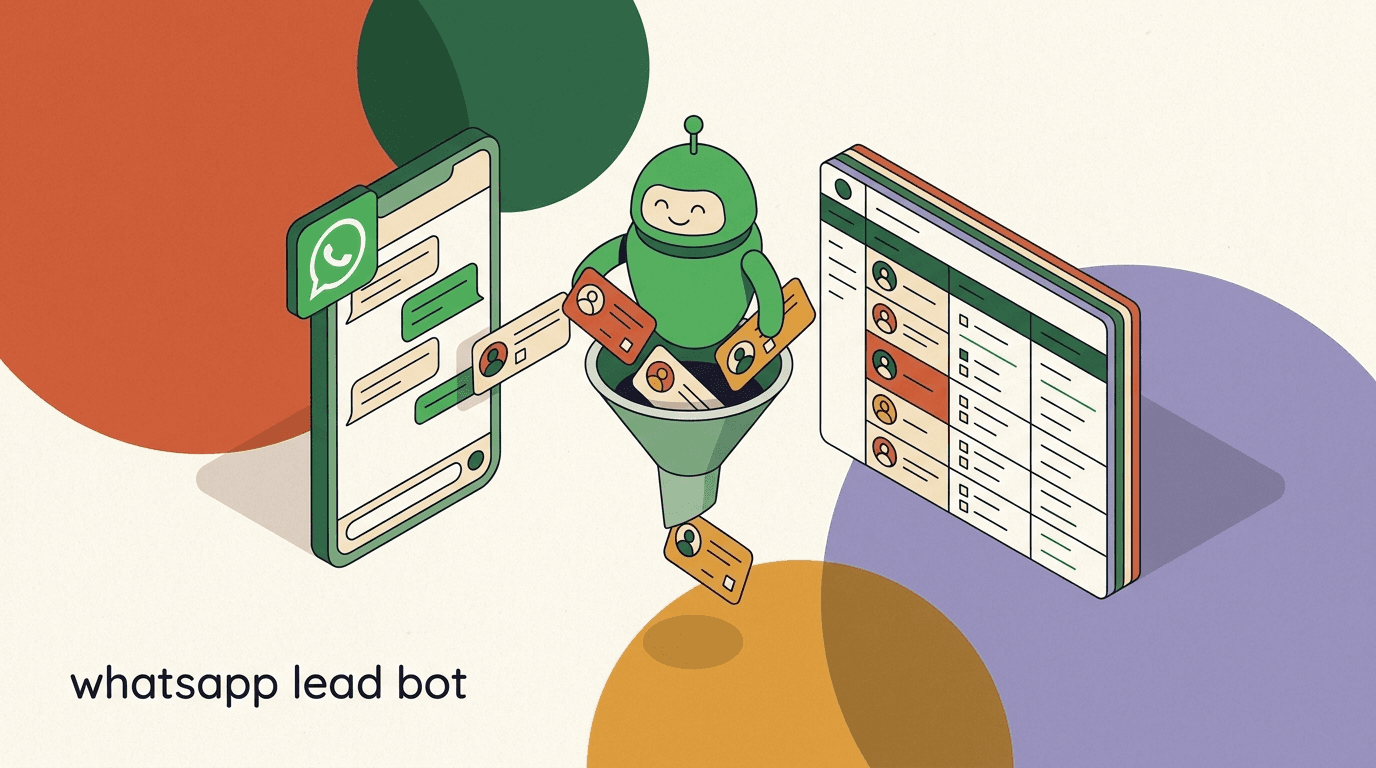
A WhatsApp lead bot is the fastest way to stop wasting your best sales hours on people who were never going to buy. It greets every inbound contact in seconds, asks the same three to five questions a junior rep would ask, scores the answers, and routes only the genuinely qualified leads to a human — with a booking link already attached. The unqualified ones still get a polite, useful reply, so nobody is ignored. The whole point is that your team spends its time on conversations that can actually close.
This is a build guide, not a think-piece. By the end you will have a working WhatsApp lead qualification bot: defined criteria, a written question flow or AI agent prompt, a scoring and tagging scheme, a routing rule that pings a human for hot leads, opt-in and template handling so you stay compliant, and a test plan to catch the awkward edge cases before a real prospect does. We will move step by step and give you scripts you can paste in and edit.
Full disclosure up front: we build KlyoChat, an AI-native inbox with custom AI agents and no-code flows, so we use it for the examples near the end. But the method here is platform-neutral. The hard part of a lead bot is never the software — it is deciding what a good lead actually looks like for your business. Get that right and the build genuinely takes under an hour. Get it wrong and no tool will save you.
What does a WhatsApp lead bot actually do?
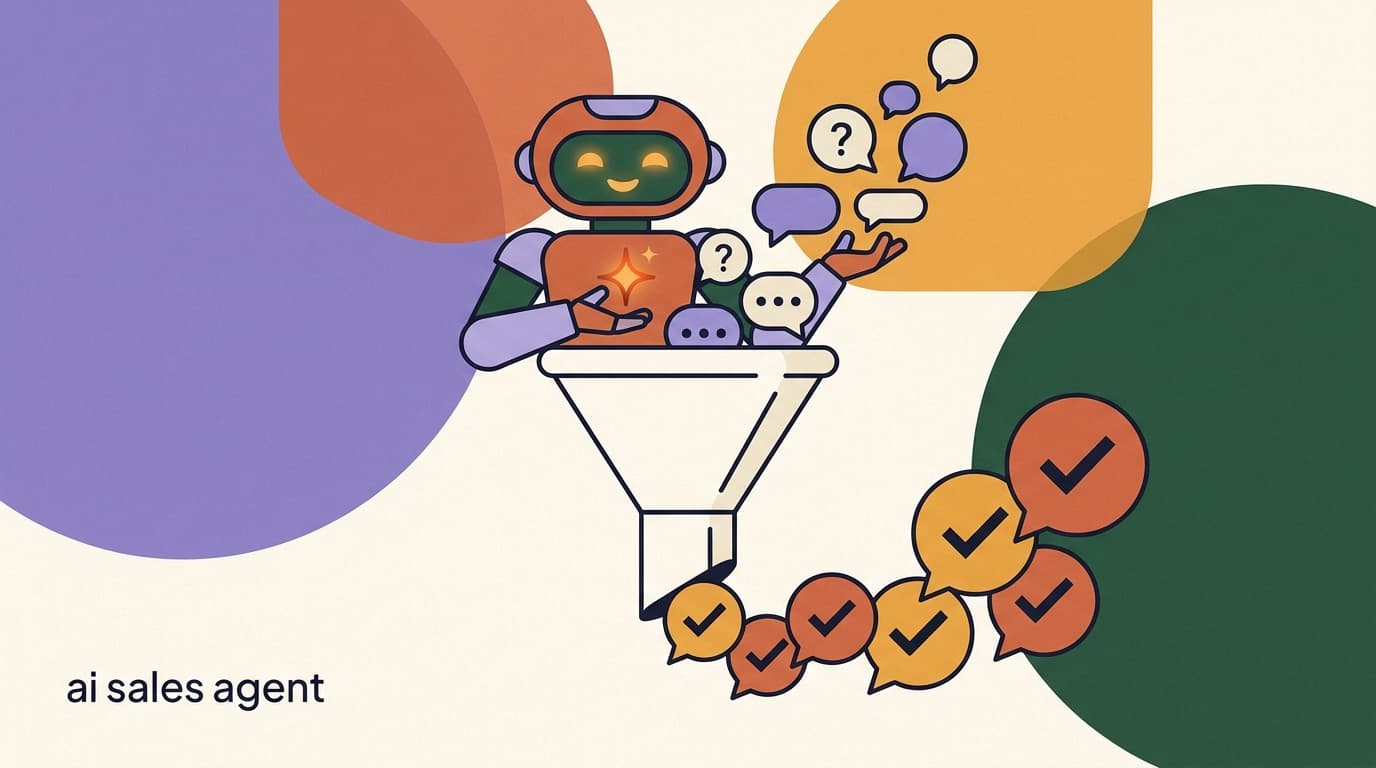
Strip away the marketing language and a WhatsApp lead bot does four jobs in sequence. It captures the contact, qualifies them with questions, scores and labels the result, then routes the conversation to the right next step. Everything else — the AI, the integrations, the dashboards — is in service of those four jobs.
Understanding the sequence matters because each stage has its own failure mode. A bot that captures well but qualifies badly floods your team with junk. A bot that qualifies well but routes badly leaves hot leads sitting in a queue while they cool off. You are building a small pipeline, and a pipeline is only as good as its weakest link.
It helps to picture the bot as a polite, tireless receptionist who happens to know your qualifying rules cold. A good receptionist does not grill every caller; they greet warmly, ask the couple of questions that decide who needs the sales team versus who needs a brochure, and they walk the right people to the right door without making anyone feel processed. That is the bar. The technology exists only to reproduce that judgement consistently, at any hour, for every single inbound message — including the ones that arrive at two in the morning from the other side of the world, which a human receptionist would simply miss.
- It works inbound: someone messages you first, usually from an ad, a link, or your profile.
- It is conversational, not a form — people answer questions in their own words.
- It never replaces a salesperson; it filters and warms so the salesperson starts ahead.
- It runs whether or not anyone on your team is awake, which is the entire point for a global audience.
| Stage | What happens | What you must define |
|---|---|---|
| Capture | Bot greets the inbound contact and confirms opt-in | Greeting copy, consent line |
| Qualify | Bot asks 3-5 questions to gauge fit and intent | Your qualifying criteria |
| Score & tag | Answers convert to a score and a hot/warm/cold tag | Scoring weights, thresholds |
| Route | Hot leads go to a human and a booking link; others nurture | Routing rules, fallbacks |
Inbound, not outbound
This guide is about qualifying people who message you. Cold outbound on WhatsApp is a different game with stricter rules and far higher opt-in risk. Keep your lead bot to contacts who started the conversation and you will stay on the right side of both Meta's policies and basic courtesy.
Why build a WhatsApp lead bot instead of using a web form?
Web forms have a quiet problem: people fill them in and then disappear into an email follow-up sequence they never open. The conversation that should happen at the moment of highest intent gets deferred by hours or days. By the time a rep calls, the prospect has moved on or gone cold.
WhatsApp inverts that. The reply lands in an app the person checks dozens of times a day, in a thread that feels like a chat with a friend rather than a corporate noreply address. Open and response rates on WhatsApp are dramatically higher than email for exactly this reason — it is where attention already is. A lead bot meets the prospect in that channel and keeps the momentum instead of breaking it.
The qualification piece is the multiplier. A form collects whatever fields you forced; a bot can ask follow-up questions, clarify a vague answer, and adapt. It gathers richer signal and it does it in a medium people actually respond in. That combination — high response rate plus real qualification — is what makes the build worth your hour.
There is also a psychological difference that is easy to underrate. Filling in a form feels like submitting an application; you do work, then you wait, and waiting invites second thoughts. A WhatsApp conversation feels like talking to someone, and conversations carry their own gentle momentum — once a person has answered one friendly question, answering the next is the path of least resistance. The bot rides that momentum all the way to a booking link while the prospect's intent is still warm, instead of handing them a confirmation page and hoping they remember you when the follow-up email lands two days later.
Web form vs WhatsApp lead bot
- Web form
- Static fields, delayed email follow-up, low reopen rate
- WhatsApp lead bot
- Conversational questions, instant reply, high response rate, qualifies in-thread
Step 1: Define what a qualified lead looks like
This is the step everyone wants to skip, and it is the only step that actually decides whether your bot works. A lead bot is just an automated version of your judgement. If you cannot describe a good lead in plain words, the bot has nothing to enforce and will pass everyone through equally — which is no better than no bot at all.
Write down the handful of attributes that separate a prospect worth a sales call from one who is not. For most businesses this comes down to four classic dimensions, often remembered as BANT: budget, authority, need, and timeline. You do not have to use all four, and you should adapt the labels to your reality, but they are a reliable starting frame.
Be honest with yourself here, because there is a temptation to define qualified too generously — to call anyone with a pulse a lead because it feels good to have a full pipeline. That generosity is exactly what buries your sales team. Every lead you wave through that should not have been is an hour a rep spends discovering, the slow way, what your bot could have learned in three questions. The discipline of a tight definition is not gatekeeping for its own sake; it is the kindest thing you can do for the people whose time you are protecting and for the prospects who deserve a fast, relevant answer rather than a sales pitch they did not want.
- List your must-havesThe non-negotiables. If a lead fails one of these, they are not qualified no matter what else is true. Example: budget below your minimum, or located outside the regions you serve.
- List your nice-to-havesSignals that raise a lead's score but are not deal-breakers. Example: ready to start this month, or already using a competing tool they want to leave.
- Decide your disqualifiersExplicit reasons to route a lead away from sales gracefully — students, job seekers, wrong product fit. Naming these saves your team the most time.
| Criterion | Qualifies if | Disqualifies if |
|---|---|---|
| Budget | At or above your minimum package | Clearly below entry price |
| Authority | Decision-maker or strong influencer | No say in the purchase |
| Need | Has the problem you solve, now | Just browsing or researching |
| Timeline | Wants to act within 30-90 days | No timeline or someday |
Borrow from your best rep
If you are unsure what good looks like, ask your strongest salesperson which three questions they ask early to decide whether a lead is worth their time. Those questions are your criteria. You are not inventing a system — you are writing down one that already lives in someone's head.
Step 2: Turn criteria into qualifying questions
Now translate each criterion into one short question a stranger will happily answer on their phone. The constraint is real: every extra question costs you completions. People abandon long interrogations, so aim for three to five questions total. If a criterion cannot earn its place in five, cut it.
Write questions the way a friendly human would ask them, not the way a database wants them. Offer quick-reply options where you can, because tapping a button beats typing a sentence and gives you clean, structured answers to score against. Keep the language warm and the path obvious.
There is an order effect worth respecting. Open with the question that is easiest and most relevant to the prospect's own goal — usually their need — because answering it builds a small momentum that carries them through the rest. Save the question that feels most like an intrusion, almost always budget, for last, when they are already invested in the conversation and a little trust has been earned. Asking budget first reads as transactional and cold; asking it after you have shown genuine interest in their problem reads as a natural part of helping them. The exact same question, moved three messages later, can be the difference between a completed flow and an abandoned one.
- One criterion per question — do not bundle budget and timeline into a single message.
- Lead with the least sensitive question (usually need) and put budget last.
- Use quick-reply buttons for timeline and budget bands so answers are clean.
- Always tell the person why you are asking — friction drops when the purpose is clear.
Five questions is the ceiling, not the target
Most strong lead bots qualify well on three questions. Every question you add trades completion rate for detail. Start lean, look at where people drop off, and only add a fourth or fifth question if the data says you need it.
Sample qualifying question flow (B2B service)
- Q1 Need
- Hi! Quick question so I point you to the right person — what are you hoping to fix?
- Q2 Timeline
- Got it. Are you looking to start this month, this quarter, or just exploring?
- Q3 Authority
- And will you be the one signing off, or part of a team deciding?
- Q4 Budget
- Last one: do you have a rough budget in mind for this?
- Close
- Perfect, thanks! Give me one second to connect you with the right next step.
Step 3: Choose a question flow or an AI agent
There are two ways to deliver those questions: a scripted flow with branching logic, or an AI agent that holds the criteria in its instructions and conducts the conversation naturally. Both qualify leads. They differ in how rigid the path is and how much free-form input they handle gracefully.
A scripted flow is deterministic — every lead walks the same branches, which makes it predictable and easy to debug. An AI agent is flexible — it can interpret a messy answer, ask a clarifying follow-up, and recover when someone replies out of order. Many teams use both: an AI agent for the open-ended qualifying conversation, with a flow handling the structured opt-in and the final routing.
| Approach | Best for | Trade-off |
|---|---|---|
| Scripted flow | Simple, predictable criteria with clear options | Rigid; struggles with unexpected answers |
| AI agent | Conversational qualifying, messy free-text input | Needs good instructions and human oversight |
| Hybrid | Natural qualifying plus reliable routing | Slightly more to set up once |
AI is not set-and-forget
An AI qualifier is only as good as the criteria and examples you give it, and it still needs a human watching the early conversations. Plan to read the first few dozen transcripts and tune the instructions. Treat the AI as a fast junior rep that needs coaching, not an oracle.
Step 4: Write the AI agent instructions
If you go the AI route, the agent's instructions are the entire product. This is where your criteria, your tone, and your routing logic live. Write them as if you were briefing a new hire on their first day: who they are talking to, what to find out, how to behave, and when to hand off.
Be explicit. Vague instructions produce vague qualifying. Tell the agent the exact criteria, the order to ask in, what counts as a disqualifier, and what to do at the end of the conversation. Give it a couple of example exchanges so it knows the tone you want. Below is a starting template you can adapt — keep it short enough that the agent stays focused.
- State the criteria as plain rules the agent can check against.
- Tell it exactly what to say when a lead is disqualified — do not leave that to chance.
- Give it the booking link and the handoff phrase verbatim.
- Cap message length so it never sends a paragraph where a sentence works.
Never let the AI invent facts
Instruct the agent to qualify and route only — not to quote prices, promise features, or make commitments it cannot verify. If a lead asks something it does not know, the safe move is to say a human will confirm. An overconfident bot that misstates your pricing causes more damage than a slow human.
Sample AI agent instruction block
- Role
- You qualify inbound WhatsApp leads for a B2B onboarding service. Be warm, brief, and never pushy.
- Goal
- Find out the prospect's need, timeline, decision role, and rough budget in under five messages.
- Ask order
- 1) need 2) timeline 3) authority 4) budget. One question per message.
- Disqualify
- Students, job seekers, and budgets below the entry tier. Reply kindly and do not push to a call.
- Handoff
- If they meet need + timeline + budget, say a human will follow up and share the booking link.
- Tone
- Friendly, lowercase-casual, no jargon, no walls of text. Mirror their language.
Step 5: Build the scoring and tagging system
Qualifying questions produce answers; scoring turns those answers into a single decision. The simplest reliable scheme assigns points to each answer, sums them, and maps the total to a tag. You do not need anything sophisticated — a points table on a sticky note is enough to start.
Weight the answers that matter most. If budget is your hardest filter, give budget answers the heaviest points. Then set two thresholds: one that marks a lead hot, one that marks them cold, with everything between landing as warm. The tags are what your routing reads, so they have to be unambiguous.
- Hot: total score at or above your high threshold — route to a human now.
- Warm: middle range — nurture, send resources, follow up later.
- Cold: below your low threshold — tag, exit gracefully, keep for re-engagement.
- Tag every lead automatically so your inbox and reports stay filterable.
| Answer | Points | Why |
|---|---|---|
| Budget at or above minimum | 3 | Hardest filter, weighted heaviest |
| Timeline within 30 days | 2 | Urgency is a strong buying signal |
| Decision-maker | 2 | Can actually say yes |
| Just exploring / no budget | 0 | Real, but not sales-ready |
Score-to-tag mapping
- 7-9 points
- Hot — hand to human + booking link
- 3-6 points
- Warm — nurture sequence
- 0-2 points
- Cold — polite exit, tag for later
Step 6: Route hot leads to a human and a booking link
A hot lead is perishable. The whole exercise is wasted if a qualified prospect finishes your bot's questions and then waits an hour for a human to notice. Routing is where speed converts interest into a meeting, so it deserves the same care as the questions.
Do two things the moment a lead is tagged hot: notify a human and offer the next action immediately. Drop the conversation into a shared team inbox, ping the right rep, and have the bot send a booking link in the same breath so the prospect can self-schedule even before a person replies. Belt and suspenders — automated booking plus human follow-up — catches the lead either way.
- Notify the right personOn a hot tag, alert the rep or channel that owns those leads. A delayed notification is the same as no notification when the lead is hot.
- Offer the booking link instantlyHave the bot send a scheduling link the second it qualifies someone. Self-service booking beats waiting for a human to reply, especially across time zones.
- Hand off the full contextThe rep should see the qualifying answers and the score, not start cold. Carrying the transcript into the human handoff is what makes the conversation feel continuous.
Speed beats polish
A slightly clumsy reply in two minutes beats a perfect reply in two hours. The single biggest lever on a lead bot's conversion is how fast a qualified prospect gets a next step. Optimize routing for speed first and refine the wording later.
Step 7: Handle opt-in, consent, and message templates
WhatsApp is not an open channel you can blast at will. Meta requires that contacts opt in before you message them, and outside the 24-hour customer service window you can only send pre-approved message templates. For an inbound lead bot this is manageable, because the lead messaged you first — but you still need to get the details right or your account is at risk.
The cleanest pattern is to treat the lead's first inbound message as the start of the 24-hour window, qualify and route within it, and use approved templates only when you need to re-engage after it closes. Make your opt-in explicit and friendly rather than buried in legal text, and keep a record of consent.
- Inbound leads who message you first open a 24-hour service window — free-form replies are fine inside it.
- After 24 hours, you can only re-engage with a Meta-approved template message.
- Marketing template messages carry per-conversation fees from Meta, billed separately from any software.
- State your opt-in plainly: tell people they will get WhatsApp messages and how to stop them.
Opt-in and Meta fees are non-negotiable
WhatsApp requires opt-in and charges per-conversation fees on templates, and those rules apply on every platform — they are Meta's, not your software vendor's. Build consent into your flow from the start and budget for the conversation fees. Skipping this risks your WhatsApp Business account, which is far more expensive than the fees.
Step 8: Test the bot before you point ads at it
A lead bot fails in the gaps you did not anticipate: the person who types a paragraph instead of tapping a button, the one who asks a question mid-flow, the one who says budget is none of your business. You need to walk the unhappy paths before a paying ad sends real prospects into them.
Test as three different people. First as the ideal lead who answers everything cleanly and should come out hot. Then as the disqualified lead who should get a kind exit. Then as the chaos lead who ignores your questions, replies sarcastically, and goes off-script. The third persona finds most of your bugs.
The reason this matters so much is that a lead bot is the public face of your business at the exact moment someone has decided to reach out. A broken branch is not a private bug that only you will see; it is a stranger who raised their hand, got stuck in a loop or a non-sequitur reply, and quietly concluded that your company is not very competent. First impressions on a sales channel are expensive, and you only get one per prospect. Spending twenty minutes role-playing the awkward cases is cheap insurance against the much larger cost of a qualified lead walking away because the bot embarrassed itself in front of them.
- Test on a real phone, not just a preview — copy renders differently on a small screen.
- Check quick-reply buttons actually fire the right branch.
- Confirm tags and scores land correctly in your inbox after each run.
- Have one teammate try to break it; a fresh person finds gaps you are blind to.
- Run the happy pathAnswer every question as your perfect lead. Confirm the score is hot, the human is notified, and the booking link arrives.
- Run the disqualify pathAnswer as someone clearly not a fit. Confirm the bot exits politely, tags them cold, and does not push a sales call.
- Run the chaos pathReply out of order, type long messages, ask your own questions. Confirm the bot recovers or hands off to a human instead of looping.
Launch small, then scale
Point a small amount of traffic at the bot first — an organic link or a low-budget ad — and read the transcripts before you scale spend. The cheapest time to find a broken branch is when ten people have hit it, not ten thousand.
What are common WhatsApp lead bot mistakes to avoid?
Most lead bots that disappoint share the same handful of mistakes, and all of them are avoidable once you know to look. None are about the technology — they are about restraint, clarity, and respect for the person on the other end.
The pattern underneath is treating the bot as a way to deflect people rather than serve them. A bot that exists to filter for your convenience reads as cold. A bot that genuinely helps the person find the right next step happens to filter well as a side effect. Aim for the second.
- Too many questions: every extra question drops completions; stop at five.
- No graceful exit for cold leads: ignoring them burns goodwill and reviews.
- Slow handoff: qualifying a hot lead then making them wait wastes the whole effort.
- Robotic tone: stiff, formal copy on WhatsApp feels out of place and lowers replies.
- No human oversight on AI: launching an AI qualifier and never reading transcripts.
- Ignoring opt-in: the fastest way to lose your WhatsApp Business account.
Read your transcripts weekly
The single habit that separates a lead bot that improves from one that stagnates is reading the actual conversations. Patterns jump out — a question people misread, a point where everyone drops, a disqualifier you are missing. Twenty minutes a week of reading beats any dashboard.
How do you measure whether the bot is working?
A lead bot is a means to an end, and the end is qualified conversations that turn into revenue. Vanity metrics — total messages, contacts captured — tell you the bot ran, not that it worked. Track the numbers that connect to money instead.
Watch four metrics. Completion rate tells you whether your questions are too long. Qualification rate tells you whether your traffic and criteria match. Handoff speed tells you whether routing is fast enough. And the one that matters most, hot-lead-to-meeting rate, tells you whether qualified leads actually convert. If completion is high but meetings are low, your criteria are too loose. If completion is low, your flow is too long.
Resist the urge to judge the bot on its first week. Lead bots improve through a loop, not a launch: you ship a reasonable version, you read what real prospects actually do, and you change exactly one thing — a question, a threshold, a piece of copy — then watch the same numbers move. Changing several things at once feels productive but tells you nothing, because when the metric shifts you cannot say which edit caused it. Patience and a single variable at a time will take a mediocre bot to a strong one within a month, whereas constant thrashing keeps it permanently mediocre. The teams that get the most out of qualification automation are not the ones with the cleverest initial build; they are the ones who treat it as something they tend, week after week, like a garden rather than a machine.
| Metric | What it tells you | Fix if low |
|---|---|---|
| Completion rate | Are the questions too long or unclear | Cut a question, simplify copy |
| Qualification rate | Does your traffic match your criteria | Re-check targeting or thresholds |
| Handoff speed | How fast hot leads reach a human | Tighten notifications and routing |
| Hot-to-meeting rate | Are qualified leads really converting | Tighten criteria, improve handoff |
One metric to rule them all
If you can only watch one number, watch the rate at which hot-tagged leads turn into booked meetings. It captures the whole pipeline: good criteria, fast routing, and a handoff that does not drop the ball. Everything else is a diagnostic for why that number is what it is.
Building your WhatsApp lead bot in KlyoChat
We have kept this guide platform-neutral on purpose, because the method works anywhere. But since we build KlyoChat, here is honestly how it maps to the steps above, so you can judge the fit yourself. KlyoChat is an AI-native unified inbox covering Facebook, Instagram, Telegram, WhatsApp, TikTok, and X, with custom AI agents and no-code flows included rather than sold as add-ons.
For a WhatsApp lead bot, the pieces line up directly. You write the qualifying criteria into a custom AI agent that asks, scores, and tags. No-code flows handle the structured opt-in and the routing branches. The team inbox is where a hot lead lands so a human can take over with the full transcript already in front of them. Because AI agents and all channels are part of the plan, you are not stitching together three separate tools to do one job.
- AI agents that qualify, tag, and hand off are included — not a separate add-on.
- No-code flows handle opt-in and routing without engineering help.
- The team inbox carries the full transcript into the human handoff.
- Honest limits: KlyoChat has no native SMS or email, it is a newer and smaller community than the incumbents, and WhatsApp still needs Meta opt-in and carries Meta's per-conversation fees. The AI qualifier needs good criteria and human oversight — it is a fast junior rep, not a replacement for one.
- Connect WhatsApp and set opt-inLink your WhatsApp Business number and build the consent step into the flow so every lead is opted in correctly.
- Create the qualifying AI agentPaste your criteria and instruction block into a custom AI agent. It asks your questions, scores answers, and applies hot/warm/cold tags.
- Add routing in a no-code flowBranch on the tag: hot leads notify the team inbox and send the booking link; warm and cold leads enter their own paths.
- Test, then go liveRun the happy, disqualify, and chaos paths, read the first transcripts in the team inbox, then point traffic at it.
Try it on the trial before you commit
Because the trial is seven days with no card, you can build the whole lead bot, run your three test personas through it, and read real transcripts before deciding whether KlyoChat fits. If native SMS or email is core to your strategy, it is not the right tool — and we would rather you know that on day one.
KlyoChat plans for a lead bot
- Basic
- $19/mo — 1 AI agent, good for a single-channel test
- Pro
- $49/mo ($39 yearly) — all channels, custom AI agents, team inbox
- Business
- $129/mo — higher limits, API, integrations for scaling
- Trial
- 7-day free trial, no credit card required
Can one WhatsApp lead bot handle different lead types?
Most businesses do not have one kind of lead. A pricing question, a partnership inquiry, and a support issue all arrive in the same WhatsApp thread, and treating them identically frustrates everyone. A good lead bot triages first, then qualifies the leads that are actually sales leads.
The pattern is a short routing question at the very top — what brought you here today? — with a few options. Sales-shaped answers flow into the qualifying questions you built above. Support-shaped answers route to a help path or a human. Partnership and other answers go where they belong. You are adding one branch, not building three bots, and it keeps your qualifying flow clean because only real sales prospects ever reach it.
- Open with a single intent question before qualifying.
- Send only sales-intent leads into the budget/timeline/authority questions.
- Route support and partnership intents to their own paths immediately.
- Keep the qualifying flow focused so its metrics stay meaningful.
Triage first, qualify second
Mixing support tickets into your sales qualification flow pollutes both. One intent question at the top keeps each path clean and makes your qualification rate an honest number, because only people who came to buy are ever counted in it.
How does a lead bot fit with click-to-WhatsApp ads?
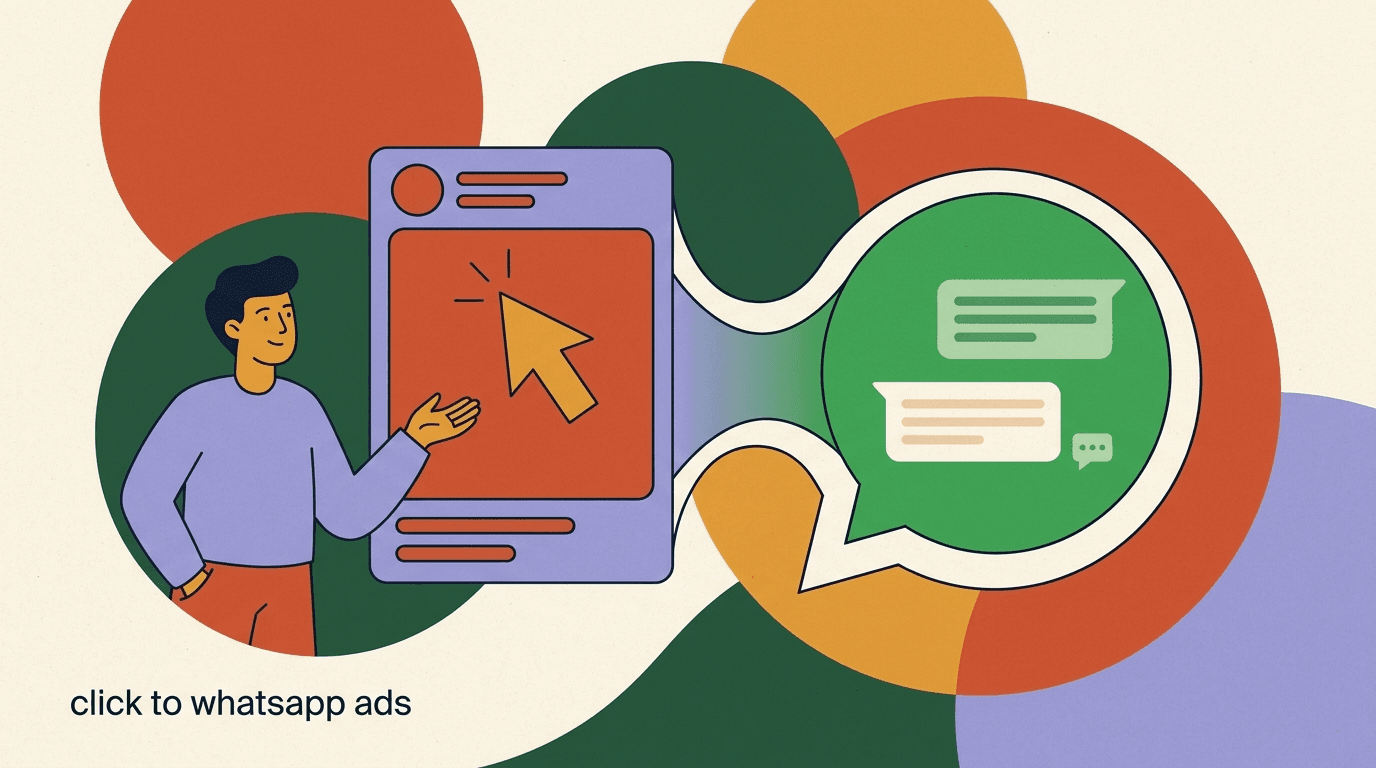
The most common high-volume source for a WhatsApp lead bot is click-to-WhatsApp advertising — Meta ads where the call to action opens a WhatsApp chat instead of a landing page. The ad does the capturing; your bot does the qualifying. Together they form a complete inbound machine, which is why they are usually built as a pair.
The handshake between them matters. The ad sets the expectation, and the bot's greeting should match it — if the ad promised a free quote, the first message should pick that up, not launch into generic questions. When the ad's promise and the bot's opening line are continuous, completion rates climb because the prospect feels understood rather than ambushed. We cover the ad side in detail in our click-to-WhatsApp ads guide; this bot is the engine that sits behind it.
- Click-to-WhatsApp ads send pre-warmed, inbound leads straight into your bot.
- Match the bot's greeting to the ad's promise for higher completion.
- Use the ad's targeting to improve qualification rate at the source.
- Track cost-per-qualified-lead, not just cost-per-click, once the bot is live.
That is the whole build. A WhatsApp lead bot is four jobs in sequence — capture, qualify, score, route — and the work that makes it good is upstream of any software: deciding what a qualified lead is, writing three to five honest questions, and routing the hot ones to a human fast. Do that and the technical build genuinely fits in under an hour, whether you use a scripted flow, an AI agent, or both.
Start lean, test with your three personas, read the transcripts, and tighten one thing at a time. For the broader picture see our WhatsApp AI chatbot guide, for the channel-agnostic version of qualification read our piece on the AI sales qualifying agent, and for the traffic source that feeds this bot, our click-to-WhatsApp ads guide. The bot you build today gets better every week you actually read what it captured.