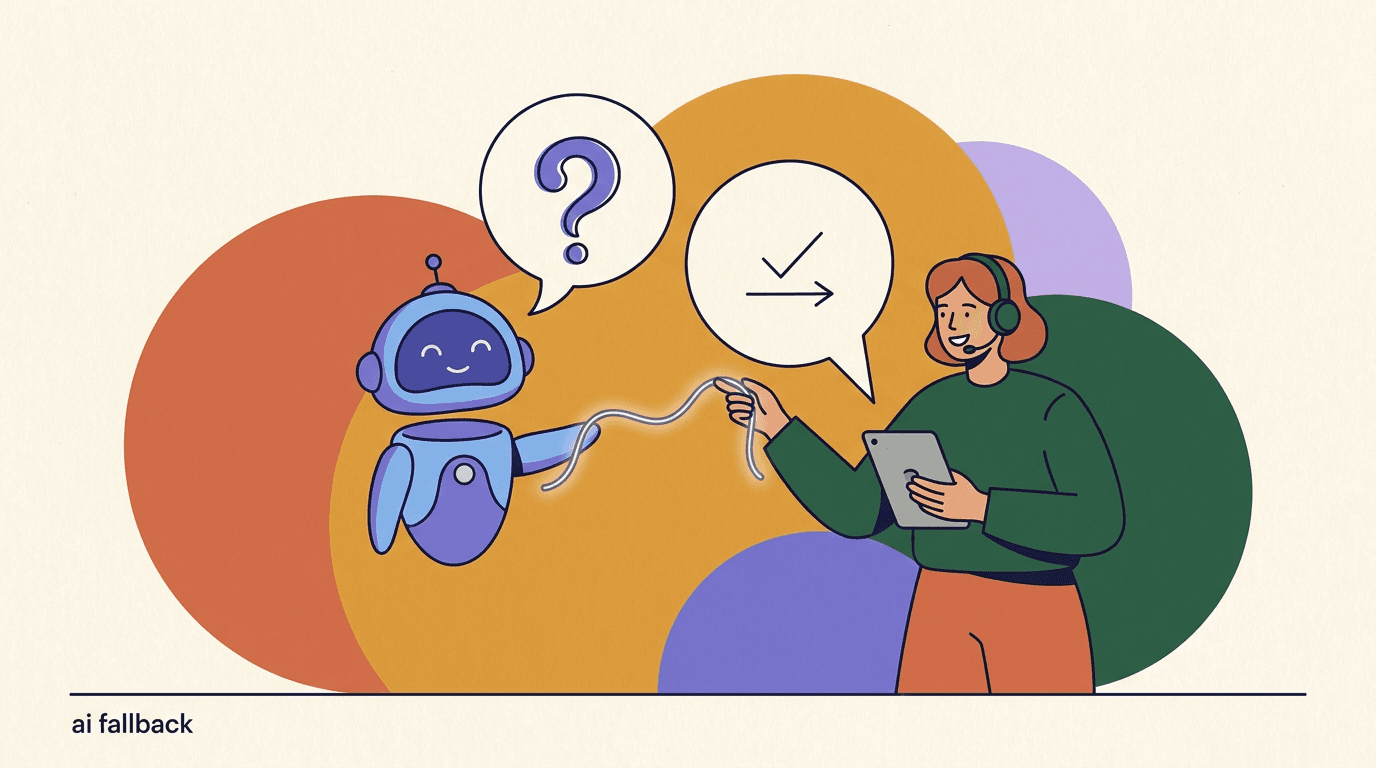
An AI agent fallback is the plan for what your bot does when it cannot answer well — when confidence is low, the question is out of scope, or the honest answer is 'I don't know.' Most teams pour their energy into the happy path, the cases where the AI agent answers cleanly, and treat the failure path as an afterthought. That is backwards. The moments a customer remembers are the ones where the automation hit its limit, and how gracefully it recovered decides whether they trust you or leave frustrated. Good fallback design is not about making the AI look smart. It is about failing honestly and handing off cleanly.
This guide is about designing that failure path deliberately. We will cover how an AI agent can recognize its own low confidence, what a good 'I don't know' response actually sounds like, how to collect the right information before a handoff, how to route to the right human or queue, and how to handle conversations that arrive after hours when no human is online. Throughout, we include example fallback copy you can adapt, plus the tables and checklists we use ourselves.
One note up front: we build KlyoChat, so we have a point of view about how AI and humans should share an inbox. We have kept the advice tool-agnostic and honest about limits. The principles here apply whether you run KlyoChat, a competitor, or a homegrown bot. Fallback design is a discipline, not a feature you buy.
What is an AI agent fallback, and why does it matter?
A fallback, in the general sense, is a backup plan you drop to when the primary plan fails — the word comes from engineering and aviation, where a fallback position is the safe state you retreat to. In the context of an AI agent, the fallback is the branch of behavior that runs when the agent cannot confidently complete the customer's request. It is the difference between a bot that confidently invents a wrong shipping policy and one that says, plainly, that it is not sure and is bringing in a teammate.
This matters because AI agents are probabilistic, not deterministic. They produce their best guess at an answer, and sometimes that guess is wrong. You cannot engineer the wrongness away entirely — you can only reduce it and, crucially, catch it when it happens. The fallback is the catch. Without it, every low-confidence moment becomes a coin flip between a helpful answer and a confidently stated mistake. With a good fallback, low-confidence moments become graceful handoffs instead of gambles.
There is a customer-experience argument and a business argument, and they point the same way. The experience argument: people forgive a bot that admits it does not know far more readily than one that wastes their time with a wrong answer. The business argument: a wrong answer about returns, pricing, or eligibility can cost you a sale, a chargeback, or a support ticket that takes three times as long to untangle because the customer now distrusts everything the bot said. A fallback that fails fast and honestly is cheaper than a confident mistake.
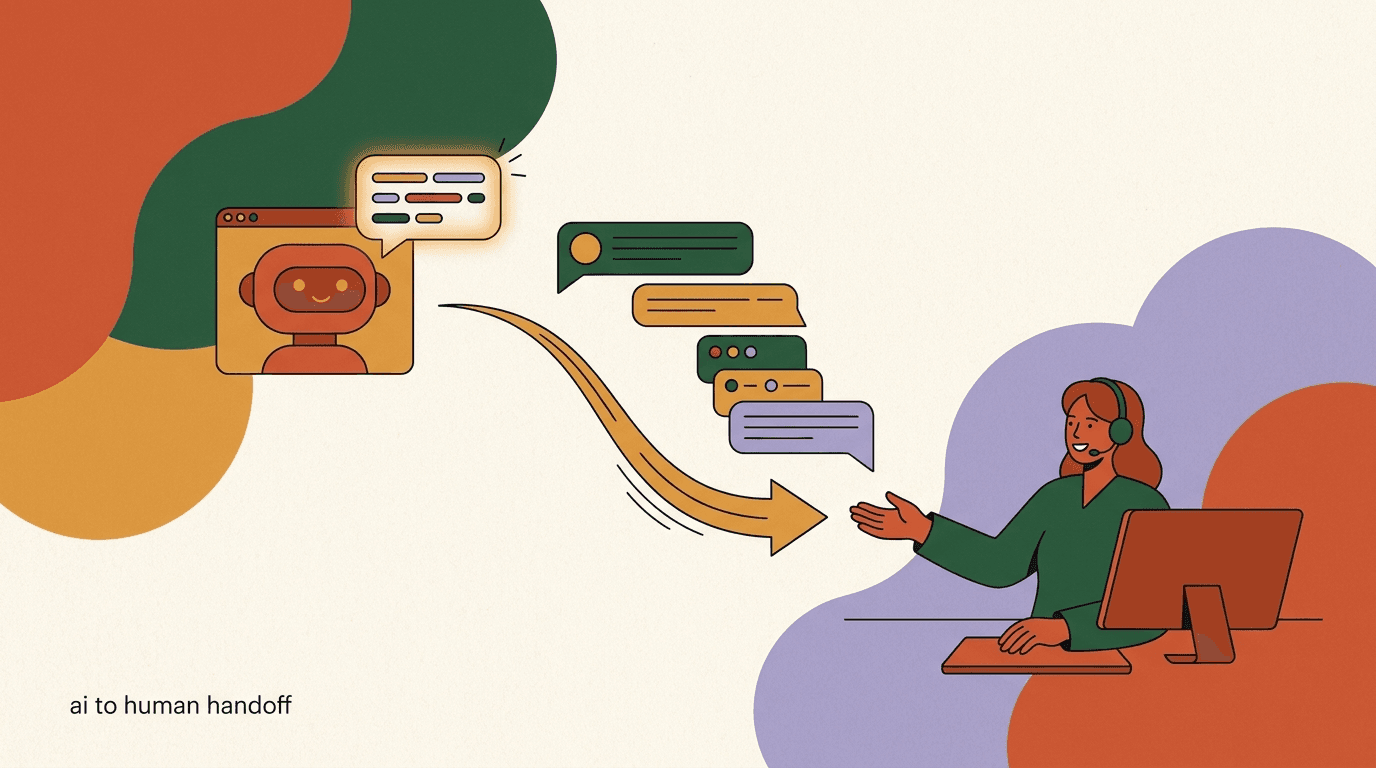
It helps to separate two related ideas. A fallback is what the agent says and does when it is stuck. Escalation is the act of moving the conversation to a human. Every escalation is triggered by some kind of fallback condition, but not every fallback ends in escalation — sometimes the right fallback is to ask a clarifying question, offer a menu, or point to a help doc. This post is mostly about designing the fallback and confidence logic. The mechanics of the human handoff itself — assignment, context transfer, ownership — we cover in depth in our guide to AI agent human handoff.
Fallback and escalation are not the same thing
A fallback is the agent's behavior when it is stuck. Escalation is one possible fallback — moving to a human. Others include asking a clarifying question, offering options, or linking a doc. Design all of them, not just the handoff.
Why do AI agents need fallbacks in the first place?
It is tempting to believe that a well-trained agent with a good knowledge base will rarely be stuck, so the fallback is a corner case you can bolt on later. In practice, the opposite is true. The better your agent gets at the common questions, the more the remaining conversations concentrate into the hard, ambiguous, or out-of-scope ones — exactly the cases where a fallback earns its keep. A high automation rate does not remove the need for fallbacks; it raises the stakes on the ones that remain.
There are a handful of predictable reasons an agent will not be able to answer well, and naming them helps you design for each. The question may be outside the agent's knowledge base entirely. It may be inside the knowledge base but phrased so ambiguously that the agent cannot tell which of two policies applies. It may require an action the agent is not permitted to take, like issuing a refund or changing an order. It may be emotionally charged in a way that calls for a human regardless of whether the agent technically knows the answer. Or the customer may simply ask for a person.
Each of these needs a different response, which is the whole point. Treating every stuck moment as a generic 'sorry, I didn't understand' message is the single most common fallback mistake, and it teaches customers that the bot is a wall to get past rather than a helper. A knowledge gap deserves an honest 'I don't have that, let me get someone.' An ambiguous question deserves a clarifying question. A restricted action deserves a handoff with the request pre-filled. Same underlying condition — stuck — but very different correct behaviors.
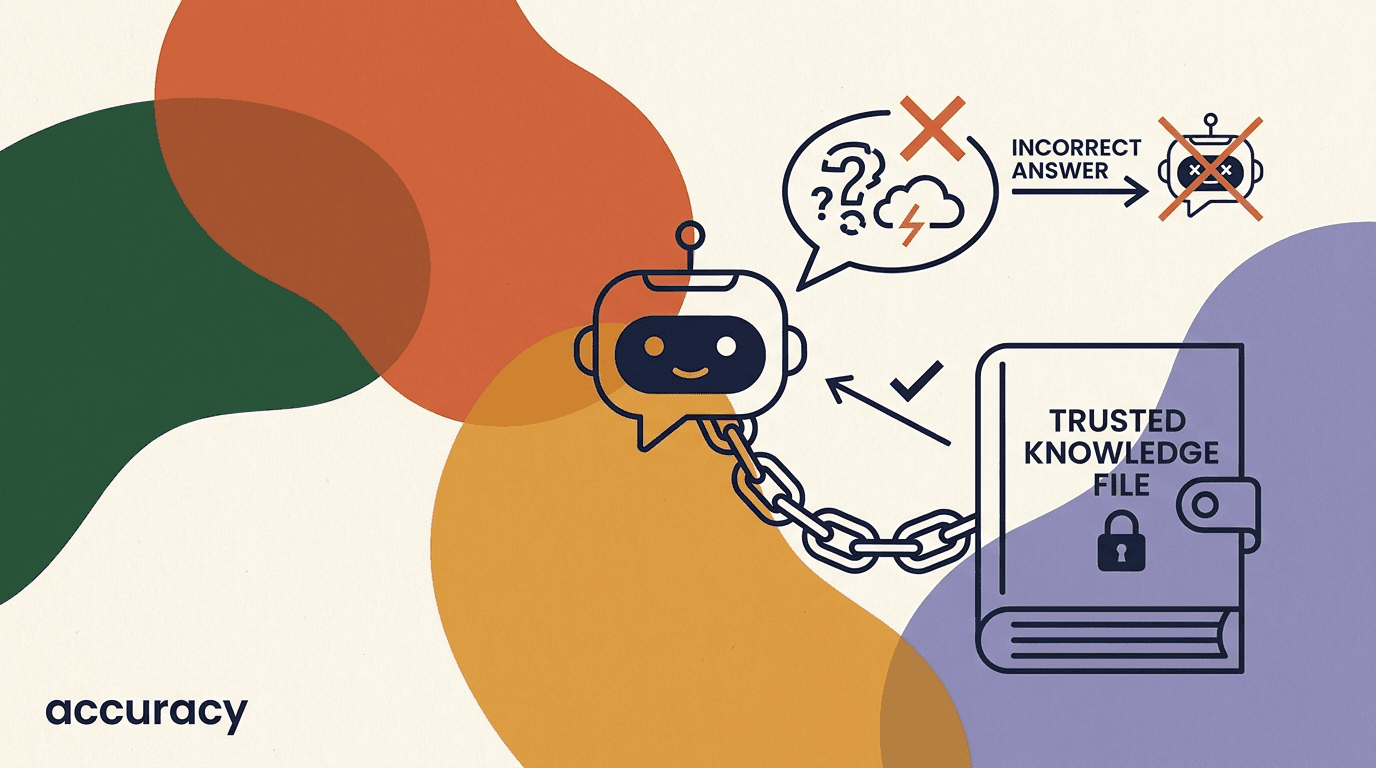
Fallbacks also protect you from the failure mode most damaging to trust: confident hallucination. When an agent has no grounding for an answer but produces one anyway, in the same assured tone it uses for correct answers, the customer has no way to tell the difference. A confidence-aware fallback is the primary defense against this, and it pairs with the retrieval and grounding techniques we describe in our piece on AI agent hallucination prevention. Prevention reduces how often the agent is wrong; fallbacks catch the cases prevention misses.
- Out-of-scope: the question is not in the knowledge base at all.
- Ambiguous: the answer exists but the question could mean two things.
- Restricted action: the agent knows the answer but is not allowed to act.
- Emotional or high-stakes: the situation calls for a human regardless.
- Explicit request: the customer directly asks for a person.
How does an AI agent know when it doesn't know?
The hardest part of fallback design is the trigger: getting the agent to recognize its own limits before it blurts out a guess. This is the confidence problem, and it is genuinely hard because language models are trained to be fluent, and fluency reads as confidence whether or not the underlying answer is grounded. An agent will produce a smooth, plausible paragraph about your return window even when it has no return policy in its knowledge base at all. So you need signals beyond the surface fluency of the reply.
The most reliable signal is retrieval grounding. If your agent answers by pulling relevant passages from a knowledge base and then composing a reply from them, you can check whether any passage was actually retrieved and how well it matched the question. A question that returns no strong matches is a strong fallback trigger — the agent is about to answer from thin air. This is why retrieval-grounded agents are easier to make honest than agents that answer purely from their training: you have an observable signal for 'nothing in the knowledge base covers this.'
A second signal is the model's own expressed uncertainty. You can instruct the agent, in its system prompt, to prefer admitting uncertainty over guessing, and to emit a specific marker or take a specific action when it is not confident. This is imperfect — models do not have perfectly calibrated self-knowledge — but combined with retrieval grounding it catches a meaningful share of cases. The instruction matters: an agent told 'always be helpful and give an answer' will guess, while one told 'if you are not sure, say so and hand off' will fall back more readily.
A third set of signals is behavioral and pattern-based rather than semantic. Certain phrases from the customer — 'speak to a human,' 'this is urgent,' 'I want a refund,' 'cancel my order' — should trigger a fallback path directly, regardless of how confident the model feels, because they signal either an explicit request or a restricted action. Likewise, repeated back-and-forth where the customer rephrases the same question two or three times is a signal the agent is not landing, even if each individual reply looked confident. Loop detection is an underrated fallback trigger.
| Signal | What it catches | How to use it |
|---|---|---|
| Retrieval match score | Questions with no knowledge-base coverage | Fall back when no passage clears a relevance threshold |
| Model self-reported uncertainty | Cases the model itself flags as unsure | Prompt the agent to admit doubt and hand off |
| Trigger phrases | Explicit requests and restricted actions | Route directly to a human on match |
| Repetition or loops | Answers that are not landing with the customer | Escalate after two or three failed rephrasings |
Combine signals, don't rely on one
No single confidence signal is reliable alone. Retrieval scores catch knowledge gaps, self-reported uncertainty catches judgment calls, and trigger phrases catch explicit requests. Layer them so a miss on one is caught by another.
What makes a good 'I don't know' response?
Once the agent has decided it does not know, the next question is how it says so. The 'I don't know' response is the most important single line of copy in your whole automation, because it is the moment the customer decides whether the bot is honest or evasive. A bad one is vague, apologetic to the point of being annoying, and leaves the customer stranded. A good one is short, direct, and immediately offers a next step. The goal is not to hide the limitation but to make hitting it feel like progress rather than a dead end.
The best 'I don't know' responses share a structure. They acknowledge the specific thing they cannot do, briefly and without over-apologizing. They state what happens next in concrete terms. And they set an expectation about timing where relevant. 'I'm not able to confirm that one — let me bring in a teammate who can. It usually takes a few minutes during business hours' does all three in two sentences. Compare that to 'I'm sorry, I didn't understand your request. Please try rephrasing,' which acknowledges nothing specific, offers no path, and blames the customer.
A subtle but important rule: do not have the agent claim knowledge it is about to disclaim. 'Great question! Our return policy is very flexible. Unfortunately I can't tell you the details' is worse than useless — it primes an expectation and then breaks it. If the agent does not know, it should not decorate the admission with false warmth about the topic. Honesty is the tone. This connects directly to hallucination prevention: an agent that pads its uncertainty with confident-sounding filler is halfway to inventing an answer.
Finally, calibrate the apology. A single light acknowledgment is fine; a groveling one is not. Customers do not need the bot to be sorry three times. They need it to be useful. Over-apologizing also subtly signals that hitting the limit is a failure state to be embarrassed about, when you want it to feel routine — because it is. Aim for the tone of a competent colleague who says 'that one's not mine, let me grab the right person,' not a nervous intern.
The 'I don't know' response, weak vs strong
- Customer
- Can you tell me if my warranty covers water damage?
- Weak fallback
- I'm sorry, I didn't understand your request. Please try rephrasing your question.
- Strong fallback
- I'm not able to confirm warranty coverage from here — I want to get that right. Let me bring in a teammate who can check your specific policy. It usually takes a few minutes during business hours.
What are the main types of fallback?
Not every stuck moment should end in a human handoff. Escalating everything defeats the purpose of automation and buries your team in tickets the agent could have resolved with one more question. So it helps to think of fallbacks as a ladder, from the lightest touch to the heaviest, and to reach for the lightest one that will actually solve the customer's problem. Only when the lighter rungs fail should you climb to a human.
The lightest fallback is a clarifying question. If the agent is stuck because the request is ambiguous, asking one sharp follow-up often unsticks it without any handoff at all. 'Do you mean your most recent order or an earlier one?' turns a confused exchange into a confident answer. The next rung is offering options — a short menu of the things the agent can help with, which both narrows the request and reminds the customer what is on the table. Above that sits pointing to a resource, like a help doc or a tracking page, when the answer exists but is better delivered as a link.
Only above those does human escalation sit, and even escalation has gradations: a synchronous handoff to a live agent right now, versus capturing the request for a callback or an async reply when someone is available. The heaviest fallback of all is the after-hours capture, where no human is online and the job of the fallback is to collect enough information that the morning shift can resolve the ticket without a second round-trip. Matching the fallback type to the actual failure is most of the craft.
The table below lays out the ladder. The discipline is to always try to resolve one rung lower before climbing. An agent that jumps straight to 'let me get a human' every time it is mildly unsure is almost as bad as one that never hands off — it trains customers to distrust the automation and it swamps your queue.
| Fallback type | When to use it | Example move |
|---|---|---|
| Clarifying question | Request is ambiguous but likely answerable | Ask one sharp follow-up to narrow it |
| Offer options | Customer intent is unclear | Show a short menu of what the agent can do |
| Point to a resource | Answer exists and is better as a link | Send the help doc or tracking page |
| Human handoff (live) | Restricted action or genuine knowledge gap, staff online | Escalate to a queue with full context |
| Capture for later | After hours or all agents busy | Collect details and set a reply expectation |
Reach for the lightest rung first
Try a clarifying question before offering options, options before a link, and a link before a human. Escalating every mildly uncertain moment buries your team and trains customers to distrust the bot. Escalate when lighter rungs genuinely won't solve it.
When should an AI agent escalate to a human?
Escalation is the act of moving a conversation up to a person with more authority or ability — the term comes from the general idea of escalation, stepping a situation up a level. For an AI agent, the design question is which conditions should trigger that step. Get the triggers too loose and you automate nothing; get them too tight and the agent stonewalls people who genuinely need help. The right set of handoff triggers is specific to your business, but the categories are consistent across almost every support operation.
The clearest trigger is an explicit request. When a customer types 'talk to a human,' 'is anyone there,' or 'agent,' the agent should hand off without arguing. Nothing damages trust faster than a bot that refuses to fetch a person when directly asked — the customer feels trapped, and the interaction turns adversarial. Make this trigger unconditional. The one refinement worth adding is to capture a sentence of context first: 'Sure, I'll get someone. So they can help faster, what is this about?' collects the topic without blocking the request.
The second category is restricted actions. There are things you may not want an AI agent to do autonomously — issue refunds, cancel orders, change account details, make promises about custom pricing, or handle anything with legal or financial weight. When the conversation heads toward one of these, the agent should recognize it and route to someone who can act, rather than either refusing flatly or, worse, pretending to have done it. The agent's job here is to tee up the request cleanly, not to complete it.
The third category is judgment and emotion. Some conversations should reach a human even when the agent technically knows the answer, because the situation calls for it: a customer who is clearly upset, a complaint about a serious problem, a vulnerable or high-value account, a safety or compliance issue. Sentiment is a legitimate escalation trigger. A customer venting frustration does not want a correct policy citation; they want a person who can acknowledge the problem. Designing for this means your agent watches tone, not just content.
| Trigger category | Example | Why escalate |
|---|---|---|
| Explicit request | 'Let me talk to someone' | Refusing traps the customer and destroys trust |
| Restricted action | 'Refund my last order' | Agent should tee up, not perform, sensitive actions |
| Negative sentiment | 'This is the third time this has broken' | Upset customers need acknowledgment, not a policy quote |
| Repeated failure | Same question asked three ways | The agent is not landing; stop looping |
| High stakes | Legal, safety, or large-value accounts | Risk outweighs the value of automating |
Never refuse an explicit request for a human
The single fastest way to turn a support chat adversarial is a bot that will not fetch a person when directly asked. Make 'talk to a human' an unconditional handoff. Capture context first if you can, but never block the request.
How do you collect information before a handoff?
The worst version of an escalation is the one where the human receives a conversation cold, with no idea what the customer wants, and has to ask the same questions the customer already answered. That double-questioning is the number one complaint about bot-to-human handoffs, and it makes the automation feel like an obstacle rather than a head start. A good fallback treats the moments before a handoff as an opportunity to gather exactly what the human will need, so the person picks up the thread instead of starting over.
The trick is to collect the right things without turning the fallback into an interrogation. You do not need a fifteen-field form. You need the handful of details that determine how the ticket gets routed and resolved: what the issue is about, any identifier the human will need to look it up, and a sense of urgency. For an ecommerce store that might be the order number and the nature of the problem. For a SaaS product it might be the account email and which feature is involved. Ask for what changes the answer, and nothing else.
Sequence matters. Ask for context before you announce the handoff, framed as a way to help faster, not as a gate. 'I'll connect you with the team — what is your order number so they can pull it up right away?' feels helpful. The same question asked after 'Please hold while I transfer you' feels like a stall. And always let the customer skip: if they decline to provide a detail, hand off anyway rather than blocking. A fallback that refuses to escalate until a form is complete is a worse experience than a slightly under-informed handoff.
Finally, pass everything you already know, not just what you asked. The customer's name, the channel they came in on, the full transcript of what they said to the bot, any tags or attributes on their profile, and the reason the agent decided to escalate should all travel with the handoff automatically. The human should be able to read the last few turns and the escalation reason and immediately understand the situation. When that context transfer works, the handoff feels like one continuous conversation rather than a restart.
- Detect the fallback conditionThe agent hits an escalation trigger — low confidence, restricted action, sentiment, or an explicit request.
- Ask for the one or two details that route the ticketFrame it as helping faster: order number, account email, or the nature of the issue. Keep it to what changes the outcome.
- Let the customer skipIf they decline, escalate anyway. Never let an information request block a handoff the customer clearly wants.
- Bundle the contextAttach the transcript, profile attributes, channel, and the reason for escalation so the human reads in, not re-asks.
- Hand off and set an expectationTell the customer what happens next and roughly when, then move the thread to the right person or queue.
Collecting context before a handoff
- Customer
- My order arrived damaged and I want a replacement.
- Agent (collect)
- I'm sorry about that — I'll get a teammate to sort a replacement. What's your order number so they can pull it up right away?
- Customer
- It's 48213.
- Agent (hand off)
- Thanks. I've passed order 48213 and the photos to our team — someone will reply here shortly to arrange the replacement.
How do you route to the right human or queue?
Collecting good context is only half the job; the other half is delivering the conversation to the right place. A handoff that lands in a generic pile, where the first available agent grabs it regardless of fit, wastes much of the context you worked to collect. Routing is where fallback design meets your team's structure — the question of who should own this particular conversation, and how the system knows to send it there.
The simplest routing is by topic. If the agent has already worked out what the conversation is about — billing, technical, returns, sales — that classification can drive the handoff to the matching team or queue. A billing question goes to the billing queue; a bug report goes to technical support. This is usually the highest-leverage routing dimension because expertise is organized around topic in most teams. The agent's own understanding of the issue, which it needed anyway to decide whether to escalate, doubles as the routing key.
Beyond topic, you can route by other attributes when they matter: language, so a Spanish conversation reaches a Spanish-speaking agent; priority, so a high-value or clearly urgent case jumps the queue; and channel, when different teams own different platforms. On Meta's channels, for example, the mechanics of moving a conversation between an automated experience and human agents are defined by the Messenger Platform handover protocol, which lets a bot pass thread control to an inbox app cleanly. The routing logic sits on top of whatever the channel provides.
Whatever dimensions you route on, keep the rules legible. A routing scheme so intricate that no one can predict where a conversation will land is a scheme that will misroute silently and be impossible to debug. Start with topic-based routing to a small number of queues, watch where things land, and add dimensions only when a real misrouting problem justifies the complexity. The goal is that context arrives with the conversation and the conversation arrives at someone equipped to use it. All of this lives inside a unified inbox in practice, so routed conversations sit alongside everything else your team handles.
- Route by topic first — it maps to how most teams organize expertise.
- Add language routing when you support more than one.
- Let priority or sentiment bump urgent cases up the queue.
- Keep rules simple enough that anyone can predict where a chat lands.
Misrouting is silent — build for legibility
A conversation sent to the wrong queue does not throw an error; it just sits with the wrong person until someone notices. Favor simple, predictable routing rules you can reason about over clever ones you cannot debug.
How should fallbacks handle conversations after hours?
Every escalation strategy has an implicit assumption that a human is available to receive the handoff. After hours, on weekends, and during holiday spikes, that assumption breaks — and the after-hours fallback is where a lot of otherwise good designs fall apart. A customer who asks for a human at 2 a.m. and gets silence, or a cheerful 'connecting you now' that connects to nobody, feels more deceived than if the bot had been honest about the hours from the start.
The core principle is to be truthful about availability and useful anyway. When no human is online, the fallback should say so plainly, set a realistic expectation for when someone will reply, and then do the most useful thing it can in the meantime: collect the full context so the morning shift can resolve the ticket in one reply instead of a back-and-forth. An after-hours capture that gathers the order number, the issue, and the customer's goal turns an unstaffed hour into a resolved ticket the next morning, rather than a cold lead.
Design the after-hours message to do three jobs. First, acknowledge honestly that the team is offline right now — do not pretend a human is arriving. Second, set the expectation: 'someone will reply by mid-morning tomorrow' or whatever is true for your hours. Third, capture and confirm: gather what the human will need and tell the customer it has been saved, so they leave feeling handled rather than parked. Where the agent can genuinely resolve the request itself — a tracking link, a policy answer, a reset — it should still try that first; after-hours does not mean the agent stops being useful.
One caution: resist the urge to promise a specific person or an unrealistically fast reply just to sound reassuring. Over-promising after hours is a trust trap. If your team does not start until 9 a.m., a message that implies someone is looking now will feel like a lie by 9:05. Under-promise slightly and let the morning reply feel prompt. The honest version — 'our team is offline until morning, but I've saved everything and they'll reply first thing' — ages far better than the flattering one.
Don't promise a human who isn't there
An after-hours 'connecting you now' that connects to nobody reads as a lie by morning. Be honest that the team is offline, set a real expectation, and capture the details so the first reply resolves it.
After-hours fallback copy
- Customer (11 p.m.)
- I need to change the address on an order I just placed.
- Over-promising
- Connecting you to an agent now! Someone will be right with you.
- Honest capture
- Our team is offline until 9am, but I don't want this to wait. What's the order number and the new address? I'll save it all so they can update it first thing and confirm back here.
What does good fallback copy actually look like?
Fallback design lives or dies in the wording, and yet fallback copy is usually written last, in a hurry, by whoever is closest to the keyboard. It deserves the same care as your headline. The good news is that strong fallback copy follows a few repeatable patterns, so you do not have to reinvent it each time. Below are the principles, and the table that follows contrasts weak and strong versions of the situations you will write for most often.
Principle one: be specific about what you cannot do, not generically apologetic. 'I can't confirm warranty coverage from here' beats 'I'm sorry, I didn't understand.' Principle two: always offer a next step in the same message — a handoff, a clarifying question, a link. Never leave the customer holding a dead end. Principle three: set expectations honestly, including timing and availability. Principle four: keep the apology to one light touch. Principle five: match the tone to a competent colleague, not a nervous one. These five carry almost every fallback message you will ever write.
It also helps to write your fallback copy as a small, deliberate set rather than one catch-all line. At minimum, draft distinct copy for: the honest 'I don't know,' the clarifying question, the escalation-to-human message, the after-hours capture, and the 'all agents are busy' hold. Writing them as a set forces you to notice the seams between them and keeps any one of them from becoming the generic wall that swallows every stuck conversation. Treat them as product copy, version them, and revise them as you see real transcripts.
The table below is a quick reference you can adapt. Read the weak column as the thing to avoid and the strong column as the shape to aim for. The specifics — your product, your hours, your tone — will differ, but the structure holds: acknowledge specifically, offer a next step, set an honest expectation.
| Situation | Weak copy | Strong copy |
|---|---|---|
| Knowledge gap | Sorry, I didn't understand that. | I can't confirm that one from here — let me bring in a teammate who can. |
| Ambiguous request | Please rephrase your question. | Happy to help — do you mean your most recent order or an earlier one? |
| Restricted action | I can't do that. | Refunds are handled by our team — I'll pass this over so they can sort it out. |
| All agents busy | Please wait. | Everyone's helping others right now. I've saved your details; we'll reply here within the hour. |
Write fallbacks as a set, not one catch-all
Draft distinct copy for the honest 'I don't know,' the clarifying question, the handoff, the after-hours capture, and the busy hold. Writing them together stops any single line from becoming the generic wall that swallows every stuck chat.
How do you measure whether your fallbacks are working?
You cannot improve a fallback you are not measuring, and yet most teams have no idea how often their agent falls back, why, or what happens next. Fallback behavior is observable, and instrumenting it turns fallback design from guesswork into a tuning loop. A handful of metrics will tell you most of what you need to know, and they are worth reviewing on a regular cadence rather than only when something feels off.
Start with the fallback rate: what share of conversations hit a fallback of any kind. Too high and the agent is under-equipped or the knowledge base has gaps; too low and the agent may be guessing instead of admitting uncertainty — a suspiciously low fallback rate can hide a hallucination problem. Then break it down by reason: how many fallbacks were knowledge gaps, how many were explicit requests, how many were restricted actions, how many were loops. The distribution tells you where to invest. A spike in knowledge-gap fallbacks about one topic is a knowledge-base to-do list writing itself.
Next, measure what happens after the fallback. Of the conversations that escalated, how many did the human resolve quickly, and how many bounced back to the customer for more information because the handoff arrived thin? A high re-ask rate means your pre-handoff context collection is not gathering the right things. Also track containment honestly: the share of conversations the agent resolved without a human. Containment is only a good metric when paired with a satisfaction or accuracy check, because a bot can 'contain' a conversation by giving a wrong answer that ends the chat.
Finally, close the loop with the transcripts themselves. Metrics tell you where to look; reading the actual conversations tells you why. Set aside time to read a sample of fallback conversations each week — especially the ones that escalated and the ones the agent contained near a confidence boundary. You will spot the ambiguous phrasings, the missing knowledge-base entries, and the over-eager escalations far faster by reading than by staring at a dashboard. The best fallback tuning we have ever done came from reading transcripts, not from charts.
- Fallback rate: too high means gaps, too low may hide guessing.
- Fallback reason mix: knowledge gap vs request vs restricted vs loop.
- Post-handoff re-ask rate: how often humans have to re-collect context.
- Containment paired with accuracy, never containment alone.
- A weekly read of real fallback transcripts to catch what metrics miss.
A very low fallback rate can be a red flag
If your agent almost never falls back, check that it is not simply guessing on hard questions. Containment without an accuracy check can mean the bot is ending conversations with confident wrong answers rather than honest handoffs.
What are the most common fallback design mistakes?
After looking at a lot of AI agent setups, the same handful of fallback mistakes recur, and most of them come from treating the failure path as an afterthought rather than a designed experience. Naming them makes them easy to avoid, and most are cheap to fix once you see them. The through-line is that each mistake optimizes for making the bot look competent in the moment at the cost of the customer actually getting helped.
The most common mistake is the single generic fallback — one 'sorry, I didn't understand' line that fires for every stuck condition, whether the customer asked for a human, hit a knowledge gap, or phrased something ambiguously. It flattens five different situations into one unhelpful dead end. The fix is the fallback ladder from earlier: different conditions, different responses. The second mistake is the opposite failure, escalating too eagerly, where the agent hands off at the first flicker of uncertainty and never even attempts a clarifying question, which buries the team and wastes the automation.
A third mistake is confident guessing: an agent tuned to always produce an answer, with no fallback trigger on low confidence, so it invents policies rather than admitting gaps. This is the most damaging because it erodes trust invisibly — the customer does not know the answer was wrong until later. A fourth is the thin handoff, where the conversation reaches a human with no context, forcing the re-ask loop. A fifth is dishonest after-hours behavior, promising a human who is not there. And a sixth, subtler one is refusing an explicit request for a person, which turns a routine handoff into a fight.
Underlying most of these is a single missing habit: nobody reads the transcripts. Teams ship an agent, watch the containment number, and never look at what the fallbacks actually said or where the escalations actually landed. Every mistake above is obvious within twenty minutes of reading real conversations, and invisible from a dashboard. If you fix only one thing after reading this, make it a standing weekly transcript review of stuck conversations. The full picture of automating support well, fallbacks included, is something we cover in our overview of AI customer support automation.
| Mistake | Symptom | Fix |
|---|---|---|
| Single generic fallback | Every stuck moment gets the same dead-end line | Build a fallback ladder by condition |
| Escalating too eagerly | Queue floods with cases a question could solve | Try clarifying before handing off |
| Confident guessing | Invented answers, trust erodes invisibly | Add a low-confidence trigger and honest handoff |
| Thin handoff | Humans re-ask what the bot already knew | Bundle transcript and context on escalation |
| Refusing a human request | Chat turns adversarial | Make 'talk to a human' unconditional |
How do you test and tune fallbacks over time?
Fallback design is not a one-time configuration; it is a loop you run continuously as your product, policies, and customer questions change. The first version you ship will be wrong in ways you cannot predict from a whiteboard, and that is fine — the point is to ship something reasonable, watch it work on real conversations, and tighten it. Teams that treat fallbacks as a living part of the agent, revisited regularly, end up with agents that feel dramatically more competent than teams that set them once and forget.
Before you ship, test the failure path deliberately, not just the happy path. Write a short script of adversarial and edge-case inputs — questions outside the knowledge base, ambiguous phrasings, explicit requests for a human, restricted-action requests, emotionally charged messages — and run them through the agent to see whether each triggers the right fallback. It is easy to test that the agent answers the FAQ correctly; the discipline is testing that it fails correctly. Most fallback bugs surface only when you point hard cases at it on purpose.
After you ship, run the tuning loop on a cadence. Read a sample of fallback transcripts, group what you see by cause, and act on the biggest cause first — usually either a knowledge-base gap you can fill, a trigger that is too loose or too tight, or copy that is landing badly. Then re-check the metrics to confirm the change helped rather than moved the problem. Small, frequent adjustments beat rare overhauls, because each adjustment is easy to attribute and easy to roll back if it backfires.
The steps below are the loop we recommend. It is deliberately lightweight — the aim is something you will actually do every week or two, not a heavyweight process you abandon after the first month. As with everything in fallback design, the leverage is in reading real conversations and making one honest change at a time.
- Script the failure pathBefore launch, run edge cases and adversarial inputs through the agent and confirm each triggers the right fallback.
- Instrument the fallbacksLog fallback rate, reason, and what happened after each one so you can see patterns, not just vibes.
- Read a weekly transcript sampleFocus on escalations and near-boundary containments. Group what you find by root cause.
- Fix the biggest cause firstFill a knowledge gap, adjust a trigger threshold, or rewrite one fallback line — one change at a time.
- Re-measure and repeatConfirm the metric moved the right way, then run the loop again. Small, frequent tuning beats rare overhauls.
Test that it fails correctly, not just that it answers
Anyone can confirm the agent answers the FAQ. The real test is a scripted set of hard cases — out-of-scope, ambiguous, angry, human-requests — that proves each one triggers the right fallback. Failure-path testing catches the bugs happy-path testing never will.
How does KlyoChat handle fallbacks and escalation?
Since we build KlyoChat, here is an honest account of how it fits the principles above — including where it does not do your thinking for you. KlyoChat is an AI-native unified inbox, which means the AI agent and your human team work in the same threads across every channel rather than in separate tools. That single-inbox design is the foundation for good fallbacks, because a handoff is not a transfer to another system — it is the same conversation, with a human taking over where the AI left off.
The mechanic that matters most for escalation is human takeover in the same thread. When a KlyoChat AI agent hits a fallback condition and escalates, the conversation does not bounce to a disconnected ticket. A teammate steps in on the exact thread, with the full transcript and context already there, and the customer experiences it as one continuous chat. The agent can hand off, the human can hand back, and the whole exchange lives in one place. The context-transfer problem that causes the re-ask loop is handled by the architecture rather than left to you to wire up.
Everything routes into one shared inbox with team routing, so escalated conversations land where your team already works instead of a separate queue you have to check. You configure which conditions hand off and where they go, write your own fallback copy, and keep humans available for the moments the AI should not handle alone. On pricing: plans are flat — Basic at $19, Pro at $49 ($39 billed yearly), and Business at $129 — and every plan starts with a 7-day free trial and no credit card, so you can test the fallback and handoff flow on real conversations before committing.
The honest limits: AI is not perfect, and KlyoChat does not pretend otherwise — which is exactly why the product is built around keeping humans in the loop rather than replacing them. Your fallbacks are only as good as the confidence logic and copy you configure; the tool gives you the takeover mechanics and the shared inbox, but you still design the failure path. KlyoChat also does not offer native SMS or email, so if those channels are core to your support you will need something alongside it, and as a newer product it has a smaller community than the incumbents. We would rather you know that going in than discover it later.
Honest by design: the AI keeps humans in the loop
KlyoChat's fallback story is not 'the AI never fails.' It is 'when the AI reaches its limit, a human takes over in the same thread with full context.' The unified inbox makes the handoff continuous. You still design the confidence logic and the copy.
A KlyoChat fallback-to-takeover, end to end
- Customer
- I was charged twice for my subscription this month.
- AI agent
- That's not something I can adjust myself, and I want it fixed properly. I'm bringing in a teammate — can you confirm the email on the account?
- Customer
- sam@example.com
- Human (same thread)
- Hi Sam, I can see the duplicate charge on sam@example.com — I've refunded it and it'll clear in a few days. Sorry for the trouble.
Good AI agent fallback design comes down to a mindset shift: the failure path deserves as much care as the happy path, because it is where trust is won or lost. Detect low confidence with layered signals rather than surface fluency, admit 'I don't know' honestly and specifically, reach for the lightest fallback that will actually help, collect the details a human will need before you escalate, route the conversation to someone equipped to use that context, and be truthful after hours. None of it is exotic. It is the discipline of designing what happens when the automation hits its limit, which it will.
If you take three things from this, take these: build a fallback ladder instead of one generic dead-end line, make an explicit request for a human an unconditional handoff, and read your fallback transcripts every week. Those three habits will put you ahead of most AI agent deployments. For the mechanics of the handoff itself see our guide to AI agent human handoff, for keeping the agent honest in the first place see AI agent hallucination prevention, and for the wider picture see AI customer support automation. Design the failure well, and the failures stop feeling like failures.