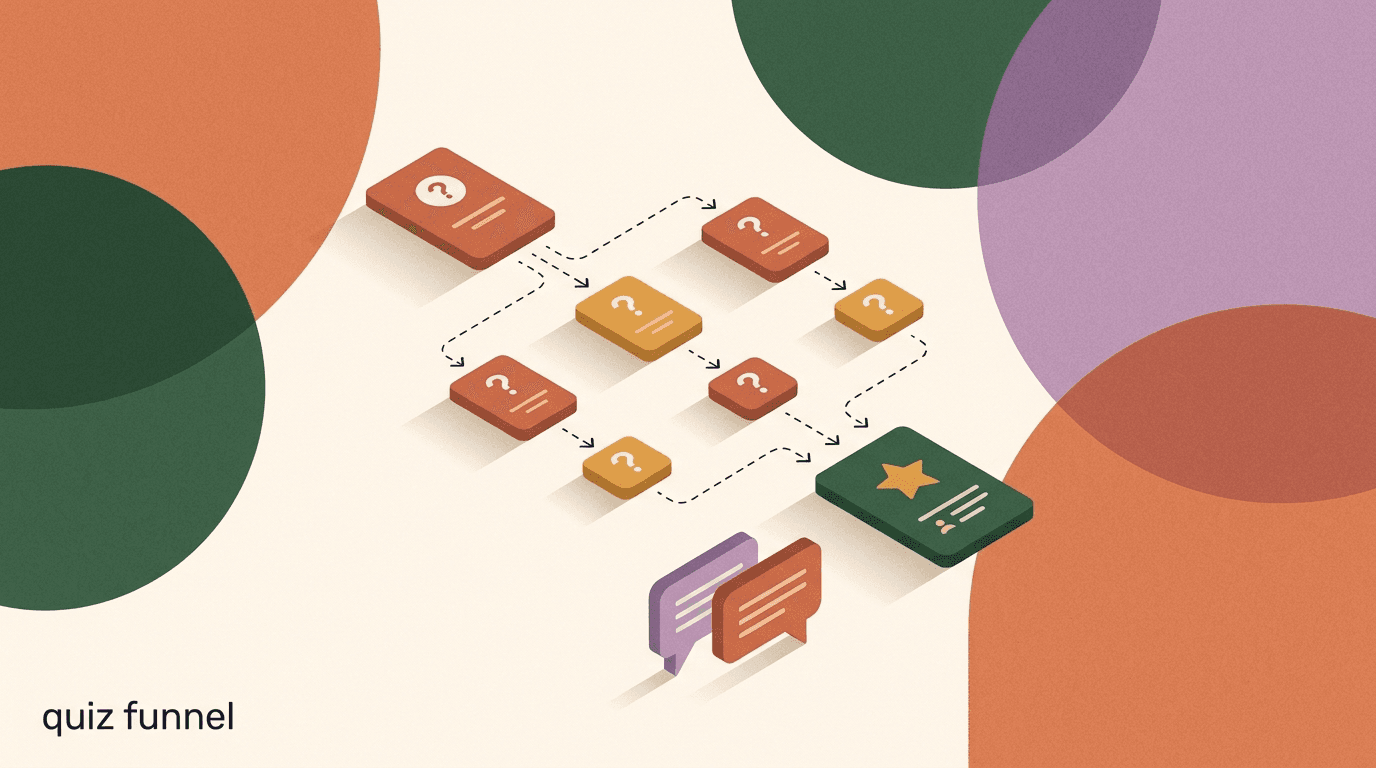
A quiz funnel flow turns a flat pitch into a short conversation. Instead of dropping a product page in front of someone and hoping they self-select, you ask three to six quick questions inside the DM, branch based on what they tap, and hand back a result that feels chosen for them. Done well, a quiz funnel flow does two jobs at once: it recommends the right thing, and it quietly qualifies and tags the person so your follow-up is not a guess.
This is a build tutorial, not a theory piece. We will walk through designing the questions, branching on answers, scoring and tagging, delivering a personalized result or recommendation, capturing the lead, and following up after the quiz — with example question sets and result copy you can adapt. The mechanics are the same whether you run it on Instagram, Facebook Messenger, WhatsApp, or Telegram, so the steps apply wherever your audience already messages you.
One note before we start: we build KlyoChat, a chat automation platform, so a quiz is squarely the kind of flow our tool is made for. We have kept the how-to platform-neutral and flagged where any specific tool matters, so you can follow along in whatever you already use. The last section covers how KlyoChat handles it specifically, honestly, limits included.
What is a quiz funnel flow, and why build it in DMs?
A quiz funnel flow is a guided series of questions that ends in a recommendation and a next step. The classic version lives on a landing page: multiple-choice questions, a progress bar, a results screen, an email capture. A quiz in DMs keeps the same skeleton but runs it as a chat — each question is a message, each answer is a tapped button, and the result arrives as a personalized reply rather than a full-page reveal.
The format itself is old and well understood; the interactive quiz has been a staple of magazines and, later, the web for decades, precisely because people enjoy answering questions about themselves and seeing a tailored outcome. What changed is the venue. Moving the quiz into the inbox removes the click-away, the page load, and the form friction. The person never leaves the conversation, and you never lose them to a slow landing page or a browser tab they close.
There is a second, quieter benefit. A landing-page quiz gives you a result and, if you are lucky, an email. A DM quiz gives you a result, an email or phone number if you ask for it, and a live conversation thread you can return to. The person is now a contact you can tag, segment, and message again within the platform's rules. That is why a quiz funnel flow sits so naturally in the middle of the funnel: it takes warm-but-undecided attention and turns it into a qualified, tagged lead you can nurture.
Quiz, not survey
A survey collects data for you. A quiz gives value to the person answering — a recommendation, a match, a diagnosis of their situation. Keep that distinction front of mind. Every question should feel like it is helping the person get a better answer, not filling in a form for your database.
When does a quiz funnel beat a landing page or a plain product link?
A quiz earns its keep when the buyer faces choice or uncertainty. If you sell one thing at one price, a quiz is overkill — send the link. But the moment a customer has to figure out which variant, which bundle, which plan, or which routine fits them, a recommendation quiz does the sorting that a product grid cannot. It replaces the paralysing wall of options with a short path to one confident answer.
It also beats a plain link when the objection is not price but fit. People do not abandon carts only because something is expensive; they abandon because they are not sure it is right for them. A quiz addresses the fit objection directly by asking about their situation and then reflecting it back in the recommendation. The result reads as advice, not a sales pitch, which is why quiz lead gen tends to convert attention that a straight offer would bounce off.
Finally, a DM quiz beats a landing page when your traffic already lives in social. If people are discovering you through Reels, Stories, or comments, sending them to an external page adds a step and leaks intent at every hop. Keeping the quiz in the DM meets them where they already are. Pair it with a comment-to-DM trigger and the whole path — see post, comment a keyword, get the quiz, get a recommendation — happens without a single tab switch.
- Use a quiz when the buyer must choose among variants, bundles, or plans.
- Use a quiz when the main objection is fit and confidence, not price.
- Use a quiz when your traffic is already social and a landing page would add friction.
- Skip the quiz when you sell a single, obvious offer — just send the link.
How do you plan a quiz funnel before you build anything?
The temptation is to open the flow builder and start dragging boxes. Resist it. A quiz that was planned on paper for twenty minutes beats one that was improvised in the tool, because the branching logic gets messy fast once you are clicking. Plan the destination first, then work backwards to the questions that sort people toward it.
Start by writing down the possible outcomes — the specific recommendations, products, or segments the quiz can land on. Most quizzes have three to five outcomes; more than that and the branching becomes hard to maintain and the results feel less distinct. Once you know the outcomes, every question exists for one reason: to move the person closer to the right one. If a question does not change which outcome someone gets, cut it.
- List the outcomes firstWrite the three to five results the quiz can deliver — a product, a bundle, a plan, or a segment. Everything else is built to route toward one of these.
- Map each outcome to the buyer it fitsFor each result, write a one-line description of the person it is for. This becomes the recommendation copy later and keeps your questions honest.
- Work backwards to the deciding questionsAsk: what is the smallest set of questions that reliably sorts a person into one outcome? Usually three to five. Discard any question that does not change the result.
- Decide what you will tag and scoreFor each answer, note the tag it should apply and any points it adds. You are designing the segmentation at the same time as the quiz, not bolting it on after.
- Decide where the lead capture goesChoose the moment to ask for an email or phone number — almost always right before the result, framed as how you deliver it. Plan the exact ask now.
Draw the branches before you build them
Sketch the quiz as a simple tree on paper or a whiteboard: question, answers, where each answer leads, and the tag it sets. Ten minutes of drawing saves an hour of untangling a flow that branched the wrong way in the builder.
How do you write quiz questions that people actually finish?
The single biggest lever on completion is making every question answerable with a tap, not a keyboard. Free-text answers feel like homework and stall the flow while the person thinks of how to phrase something. Buttons — two to four options per question — keep the momentum. The person is making small, easy decisions, and each tap builds a little commitment to seeing the result.
Write questions in the person's language, about the person's situation. The best quiz questions are about them, not about your product. Do not ask which formulation they prefer; ask what they are trying to fix. Do not ask which tier they want; ask how their team works today. The product mapping happens behind the scenes in your branching and scoring — the person just answers honest questions about their own world.
Keep each question to one idea. A question that secretly asks two things (What is your budget and timeline?) forces a compromise answer and muddies your data. Split it. And lead with the most engaging question, not the most useful-to-you one. The first question sets the tone; make it the one people most want to answer, and save the slightly more functional questions for the middle when momentum is already carrying them.
Example: an opening quiz question that gets tapped
- Question
- What are you trying to fix first?
- Button A
- Dryness and flaking
- Button B
- Breakouts and oily shine
- Button C
- Fine lines and dullness
- Why it works
- One clear decision, three tappable buttons, phrased about the person's problem rather than your catalog
How many questions should a quiz funnel have?
Short enough to finish, long enough to feel personalized. In practice that is three to six questions for most quizzes. Below three, the result feels generic and the person does not feel understood. Above six or seven, completion drops noticeably as the novelty wears off and the quiz starts to feel like a form. Five is a reliable default: enough to earn a tailored result, few enough to finish in under a minute.
There is a real trade-off between length and both completion and data quality, and it is worth being deliberate about it rather than guessing. More questions give you richer segmentation and a more convincing recommendation, but each additional question sheds some people. The table below shows the rough shape of that trade-off so you can pick a length on purpose.
| Quiz length | Completion tends to be | Best for |
|---|---|---|
| 2-3 questions | High | Simple product picks, warm audiences, top-of-funnel capture |
| 4-6 questions | Solid | Recommendation quizzes, most product quiz automation |
| 7-9 questions | Lower | High-consideration or high-ticket, where fit really matters |
| 10+ questions | Weak | Rarely worth it in a DM; move to a landing page instead |
Add a progress cue
Even without a visual bar, tell people where they are: Question 2 of 5. Knowing the finish line is close is one of the cheapest ways to lift completion, and it costs you nothing but a few words in each message.
How does branching work on each answer?
Branching is what separates a quiz from a static questionnaire. Each answer can send the person down a different path — a different next question, a different tone, or straight to a tailored result. The goal is not to branch for the sake of it, but to make the quiz feel responsive, so that someone who taps ready to buy does not get the same three educational questions as someone who taps just browsing.
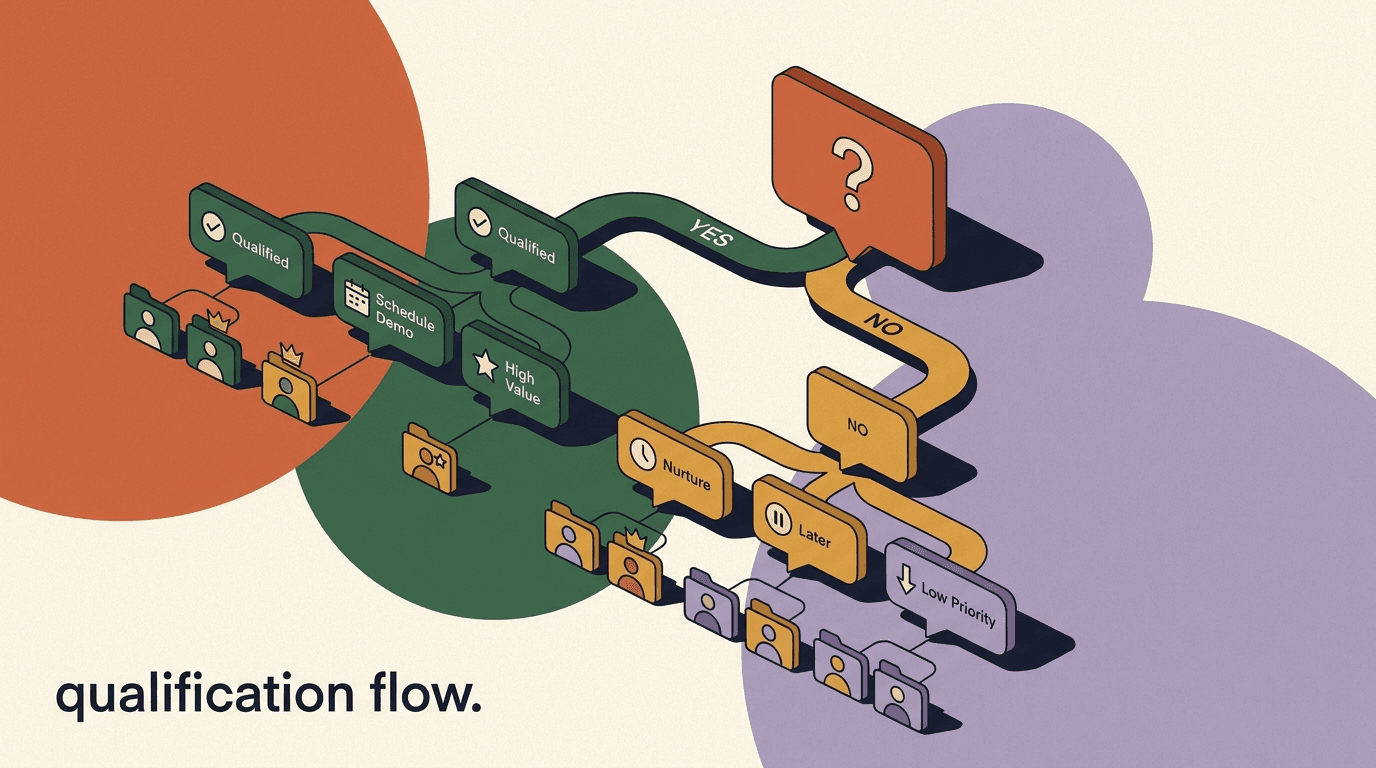
There are two common branching patterns. The first is answer-to-question branching, where the next question depends on the last answer — pick a skin concern and the follow-up questions are about that concern. The second is answer-to-result branching, where certain answers short-circuit the rest of the quiz and jump to the recommendation, which is useful for people who have already decided. Most good quizzes use a little of both.
Keep branches from multiplying out of control. Every branch you add doubles the paths you have to design, test, and maintain. A practical discipline is to branch on the first question or two, then let the paths converge back to a shared set of closing questions and a scored result. That gives you the feeling of personalization without an unmanageable tangle of unique paths.
| Answer given | Branch to | Tag applied |
|---|---|---|
| Just browsing | Educational path: softer, lead-with-value questions | intent-low |
| Comparing options | Comparison path: questions about their current option | intent-mid |
| Ready to buy | Fast-track: skip ahead to the recommendation | intent-high |
| Not sure yet | Diagnostic path: help them define the need first | intent-unknown |
Always handle the unexpected answer
If your quiz ever allows a typed reply, design a fallback for answers that match nothing. A quiz that goes silent when someone types something off-script feels broken. Route unknown input to a friendly re-ask or a default branch so no one hits a dead end.
How do you score and tag answers as people go?
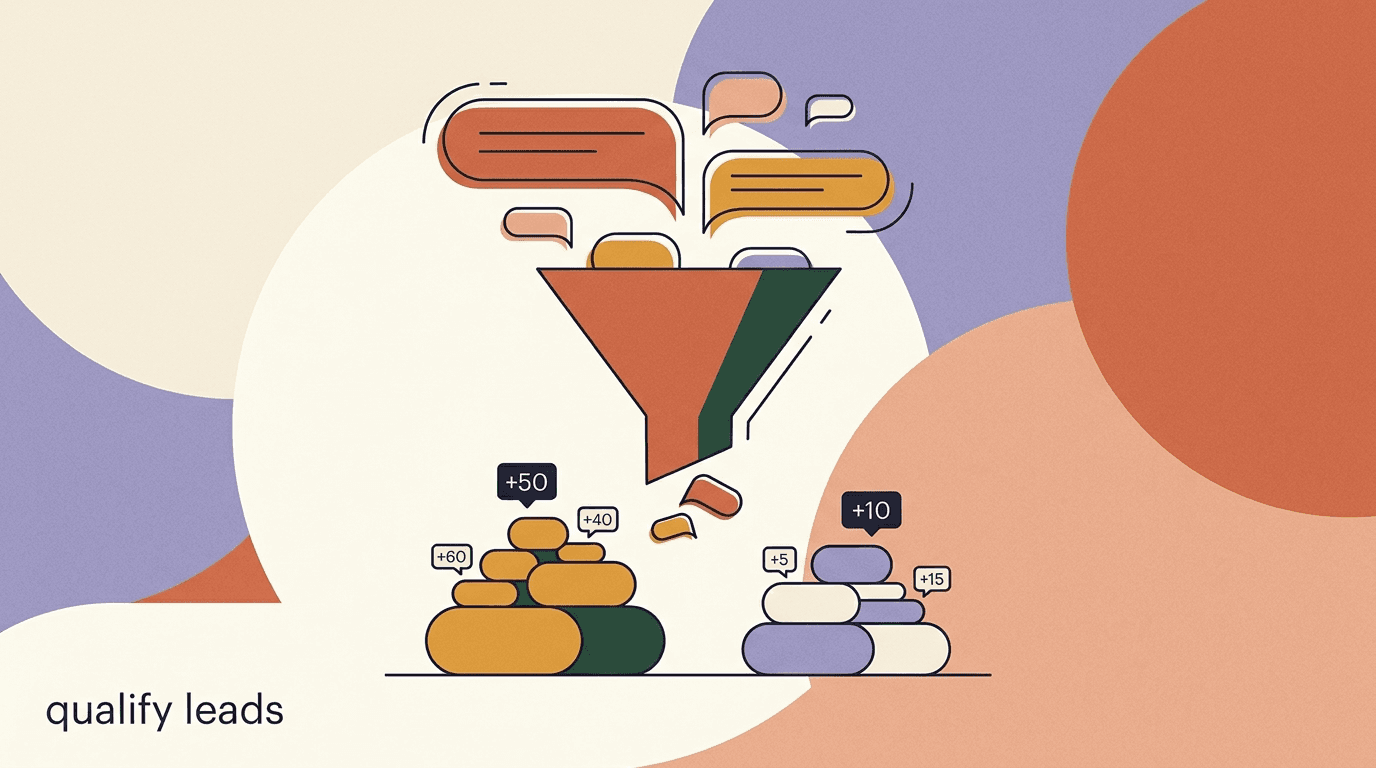
Scoring is how you convert a set of taps into a decision. The simplest system assigns points to answers and sums them: the total picks the outcome or the segment. A quiz about readiness might give three points to buy this week and one point to just researching; add up the questions and a high total means a hot lead, a low total means a nurture lead. You do not need anything fancier than addition for most quizzes.
Tagging runs alongside scoring and is arguably more important for what happens after the quiz. Every answer can drop a tag on the contact — the concern they picked, the budget band, the timeline, the intent level. By the end, the person carries a small profile you built from their own answers. That profile is what makes your follow-up feel personal and your segmentation possible, and it is the raw material for the kind of qualification we cover in our chat lead qualification guide.
Score and tag in the same motion. As you design each answer button, decide both the points it adds and the tag it sets. Do it while you build the questions, not as a separate pass afterward — retrofitting scoring onto a finished quiz is where logic errors creep in. The table and example below show a scoring scheme and how a set of answers rolls up into a routed segment.
| Question | Answer | Points |
|---|---|---|
| Budget | Under $50 | 1 |
| Budget | $50-150 | 2 |
| Budget | $150 or more | 3 |
| Timeline | Just researching | 1 |
| Timeline | Within a month | 2 |
| Timeline | This week | 3 |
Example: turning answers into a routed segment
- Answers
- $150+ budget, buying this week, comparing two brands
- Score
- 8 of 9 possible points
- Tags
- budget-high, timeline-now, intent-high
- Segment
- hot-lead
- Routing
- Notify a human, priority follow-up, skip the long nurture
How do you deliver a personalized result or recommendation?
The result is the payoff, and it should feel earned. A weak result restates the product name and a price. A strong result reflects the person's answers back to them before it recommends anything: You told us your skin gets dry and tight, you want something gentle, and you are on a tight budget — here is the match. The reflection is what makes the recommendation land, because the person recognizes their own situation in it.
Structure the result in four beats: name the match, connect it to their answers, give one reason to trust it, and offer a clear next step. Keep it to a few short messages, not a wall of text. If you have several products in the recommendation, lead with the single best fit and mention one alternative at most — a quiz that ends in another wall of choices has undone its own work. The whole point was to narrow, not to re-open the menu.
For anything beyond a handful of fixed outcomes, an AI layer helps here. A rules-based quiz maps answer combinations to preset results, which is perfect when you have three to five outcomes. But if your catalog is large or the recommendation depends on nuance, an AI agent can read the collected answers and generate a tailored recommendation on the fly. We go deeper on that pattern in our guide to building a product recommendation chatbot, and you can read how the agent side works on the AI agents page.
Example: personalized result and recommendation copy
- Reflect
- Based on your answers — dry, sensitive skin on a careful budget:
- Name the match
- Your match is the Barrier Repair Starter Set
- Reason to trust
- It is our most-returned-to pick for exactly this skin type
- One alternative
- If you want to spend less, the single Barrier Cream covers the basics
- Next step
- Want your 15% first-order code? Drop your email and it is yours.
How do you capture the lead inside the quiz?
The best moment to ask for an email or phone number is the instant before the result, framed as how the result gets delivered. The person has answered four or five questions; they are invested and they want the payoff. Asking Where should we send your result and your code? at that moment converts far better than a cold form, because the ask is tied directly to something they now want.
Ask for the minimum you will actually use. Every extra field costs you completions. If email is enough to follow up, do not also ask for a phone number and a company name in the same breath. You already captured a rich profile through the quiz answers themselves — the contact detail is the one piece you still need to reach them outside the thread. Respect that and the capture rate stays high.
Store the captured detail on the contact alongside the tags and score the quiz produced. That combined record — contact detail plus quiz-derived tags — is what makes the person a genuinely qualified lead rather than an anonymous email. It is the same principle behind a good DM qualification flow: capture is not just an address, it is an address attached to everything you learned.
Ask for less than you think you need
Collect only the contact data you will genuinely act on, tell people plainly what you will do with it, and honor opt-outs. Over-asking depresses completion and erodes trust, and platform and privacy rules expect a clear reason for every field you request. Restraint here is both better manners and better conversion.
How do you follow up after the quiz?
The quiz ending is the start of the relationship, not the finish. A person who completed a quiz and got a recommendation is warmer than almost any other lead you have, and the follow-up should match that warmth — and it should happen soon. On messaging platforms there is a hard constraint here: you generally have a 24-hour window after the person's last message to send a normal reply. Design your follow-up to live inside that window, and use approved message templates if you need to reach out after it closes.
Segment the follow-up by the tags the quiz produced. A hot-lead who scored high and dropped an email should get a short, direct nudge toward buying — the code, a reminder of the match, an offer to answer one question. A nurture-lead who scored low should get value first: a tip related to their concern, a piece of content, a soft second touch. Sending both people the same message wastes the segmentation you just built.
- Confirm and deliver immediatelyThe moment they share contact detail, deliver what you promised — the result, the code, the guide. Instant delivery honors the deal and keeps trust intact.
- Send the first nudge inside 24 hoursWhile the thread is still open, send one tailored follow-up matched to their segment — a buying nudge for hot leads, a value touch for nurture leads.
- Route hot leads to a humanFor high-score, high-intent segments, notify a teammate or hand off in the inbox. A quick human reply on a warm lead often closes what automation started.
- Use templates to reach beyond the windowIf you need to message after 24 hours, use the platform's approved template messages rather than assuming a normal reply will send. Plan this path in advance.
- Re-engage non-finishers laterPeople who started but did not finish are still tagged as interested. A gentle second attempt — pick up where you left off? — recovers a share of them.
How do you build the quiz funnel step by step?
With the plan drawn and the questions written, the build itself is mechanical. In a no-code flow builder you are placing message blocks, adding buttons, wiring each button to its branch, attaching tags, and setting a score field. The order below is the one that keeps you from backtracking. If you are following along, the no-code flow builder is where each of these steps happens.
- Set the triggerDecide how the quiz starts — a keyword, a comment-to-DM trigger on a post, an ad click-to-message, or a link. This is where warm attention enters the flow.
- Write the hook messageThe first message sells the quiz itself: what they get and how long it takes. Answer 5 quick questions and get your match in under a minute. Add a Start button.
- Build questions as button messagesEach question is one message with two to four buttons. Add the question text, the options, and a progress cue like 2 of 5.
- Wire the branchesConnect each button to its next step — the next question, a different branch, or a jump to the result. This is where your paper tree becomes real logic.
- Attach tags and points to each answerOn every button, set the tag it applies and any points it adds to the score field. Do this as you wire, not after.
- Insert the lead captureRight before the result, add the ask for email or phone, framed as delivery. Save the response to a custom field on the contact.
- Build the result branchesCreate the recommendation message for each outcome, or route to an AI step that generates it from the collected answers.
- Add the follow-up and test end to endWire the post-quiz nudges by segment, then walk every path yourself as a real user before you launch. Test the dead-end and unexpected-answer cases too.
Test every branch as a real user
The most common launch bug is a branch that leads nowhere or a tag that never fires. Before you promote the quiz, run each path yourself on a real account, including the wrong answers and the fast-track, and confirm the tags and score land on the contact.
What mistakes break a quiz funnel, and how do you avoid them?
Most broken quizzes fail in a handful of predictable ways. Knowing them upfront is faster than learning them from a flow that quietly loses people. Here are the failures we see most, with the fix for each.
- Too many questions. Past six or seven, completion falls off. Cut every question that does not change the result.
- Free-text answers. Typing kills momentum. Use buttons for everything the person can reasonably tap.
- Questions about your product, not their problem. People answer questions about themselves; reframe every question around their situation.
- A generic result. If the result does not reflect their answers, the quiz feels pointless. Always mirror their inputs before recommending.
- Asking for the lead too early. A cold email ask before any value tanks completion. Put the capture right before the payoff.
- No follow-up. A finished quiz with no next message wastes the warmest lead you have. Wire the nudge before you launch.
- Ignoring the 24-hour window. Plan follow-ups to fit inside it, and use templates when you need to go beyond it.
- Never testing the branches. Untested paths dead-end. Walk every route, including the wrong answers, before promoting.
A silent quiz is a broken quiz
The worst failure mode is a quiz that stops responding — a branch with no destination, a typed answer that matches nothing. From the person's side it looks like your brand ghosted them mid-conversation. Guard every path with a fallback so the flow always has somewhere to send them.
How do you measure and improve a quiz funnel over time?
You cannot improve what you do not watch, and a quiz gives you clean stages to watch. Each transition — open to start, start to finish, finish to lead, lead to reply — is a place people drop, and the drop tells you exactly what to fix. A low start rate means the hook is weak. A cliff at one question means that question is confusing or too much work. A low result-to-lead rate means the capture ask is mistimed or over-asking.
Track the funnel as a set of rates, not just totals. The table here lists the metrics worth watching and where to look when each one sags. Once you have a baseline, change one thing at a time — the hook, a single question, the capture wording — and compare. Quizzes reward small, patient iteration far more than a full rebuild, and your own numbers matter more than any benchmark because they depend on your audience, offer, and traffic source.
Watch the answer distribution too, not only the drop-off. If ninety percent of people pick the same option on a question, that question is not sorting anyone and probably should be cut or rewritten. A good sorting question splits the audience; a decorative one does not. The distribution of tags across finished quizzes is also a free read on who your audience actually is.
| Metric | What it tells you | Where to look if it is low |
|---|---|---|
| Start rate | Whether the hook message earns the first tap | Rewrite the hook to be clearer about the payoff and the time cost |
| Completion rate | Whether the questions hold attention | Cut questions, switch free-text to buttons, add a progress cue |
| Result-to-lead rate | Whether the capture ask converts | Move the ask right before the result, request fewer fields |
| Follow-up reply rate | Whether your nudge lands | Segment harder and match the message to the tags |
A worked example: a skincare recommendation quiz end to end
To make the pieces concrete, here is a full five-question skincare quiz, from trigger to follow-up. A brand posts a Reel about a common skin complaint and asks people to comment a keyword. The comment triggers a DM with the hook: Want to know which of our sets fits your skin? Answer 5 quick questions. That is the top of the quiz funnel flow, and it doubles as an interactive quiz chat that feels like help rather than a pitch.
The five questions sort on concern, skin type, sensitivity, budget, and timeline. Each answer tags the contact and adds points. Concern branches the follow-up questions slightly — someone who picks breakouts gets an oil-control follow-up, someone who picks dryness gets a barrier-repair follow-up — then the paths converge on budget and timeline, which feed the score. The example below shows how one person's run rolls up.
The recommendation writes itself from the tags
Notice that the result copy is just the tags turned into a sentence: gentle because sensitive, budget-friendly because budget-low, ships now because timeline-now. When you tag well during the quiz, the personalized result is almost automatic — you are describing the person back to themselves.
Example: one person's run through the quiz
- Concern
- Dryness and flaking (tag: concern-dry)
- Skin type
- Sensitive (tag: skin-sensitive)
- Sensitivity
- Reacts to strong actives (branch: gentle path)
- Budget
- Under $50 (tag: budget-low, +1)
- Timeline
- Buying this week (tag: timeline-now, +3)
- Result
- Barrier Repair Cream — gentle, budget-friendly, ships now
How do you adapt one quiz across Instagram, WhatsApp, and Telegram?
The quiz logic — questions, branches, tags, result — is portable, but the delivery rules differ by channel, and ignoring those differences is where cross-channel quizzes go wrong. Build the flow once, then adjust three things per channel: how it is triggered, how buttons render, and how follow-up messaging is governed. The core question set can stay identical; only the packaging changes.
On Instagram, the quiz usually starts from a comment-to-DM trigger or a Story reply, and quick-reply buttons carry the answers. Instagram's own messaging tools and policies govern what automation can send and when, so it is worth checking Instagram's Help Center for the current rules before you scale a quiz there. Keep the hook short — attention on Instagram is fast, and a wordy opener loses the tap.
On WhatsApp, the same quiz runs against a stricter, template-and-window model. Business-initiated messages and messages sent outside the customer service window generally require pre-approved templates, and conversations are billed by Meta. The WhatsApp Business Platform docs spell out the message categories and window rules; design your quiz so the interactive part happens inside an open session and your later follow-ups use approved templates. Telegram is the most permissive of the three — inline keyboards make button-based quizzes easy and there is no equivalent 24-hour billing window — which makes it a good place to prototype the flow before porting it to the stricter channels.
- Keep the question set identical across channels; change only the trigger, button style, and follow-up rules.
- Instagram: trigger from comments or Story replies, keep the hook short, follow the platform's messaging policies.
- WhatsApp: run the interactive part inside an open session, use approved templates for anything outside the window, budget for Meta's per-conversation fees.
- Telegram: inline keyboards and no billing window make it the easiest place to prototype and iterate.
The 24-hour window is not optional
On Instagram, Messenger, and WhatsApp you generally have a 24-hour window from the person's last message to send a standard reply. Plan the quiz and its first follow-up to complete inside that window, and reach beyond it only with approved template messages. A quiz that assumes it can message freely a day later will silently fail to send.
Where does the quiz sit in your wider funnel?
A quiz funnel is a middle-of-funnel tool by nature. It assumes some existing interest — the person clicked, commented, or opened for a reason — and its job is to convert that interest into a qualified, tagged lead with a recommendation in hand. It is not a cold-traffic tool on its own, and it is not usually the final closing step; it is the bridge between attention and action.
That makes the quiz a natural hub connecting your other flows. In front of it sits your traffic source — a Reel, an ad, a comment-to-DM trigger. Behind it sit your nurture and closing flows, fed by the segments the quiz produced. A hot-lead tag can route into a fast human handoff; a nurture tag can enter a value sequence. The quiz is where anonymous interest becomes a labeled contact your other automations can act on.
Think of it as the qualification step that also happens to give people something they want. Where a bare qualification flow asks questions purely for your benefit, a quiz wraps the same sorting in a payoff for the person. That is why it converts middle-funnel attention so well — everyone leaves with something, and you leave with a segmented lead.
How does KlyoChat build a quiz funnel flow?
This is the kind of flow KlyoChat is built for, so here is how it maps to our tool, honestly. KlyoChat is an AI-native platform with a unified inbox across Facebook, Instagram, Telegram, WhatsApp, TikTok, and X, plus a no-code flow builder. You build the quiz by dragging question blocks with buttons, wiring each button to its branch, and attaching tags and custom fields as people answer — the same steps this guide describes, in one canvas.
The branching, tagging, and scoring all live in the no-code flow builder. Because tags and custom fields are first-class, the profile a quiz builds — concern, budget, timeline, intent — is immediately usable for segmenting the follow-up. For the recommendation itself, a KlyoChat AI agent can read the collected answers and generate a tailored result rather than mapping to a fixed set of outcomes, which helps when your catalog is larger than a handful of options. Comment-to-DM triggers handle the front of the funnel, so a post can drop people straight into the quiz.
Now the honest limits, because they matter for planning. KlyoChat has no native SMS or email, so if your quiz follow-up depends on those channels you will need another tool for that leg — KlyoChat covers the social and messaging channels, not the outbound email and SMS ones. Like every platform on these channels, KlyoChat has to respect the 24-hour messaging window and template rules, so plan your post-quiz timing around that. And we are a newer, smaller product with a smaller community than the incumbents, so there are fewer third-party templates and tutorials to lean on. If those trade-offs fit, the quiz build is straightforward; if native email or SMS is central to your plan, factor that in.
| Quiz task | How KlyoChat handles it |
|---|---|
| Trigger the quiz | Keyword, comment-to-DM, ad click-to-message, or link |
| Ask branching questions | No-code flow builder with button blocks and branch wiring |
| Score and tag answers | Built-in tags and custom fields, set per answer |
| Generate the recommendation | Fixed result branches or an AI agent from collected answers |
| Capture the lead | Save email or phone to a custom field on the contact |
| Follow up | Segmented nudges within the 24-hour window; no native SMS or email |
Try the build, not just the pitch
KlyoChat runs on a 7-day free trial with no credit card, so you can build a real quiz and run traffic through it before deciding. Plans are flat: Basic at $19/mo, Pro at $49/mo ($39 billed yearly), and Business at $129/mo. See the pricing page for what each tier includes.
The takeaway is that a quiz funnel flow is a small amount of upfront design followed by a mechanical build. Plan the outcomes first, write button-based questions about the person's problem, branch and tag as you go, capture the lead right before the payoff, and follow up by segment inside the messaging window. Keep it to five or six questions, test every branch, and iterate one thing at a time once real people start running through it.
If you want to go deeper on the pieces around the quiz, our DM qualification flow guide covers the sorting logic in more detail, the product recommendation chatbot walkthrough shows the AI-driven result pattern, and chat lead qualification ties the whole capture-and-tag approach together. Build the quiz once, wire it to your traffic, and let it turn undecided attention into labeled, warm leads.