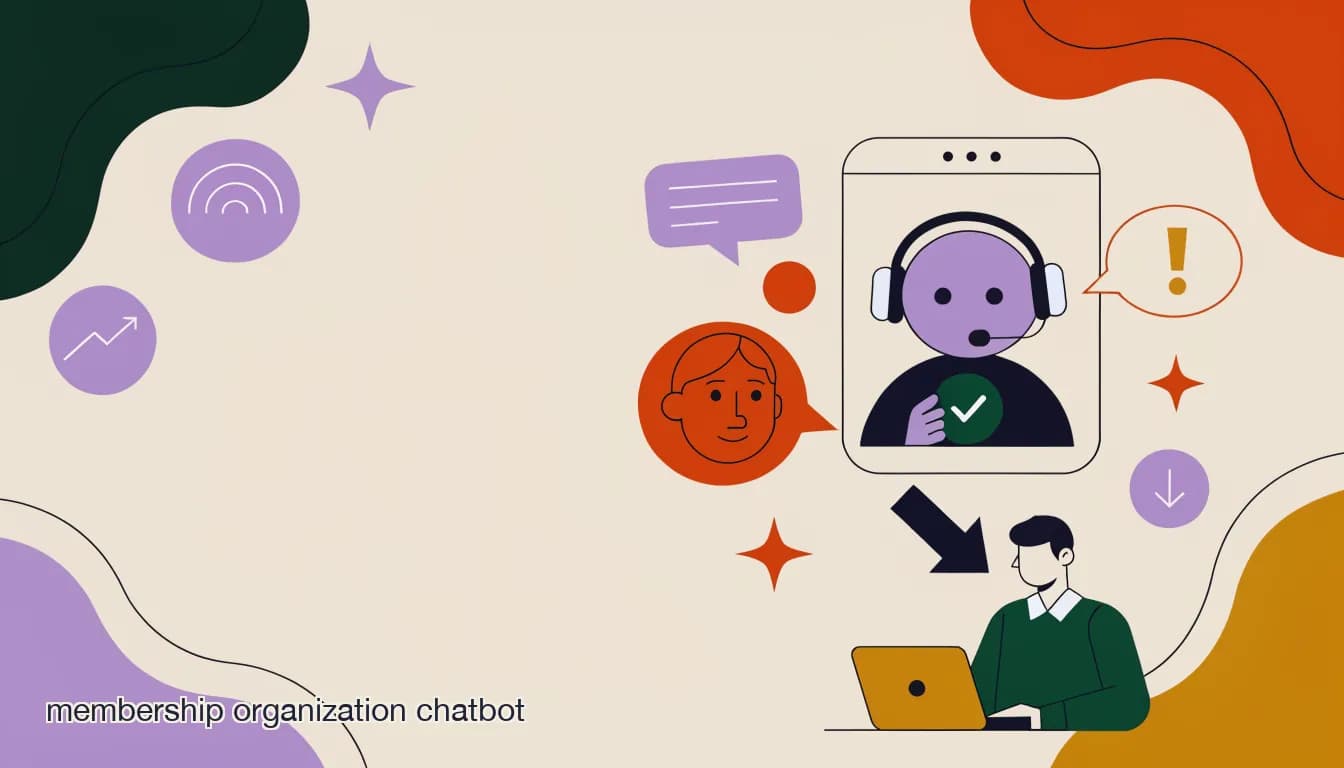
A membership organization chatbot only earns its keep if it knows the difference between "what does a Gold membership include" and "why was I charged twice this month." The first is a factual lookup any bot trained on your handbook can answer in a second. The second involves a specific person's account, a specific transaction, and probably some frustration — and it needs a human, immediately, not a bot that guesses.
Most membership organizations and nonprofits that try a chatbot skip straight to picking software and typing in a few FAQ answers. Then the bot gets a renewal date wrong, or loops a confused senior member through the same three questions, and staff spend the next month apologizing and turning it off. The setup work that actually prevents that — scoping what the bot should and shouldn't touch, building a real knowledge base, testing it against messy real questions, and writing handoff rules — usually takes a single afternoon. This guide walks through that afternoon step by step.
We'll cover what to train the bot on, what to explicitly keep off its plate, how to turn a scattered FAQ document and an old member handbook into something a bot can actually use, a concrete setup walkthrough, a pre-launch testing checklist, and the failure modes that make members distrust a chatbot after one bad exchange.
What should a membership chatbot answer on its own?
The safest bot scope for a membership organization is anything that is true for every member asking the same way, and doesn't require looking up a specific account. If the answer is in your handbook, your FAQ page, or your event listing and doesn't change person to person, it's a good candidate for automation.
In practice that covers a narrower list than most organizations expect at first, but it's the list that generates the most repetitive tickets — which is exactly why automating it saves the most staff time.
- Dues amounts by tier ("What does an Individual membership cost?" "What's included in Family vs. Individual?")
- Renewal steps and deadlines ("How do I renew?" "When does my membership expire?" "What happens if I renew late?")
- How to join ("How do I become a member?" "Is there a waitlist?" "Do you accept applications year-round?")
- Benefits overview ("What do I get with my membership?" "Can I bring a guest?" "Do members get event discounts?")
- Event logistics ("When is the annual meeting?" "Where is it held?" "Do I need to RSVP?" "Is parking available?")
- General policy questions ("Can I transfer my membership?" "Is my membership tax-deductible?" "What's your refund policy?")
- Office hours, contact info, and where to send documents
| Question type | Bot handles it? | Why |
|---|---|---|
| "What's included in a Family membership?" | Yes | Same answer for every member; it's a lookup, not a judgment call |
| "How do I renew online?" | Yes | A fixed set of steps that don't change per person |
| "Why does my account show I still owe $40?" | No | Requires looking at this specific member's payment history |
| "I was double-charged for my renewal" | No | A billing dispute — needs a human to investigate and refund |
| "When is the fall gala?" | Yes | Public event info, same for everyone who asks |
| "Can I get a discount, I'm on a fixed income?" | No | A judgment call about an exception to policy |
Scope by "does this need a lookup or a judgment call?"
If answering requires opening someone's account record, checking a payment, or deciding whether to bend a policy, it's not a bot question — no matter how simple it sounds. Keep the bot's job to information that is identical for every member who asks it the same way.
What needs a human, not a bot?
The list of things that should never go to a bot alone is shorter than the list of things it can answer, but getting it wrong is what actually damages trust in the organization — not a bot that says "I don't know." A bot that confidently answers a billing question incorrectly is worse than a bot that says nothing.
Draw this line explicitly before launch, in writing, and configure it in your handoff rules (more on that below) rather than hoping the bot figures it out on its own.
- Billing disputes and refund requests — anything involving money that isn't a flat, published price
- Account-specific status ("Is my membership active?" "Did my payment go through?") — these require pulling up the actual record, not a general answer
- Complaints — about staff, about another member, about how an event was run, about anything emotionally charged
- Requests to change personal information tied to compliance (address for tax receipts, beneficiary info, legal name changes)
- Anything where the member is already frustrated or has said "I've asked this three times"
- Media and press inquiries, partnership requests, and anything from outside the organization asking for an official statement
Complaints are the fastest way to lose trust in the bot
A member typing an angry message and getting a cheerful automated reply — even a correct one — reads as the organization not listening. Route anything with negative sentiment to a human immediately, before the bot attempts to answer the literal question. Tone matters more than accuracy here.
How do I build a knowledge base from our existing FAQ and handbook?
Most membership organizations already have the raw material for a chatbot's knowledge base sitting in a PDF handbook, a website FAQ page, and a handful of email templates staff copy-paste from. The setup work isn't writing new content — it's reorganizing what exists into a form a bot can search and quote from accurately.
The difference between a knowledge base that works and one that produces vague or wrong answers usually comes down to specificity. "Membership benefits" as a single blob of text produces vague answers. "Individual membership: $75/year, includes newsletter, event discounts, voting rights. Family membership: $125/year, includes everything in Individual plus up to 4 household members" produces exact answers.
- Pull every source document into one placeGather the member handbook, the website FAQ, your renewal email templates, and your event registration page copy. Don't rewrite yet — just collect.
- Break it into single-fact entriesSplit paragraphs into standalone facts: one entry per membership tier, one per renewal step, one per event. A bot answers better from ten short, specific entries than one long page.
- Flag anything that changes per personMark account balances, individual statuses, and personalized info as "do not include" — these belong in the handoff-to-human list, not the knowledge base.
- Add the questions members actually type, not just formal wordingMembers won't type "membership tier benefit schedule." They'll type "what do I get for $75." Write entries around real phrasing pulled from old emails and inbox threads.
- Date-stamp anything time-sensitiveDues amounts, event dates, and deadlines change yearly. Note a review date on each entry so nobody discovers in August that the bot is quoting last year's gala date.
Your old support inbox is a better source than your FAQ page
Public FAQ pages tend to answer the questions the organization wants to explain, not the ones members actually ask most. Scan six months of your shared inbox or volunteer email threads for the real, repeated questions — that's your highest-value knowledge base content.
What's the step-by-step setup process for the bot itself?
Once the knowledge base content is organized, the platform setup is mechanical. Here's the order that avoids rework — building the knowledge base before connecting channels, and testing before publishing, rather than the reverse.
- Connect your channelsLink the accounts members actually message you on — typically Facebook, Instagram, and WhatsApp for a membership organization, sometimes Telegram for international chapters.
- Load the knowledge baseUpload the organized FAQ/handbook entries from the previous step. Group them by topic (dues, renewal, events, joining, policies) so the bot can narrow down faster.
- Set the bot's tone and identityGive it a name and a voice that matches the organization — warmer and more patient than a retail bot, since a meaningful share of your members may be older, less tech-comfortable, or long-tenured volunteers themselves.
- Define the handoff triggersConfigure the keywords, sentiment signals, and topics (billing, complaint, "speak to someone") that immediately route to a human instead of letting the bot attempt an answer.
- Write the fallback messageWhen the bot doesn't have a confident answer, it should say so plainly and hand off — never guess. "I'm not sure about that one — let me get someone from our team to help" beats a made-up answer every time.
- Assign a volunteer or staff rotation to the inboxSomeone needs to be watching the queue the bot escalates to. Set up assignment rules so handed-off conversations land with whoever is on shift, not in a pile nobody owns.
- Run the test checklist before publishingWork through the pre-launch testing list below with real staff and, ideally, one or two actual members, before the bot goes live to everyone.
How do I test the bot before launch?
Testing a membership chatbot means throwing real, messy questions at it — not just the clean FAQ wording you trained it on. Members don't ask questions the way your handbook is written; they ask half-remembered, typo'd, out-of-order versions of the same question. If the bot only handles the tidy phrasing, it will fail the first week.
Run through this checklist with at least two different staff members typing the questions, and mix in a few from actual member emails or messages if you have them.
- "how much to join" (no punctuation, casual phrasing)
- "whats included in the family one" (typo, informal)
- "I think I already paid but I'm not sure" (should trigger handoff, not a guess)
- "can I still renew if I'm late" (policy question — should be answerable)
- "this is the third time I've emailed about my membership" (should immediately route to a human, tone-first)
- "where's the meeting on saturday" (event lookup, casual phrasing)
- "I want to cancel and get my money back" (should hand off, never process itself)
- A completely unrelated question ("do you sell merchandise") to confirm the bot says it doesn't know rather than inventing an answer
| Test result | What it means | Fix before launch? |
|---|---|---|
| Bot answers correctly and confidently | Knowledge base entry is solid | No |
| Bot answers but slightly wrong (old price, wrong date) | Content is outdated or ambiguous | Yes — update the entry |
| Bot says "I'm not sure, let me connect you" | Correct behavior for an unclear question | No — this is the goal |
| Bot guesses confidently on something it shouldn't know | Scope is too wide or fallback isn't triggering | Yes — before launch |
| Bot doesn't recognize an angry or repeat-contact message | Handoff triggers need tuning | Yes — before launch |
Test with someone who didn't write the knowledge base
Whoever built the bot's content already knows the "right" phrasing and will unconsciously type questions that work. Hand the testing to a volunteer or board member who wasn't involved in setup — they'll type it the way a real member would, and find the gaps.
What handoff rules actually prevent embarrassing mistakes?
Handoff rules are the single most important setup decision for a nonprofit or membership chatbot, more than the wording of any individual answer. A bot that hands off too little will eventually give a wrong answer to something that mattered — a billing amount, a deadline, an eligibility question. A bot that hands off too much just becomes an annoying extra step before a human replies anyway.
Set rules around three signals: topic (billing, complaints, account status always escalate), confidence (if the bot isn't matching a knowledge base entry closely, it escalates rather than approximates), and sentiment (frustrated or repeat-contact language escalates regardless of topic).
Never let the bot promise a refund, waive a fee, or confirm payment on its own
These are financial and sometimes legal commitments. Even if the bot could technically look up the answer, keep confirmation of money moving in either direction as a human-only action — it protects the organization and avoids a bot accidentally telling someone their refund is approved when it isn't.
With scope, knowledge base, and handoff rules in place, the remaining risk is quieter: a bot that technically works in testing but still frustrates members in practice. That happens in two specific, predictable ways.
Why do chatbots fail even when they sound confident?
The two failure modes that generate the most member complaints about a nonprofit chatbot aren't crashes or bugs — they're a bot answering wrong while sounding sure of itself, and a bot trapping a member in a loop when it can't understand what they need.
- Confidently wrong answers: the bot states last year's dues amount, an outdated event date, or a benefit that changed, and states it as fact. Members trust the tone, not the accuracy, so a confident wrong answer does more damage than an honest "I don't know." Prevent this with the date-stamped review habit from the knowledge base step, and a fallback that favors escalation over guessing.
- Loop frustration: the bot doesn't understand a rephrased question and asks the member to "try again" repeatedly, or offers the same three menu options no matter what's typed. After two failed attempts, the bot should hand off automatically rather than asking a third time — a rule worth setting explicitly, not assuming the bot will figure out on its own.
Two failed attempts, then hand off — don't wait for a third
Set an explicit rule: if the bot fails to resolve a question in two exchanges, it hands off automatically with an apology, rather than trying a third time. Members forgive a bot that says "let me get you a person" quickly. They don't forgive being stuck in a loop.
A loop that should have handed off after message two
- Member
- "hey do I still get the member discount at the gift shop"
- Bot
- "I can help with membership questions! Are you asking about renewal, dues, or events?"
- Member
- "no the gift shop discount"
- Bot
- "I can help with membership questions! Are you asking about renewal, dues, or events?"
- Member
- "...never mind"
What does a good handoff conversation look like?
The goal isn't a bot that never hands off — it's a bot that hands off smoothly, with context, so the member doesn't have to repeat themselves to a human. Here's what that looks like in practice for a membership organization.
A billing question, handled well
- Member
- "I think I got charged twice for my renewal this month, can someone check?"
- Bot
- "That's something our membership team needs to look into directly — I don't have access to your billing history. I'm connecting you with Maria on our team now, and she'll have your account pulled up."
- Maria (staff)
- "Hi, this is Maria — I can see your account. You're right, there was a duplicate charge on the 3rd. I'm processing the refund now, you'll see it in 3-5 business days."
Notice what the bot did: it didn't guess at the billing issue, didn't apologize on the organization's behalf for something it couldn't verify, and told the member specifically that a person was coming with context — not just "please hold." That combination is what keeps a handoff from feeling like a dead end.
How long does setting this up actually take?
For a small membership organization with an existing handbook and FAQ page, the realistic timeline is a few focused sessions rather than a multi-week project — most of the time goes into organizing existing content, not writing new material.
| Task | Typical time | Who does it |
|---|---|---|
| Collect and organize FAQ/handbook into knowledge base entries | 2-4 hours | Staff or a volunteer familiar with member questions |
| Connect channels and load the knowledge base | 30-60 minutes | Whoever manages the platform |
| Write handoff rules and fallback messages | 30-45 minutes | Staff, ideally with board input on billing/complaint rules |
| Test against the pre-launch checklist | 1-2 hours | A volunteer not involved in setup |
| Fix gaps found in testing | 1-3 hours | Whoever built the knowledge base |
| Soft launch to a small member segment before full rollout | 1 week of monitoring | Staff reviewing escalated conversations |
Soft-launch to one chapter or one channel first
If your organization has multiple chapters, regions, or channels, turn the bot on for one first and watch the escalated conversations for a week before rolling out everywhere. It's the cheapest way to catch a knowledge gap before it reaches your whole membership.
How does KlyoChat help with membership organization chatbots?
KlyoChat's AI agents are built for exactly this scope problem: answer what's genuinely repeatable, hand off what isn't, and keep both in one place your volunteers and staff can see. You build an agent, point it at a knowledge base (upload your handbook, FAQ, and event pages directly), and set handoff rules by topic and confidence — the same structure this guide walks through — without writing code.
Because KlyoChat runs a shared team inbox alongside the AI agent, a handoff isn't a dead end. When the bot escalates a billing question or a complaint, it lands in the inbox with the full conversation history attached, gets assigned to whoever is on volunteer shift, and staff can leave internal notes or @mention a colleague before replying — so the member never has to re-explain what they already told the bot. That matters more for membership organizations than most businesses, since the person answering tomorrow may be a different volunteer than the one on duty today.
AI agents are included starting on the Pro plan ($49/month, or $39/month billed yearly) — not a separate add-on — along with all supported channels, 10,000 contacts, and 5,000 AI replies per month. The Basic plan ($19/month) covers core inbox and automation without the AI agent, which some smaller chapters use to start before adding AI once volunteer routing is dialed in. Every plan starts with a 7-day free trial, no credit card required, so you can run the testing checklist above inside the actual tool before committing.
One honest limit: KlyoChat doesn't do native SMS or email, so if your renewal reminders currently run through an email platform, that stays a separate tool — KlyoChat unifies Facebook, Instagram, Telegram, and WhatsApp (rolling out) in one inbox alongside the AI agent, not your email list. For organizations whose member questions mostly arrive as social DMs and WhatsApp messages rather than email replies, that's usually the bigger volume anyway.
KlyoChat plans relevant to a membership chatbot setup
- Basic — $19/mo
- Shared inbox and automation across connected channels, no AI agent
- Pro — $49/mo ($39 yearly)
- AI agent with knowledge base, 10,000 contacts, 5,000 AI replies/month, all channels
- Business — $129/mo
- 50,000 contacts, 25,000 AI replies/month, API access — for larger associations with multiple chapters
A membership organization chatbot doesn't need to be clever to be useful — it needs to know its own limits. Scope it to the questions that are genuinely the same for every member, build the knowledge base from what your handbook and inbox already prove people ask, test it with real phrasing before anyone else sees it, and make the handoff to a human feel like continuity rather than a dead end. Get that structure right and the bot quietly clears the repetitive third of your inbox, leaving staff and volunteers for the questions that actually need a person.