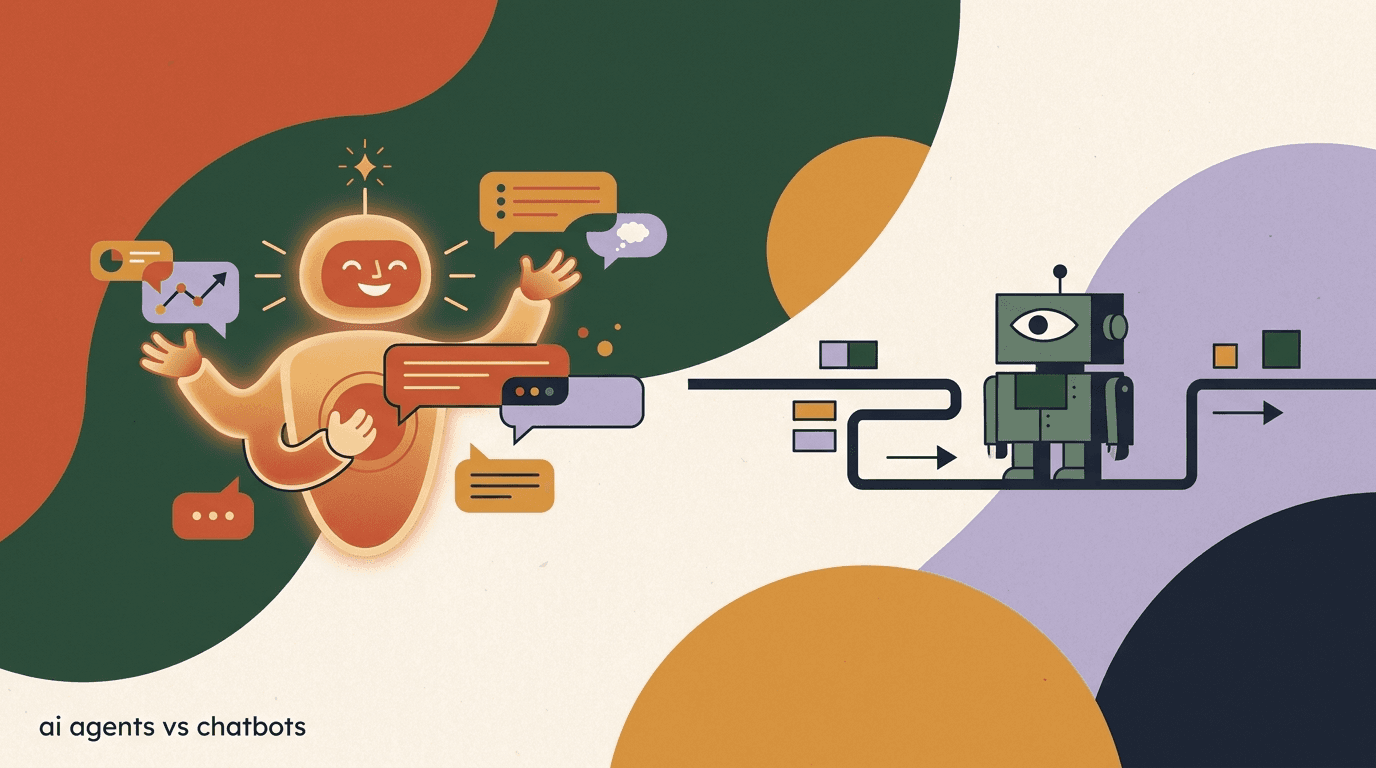
If you search "best ai chatbot for instagram 2026" you will land on a dozen listicles ranking ten tools by star rating, with prices that were probably wrong the week they were published. We are going to do this differently. Instead of a fabricated leaderboard, this post explains the three real archetypes of Instagram chatbot on the market today, what each one is actually built to do, and which one fits your situation — because "best" depends entirely on whether you're running comment-to-DM funnels, qualifying leads, or handling customer support tickets.
Full disclosure: we build KlyoChat, an AI-native agent platform, so we have a side here. We've tried to keep this honest anyway — we name KlyoChat's real limits, we don't invent competitor prices or ratings, and we tell you explicitly where a rule-based flow tool or a support widget will serve you better than we will. If you finish this post knowing which archetype you need, even if that's not us, it did its job.
Why isn't there a single ranked list of the best Instagram AI chatbots?
Because "AI chatbot for Instagram" isn't one product category — it's a label three genuinely different kinds of tools all claim, and ranking them against each other on one scale produces a meaningless number. A tool built to answer support tickets and a tool built to run a comment-to-DM sales funnel are not competing for the same job, even though both will say "AI-powered" on their homepage.
There's also a practical honesty problem with ranked listicles: most of them present competitor pricing as fixed fact, when pricing on nearly every platform in this space changes multiple times a year, shifts between contact-based and conversation-based models, and often hides the real cost behind an AI add-on fee. A "#1 cheapest" claim from six months ago is frequently wrong today. So instead of inventing a ranking, this post groups tools by what they're actually built to do, and tells you which questions to ask before you commit a subscription.
What this post won't do
We won't tell you "Tool X is #1 because it scored 4.8 stars" — those numbers are usually unverifiable, stale, or lifted from a review site with its own incentives. We'll tell you what each archetype is built for and how to test it yourself in a free trial.
What are the three archetypes of Instagram AI chatbot?
Nearly every tool marketed as an "AI chatbot for Instagram" in 2026 falls into one of three buckets. Knowing which bucket a tool sits in tells you more than any star rating.
| Archetype | How it works | Best for |
|---|---|---|
| AI-native agent | A persistent agent trained on a knowledge base holds open-ended conversations across DMs, comments, and other channels — not confined to a pre-drawn path | Sales qualification, FAQ handling, 24/7 first response, comment-to-DM at scale |
| Scripted-flow tool + AI step | A visual decision-tree builder where AI is dropped in as one step inside flows you design manually | Teams that already think in flowcharts and want AI to sharpen specific branches |
| Support widget with AI | A helpdesk-style tool (often built for website live chat first) that added Instagram/social as a channel and AI as a ticket-deflection layer | Support-ticket volume reduction, FAQ deflection, teams already on a helpdesk platform |
How does an AI-native agent actually differ from a scripted flow with an AI step?
This is the distinction that matters most and the one marketing pages blur the hardest, so it's worth being precise.
In a scripted-flow tool, you build the conversation as a tree: if the customer says A, go to node 2; if they say B, go to node 3. The "AI" in these tools is typically an add-on step you drop into one branch of that tree — it can draft a reply or detect intent inside the slot you placed it in, but the overall shape of the conversation is still one you drew by hand. It's AI filling in a blank inside a path you designed, and on tools like ManyChat this AI capability is commonly a paid add-on layered on top of the base plan, historically priced separately from the core subscription.
An AI-native agent works the other way around. You don't draw the conversation tree. You give the agent a knowledge base — your FAQs, pricing, policies, product catalog, tone of voice — and the agent decides how to respond to whatever the customer actually says, across the full conversation, not just inside one pre-built branch. It can go off-script, answer a question you never anticipated, and still stay grounded in your source material. That's a materially different capability, and it's why AI-native agents tend to need less manual flow-building maintenance over time — you update the knowledge base instead of redrawing branches.
Ask this one question in every demo
"What happens if a customer asks something my flow didn't anticipate?" A scripted-flow tool without a strong AI layer will dead-end or send a generic fallback. A real AI-native agent will attempt an answer grounded in your knowledge base. The answer to that one question tells you which archetype you're actually looking at, regardless of what the marketing page calls itself.
Same customer question, two architectures
- Scripted flow + AI step
- Responds correctly only if the conversation happens to reach the branch where you placed the AI step; an unanticipated question can fall outside any node
- AI-native agent
- Reads its knowledge base and answers directly regardless of how the conversation opened, then hands off to a human when it's unsure
Is a support widget the same thing as an AI chatbot for Instagram?
Not really, and this is the archetype most listicles quietly lump in with the other two even though it's built for a different job entirely.
Support widgets and helpdesk platforms were built first for website live chat and email ticketing, then bolted on social channels — including Instagram — as an additional inbox. Their AI layer is typically optimized for ticket deflection: answering a known FAQ, categorizing a request, or routing a conversation to the right queue. That's a genuinely useful job, and if your Instagram DMs are mostly "where's my order" and "how do I reset my password," a support-widget-style AI can handle a large share of volume well.
Where it tends to fall short is anything that looks like a sales conversation rather than a support ticket — qualifying a lead, running a comment-to-DM funnel off a post, or nudging someone through a multi-step decision before checkout. Those tools weren't built around conversion; they were built around resolution time and ticket volume. If your Instagram DMs are your top-of-funnel sales channel, not just your customer service inbox, a support widget is usually the wrong archetype even if its AI is genuinely competent.
- Support widget strength: fast FAQ deflection, ticket routing, works well if support is already the core job of your Instagram inbox.
- Support widget weakness: rarely built for comment-to-DM funnels, lead qualification sequences, or broadcast campaigns.
- AI-native agent strength: built to hold sales-shaped conversations and qualify, not just resolve.
- Scripted-flow strength: precise control when you want the exact same path every time, e.g. a compliance-sensitive script.
What should I actually compare when evaluating Instagram AI chatbots?
Skip the star ratings and compare on the dimensions that determine whether the tool does your specific job well. These five hold up regardless of which vendor you're looking at.
- Conversation modelIs the AI a standalone agent reading a knowledge base, or a step inside a flow you drew? Ask for a live demo where you type an off-script question.
- Comment-to-DM supportCan it trigger a DM automatically when someone comments a keyword on a post or reel? This is core to Instagram growth funnels and not every tool does it natively.
- Knowledge base depthCan you upload documents, FAQs, and product catalogs, or is the AI limited to a handful of pre-written canned responses?
- Human handoff and team inboxWhen the AI is unsure, does it escalate cleanly to a person, with context preserved, inside a real team inbox (assignment, notes, @mentions)?
- Channel reach beyond InstagramIf you also run WhatsApp, Telegram, or Facebook, does the same agent and knowledge base cover those, or do you need a separate tool per channel?
Don't trust a listicle's pricing table
Pricing in this category moves fast — vendors shift between contact-based, conversation-based, and flat-tier models, and AI capability is sometimes a separate paid add-on rather than included. Whatever number you read here or anywhere else, verify any vendor's current pricing on their own page before budgeting.
Do AI-native agents actually replace the need for a flow builder?
No, and it's worth being honest about that instead of overselling the AI-native pitch. Most real Instagram automation setups still use flows for the things flows are genuinely good at — welcome sequences, keyword triggers on comments, broadcast campaigns to a segment — and layer an AI agent on top for open-ended conversation and first response.
The practical pattern that works well: use a no-code flow to catch the entry point (someone comments "PRICE" on your reel, or DMs the word "info"), then hand the conversation to an AI agent that can actually talk, qualify, and answer follow-up questions instead of dead-ending after step three of a script. Platforms that only offer scripted flows force you to manually anticipate every branch. Platforms that are AI-native but have no flow layer at all can struggle with the precise, repeatable trigger logic that comment-to-DM funnels need. The strongest setups do both.
A comment-to-DM funnel that uses both layers
- Trigger (flow layer)
- Someone comments "PRICE" on your Reel — instantly fires a DM
- Conversation (AI layer)
- The AI agent takes over the DM, answers pricing and sizing questions from your knowledge base, and books a call if qualified
What does KlyoChat actually offer as an AI chatbot for Instagram?
KlyoChat sits in the AI-native agent archetype. You build an agent, give it a knowledge base — FAQs, pricing, policies, product info, your tone of voice — and it handles Instagram DM conversations as first responder, including replies triggered from comment-to-DM automation, with a co-pilot mode that drafts suggested replies for your team inside the shared inbox when a human takes over.
AI agents are included starting on the Pro plan ($49/month, or $39/month billed yearly) rather than sold as a separate add-on charge on top of a base subscription — that's a deliberate pricing choice, not a claim about being universally cheaper, so still run the math against your own contact volume. Instagram sits alongside Facebook, Telegram, and WhatsApp in one unified inbox (Meta fees apply on WhatsApp, as they do industry-wide), with TikTok and X on the roadmap.
We'll say the honest limits plainly: KlyoChat does not offer native SMS or email, so if your Instagram strategy is genuinely tied to a broader SMS/email sequence in the same tool, a broader platform like ManyChat may fit better on channel breadth alone. KlyoChat's community and template library are also smaller than the category's largest incumbent, simply because we're the newer product. If AI-native conversation and a real team inbox matter more to you than the widest channel list, see how KlyoChat compares — and if you want the fuller landscape of AI-native vs. scripted-flow vs. support-widget options, our alternatives page breaks those out further.
| What you get | Basic ($19/mo) | Pro ($49/mo) | Business ($129/mo) |
|---|---|---|---|
| Instagram, Facebook, Telegram, WhatsApp inbox | Yes | Yes | Yes |
| No-code automation + comment-to-DM | Yes | Yes | Yes |
| Custom AI agents with knowledge base | No | Yes, included | Yes, included |
| AI replies / month | — | 5,000 | 25,000 |
| Team inbox (assign, notes, @mentions) | Limited | 5 seats | Expanded seats |
| Shopify / WooCommerce, API access | No | No | Yes |
Try it before you trust any listicle
A 7-day free trial with no credit card at app.klyochat.com/signup is the fastest way to see whether an AI-native agent actually answers your real customer questions — type your hardest FAQ into the demo and judge for yourself rather than trusting a ranked list.
Is the 'best' AI chatbot for Instagram different for a solo creator vs. an e-commerce brand?
Yes, meaningfully. A solo creator's Instagram DMs are usually a sales and community channel — qualifying coaching leads, answering "how do I join," running comment-to-DM off a viral Reel. An AI-native agent that can hold open conversation and qualify leads tends to fit that job well, especially if it's mobile-first so flows can be edited from a phone between shoots.
An e-commerce brand's Instagram DMs skew toward order status, sizing, returns, and "is this back in stock" — closer to support-ticket shape, but still commerce-adjacent enough that a support-only widget can feel thin if it can't also handle a browse-to-purchase conversation. A brand on Shopify or WooCommerce specifically benefits from an agent that can read live order and product data rather than a static FAQ file.
A larger support-heavy team, where Instagram is one of many ticket channels alongside email and web chat, may genuinely be better served by a helpdesk-style tool where Instagram is just another inbox feeding the same queue and reporting the team already relies on. None of these is wrong — they're different jobs.
- Solo creator, DM-driven sales: lean toward an AI-native agent with comment-to-DM and mobile editing.
- E-commerce brand, order questions + upsell: lean toward an AI-native agent with store integrations (Shopify/Woo).
- Support-heavy team, Instagram is one queue among many: a helpdesk-style tool may fit your existing workflow better.
- Compliance-sensitive scripts that must never deviate: a scripted-flow tool gives you tighter manual control.
How do I test whether an 'AI chatbot for Instagram' is actually AI or just canned replies?
This is the single most useful diagnostic before you commit, because the term "AI chatbot" gets applied loosely to everything from a true language-model agent down to simple keyword-matching auto-replies.
Run the same three-question test in every demo: ask a question with a typo, ask a question that combines two topics at once ("do you ship to Canada and do you have a student discount"), and ask a follow-up that depends on the previous answer. Canned-reply systems tend to fail on typos and combined questions because they're matching against fixed phrases. Real AI agents, whether standalone or embedded as a flow step, generally handle the typo and the combined question, but only a true AI-native agent tends to carry context cleanly into the follow-up without you re-explaining yourself.
- Type a question with a typo"Whats ur pricin for the pro plna" — canned-response systems often fail to match; real AI parses intent anyway.
- Combine two questions in one messageAsk about shipping and a discount in the same sentence. Watch whether it answers both or only the first.
- Ask a dependent follow-upAfter it answers, ask "and how long does that take" without re-stating the subject. See if it remembers context.
- Ask something off-script on purposeA question you're confident isn't in any pre-built flow. A scripted tool may dead-end; a knowledge-base agent should attempt a grounded answer.
Most vendors offer a free trial for exactly this reason
Don't take a sales call's word for how "smart" the AI is — spend ten minutes in a free trial typing real customer questions from your own DMs. It's the fastest way to separate genuine AI-native agents from keyword-matching bots wearing an AI label.
One more honesty note before the FAQ: any number you see in this space — pricing tiers, contact limits, AI reply quotas, star ratings — is a snapshot that goes stale fast. Vendors in chat automation change pricing models multiple times a year. Whatever you read here, in a competitor's post, or in a review roundup, verify any vendor's current pricing on their own page before you commit a subscription or migrate your workflows.