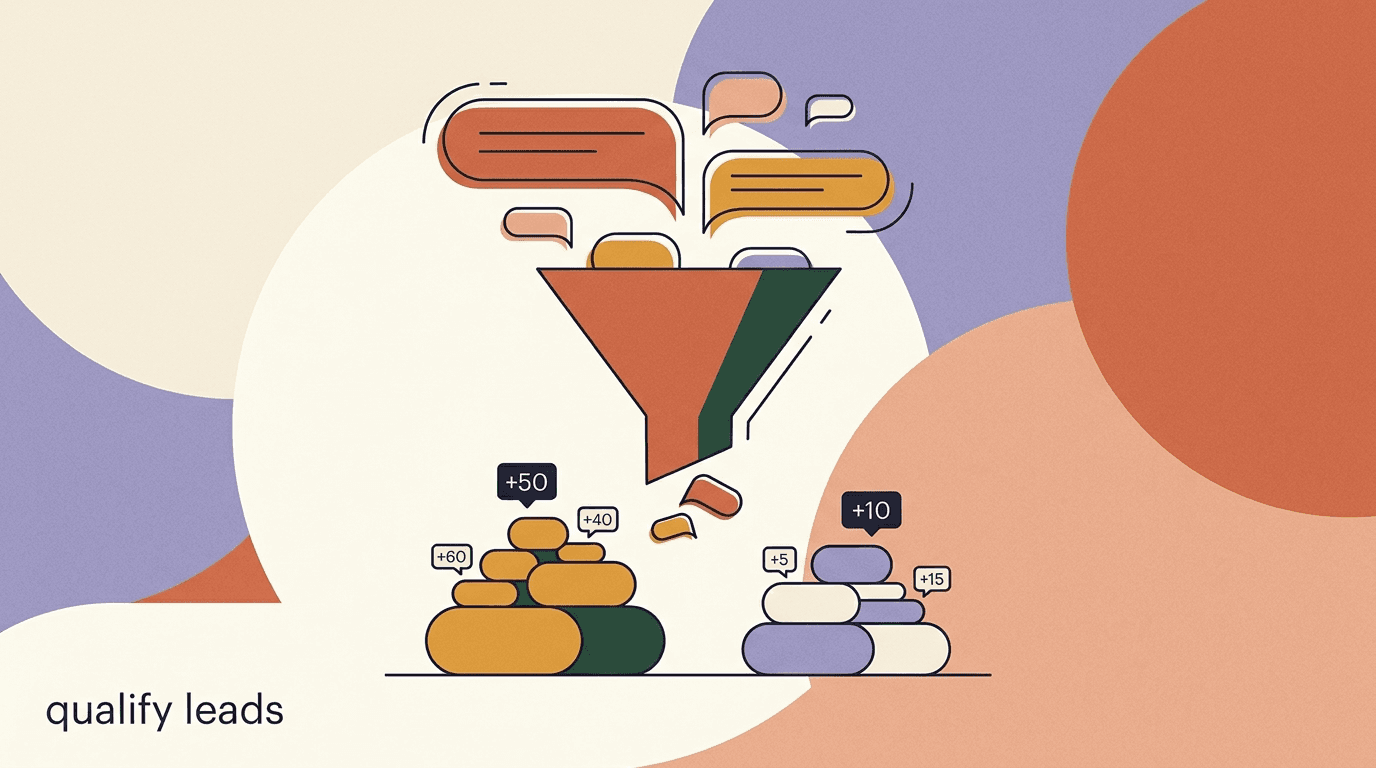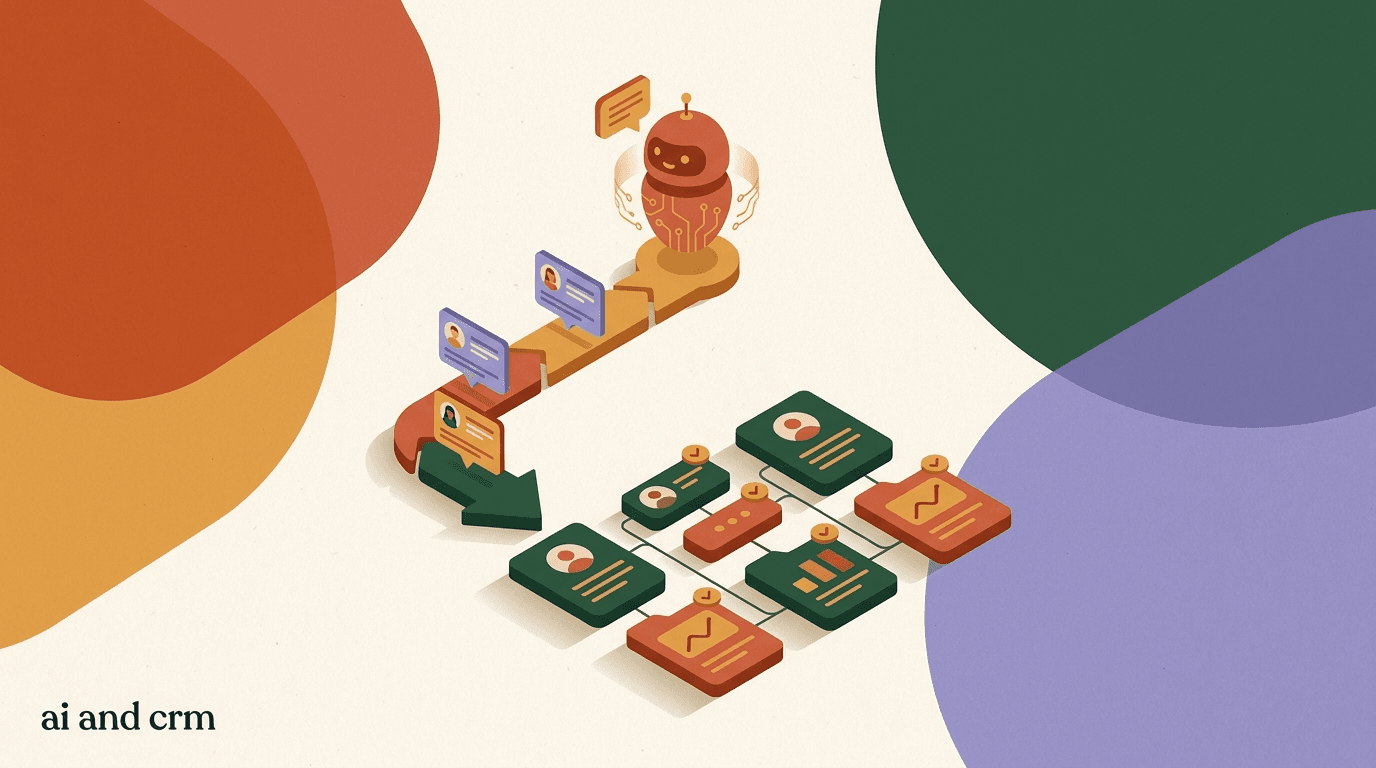
AI agent CRM integration is the connective tissue between the conversations your chatbot has and the system your sales and support teams actually work from. Your agent answers questions, captures names and phone numbers, and qualifies leads all day. If none of that reaches your CRM, the work evaporates the moment the chat window closes. The point of connecting the two is simple: every useful thing an agent learns in a conversation should land in the record your team relies on, automatically and without a copy-paste step.
This guide is practical, not theoretical. We will walk through what data actually moves between a chat agent and a CRM, the difference between pushing and pulling records, how webhooks and APIs carry the payload, and when a native integration beats a no-code tool like Zapier or Make versus a custom build. We will use a HubSpot example because it is the CRM most readers ask about, but the patterns apply to Salesforce, Pipedrive, Zoho, and the rest.
One honest note up front, because it shapes everything below: KlyoChat is not a CRM. It is an AI-native inbox that captures contacts, tags, and custom fields, and then syncs that data out to whatever CRM you already run. Where a step depends on that boundary, we will say so plainly rather than pretend the inbox is something it is not.
What does it mean to connect an AI agent to a CRM?
At its core, connecting an AI agent to a CRM means creating an automatic channel through which conversation data becomes CRM data. When a chatbot finishes qualifying someone, a contact record appears or updates in your CRM without anyone typing it in. That is the whole idea, and everything technical below is just plumbing in service of it.
A CRM, or customer relationship management system, is the database and workflow layer where a business tracks every person it deals with and every interaction it has had with them. If you want the formal definition, the concept of customer relationship management covers the strategy and the software category. Your AI agent, by contrast, lives at the front of the funnel: it is the thing having the live conversation on Instagram, WhatsApp, a website widget, or Telegram. The integration is what turns the front-of-funnel conversation into a back-office record.
It helps to separate the two jobs in your head. The agent's job is to talk, understand, and capture. The CRM's job is to store, segment, and drive follow-up. When people say their chatbot is connected to their CRM, they usually mean one or more of the three data flows in the table below is running.
| Flow | Direction | What moves | Typical trigger |
|---|---|---|---|
| Contact sync | Chat to CRM | Name, phone, email, channel, source | New person messages the agent |
| Qualification sync | Chat to CRM | Tags, lead score, custom fields, intent | Agent finishes qualifying |
| Context sync | Chat to CRM | Transcript, summary, last message | Conversation closes or handoff |
| Lookup / enrichment | CRM to chat | Known name, stage, past orders | Returning contact starts a chat |
Integration is a flow, not a feature you toggle once
Do not think of the connection as a single switch. It is a set of directional flows, each with its own trigger and payload. You can run just contact sync at first and add qualification and context flows later. Starting narrow is a valid, sane way to begin.
Why should your chatbot sync with your CRM at all?
The strongest argument for a chatbot CRM sync is that unrecorded conversations are wasted conversations. An agent can have a brilliant, perfectly qualified exchange with a high-intent buyer, and if that never reaches a salesperson's pipeline, the buyer goes cold while your team is busy elsewhere. The sync is what closes the gap between a conversation happening and a human acting on it.
There is also a data-quality argument. Manual entry is where CRM hygiene goes to die. People mistype phone numbers, forget to add the tag, skip the source field, and enter the same person twice under two spellings. An automated lead sync to your CRM writes the same fields the same way every time, so the record is cleaner than anything a rushed human produces at 5pm on a Friday.
Finally, there is speed. Speed-to-lead is one of the few metrics with a genuinely strong relationship to conversion, and every minute a qualified lead sits in a chat inbox nobody is watching is a minute of decay. A live sync means the record, the tag, and the notification all fire the instant the agent decides someone is worth a call.
- No re-typing: the agent writes to the CRM so your team does not.
- Cleaner records: the same fields, formatted the same way, every time.
- Faster follow-up: qualified leads reach a human in seconds, not hours.
- Fuller context: the salesperson opens the record and already knows what was discussed.
- Better reporting: source and channel land in the CRM, so you can see which channel actually produces revenue.
The same lead, with and without a sync
- Without sync
- Agent qualifies a buyer at 9pm; nobody sees it until someone scrolls the inbox next morning; lead has gone quiet
- With sync
- Agent qualifies the buyer at 9pm; a CRM record and a task appear instantly; a rep calls at 9:12am with full context
What data actually flows between a chat AI agent and a CRM?
It is worth being concrete about the payload, because vague talk of syncing data hides the decisions that matter. In practice, a chat agent produces three kinds of information, and each maps to a different place in a CRM record. Getting clear on the three makes the rest of the setup much easier to reason about.
The first kind is identity: who the person is. Name, phone number, email if you collected it, and the channel they came in on. This is what creates or matches the contact record. The second kind is qualification: what you learned about their fit and intent. Budget, timeline, use case, company size, a lead score, and the tags your agent applied. This is what tells sales whether the lead is worth a call and how urgent it is. The third kind is context: what was actually said. A transcript, a short summary, or at minimum the last message, so the human who picks it up is not starting from a blank slate.
Not every integration carries all three. Plenty of teams sync only identity and qualification, and keep the transcript in the chat tool. That is a reasonable choice; the full conversation is heavy, and a two-line summary is often more useful to a salesperson than a 40-message log. Decide deliberately rather than by accident.
| Data type | Example fields | Where it lands in the CRM |
|---|---|---|
| Identity | Name, phone, email, channel, source | Core contact record and dedupe key |
| Qualification | Budget, timeline, use case, lead score, tags | Custom properties and deal / opportunity |
| Context | Transcript, AI summary, last message | Note, activity log, or attached record |
Sync the summary, not just the transcript
A raw 40-message transcript is technically complete and practically ignored. A three-sentence summary of what the person wants, what the agent promised, and the single next step is what a salesperson will actually read. If your agent can generate that summary, sync it as its own field.
How do push and pull syncs differ, and when do you need each?
Every integration is either a push or a pull, and knowing which you are building keeps you from confusing yourself. A push sends data out of the chat tool into the CRM: the agent finishes a conversation and pushes a new or updated contact. A pull reaches into the CRM to read something back: the agent looks up whether this phone number already exists and what stage it is at before deciding how to greet the person.
Most teams start with push, because push is where the obvious value is. The agent captures a lead, the lead appears in the CRM, done. Push is also simpler: it is a one-way write, so you do not have to worry about reading stale data or handling a lookup that returns nothing. If you build only one direction, build push first.
Pull is the more advanced move, and it is what makes an agent feel like it knows the customer. When a returning buyer messages you, a pull lets the agent open the CRM, see that this is an existing customer with three past orders, and skip the questions it already knows the answers to. Pull is powerful, but it adds latency and complexity, so add it once your push flow is stable and you have a concrete reason to read from the CRM mid-conversation.
Push first, pull later
If you are choosing where to spend your first afternoon of setup, spend it on push. A reliable one-way write of qualified leads into the CRM delivers most of the value with a fraction of the complexity. Pull is a strong second phase once the write path is trustworthy.
Push and pull in a single conversation
- Push (chat to CRM)
- Agent qualifies a new lead, then creates a CRM contact with tags, source, and a lead score
- Pull (CRM to chat)
- Agent recognizes a returning contact, reads their stage and past orders, and skips questions already answered
What is a webhook, and why does it matter for CRM sync?
Most real-time chatbot CRM syncs are built on webhooks, so it pays to understand them. A webhook is a way for one system to notify another the instant something happens, by sending an HTTP request to a URL you control. Instead of your CRM constantly asking the chat tool are there new leads yet, the chat tool simply calls the CRM the moment a lead is ready. It is push notification for software.
The pattern is straightforward. You register a URL — an endpoint that can receive data. When a trigger fires in the chat tool, such as a conversation being marked qualified, the tool sends a small package of JSON to that URL describing what happened. Whatever is listening at the URL — your CRM directly, an automation tool, or a small function you wrote — reads the package and does something with it, usually creating or updating a record.
Webhooks matter because they are the difference between instant and eventually. A polling integration checks for new data on a schedule, so a lead might sit for five or fifteen minutes before it moves. A webhook fires in the same second the trigger happens. For anything where speed-to-lead matters, and for chat it almost always does, webhooks are the right foundation. The CRM webhook chat pattern is simply this: chat event fires, webhook carries the payload, CRM record appears.
Secure your webhook endpoint
A webhook URL is a door into your data, so treat it like one. Use HTTPS, verify a shared secret or signature on every incoming request, and reject anything that does not match. An unauthenticated endpoint that creates CRM records is an invitation for junk data or worse. Most platforms provide a signing secret for exactly this reason.
Native integration, Zapier or Make, or custom API: which should you use?
There are three ways to connect a chat agent to a CRM, and the right one depends less on sophistication than on your volume, your data complexity, and how much engineering time you have. Do not reach for a custom build because it feels more serious; reach for the simplest option that reliably does the job.
A native integration is a pre-built connector maintained by one of the two vendors — the chat tool ships a HubSpot connector, or the CRM ships a chat connector. When one exists for your exact pair of tools, it is usually the best choice: little to configure, maintained by someone else, and tuned for that specific CRM. The catch is that native connectors only exist for popular pairs, and they map a fixed set of fields, so they can be rigid if your data model is unusual.
A no-code automation tool like Zapier or Make sits in the middle and connects almost anything to almost anything. You wire a trigger in the chat tool to an action in the CRM through a visual builder, with no code. This is the sweet spot for most small teams: flexible, quick to change, and able to bridge tools that have no native connector. The trade-offs are per-task cost at high volume and one more service in the path that can fail. A custom API integration is the most flexible and the most work: you write code against both platforms' APIs and host it yourself. Choose it when your logic is genuinely complex, your volume makes per-task pricing painful, or you need control the other two cannot give.
| Method | Best when | Effort | Watch out for |
|---|---|---|---|
| Native integration | A connector exists for your exact CRM | Low | Fixed field mapping, limited to popular tools |
| Zapier / Make | No native connector, low-to-mid volume | Low to medium | Per-task cost at scale, extra failure point |
| Custom API + webhooks | Complex logic, high volume, full control | High | You build, host, and maintain it |
Start one rung simpler than you think you need
Teams routinely over-engineer this. If a native connector covers your fields, use it and move on. If not, a Zapier or Make flow will handle far more volume than most people expect before cost becomes an issue. Reserve custom code for when you have hit a real wall, not a hypothetical one.
How do you connect your AI agent to HubSpot, step by step?
Let us make this concrete with a HubSpot chatbot example, since HubSpot is the CRM most readers are working toward. The same shape applies to other CRMs; only the field names and the connector screen change. We will use the webhook-plus-automation approach, because it is the most broadly applicable and does not require a native connector to exist.
The goal is straightforward: when your AI agent finishes qualifying someone, a HubSpot contact is created or updated with their details, the qualification lands in custom properties, and a note captures the summary. Here is the sequence.
- Decide your trigger in the chat toolPick the exact event that should fire the sync — usually a conversation being tagged qualified or an agent capturing a phone number. A clear trigger keeps junk out of HubSpot.
- Map your fields before you build anythingWrite down each chat field and the HubSpot property it maps to: phone to phone, budget to a custom property, and so on. Create any missing custom properties in HubSpot first.
- Create the connectionPoint a webhook at a Zapier or Make scenario, or at HubSpot's API directly. The chat tool sends the payload; the automation reads it and calls HubSpot to create or update the contact.
- Set a dedupe keyTell the integration to match on email or phone so a returning lead updates the existing contact instead of creating a duplicate. This one setting prevents the most common mess.
- Attach the qualification and summaryWrite the tags and score to custom properties, and post the AI summary as a note on the contact so a salesperson opens the record already briefed.
- Test with a real conversation, then watch it liveRun one genuine qualifying chat end to end and confirm the HubSpot record looks right. Then monitor the first day of real traffic before you trust it fully.
What one qualified chat becomes in HubSpot
- Contact
- Created or updated, matched on phone number
- Lifecycle stage
- Set to lead or MQL
- Custom properties
- Budget, timeline, use case, lead score
- Note
- Three-line AI summary plus the source channel, so the rep is briefed before the first call
How do you map chat fields to CRM fields without making a mess?
Field mapping is the unglamorous part that decides whether your integration is useful or a source of confusion. A field map is simply a table that says this chat field goes into that CRM field. Get it right once and the sync runs quietly for years; get it wrong and you spend months cleaning records by hand.
The core discipline is to define your CRM properties first and map chat fields into them, not the other way around. If your CRM has a budget property that expects a number, your agent should capture budget in a form that fits — a clean number, not a sentence like something around five grand I think. Where the agent captures free text, decide whether to store it raw, normalize it into a set of values, or both. A little thought here saves a lot of reporting pain later.
Be equally deliberate about what you do not sync. Not every chat field deserves a CRM property. Internal routing flags, ephemeral state, and debug fields belong in the chat tool, not cluttering the contact record your sales team reads. A tight map of ten meaningful fields beats a sprawling one of fifty where the important five are buried.
| Chat field | CRM property | Format note |
|---|---|---|
| Full name | First / last name | Split on the space if the CRM wants two fields |
| Phone | Phone (dedupe key) | Store in a consistent international format |
| Budget | Budget (number) | Normalize to a number, not free text |
| Intent tags | Multi-select property | Map to a fixed value set, not open text |
| AI summary | Note / activity | One short paragraph, human-readable |
Free text into a structured field will haunt your reports
The classic mistake is piping an agent's free-text answer straight into a CRM property you later want to filter or report on. Budgets, timelines, and categories should be normalized to consistent values before they land. Decide the value set up front, or your funnel reporting becomes guesswork.
How do you sync conversation context, not just contact records?
Syncing the contact is table stakes. Syncing the context — what was actually discussed — is what turns a bare record into something a human can act on with confidence. A salesperson who opens a contact and sees only a name and a phone number still has to start from zero. One who sees a two-line summary of the buyer's need and the agent's promise can pick up the phone already knowing what to say.
There are three levels of context you can carry across. The lightest is the last message, which gives a sliver of what the person wanted. The middle option, and the best value for most teams, is an AI-generated summary: the agent writes three sentences describing the need, the fit, and the next step, and you sync that as a note. The heaviest is the full transcript, which is complete but rarely read; attach it if compliance or complex deals require it, but do not assume anyone will scroll it.
This is where a well-configured agent earns its keep. If your agent already runs on a solid knowledge base and follows a clear qualification path, the summary it produces will be genuinely useful rather than a bland recap. The quality of the synced context is downstream of the quality of the conversation, which is why the agent's configuration matters as much as the pipe that carries the data.
Make the summary the salesperson's briefing
Write the agent's summary prompt for the person who will read it. Need, fit signal, next step — in that order, in plain language. If the summary reads like a briefing a good assistant would hand you before a call, the sync is doing real work.
How do you keep lead sync from creating duplicate CRM records?
Duplicates are the single most common way a lead sync to a CRM goes wrong, and they are entirely preventable. The problem appears the moment the same person messages you twice: without a rule, the integration happily creates a second contact, and now you have two half-complete records competing for the same human's attention.
The fix is a dedupe key: a field the integration checks before writing. If a contact with that email or phone already exists, the integration updates it instead of creating a new one. Choose a key that is genuinely unique and reliably captured. Email is the classic choice, but in chat, phone number is often more reliable because that is what people give on WhatsApp and Instagram. Pick one, capture it consistently, and make the whole integration match on it.
Beyond the key, a few habits keep your records clean. Normalize the key format before matching, so plus-one-five-five-five and the same number without the country code are treated as one person. Prefer update over create when in doubt. And run a periodic dedupe pass in the CRM itself, because no upstream rule catches every edge case forever.
- Pick one dedupe key — usually phone or email — and match on it every time.
- Normalize the key format before matching so near-identical values collapse into one.
- Set the integration to update existing records rather than blindly create new ones.
- Capture the key early in the conversation so the match has something to work with.
- Schedule a periodic dedupe review in the CRM as a safety net.
Decide your dedupe key before your first sync, not after
Retrofitting a dedupe rule onto a CRM that already has thousands of duplicate contacts is painful and error-prone. It is far cheaper to choose the key and the matching logic before you turn the integration on. Five minutes of decision now saves a weekend of cleanup later.
Should your CRM automation chat sync run in real time or in batches?
Not every sync needs to be instant, and pretending otherwise can cost you money and reliability. Real-time syncs, driven by webhooks, fire the moment a trigger happens. Batch syncs collect records and move them on a schedule — every fifteen minutes, every hour, or nightly. Both are valid; the right choice depends on what the data is for.
Real-time wins whenever a human needs to act fast. A qualified sales lead, a support escalation, a high-value cart — anything where minutes matter should sync the instant it happens, because the value decays quickly. This is the CRM automation chat pattern most people picture, and for hot leads it is the correct one.
Batch wins for volume and for data that is not time-sensitive. If you are syncing thousands of low-intent newsletter opt-ins, a nightly batch is cheaper, gentler on API rate limits, and easier to retry if something fails. Many mature setups run both: real-time for the hot path, batch for the bulk. Do not force everything through one mode out of tidiness; route by urgency.
Routing two leads by urgency
- Hot lead (real-time)
- Buyer asks for a demo and gives a budget; webhook fires instantly and a rep is notified within seconds
- Cold opt-in (batch)
- Someone joins a newsletter with no buying intent; synced in the nightly batch, no rush, no rep alert
What could go wrong, and how do you troubleshoot CRM webhook chat failures?
Integrations fail quietly, which is what makes them dangerous. A webhook stops firing, a field mapping drifts after a CRM update, an API token expires, and for days nobody notices because there is no error on anyone's screen — just leads silently not arriving. Building a little observability into the sync is what separates a reliable integration from a time bomb.
Most failures fall into a handful of buckets. Authentication breaks when a token or API key expires or is rotated. Rate limits kick in when you push more requests than the CRM allows in a window, and requests start bouncing. Mapping errors appear when a CRM property is renamed or its type changes and the incoming value no longer fits. And schema mismatches happen when the chat tool changes its payload shape. Each has a recognizable signature once you know to look.
The remedy is logging and alerting. Log every webhook attempt and its response, so you can see failures instead of guessing. Set an alert for a spike in errors or, better, for a suspicious drop in successful syncs. And build retries with backoff so a momentary blip does not drop a lead permanently. None of this is elaborate, but skipping it is how teams discover a week later that no leads have reached the CRM since Tuesday.
- Authentication: rotate and refresh tokens on a schedule before they silently expire.
- Rate limits: batch or throttle high-volume pushes to stay under the CRM's ceiling.
- Mapping drift: re-check your field map after any CRM property change.
- Silent gaps: alert on a drop in successful syncs, not just on visible errors.
- Lost payloads: add retries with backoff so a brief outage does not drop the lead.
Alert on the absence of data, not just on errors
The scariest failure is the one that throws no error — the webhook simply stops firing and leads quietly stop arriving. An alert that triggers when successful syncs fall below your normal baseline catches this class of problem that error-only monitoring will always miss.
How do you know if your AI agent CRM integration is actually working?
An integration that runs is not the same as an integration that works. Records can be arriving while half of them are duplicates, or while the qualification fields are empty, or while the summaries are useless. It is worth defining what good looks like and checking against it, rather than assuming that no news is good news.
Measure the integration on a few honest questions. Are records arriving for the conversations that should produce them, and only those? Are the fields you care about populated, not blank? Is the dedupe rate low? Is the time from conversation to CRM record short enough for your follow-up to matter? And, downstream, are the synced leads converting at a rate that justifies the whole exercise?
- Reconcile a day of chats against the CRMTake one day of qualified conversations and confirm each produced exactly one correct record. Mismatches reveal trigger and dedupe problems fast.
- Audit field completenessSample recent synced contacts and check that the qualification fields are actually populated. Empty fields mean a mapping or capture gap.
- Track time-to-recordMeasure the lag from conversation end to CRM record. If it is minutes when it should be seconds, revisit whether you need a webhook instead of a batch.
- Watch downstream conversionCompare conversion on chat-sourced leads against your other sources. The integration exists to produce revenue, so judge it there.
A weekly five-minute audit beats a quarterly cleanup
Spend five minutes each week reconciling a sample of chats against the CRM. Small drifts caught early are trivial to fix. The same drifts discovered three months later, after they have polluted thousands of records, are a project.
How does KlyoChat handle AI agent CRM integration?
Here is the honest boundary, because it shapes how you would use KlyoChat in this picture: KlyoChat is not a CRM. It is an AI-native unified inbox where your agents talk to customers across Facebook, Instagram, WhatsApp, Telegram, TikTok, and X, capture contacts, apply tags, and fill custom fields. It stores that data and organizes it into segments — but it is built to feed your CRM, not to replace it. If you want the system of record, that is still HubSpot, Salesforce, Pipedrive, or whatever you run today.
What KlyoChat does well is the capture side. Its AI agents qualify people in conversation and write the results to tags and custom fields, and its flows let you route and trigger without code. When it comes time to move that captured data into your CRM, KlyoChat offers a public API and outbound webhooks on the Business plan. You point a webhook at your CRM or at an automation tool, and every qualified conversation pushes its contact, tags, and custom fields out. If you are on a lower plan or prefer no code, you can bridge the same data through Zapier or Make.
The practical way to read this: KlyoChat is the front-of-funnel capture and qualification layer, and the API-plus-webhook path is how the data reaches your system of record. For a deeper look at the capture side, our guides on building an AI sales qualifying agent and on lead qualification in chat cover the conversation half of this equation, which is what makes the synced data worth syncing in the first place.
- KlyoChat captures and qualifies; your CRM stores and drives the pipeline.
- API and webhooks are on the Business plan ($129/mo, $109 billed yearly); check the current numbers on the pricing page.
- On any plan, Zapier or Make can carry the same data with no code.
- Honest limits: no native SMS or email, and a newer, smaller community than the incumbents.
- WhatsApp itself is governed by Meta's platform rules, which apply on any tool.
| Capability | Where it lives | Plan |
|---|---|---|
| Capture contacts, tags, custom fields | KlyoChat inbox | All plans |
| AI agents that qualify in conversation | KlyoChat AI agents | All plans (limits vary) |
| Public API + outbound webhooks | KlyoChat integrations | Business |
| No-code sync via Zapier / Make | Third-party automation | Any plan |
| System of record / pipeline | Your CRM, not KlyoChat | External |
Choose the sync path that matches your plan and your stomach for code
If you are on Business and comfortable with webhooks, the API path gives you the most control. If you are on Basic or Pro, or you would rather not touch code, Zapier or Make will move the same contacts and fields into your CRM just as reliably at typical chat volumes. Compare both against your plan on the pricing page before committing.
A KlyoChat webhook payload, simplified
- event
- conversation.qualified
- contact
- name, phone, channel, source
- custom_fields
- budget, timeline, use_case, lead_score
- your action
- POST to your CRM endpoint to create or update the contact, matched on phone
The through-line of AI agent CRM integration is that a conversation is only as valuable as what survives it. Your agent can qualify beautifully, but if the contact, the tags, and the summary do not reach the system your team works from, the value leaks away the moment the chat closes. Whether you use a native connector, a no-code tool like Zapier or Make, or a custom API and webhook build, the job is the same: get identity, qualification, and context into the CRM cleanly, quickly, and without duplicates.
Start narrow and build from there. Run a one-way push of qualified leads first, pick a dedupe key before you turn it on, sync a short summary rather than a raw transcript, and add a weekly five-minute audit so small drifts never become large messes. Add pull, real-time routing, and richer context once the write path is boringly reliable. For the conversation side that makes all of this worth doing, see our guides on the knowledge base behind a good agent, building an AI sales qualifying agent, and getting lead qualification in chat right. If you want to weigh where KlyoChat's capture-and-sync approach fits your stack, the pricing page lays out which plan carries the API and webhooks you would use.